
Thermalright Phantom Spirit 120 Evo Manual
PDF manual · 1 Pages
English


Quick check
Incorrect answer, please try again.
Chat with your Thermalright Phantom Spirit 120 Evo manual using AI
Get instant AI answers from your Thermalright Phantom Spirit 120 Evo manual
Ask anything about the Thermalright Phantom Spirit 120 Evo. Answers come from this manual, with the pages they are based on.
Ask a Question
Do you recommend Phantom Spirit 120 Evo?
Yes NoFrequently Asked Questions
It supports AM4 AM5 and Intel LGA 1700 2011 2066 and 1200.
Is this answer helpful?
Keep the backplate but remove original AMD plastic support brackets.
Is this answer helpful?
Apply paste before securing the main body with a screwdriver.
Is this answer helpful?
Use the LGA1700 detent studs tightened from the front.
Is this answer helpful?
Yes, use the provided clips to secure fan wires.
Is this answer helpful?
Yes remove copper bottom protection film before installation.
Is this answer helpful?
Advantages and Disadvantages
Advantages

- Wide socket support for AM4 AM5 Intel 1700 2011 2066
- Includes dedicated backplate and specific mounting brackets
- Supports multiple screw bolt types for various systems
- Copper base material ensures high quality thermal transfer
Disadvantages

- AMD installation requires removing original plastic support brackets
- Intel LGA20XX setup needs separate threads and nuts
- Requires careful detent alignment for motherboard fitment
- Fan wire clips must be used to prevent obstruction
Product Specification
Type
Tower Cooler (Dual-Tower)
Dimensions with Fan
4.92x6.18x5.31in (WxHxD)
Dimensions without Fan
4.92x6.18x4.33in (WxHxD)
Fan
2x 4.72x4.72x0.98in, 2150rpm, 69 CFM, 27dB(A), 0.11inH2O, Hydrodynamic Bearing (S-FDB)
Weight with Fan
2.27 lbs
Weight without Fan
1.79 lbs
Connector
4-Pin PWM, 3-Pin ARGB (+5V/DATA/GND)
AMD Socket
2011-0, 2011-1, 2011-3, 2066, 1700, 1150, 1151, 1155, 1156, 1200
Intel Socket
2011-0, 2011-1, 2011-3, 2066, 1700, 1150, 1151, 1155, 1156, 1200
Lighting
RGB
Features
7 Heatpipes (0.24in), black radiator, nickel-plated
Product Description
Thermalright Phantom Spirit 120 Evo Overview
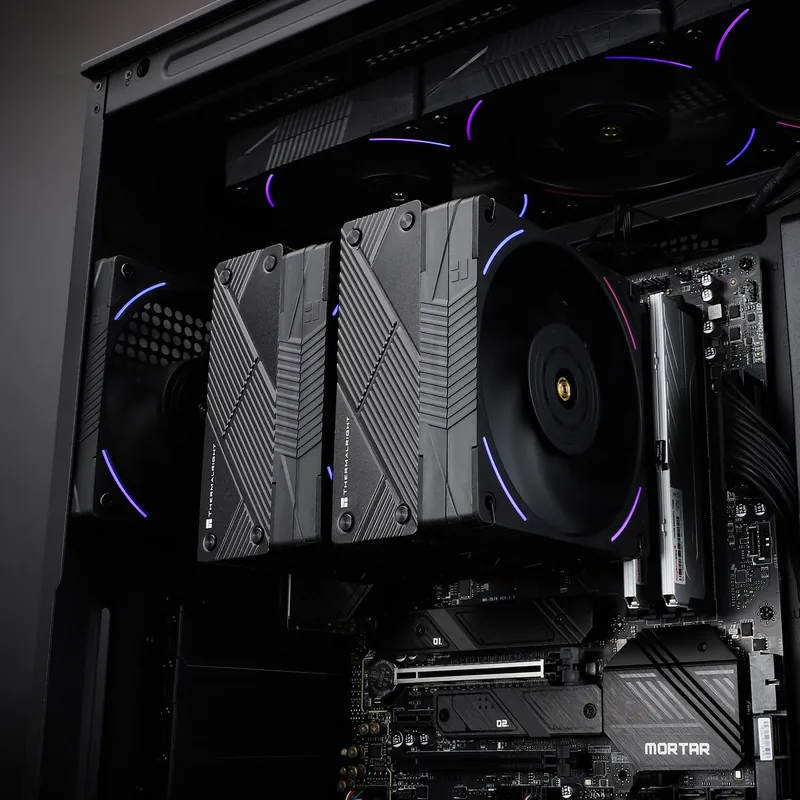
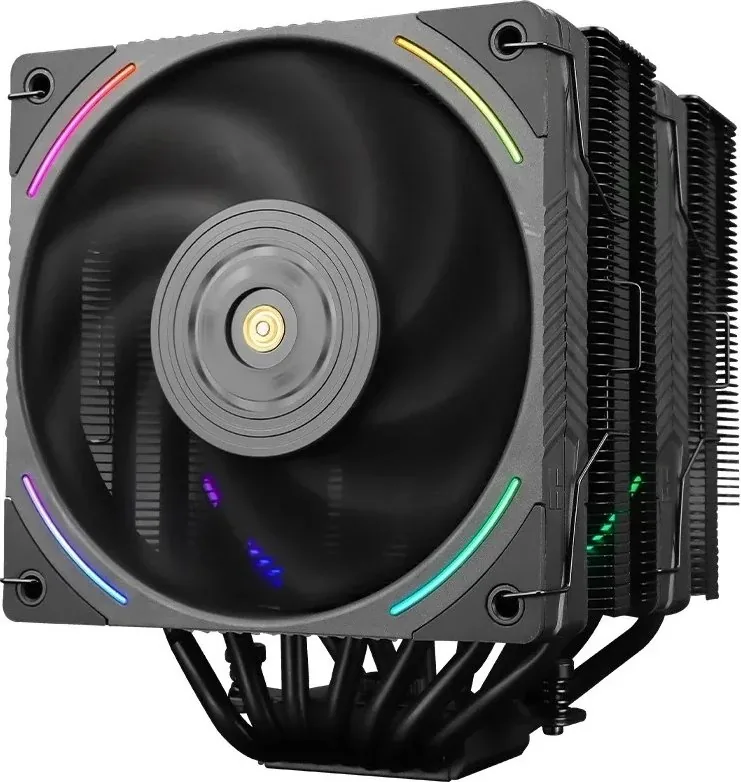
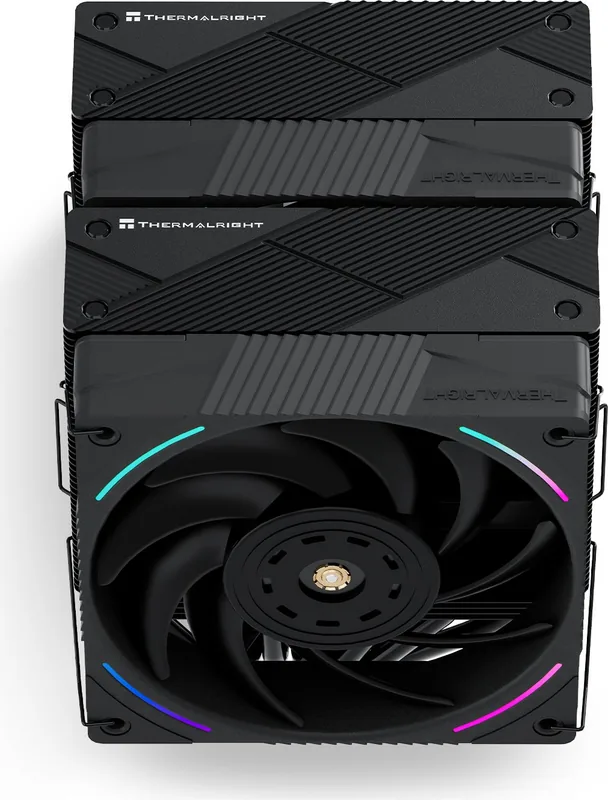
The Thermalright Phantom Spirit 120 Evo is a premium air cooling solution designed to handle the thermal demands of modern processors. Building on the legacy of excellent value in the cooling market, this model offers robust performance across a wide range of motherboards. When considering the complexity of the setup, the Phantom Spirit 120 Evo Manual provides essential guidance for proper assembly. Users must pay close attention to the installation steps to ensure optimal heat transfer and system stability over time. Proper maintenance is key for longevity and quiet operation.
Compatibility is a major strength of this cooler and a primary reason for its popularity. It supports nearly every current Intel and AMD socket type found on the market today. The supported list includes AM4 and AM5 configurations along with Intel LGA 1200, 115X, 1700, and legacy LGA 2011 or 2066 platforms. This versatility makes it a great choice for enthusiasts upgrading systems without purchasing a completely new cooling unit. The package includes specific brackets and standoffs for each platform type.
Specific hardware accessories are included to ensure correct mounting procedures are followed without ambiguity. The manual specifies IDs for mounting holes such as 115X and LGA1700 to prevent errors. For AMD systems, users must carefully remove the original plastic support while ensuring the backplate remains intact. Rubber columns and screws are used to lock the bracket securely to the motherboard base plate. For Intel platforms, the backplane must be pushed to the correct detent position corresponding to the motherboard holes. Studs are tightened from the front, and brackets are fixed with screws. Always apply a thin layer of thermal paste before securing the main body with a screwdriver.
Finally, secure the fan wires with the provided clips to prevent obstruction. Before starting any work, ensure the copper base protection film is completely removed. This step is critical for achieving maximum thermal conductivity from the heat sink. Following the instructions in the Phantom Spirit 120 Evo Manual closely will prevent accidental damage to sensitive components. This cooler stands as a testament to efficient thermal management for demanding users seeking value. The M1700 screw bolt and AM4 AM5 screw bolt x4 provide secure attachment points for the final assembly. This attention to mounting detail ensures the cooler performs at peak levels consistently during heavy computing tasks. The overall design prioritizes airflow to keep CPU temperatures low under load.
Search for 67,732 Manuals online


Type-in Brand or Model
Hans Weber
7 months ago
Is the stock fan noise a known issue with this cooler and does it compromise the overall cooling performance?
Manual.ly
7 months ago
While the cooler block offers excellent thermal performance, the stock fans have received mixed feedback regarding noise. Some users report rattling bearings or high decibel levels above 1100 RPM, while others find them quiet at lower speeds. This bearing noise appears to be a known batch issue. If noise is a concern, replacing the fans or adjusting the RPM curve is recommended. We suggest contacting support if you experience rattling for warranty options. The cooling capacity itself remains efficient for overclocked CPUs.