
Thermalright TA140 Manual
PDF manual · 2 Pages
English



Quick check
Incorrect answer, please try again.
Chat with your Thermalright TA140 manual using AI
Get instant AI answers from your Thermalright TA140 manual
Ask anything about the Thermalright TA140. Answers come from this manual, with the pages they are based on.
Ask a Question
Do you recommend TA140?
Yes NoFrequently Asked Questions
The TA 140 supports Intel sockets including LGA 775, 115x, 1366, 2011, 2066, and AMD AM4 platforms.
Is this answer helpful?
Yes, a TF4 thermal paste item is provided in the box for installation.
Is this answer helpful?
Yes, always turn off and unplug system power before beginning installation to prevent electrical shocks.
Is this answer helpful?
No, the product instructions state do not modify or disassemble the product to ensure safety and warranty compliance.
Is this answer helpful?
PC Cooling GmbH handles distribution and sales for the Thermalright TA 140 in Europe.
Is this answer helpful?
No, applying too much thermal paste lowers conductivity and cooling performance significantly.
Is this answer helpful?
Keep the unit away from children, do not use in non-PC environments, and ensure power is disconnected.
Is this answer helpful?
Advantages and Disadvantages
Advantages

- High performance cooling for various CPU sockets like Intel and AMD
- Includes TF4 thermal paste for better heat transfer
- Durable metal back plate construction
- Detailed installation guide included
- Wide compatibility across LGA series
Disadvantages

- Large size may not fit all computer cases
- Installation requires careful reading of instructions
- Cannot be disassembled without voiding warranty
- Thermal paste amount requires precision
- European support handled by specific distributor
Product Specification
Cooler Type
Tower Cooler
Dimensions with Fan
5.51x6.26x1.65 in (WxHxD)
Fan
1 x 5.98x5.51x1.04 in, 600-1500 rpm, 28.31-84.75 CFM, 17-23dB(A)
Weight with Fan
1.34 lbs
Connector
4-Pin PWM
AMD Socket
AM4
Intel Socket
2011-0/2011-1/2011-3/2066, 1356/1366, 1150/1151/1155/1156/1200, 775
TDP Rating
200W
Special Features
5 Heat Pipes
Product Description
Overview of the Thermalright TA 140
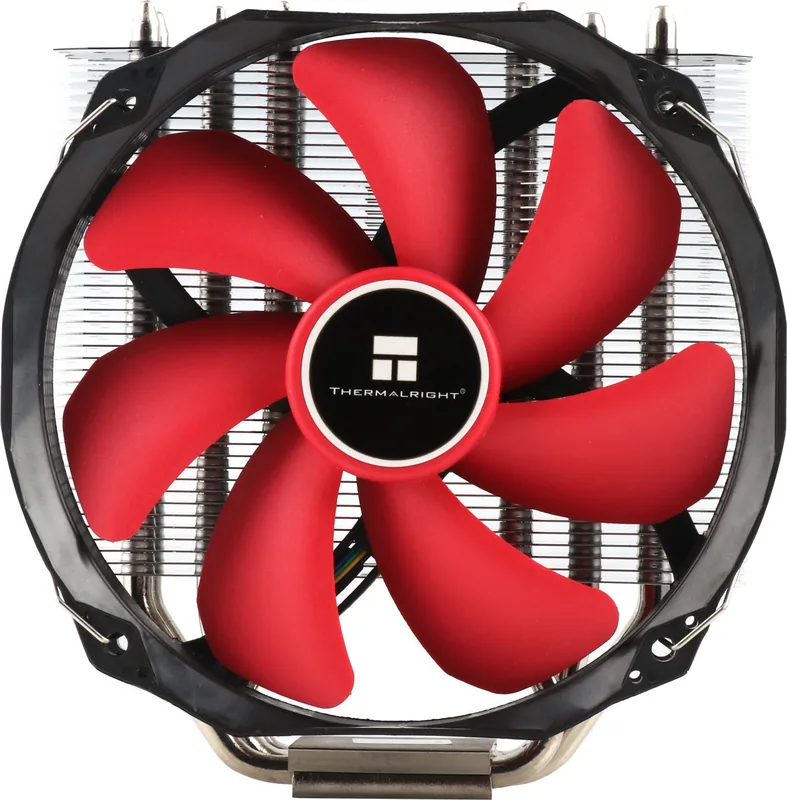
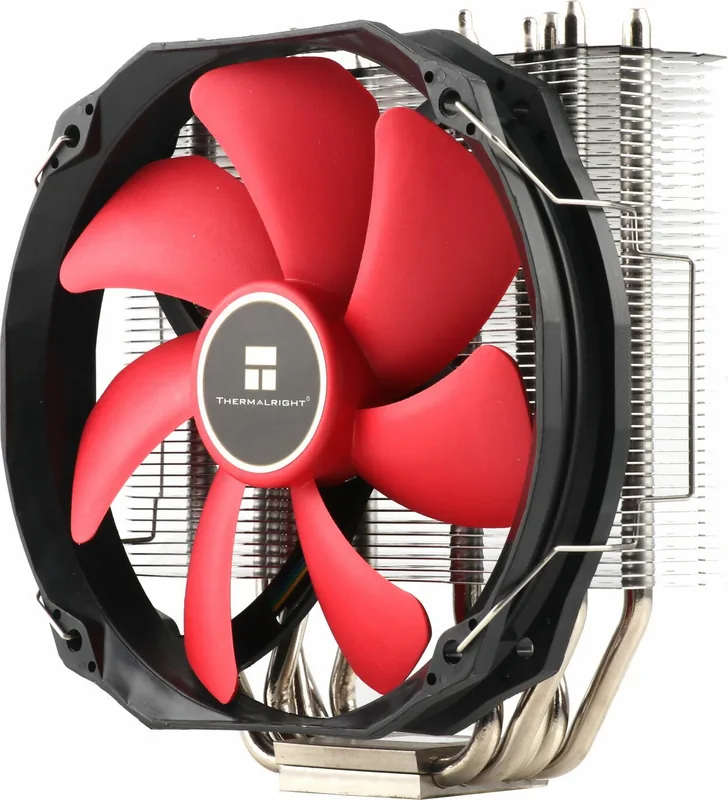
The Thermalright TA 140 represents a significant entry in the category of high performance air cooling solutions for desktop computers. Enthusiasts seeking reliable temperature control often turn to this specific model today. It is designed to keep your processor running cool under heavy loads and stress. The Thermalright TA 140 Manual provides essential guidance for setup and long term maintenance for users. Understanding the components is crucial before purchase to avoid compatibility issues.
Compatibility and Design Specs
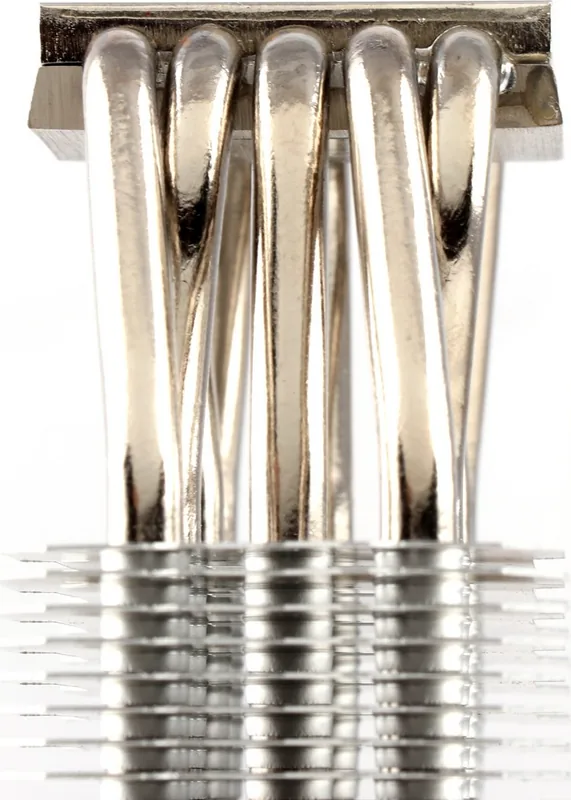
This cooling solution supports a wide range of Intel and AMD platforms effectively. Users can find support for sockets such as LGA 775, 115x, 1366, and the robust 2011 series easily. AMD AM4 users are also covered in specific sections of the documentation provided. The design utilizes multiple heat pipes and a large heatsink structure for efficiency. It includes accessories like fan clips to ensure secure assembly of the unit. A bottle of TF4 thermal paste is provided to maximize heat transfer during operation. The metal back plate offers structural integrity for long term use without bending.
Installation Safety Procedures
Proper installation is critical for performance and safety of the system components. The guide advises turning off system power before beginning work on the cooler. Unplugging the system prevents electrical shocks during the process significantly. The manual warns against using too much thermal paste inside the heatsink. Excess paste can lower conductivity and harm cooling results effectively. Always follow the printed Installation Guide strictly for best results. Mounting plates vary by motherboard size and socket type. M3 screws are used for specific anchoring points on the board. Nylon tubes assist in cable management near the cooler area. LGA2011 double head screws accommodate specific server needs in data centers. Mylar sheets provide electrical insulation during mounting procedures to prevent shorts.
Warnings and Care Instructions
Modifying the product voids safety guarantees and support eligibility. Do not disassemble the unit once purchased by the consumer. Children must be kept away from the packaging and unit always. Using this product outside PC environments is strictly prohibited by the manufacturer. The back plate and mounting hardware are durable metal components included in the kit. European distribution is handled by PC Cooling GmbH for regional support and service. Contact support for specific inquiries regarding compatibility with your hardware. The support email is available for troubleshooting issues during setup.
Conclusion
The TA 140 is a strong candidate for computer builders. Reading documentation ensures longevity and proper function. Regular checks help maintain optimal thermal performance over years. Whether you are upgrading an older rig or building new one, understanding setup process is vital. This product delivers consistent results when handled correctly. Included screw nuts and pillars simplify the process for cases. Attention to parts list ensures no pieces are missing during assembly. Regular maintenance guarantees continued cooling efficiency.
Search for 67,732 Manuals online


Type-in Brand or Model