

Free Smartwares Manuals – Read, Download & Print
23 Manuals
Manuals
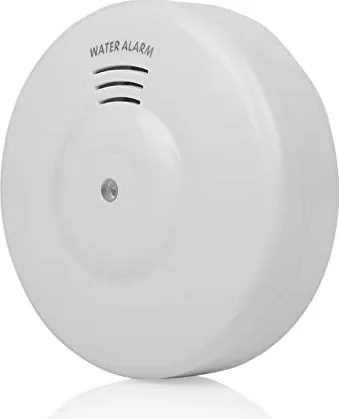
4 Pages

3 Pages
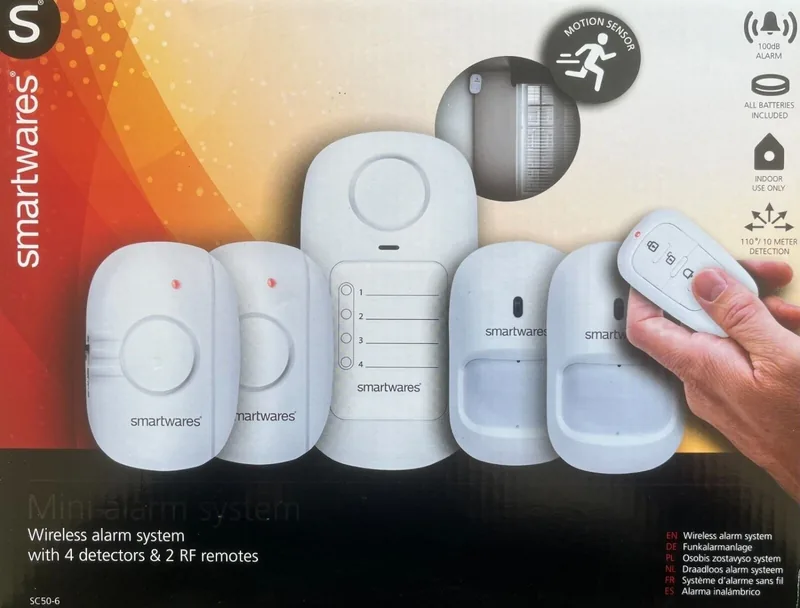
2 Pages
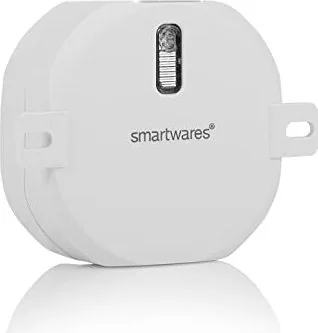
4 Pages
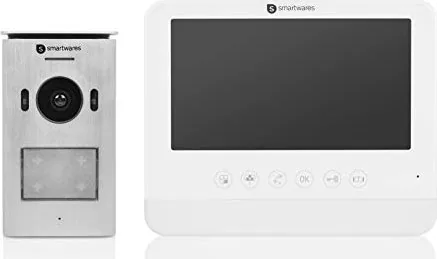
147 Pages
2 Pages
2 Pages
5 Pages

23 Pages
4 Pages
2 Pages
2 Pages
2 Pages
2 Pages
4 Pages
2 Pages
2 Pages
4 Pages
4 Pages
99 Pages
2 Pages
2 Pages
28 Pages
Categories


Free Smartwares Manuals - Read, Download & Print
Find Smartwares Product Manuals in One Place
Looking for a Smartwares manual? This page helps you find clear, accessible documentation for a wide range of Smartwares products. Whether you need instructions for a security camera, smoke alarm, wireless doorbell, smart plug, lighting accessory, heater, fan, or home security device, manuals provide the details needed to set up, use, maintain, and troubleshoot your equipment.
Smartwares products are designed to support practical everyday needs around the home. Because individual models can have different buttons, wiring requirements, pairing steps, and safety instructions, using the correct manual is important. A product manual can help you identify the features of your device, understand its settings, and avoid unnecessary problems during installation or operation.
Read Smartwares Manuals Online
Reading a Smartwares manual online is a convenient way to get information when you need it. Digital manuals can be viewed on a computer, tablet, or phone, making it easy to check instructions while standing near the product. This is especially useful when installing a device in a hallway, garage, garden, ceiling, or other location where a printed booklet may not be available.
Online manuals commonly include product diagrams, component names, technical specifications, setup guidance, warning notices, and maintenance recommendations. They may also explain indicator lights, alarm sounds, remote control functions, battery replacement procedures, and reset options. Reviewing these sections before use can make the initial setup faster and help ensure that the product is being used as intended.
Quick Access to Essential Instructions
A manual is often the fastest source for answers to common questions. You may need to know how to:
- Install or mount a Smartwares device
- Connect a product to power or replace batteries
- Pair a receiver, transmitter, remote, or sensor
- Configure a timer, sensitivity setting, or alarm volume
- Reset a device after a power interruption
- Interpret status lights and warning signals
- Clean and maintain the product safely
- Find model-specific technical information
Instead of relying on guesswork, consult the manual associated with your exact Smartwares model. Even products that look similar can use different controls and procedures.
Download Smartwares Manuals for Offline Use
Downloading a Smartwares manual gives you access to important product information even when you do not have an internet connection. Saving a digital copy to your device can be useful during installation, travel, home improvements, or future maintenance. It also makes it easier to keep documentation organized alongside receipts, warranty information, and product registration details.
A downloaded manual can be searched for specific terms such as "installation," "reset," "battery," "pairing," "warning," or "troubleshooting." This can save time compared with reading every page. If you own multiple Smartwares devices, storing manuals in clearly named folders can help you quickly locate the correct document later.
Why Keep a Digital Copy?
Original paper manuals can be misplaced, damaged, or discarded after installation. A downloadable version provides a practical backup. It can also be useful when a product changes hands, when a new household member needs operating instructions, or when a technician needs basic model information.
Before downloading, check the product label for the complete model number. This label is often located on the rear, underside, battery compartment, mounting plate, packaging, or power adapter. Matching the manual to the exact model number helps ensure that the information, illustrations, and specifications apply to your device.
Print a Smartwares Manual When You Need a Paper Copy
Printing a Smartwares manual is helpful for users who prefer physical instructions. A paper copy can be kept in a household appliance folder, stored near a control panel, or used during installation without needing to handle a phone or computer. Printed pages are also useful for marking key settings, noting installation dates, or sharing instructions with family members.
You do not always need to print the entire document. For many products, printing the installation pages, safety warnings, wiring diagrams, maintenance instructions, and troubleshooting section may be enough. If the manual includes several languages, print only the relevant pages to reduce paper use.
Tips for Better Printing
For the best results, review the print preview before printing. Choose portrait or landscape orientation based on diagrams and tables, and make sure illustrations remain readable. If you are printing a manual for an alarm, camera, or electrical product, include the safety section and installation instructions. These pages can contain important information about placement, power supply requirements, environmental limits, and routine checks.
Smartwares Manual Categories
Smartwares offers products across several home-focused categories. The exact documentation available depends on the model, but manuals can be particularly useful for the following types of products.
Home Security and Surveillance
Manuals for security products may cover cameras, motion detectors, alarm components, door and window sensors, video doorbells, and related accessories. These guides can explain mounting locations, viewing angles, connection methods, network setup, recording options, and indicator behavior. They may also contain guidance for testing the system after installation.
Smoke, Heat, and Carbon Monoxide Alarms
Safety alarm manuals are especially important because correct placement and regular testing matter. Documentation may describe suitable installation locations, minimum distances from kitchens or bathrooms, battery information, test button operation, alarm patterns, cleaning guidance, and replacement intervals. Follow the manual and applicable local safety rules when installing safety devices.
Doorbells and Chimes
Wireless and wired doorbell manuals can provide pairing instructions, range information, volume settings, melody selection, battery details, and mounting guidance. If a doorbell does not ring, loses connection, or works inconsistently, the troubleshooting section may help identify whether the issue involves distance, interference, batteries, or pairing.
Smart Home Controls and Lighting
For smart plugs, switches, lighting products, sockets, timers, and remote controls, manuals may explain connection procedures, compatible loads, app setup, scheduling features, wireless pairing, and reset methods. Always verify electrical ratings before connecting appliances or lighting equipment.
Climate and Comfort Products
Instructions for fans, heaters, dehumidifiers, and related comfort products can explain control functions, operating modes, cleaning procedures, storage recommendations, and safety precautions. These manuals are useful for understanding placement requirements and preventing blocked airflow or improper use.
How to Identify the Right Smartwares Manual
Finding the correct document starts with the product model number. Do not rely only on product color, shape, or name, since similar-looking Smartwares items may have different versions. Look for a label that includes the model number, item number, rating information, or serial number.
Once you have the model number, compare it carefully with the manual title. Check that the product category, image, functions, and technical details match your device. If you have a kit containing multiple components, the main manual may cover the complete system, while separate documents may exist for individual accessories.
Check the Language and Revision
Some manuals contain multiple languages, while others are issued separately by region. Select the language version that you understand best. It is also useful to review the publication or revision details when available. A newer revision may include updated installation guidance, revised specifications, or clarifications for a product feature.
Common Smartwares Troubleshooting Topics
Many routine issues can be resolved by reviewing the troubleshooting section of the manual. Start with simple checks, such as confirming that power is available, batteries are installed correctly, protective battery tabs have been removed, and all parts are within the recommended operating range.
For wireless products, follow the manual's pairing process exactly. Pairing may require a specific order, a button press duration, or a limited time window. For smart devices, confirm that your network, mobile app, account, and permissions meet the requirements described in the product documentation.
If a product uses electrical wiring, turn off power at the appropriate circuit before inspecting connections. Follow all warnings in the manual and seek qualified assistance when the installation requires work beyond your experience or local regulations.
Use Manuals Safely and Effectively
A Smartwares manual is more than a setup guide. It is an important reference for safe use, cleaning, testing, and long-term care. Read warning sections before installation, keep ventilation openings clear where required, use the specified batteries or power supply, and avoid using damaged cables or housings.
For alarms and security equipment, perform regular checks according to the manual. Test functions after installation and after battery replacement, power loss, relocation, or configuration changes. Keep the manual available so that essential procedures are easy to find when needed.
Get More From Your Smartwares Product
Free Smartwares manuals make it easier to understand every feature of your device. Read a manual online for immediate guidance, download it for future reference, or print the pages that matter most. With the correct model documentation at hand, you can install products with greater confidence, use settings correctly, solve common issues efficiently, and maintain your Smartwares equipment over time.
Search for 67,706 Manuals online


Type-in Brand or Model