

Free Shelly Manuals – Read, Download & Print
23 Manuals
Manuals
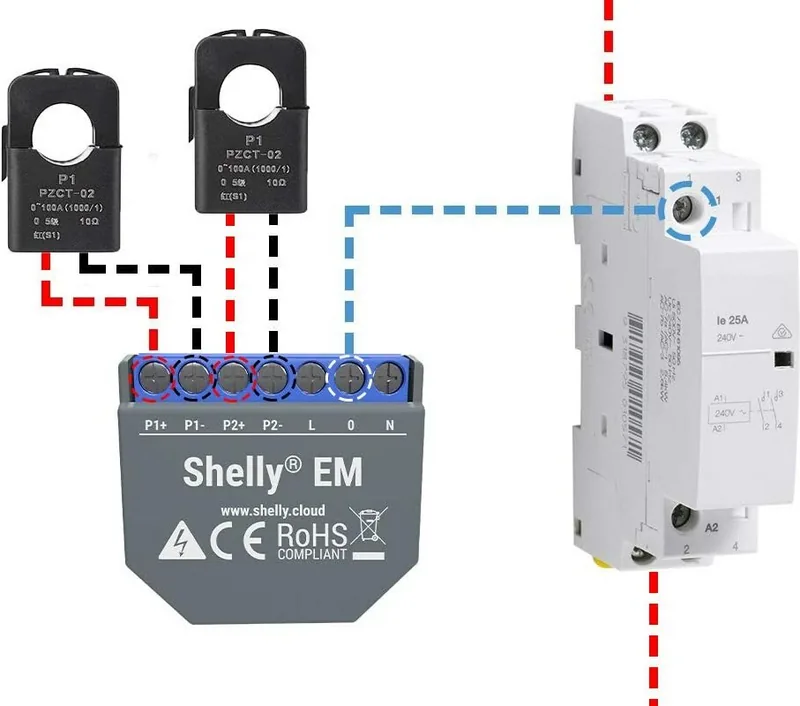
2 Pages
2 Pages
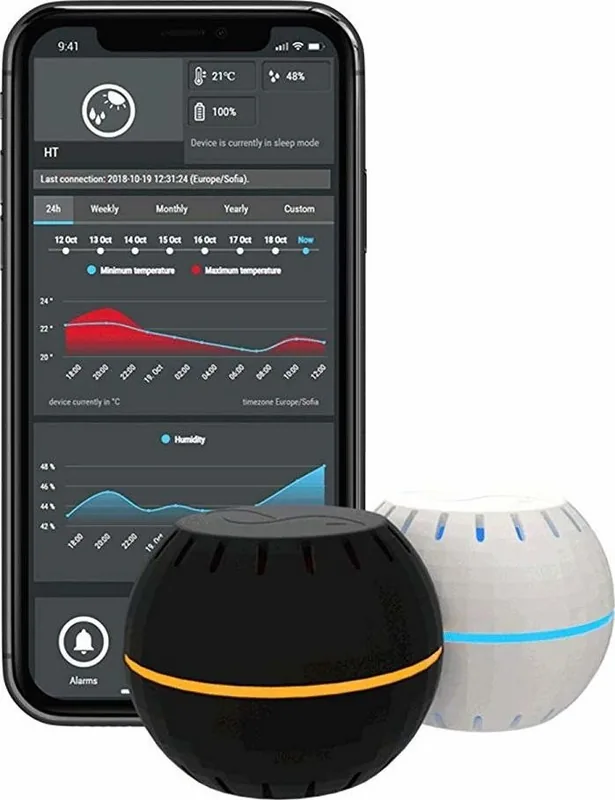
2 Pages
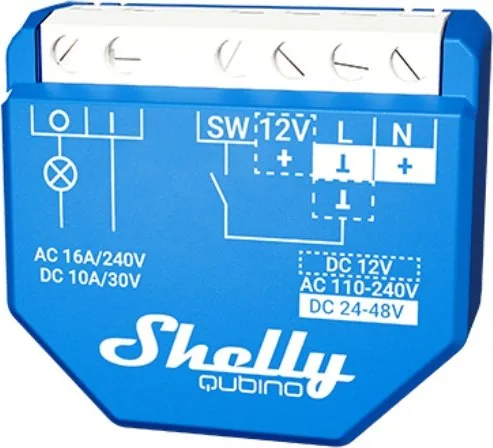
2 Pages
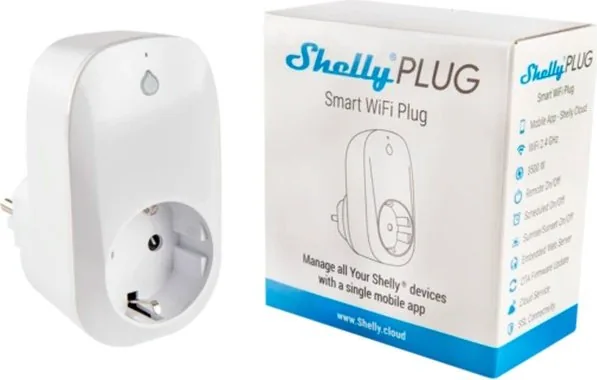
20 Pages

2 Pages
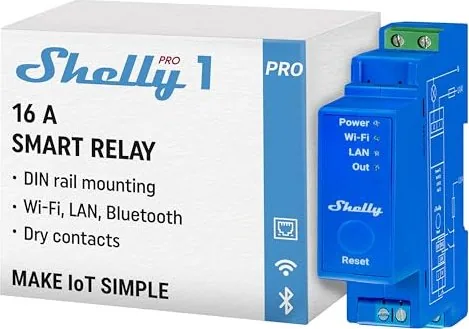
2 Pages
2 Pages
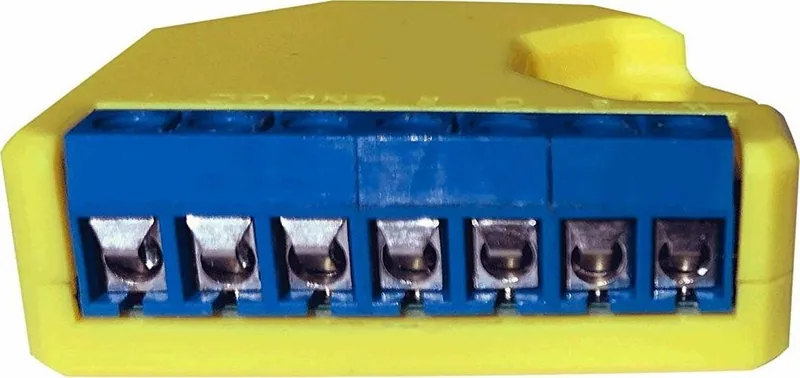
2 Pages

2 Pages
20 Pages
2 Pages
2 Pages
2 Pages
2 Pages
2 Pages

3 Pages

2 Pages
2 Pages
12 Pages
2 Pages
2 Pages

12 Pages
Categories


Free Shelly Manuals - Read, Download & Print
Find Shelly Device Manuals in One Place
Looking for a Shelly manual? This page helps you find clear, practical documentation for Shelly smart home devices, including relays, switches, sensors, plugs, lighting controllers, energy meters, and networking products. Whether you are setting up a new device, replacing an existing module, checking wiring information, or troubleshooting a connection problem, a detailed manual can make installation and configuration much easier.
Shelly products are designed for home automation, energy monitoring, lighting control, appliance management, and remote access. Because each model can include different terminals, power requirements, wireless settings, and safety instructions, it is important to use the manual that matches your exact device. Reading the correct documentation before installation can help protect your equipment and support a reliable smart home setup.
Read Shelly Manuals Online
Reading a Shelly manual online is a convenient option when you need information quickly. Digital manuals can be useful during installation, when checking a wiring diagram, or when reviewing advanced settings from a phone, tablet, laptop, or desktop computer. Online documentation also makes it easier to search for common terms such as Wi-Fi, Bluetooth, input mode, output, reset, power supply, firmware, calibration, and device pairing.
Most Shelly manuals include essential details such as product identification, technical specifications, supported voltage ranges, terminal layouts, installation steps, safety warnings, and configuration guidance. Many also explain how to connect the device to a local network, access its web interface, use the Shelly Smart Control app, connect with cloud services, or integrate with popular smart home platforms.
Before following any instructions, confirm the model name printed on the device label or packaging. Similar Shelly products may look alike but have different wiring terminals, generation versions, supported protocols, or load limits. A manual for the wrong model can lead to incorrect settings or unsafe installation decisions.
Download Manuals for Offline Access
Downloading a Shelly manual provides access to important instructions even when an internet connection is unavailable. Keeping a saved copy on your phone, computer, or home server can be especially helpful during electrical work, network maintenance, renovations, or device replacement. You can also organize downloaded manuals by room, device type, or installation project for faster reference later.
Offline manuals are useful for homeowners, electricians, installers, property managers, and smart home enthusiasts. If you manage several Shelly devices, saving the documentation for every installed model can make future upgrades and troubleshooting more efficient. It also helps you keep records of device capabilities, wiring plans, and operating limitations.
When downloading documentation, look for the most recent version available for your device. Product manuals may be revised when new firmware features, app functions, regulatory details, or installation guidance are released. If you own an older unit, make sure the documentation applies to its hardware generation and not only to a newer version with a similar name.
Print Shelly Instructions for Installation
A printed Shelly manual can be useful when working near an electrical panel, wall switch, junction box, or appliance connection. Paper instructions are easy to mark, highlight, and keep with your project notes. Printing the wiring diagram, terminal description, and safety section can help you review critical information without repeatedly switching between screens.
For larger projects, consider printing only the pages you need. Important pages often include the device overview, wiring diagrams, terminal labels, electrical specifications, reset instructions, network setup steps, and troubleshooting information. This approach saves paper while giving you a practical reference at the installation site.
Always follow applicable electrical codes and safety procedures. Turn off power at the correct breaker before handling wiring, verify that power is disconnected, and use suitable tools and protective equipment. If an installation involves mains voltage, unfamiliar wiring, high loads, or uncertain conditions, consult a qualified electrician. A manual is an important reference, but it does not replace professional judgment or local safety requirements.
Common Information Included in Shelly Manuals
Shelly documentation typically provides more than basic setup instructions. Depending on the product, you may find technical data for electrical input, output ratings, wireless connectivity, operating temperature, device dimensions, mounting requirements, and supported load types. These details are important when selecting the right device for lights, fans, shutters, gates, heating equipment, pumps, outlets, or energy monitoring applications.
Manuals may also explain input and output behavior. For example, a relay device can support one or more switch inputs, a dry contact output, a detached input mode, timed automation, or configurable button behavior. A sensor manual may cover placement, battery information, reporting intervals, calibration, alerts, and environmental limitations. An energy meter manual may include current transformer installation, phase arrangement, measurement settings, and safety guidance.
You may also find instructions for connecting a device to a Wi-Fi network, using Bluetooth provisioning, assigning a device name, updating firmware, setting schedules, creating scenes, and configuring local actions. Advanced users may want information about local web controls, REST APIs, MQTT, webhooks, scripting, Matter compatibility, or integrations with systems such as Home Assistant. Available functions depend on the specific Shelly model and software version.
Choosing the Correct Shelly Manual
To locate the right manual, start with the exact product name. Check the label, packaging, purchase record, or existing device configuration page for the full model designation. Pay attention to details such as generation number, number of channels, power type, and whether the unit is intended for DIN rail mounting, wall installation, plug-in use, or battery-powered sensing.
Some product families have closely related versions. A device may differ by relay count, power monitoring ability, regional plug type, wireless technology, or supported load. There can also be important distinctions between standard products and Pro, Plus, Mini, PM, Dimmer, RGBW, H&T, BLU, or other variants. Use the exact model manual to confirm terminal functions and supported operating conditions.
If you are replacing a device, do not assume that a newer model uses the same wiring arrangement as an older one. Compare the terminal markings and electrical specifications before reconnecting wires. In retrofit installations, take photos and label wires before disconnecting the original device whenever it is safe and appropriate to do so.
Setup, Reset, and Troubleshooting Help
Shelly manuals are valuable when a device does not appear online, fails to connect to Wi-Fi, does not respond to an input, or reports unexpected power data. The troubleshooting section may explain indicator light behavior, factory reset procedures, pairing steps, signal strength concerns, firmware updates, and common configuration issues.
For connection problems, check that your phone or computer is on the intended network, confirm that the device is receiving the correct power supply, and review any supported Wi-Fi band or security requirements listed in the manual. If a device was previously connected to another network or owner account, reset instructions may be needed before a new setup can begin.
For switching or measurement issues, verify that wiring matches the diagram for the exact model. Check load ratings, neutral requirements, input configuration, and any settings that affect relay behavior. Do not exceed the stated electrical limits. If the device becomes unusually hot, shows damage, trips a breaker, or behaves unpredictably, disconnect power and seek qualified assistance.
Keep Your Smart Home Documentation Organized
A well-organized library of Shelly manuals can simplify maintenance over time. Save each document with a clear file name that includes the product model, installation location, and purchase year if helpful. You can also keep notes about IP addresses, assigned names, automation roles, firmware versions, and connected loads.
For example, a simple record might identify a device as "Kitchen Light Relay," list its exact model, note the breaker number, and describe the connected circuit. This information can be extremely useful during troubleshooting, renovations, or when another person needs to service the installation.
Use Manuals as a Reliable Reference
Free Shelly manuals provide a practical reference for reading, downloading, and printing device instructions whenever you need them. Use the documentation to identify your model, review safe installation requirements, understand features, configure smart controls, and resolve common issues. Always verify that the manual matches your specific Shelly product and follow current safety guidance before making electrical connections.
With the right manual on hand, you can approach Shelly setup and maintenance with greater confidence, whether you are automating a single light switch, monitoring household energy use, or building a complete connected home system.
Search for 67,706 Manuals online


Type-in Brand or Model