

Free Ricoh Manuals – Read, Download & Print
18 Manuals
Manuals

128 Pages
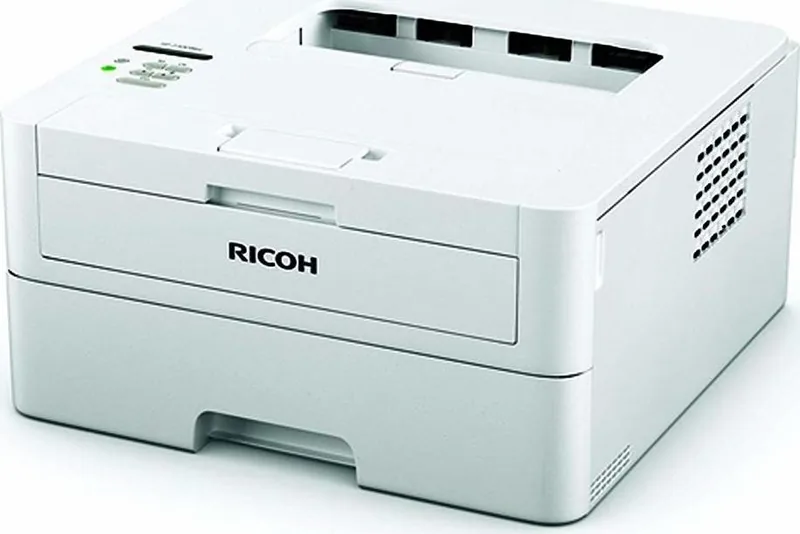
243 Pages
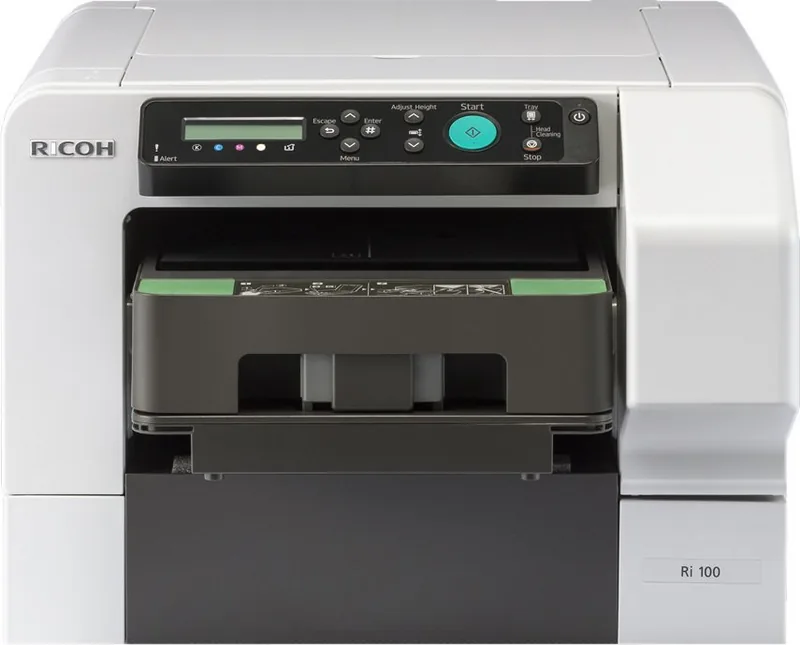
176 Pages
396 Pages
156 Pages
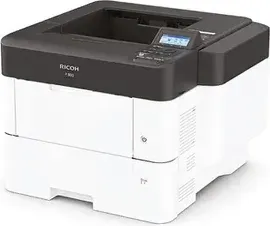
164 Pages
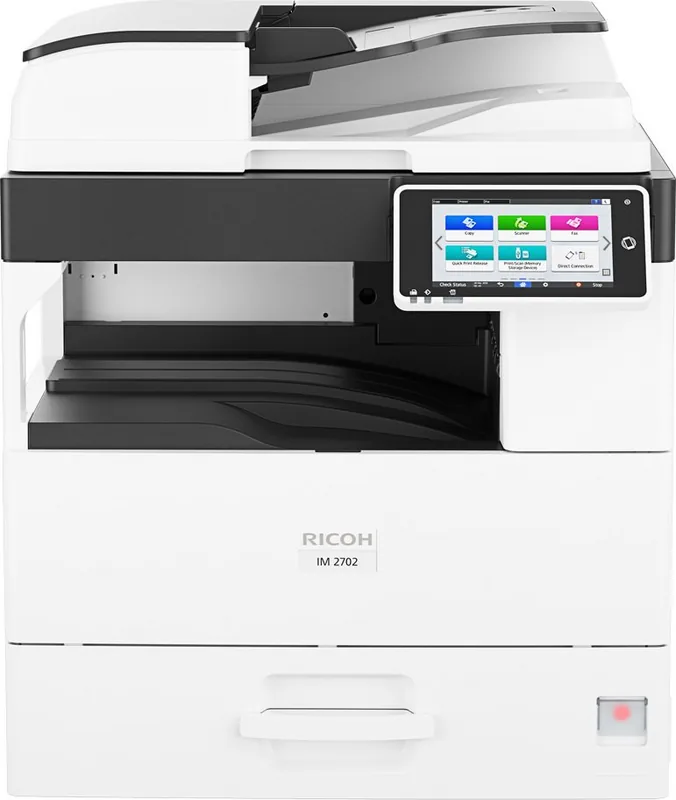
248 Pages
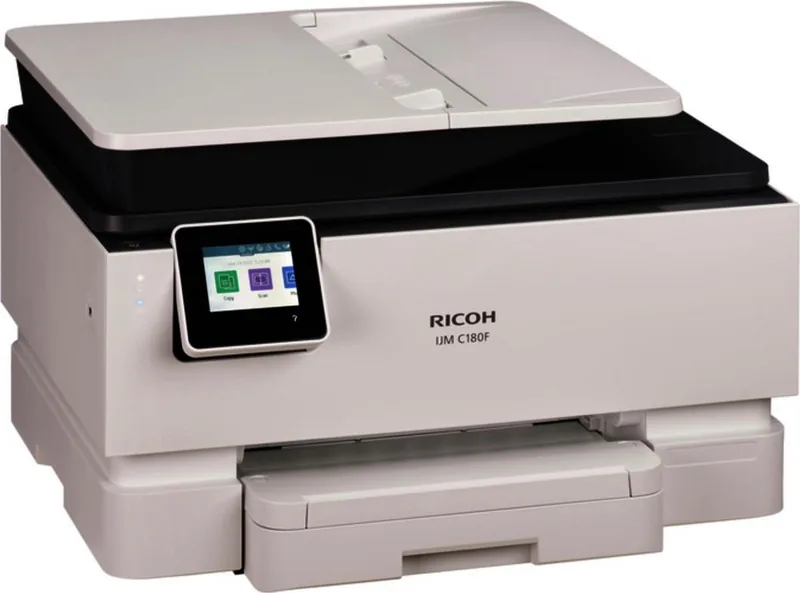
325 Pages
312 Pages
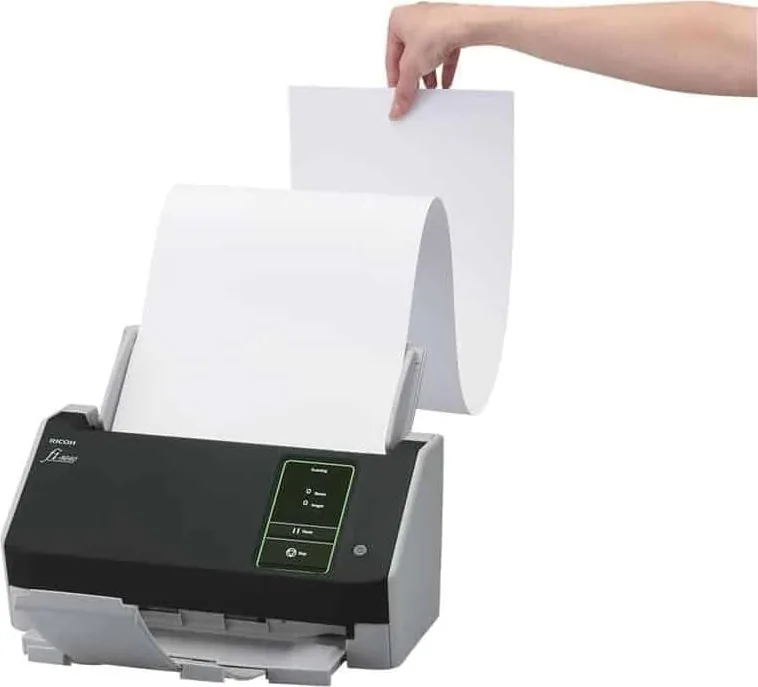
425 Pages
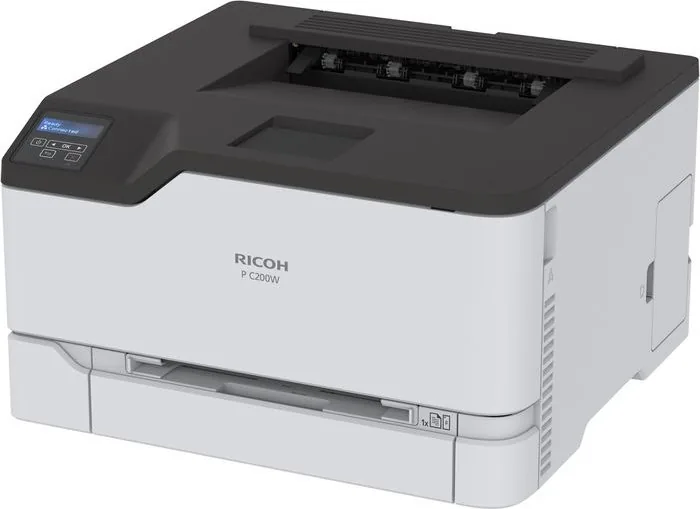
150 Pages
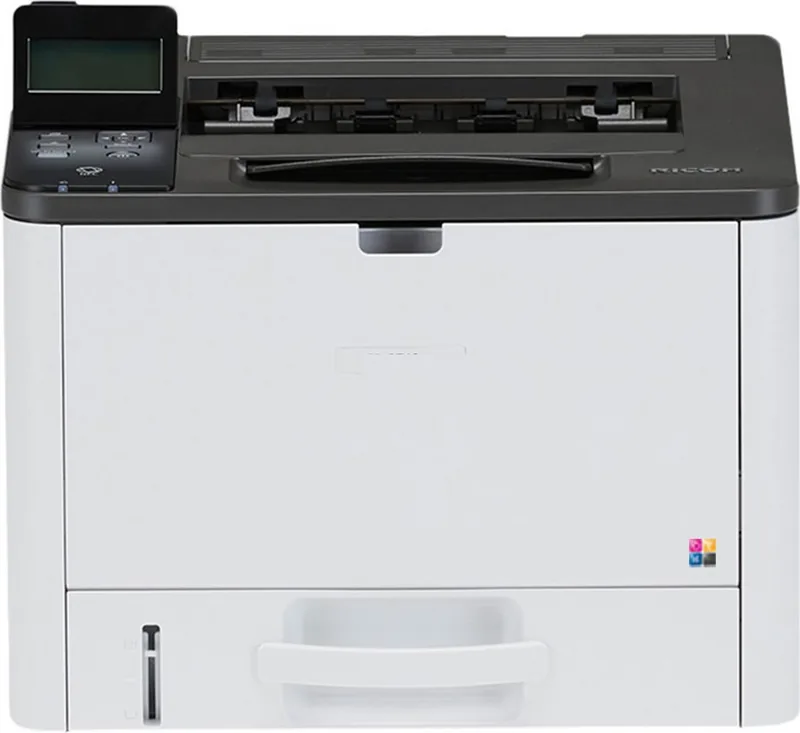
220 Pages
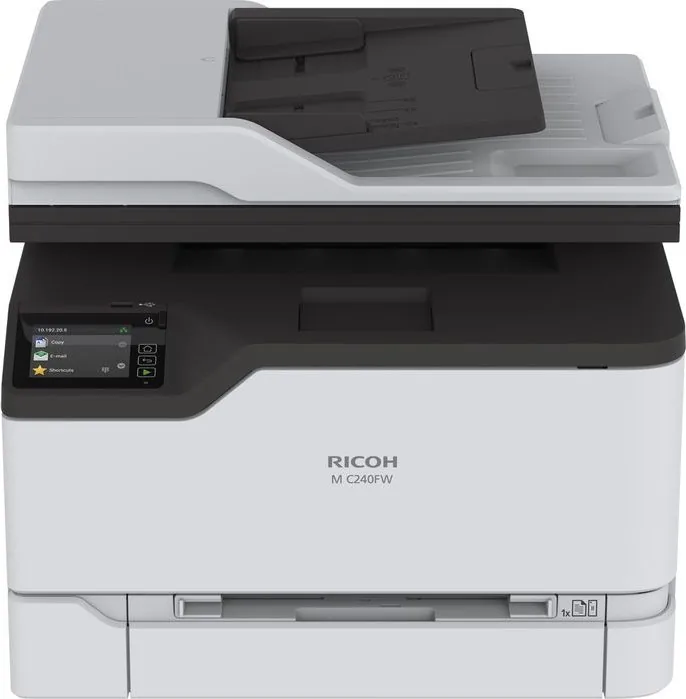
236 Pages
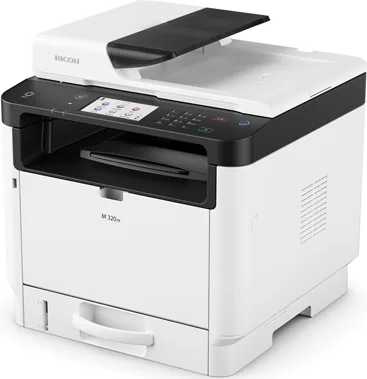
516 Pages
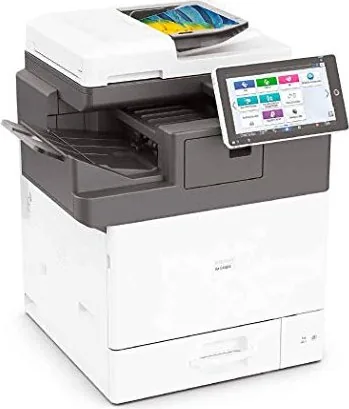
336 Pages
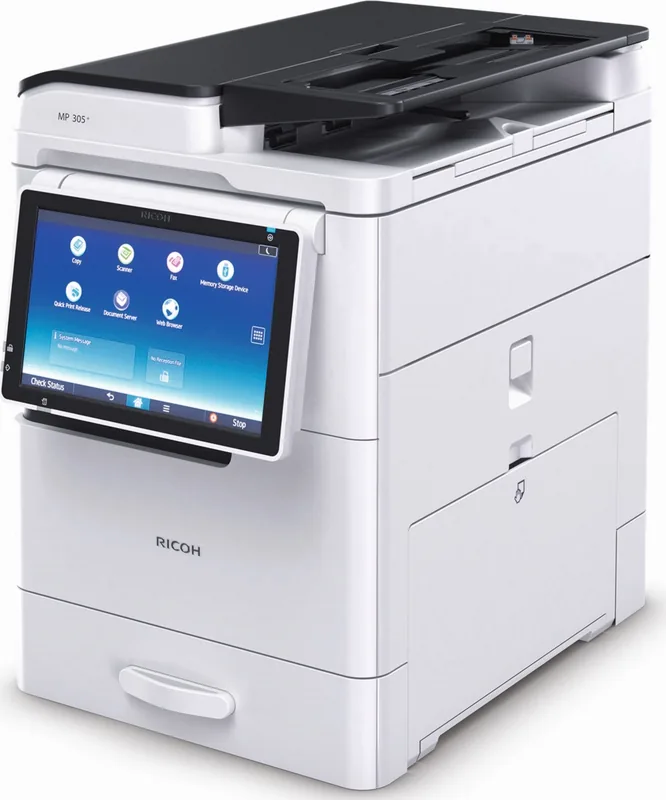
200 Pages
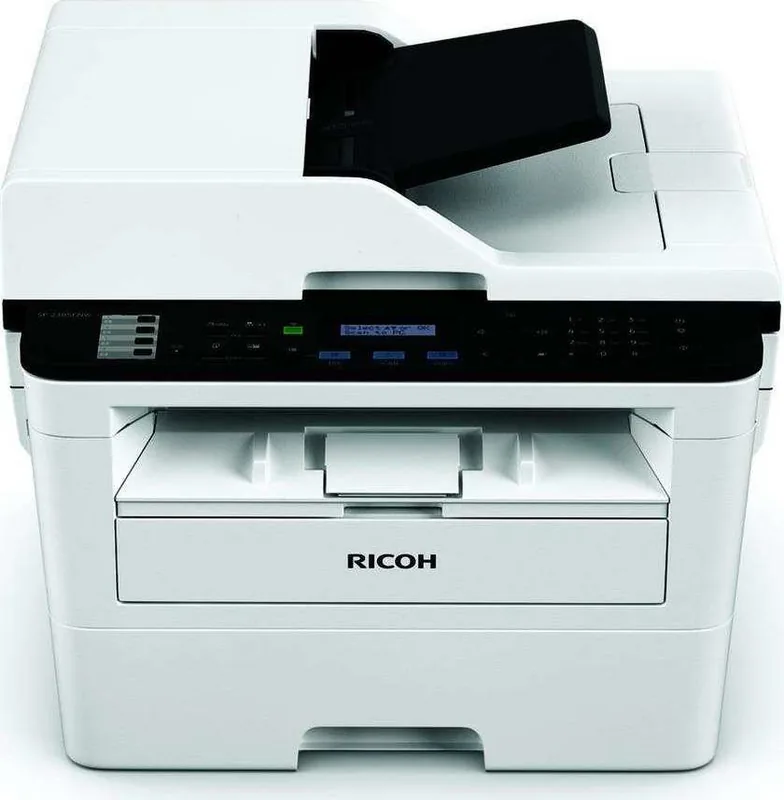
510 Pages
220 Pages
Categories

Discover Comprehensive Resources for Your Ricoh Devices
Navigating the world of office equipment can often feel overwhelming, especially when technical documentation is missing or difficult to locate. For users relying on Ricoh multifunction printers, copiers, and scanners, having immediate access to accurate manuals is crucial for maintaining productivity and ensuring optimal performance. This resource provides a centralized hub where you can find free Ricoh manuals, allowing you to read them online, download them in various formats, and print them for offline reference. Whether you are an IT administrator managing a fleet of devices or a small business owner trying to troubleshoot a paper jam, these documents serve as your essential guide.
The Importance of Accessible Documentation
Modern office technology is sophisticated, integrating complex networking capabilities, advanced scanning features, and intricate maintenance protocols. Without proper guidance, even minor issues can lead to significant downtime. Official user guides provide step-by-step instructions that demystify these processes. They explain how to configure network settings, update firmware, replace consumables like toner and drums, and resolve error codes efficiently. By making these manuals freely available, we empower users to take control of their hardware, reducing reliance on costly support calls and minimizing operational disruptions.
How to Read Manuals Online
One of the primary benefits of this platform is the ability to read manuals directly within your web browser. This feature eliminates the need to wait for a file to download before you can start troubleshooting. The interface is designed to be user-friendly, offering a clean layout that mimics the look of a physical book. You can navigate through chapters using a sidebar menu, search for specific keywords using the built-in search function, and zoom in on diagrams for better clarity. Reading online is particularly useful when you need quick answers while standing next to the machine. It allows you to cross-reference the device's display with the manual instantly without switching between applications or devices.
Downloading Guides for Offline Use
While reading online is convenient, there are many scenarios where an internet connection may not be available or reliable. In such cases, downloading the manual is the preferred option. Our system supports downloads in multiple formats, including PDF, which is the industry standard for digital documents. Once downloaded, these files can be saved to your computer, tablet, or smartphone for future reference. Having a local copy ensures that you always have access to critical information, whether you are traveling, working in a remote location, or simply prefer to keep a digital archive of your equipment documentation. Downloaded files retain all original formatting, images, and safety warnings, ensuring no detail is lost.
Printing Physical Copies for Convenience
Despite the shift toward digital workflows, many technicians and office staff still prefer physical copies of manuals. Printed manuals are invaluable during power outages or when electronic devices are unavailable. They allow for easy annotation, enabling users to write down notes, record error codes, or mark pages with important procedures. To accommodate this preference, our platform offers a seamless printing function. You can select specific sections, such as troubleshooting guides or installation instructions, or print the entire document. The high-quality scans ensure that text remains legible and diagrams are clear, making it easy to follow complex assembly steps or maintenance schedules. Simply click the print button, choose your printer settings, and have a hard copy in hand in minutes.
Navigating the Collection by Product Category
Ricoh produces a wide array of devices catering to different needs, from compact desktop printers for home offices to large-scale production presses for commercial printing facilities. To help you find the right documentation quickly, the collection is organized by product category. You will find dedicated sections for:
Multifunction Printers (MFPs)
These devices combine printing, copying, scanning, and faxing capabilities. The manuals cover setup, driver installation, and advanced features like duplex printing and secure print release.
Laser Printers
Dedicated laser printers are optimized for high-volume text output. Their guides focus on toner replacement, drum unit maintenance, and optimizing print quality for black-and-white documents.
Inkjet Printers
For users requiring color accuracy and photo-quality prints, inkjet manuals provide detailed information on printhead cleaning, ink cartridge alignment, and media type selection.
Scanners and Document Cameras
Specialized scanning devices require specific configuration for batch processing and OCR software integration. These manuals guide users through connectivity options and software setup.
Finding Specific Models Quickly
With hundreds of models in the Ricoh lineup, finding the exact manual for your device is essential. Each model has unique specifications and features. We utilize a robust search engine that allows you to enter your specific model number to retrieve the correct documentation. This precision prevents confusion that might arise from using manuals for similar but incompatible models. Accurate documentation ensures that you do not attempt incorrect procedures that could damage your device. Always verify your model number, usually found on a label on the front or back of the machine, before proceeding with any maintenance tasks.
Understanding Manual Sections
A typical Ricoh manual is structured to guide you logically from basic operations to advanced administration. Most documents begin with an introduction to the device, followed by safety precautions and installation instructions. Subsequent chapters cover daily usage, such as loading paper, selecting print modes, and making copies. Troubleshooting sections are comprehensive, listing common error messages and providing actionable solutions. Maintenance chapters detail how to clean the machine, replace parts, and perform regular checks to extend the lifespan of the equipment. Finally, appendices often include technical specifications, compliance information, and contact details for further assistance.
Safety and Compliance Information
Safety is paramount when operating office equipment. Every manual includes a dedicated section on safety guidelines, highlighting potential hazards and necessary precautions. This includes warnings about hot surfaces, electrical shock risks, and proper handling of consumables. Adhering to these guidelines protects both the user and the equipment. Additionally, the manuals contain compliance information regarding environmental regulations, energy consumption ratings, and recycling instructions for old cartridges. Using the provided documentation ensures that you operate your device safely and responsibly.
Keeping Your Software Updated
In addition to hardware manuals, the resources available here often link to software updates and drivers. Keeping your Ricoh devices updated is vital for security and performance. The manuals frequently include instructions on how to check for firmware updates and install new drivers for your operating system. Regular updates can fix bugs, improve speed, and add new features to your device. By following the steps outlined in these guides, you ensure your equipment remains compatible with modern software environments.
Conclusion
Access to free Ricoh manuals is a powerful tool for anyone who uses Ricoh equipment. Whether you choose to read online, download for offline access, or print for a physical reference, these resources provide the knowledge needed to maximize your investment. They reduce frustration, save time, and prevent unnecessary costs associated with professional repair services. By leveraging these comprehensive guides, you can maintain your devices effectively and ensure they continue to serve your needs efficiently for years to come. Explore the collection today to find the specific documentation required for your workflow.
Search for 67,706 Manuals online


Type-in Brand or Model