
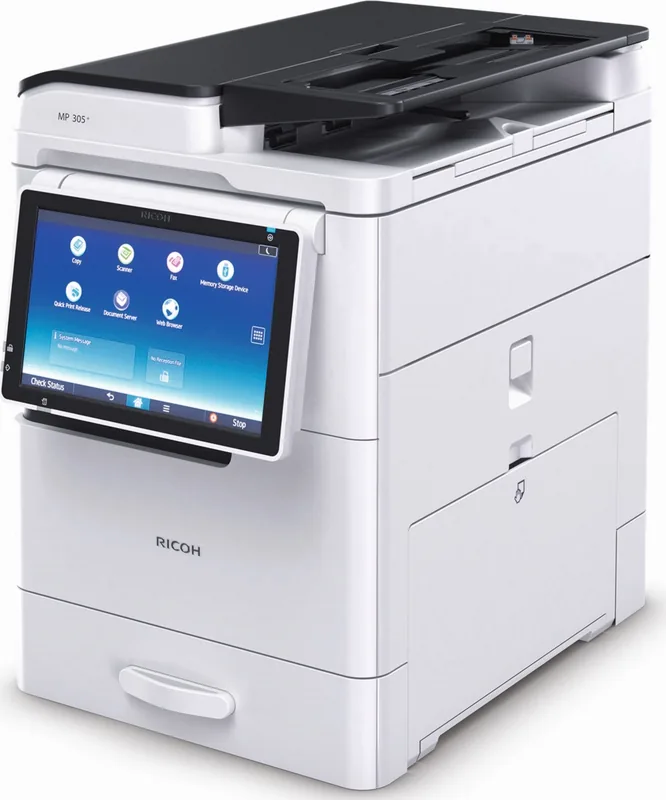
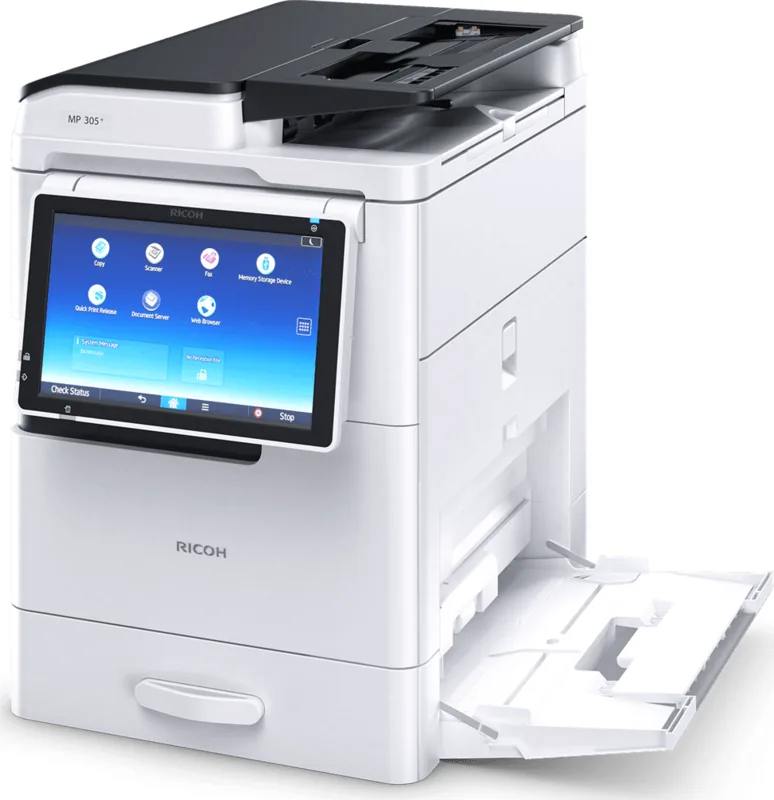
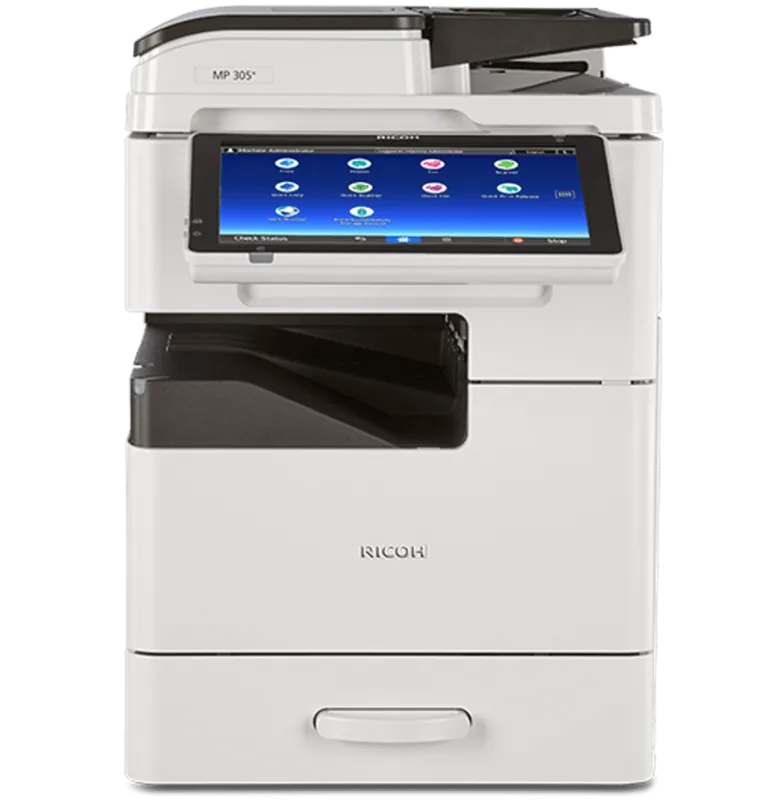
Ricoh MP 305+SPF Manual
PDF manual · 200 Pages
English



Quick check
Incorrect answer, please try again.
Chat with your Ricoh MP 305+SPF manual using AI
Get instant AI answers from your Ricoh MP 305+SPF manual
Ask anything about the Ricoh MP 305+SPF. Answers come from this manual, with the pages they are based on.
Ask a Question
Do you recommend MP 305+SPF?
Yes NoFrequently Asked Questions
It supports black-and-white printing, copying, scanning, and stored-job management. Fax-related functions may be available depending on the installed configuration and network setup.
Is this answer helpful?
Yes. Duplex printing and copying are supported for compatible paper types and sizes. Users can also choose binding direction for portrait or landscape output.
Is this answer helpful?
Yes. Scan to Folder can send scans to a registered shared folder. The destination computer and folder information must be configured before use.
Is this answer helpful?
Yes. The system supports A3 and 11 x 17 paper. Larger sizes may require use of the bypass tray or automatic document feeder according to the job.
Is this answer helpful?
Web Image Monitor allows authorized users to review status, manage jobs, check paper and toner conditions, update destinations, and adjust selected settings through a web browser.
Is this answer helpful?
Yes. Available safeguards include user authentication, passwords, hard-disk data protection, access restrictions, and unauthorized-copy prevention features when properly configured.
Is this answer helpful?
Advantages and Disadvantages
Advantages

- Combines monochrome printing, copying, scanning, stored-job access, and optional fax functions in one system.
- Supports duplex and multi-page combine settings to reduce paper consumption and operating costs.
- Handles A3 or 11 x 17 output plus envelopes, labels, transparencies, and other supported media.
- Offers network scanning to email and folders, plus browser-based monitoring through Web Image Monitor.
- Provides authentication, password controls, data protection, and unauthorized-copy prevention options.
Disadvantages

- Monochrome laser output is not intended for color printing requirements.
- Some advanced features, including OCR, fax, security functions, and extra paper capacity, may require options.
- Document Server storage has limits for file count, pages per item, and total available hard-disk space.
- Envelope printing requires matching settings on both the control panel and printer driver.
- Turning off main power may erase fax data held in memory.
Product Specification
Format
A3 (printing), A3 (scanning)
Type
Printer/scanner/copier
Color system
Monochrome, 1x single toner
Printing
600 x 600 dpi - 30 pages/min (A4)
Scanning
600 x 600 dpi (CIS) - 30 pages/min (A4)
Copying
600 x 600 dpi - 30 pages/min (A4)
Paper input
260 sheets, ADF, duplex unit
Memory
2 GB (RAM), 320 GB (HDD)
Interfaces
1x USB-B 2.0, card reader (SD/SDHC)
Network
Gigabit LAN
Display
Color, 10.1 in, touchscreen
Power consumption
1,140 W (maximum), 455.1 W (typical), 83.5 W (standby), 0.87 W (sleep)
Emulation
PCL 6, PCL 5e, PostScript 3, PDF
Dimensions
13.78 x 19.88 x 19.41 in
Weight
70.55 lb
Note
A3 printing/scanning is only possible via the bypass tray; the paper cassette supports A4 format only!
Product Description
Ricoh MP 305+SPF Laser Monochrome - Read, Download & Print Free
The Ricoh MP 305+SPF Laser Monochrome is a versatile multifunction solution designed for offices that need dependable black-and-white output, efficient document handling, and practical network connectivity. Built around laser printing technology, it combines copying, printing, scanning, and optional fax capabilities in one compact business-focused system. Its intuitive touch-panel controls help users access core tasks quickly, while customizable home-screen shortcuts can simplify everyday workflows.
Flexible Productivity for Busy Teams
A key strength of the Ricoh MP 305+SPF Laser Monochrome is its ability to support varied paper and job requirements. It handles standard office media as well as envelopes, labels, transparencies, and larger formats up to A3 or 11 x 17 inches. The automatic document feeder helps process multi-page originals efficiently, and optional paper capacity can support longer runs with fewer interruptions.
Duplex copying and printing reduce paper use by producing output on both sides of the sheet. Combine functions can place multiple original pages onto one sheet, making this model useful for handouts, internal reference materials, and cost-conscious daily printing. Sorting and sample-copy features also help teams verify output before starting larger jobs.
Scanning, Storage, and Network Access
Beyond printing, the device provides practical options for moving information across a workplace. Scans can be sent to email addresses, network folders, or supported client computers. File settings allow users to select formats, resolution, density, orientation, and single-sided or double-sided scanning. With an optional OCR component, scanned content can include searchable text, helping improve retrieval and reuse.
The built-in Document Server function provides a convenient workspace for storing, organizing, reviewing, and printing frequently used materials. Authorized users can access stored items through the control panel or Web Image Monitor, Ricoh's browser-based management tool. This remote interface also supports status checks, job monitoring, address-book management, paper settings, and selected system configuration tasks.
Security and Operational Control
The Ricoh MP 305+SPF Laser Monochrome includes features intended to support controlled use in shared environments. User authentication, password protection, network access controls, and hard-disk data protection can help organizations manage sensitive workflows. Unauthorized-copy prevention options can add visible or hidden safeguards to printed output when compatible security features are configured.
Energy-saving modes and a silent-mode option support quieter, more efficient operation. The machine also provides maintenance alerts, troubleshooting guidance, toner status information, and clear status indicators to help keep work moving.
Note: Available functions, paper handling, fax features, OCR support, and security options may vary by regional configuration and installed accessories. Confirm the specifications for your exact Ricoh MP 305+SPF Laser Monochrome setup before deployment.
Search for 67,706 Manuals online


Type-in Brand or Model