

Free Jonsbo Manuals – Read, Download & Print
13 Manuals
Manuals
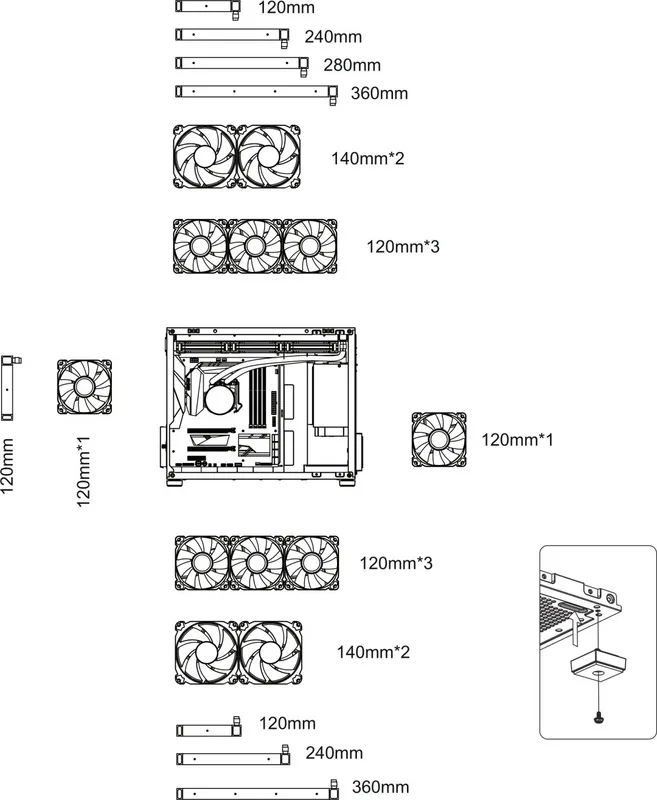
16 Pages
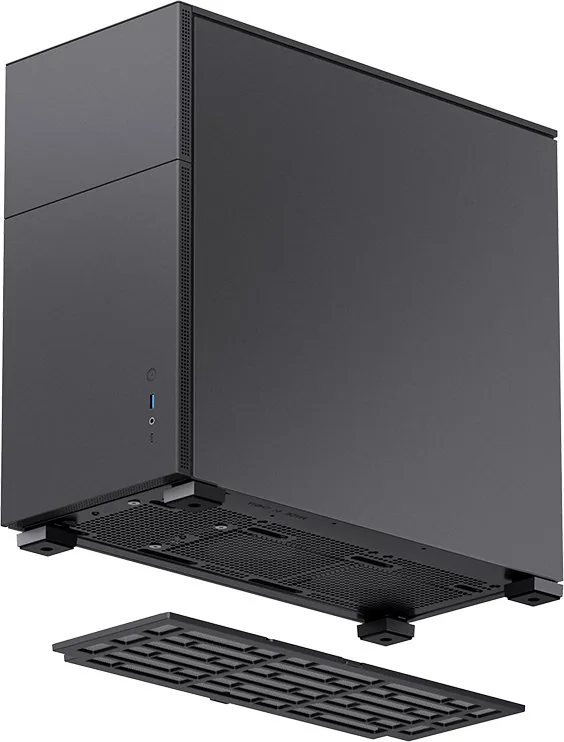
19 Pages
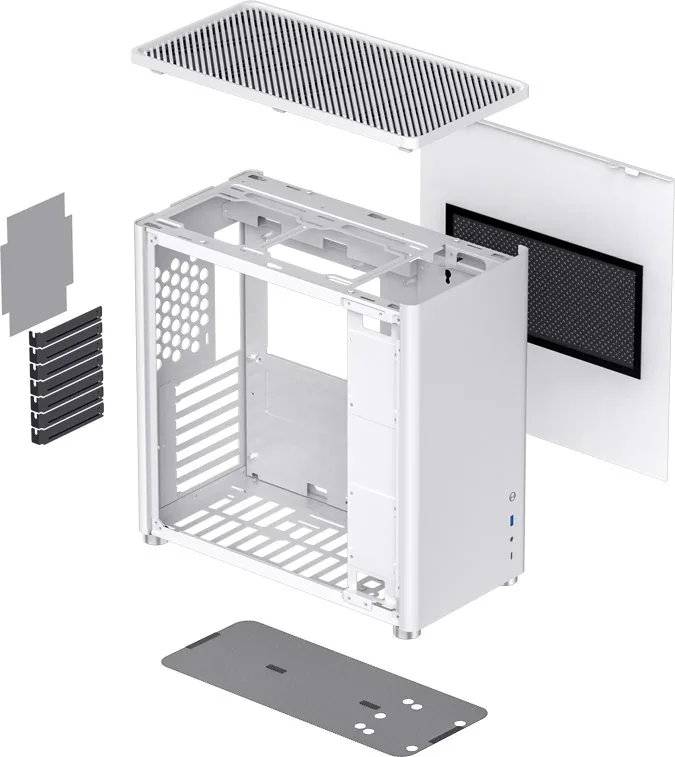
2 Pages
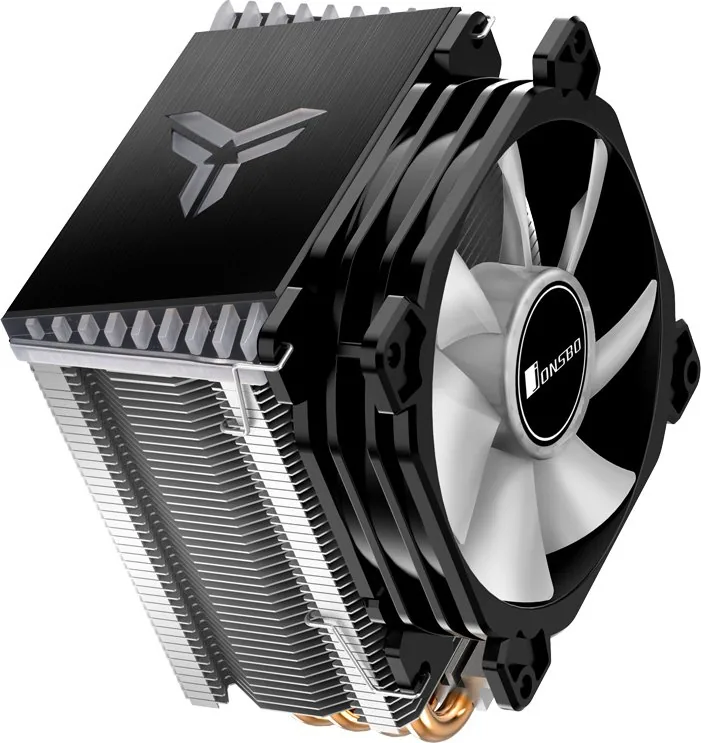
2 Pages
2 Pages
14 Pages
1 Pages
2 Pages
8 Pages
2 Pages
7 Pages
20 Pages
1 Pages
Categories

Free Jonsbo Manuals - Read, Download & Print
Find Jonsbo Product Manuals in One Convenient Place
Looking for a Jonsbo manual for your computer case, CPU cooler, fan, power supply, storage accessory, or other PC hardware product? Free Jonsbo Manuals - Read, Download & Print helps users locate clear product documentation for setup, installation, maintenance, and troubleshooting. Whether you are building your first desktop PC, upgrading an existing system, or managing a compact workstation, the right manual can make installation faster and help prevent compatibility mistakes.
Jonsbo products are popular among PC builders who value compact designs, clean aesthetics, efficient airflow, and practical internal layouts. However, even experienced builders may need documentation to confirm radiator support, fan placement, motherboard compatibility, cable routing options, drive mounting locations, or cooler installation steps. A product manual provides the specifications and diagrams needed to plan a reliable build before opening every component package.
Read Jonsbo Manuals Online
Reading a Jonsbo manual online is a practical option when you need information immediately. Digital manuals can help you check measurements, identify included screws and brackets, review connection diagrams, and understand assembly order without waiting for a printed booklet. This is especially useful when working in a small build area, replacing lost paperwork, or comparing several products before making a purchase.
Online manuals commonly include labeled illustrations that show the location of panels, mounting points, ports, filters, fan trays, and accessory packages. For cooling products, documentation may explain the correct use of mounting hardware for supported CPU sockets. For cases, it may list maximum GPU length, CPU cooler height, PSU dimensions, radiator compatibility, and supported motherboard form factors.
Before starting a build, review the full manual rather than only the first installation page. Important details may appear in specification tables, notes below diagrams, or accessory lists near the end of the document. Taking a few minutes to understand the intended installation method can save time later and reduce the need to remove parts after the system is assembled.
Download Manuals for Offline Access
Downloading a Jonsbo manual gives you a permanent reference that can be used without an internet connection. Saved documentation is useful during a build, when your computer may not yet be operational, or when you need to access instructions from a phone, tablet, or second device. A downloaded file can also be stored with receipts, warranty information, photos of serial numbers, and other important product records.
Keep manuals organized in folders by product type or PC build name. For example, you can create separate folders for the chassis, cooler, fans, and accessories used in one system. Rename files with the exact model number so that they are easy to find later. This is helpful if you upgrade components, move the system to a new case, clean a cooler, replace fans, or sell hardware to another user.
When downloading documentation, verify that the model number on the manual matches the label on your product. Similar case names can have different revisions, dimensions, included accessories, front-panel connectors, or cooling support. Checking the exact model helps ensure that the instructions and specifications apply to your hardware.
Print Instructions for Your PC Build
Printed Jonsbo manuals can be useful when building a computer away from a desk or monitor. A paper copy lets you keep diagrams visible while handling screws, brackets, cables, and panels. You can mark completed steps, highlight important measurements, and write down notes about fan orientation, cable locations, BIOS settings, or installed components.
For best results, print pages that contain the information you need most. Case specification pages, exploded-view diagrams, accessory lists, and cooler mounting instructions are often the most useful sections to keep nearby. Printing only selected pages can reduce paper use while still providing a convenient assembly reference.
If you print a manual for future use, store it in a labeled folder or plastic sleeve. Include the purchase date, model number, and a short list of the components installed with the product. This record can make future maintenance easier, particularly for custom systems with multiple fans, storage drives, RGB controllers, or water-cooling components.
Manuals for Jonsbo PC Cases
Jonsbo case manuals are valuable resources for understanding the physical layout of a chassis before installation begins. They may provide information about supported motherboard sizes, graphics card clearance, power supply placement, storage mounting, expansion slots, dust filters, front-panel I/O, and removable panels. Many compact cases require a specific build sequence, so following the manual can help avoid blocked screw locations or difficult cable routing.
Pay close attention to cooling support. Case documentation may identify compatible fan sizes and positions, along with radiator locations and thickness limits. A case may support a radiator in one position only when certain drive cages, fan brackets, or GPU configurations are not used. Reviewing these limits early helps you select compatible parts and avoid unexpected fitment problems.
The manual may also explain how to remove glass, mesh, aluminum, or steel panels safely. Place panels on a clean, soft surface during assembly to reduce the chance of scratches or damage. If your case uses thumb screws, captive screws, clips, or sliding rails, refer to the diagrams before applying force. Proper handling helps preserve the appearance and structural fit of the enclosure.
Manuals for CPU Coolers and Fans
A Jonsbo CPU cooler manual can guide users through mounting bracket installation, fan attachment, thermal paste application, and connector placement. CPU cooler installation is one of the most important stages of a PC build because poor mounting pressure, incorrect brackets, or an unplugged fan can affect temperatures and system stability.
Always confirm socket compatibility before installation. The manual should identify supported Intel and AMD platforms and list the correct standoffs, backplates, screws, and retention brackets for each. Do not mix hardware from different mounting sets unless the instructions specifically indicate that it is compatible. Similar-looking parts can have different thread sizes or heights.
Fan manuals and product guides may also explain cable connections, PWM control, ARGB lighting, splitter use, and controller requirements. Make sure fan cables are connected to appropriate motherboard headers or a compatible hub. If RGB lighting is included, check voltage requirements carefully. Addressable RGB and standard RGB connectors are not interchangeable, and connecting the wrong type can damage components.
Troubleshooting With Product Documentation
A manual is often the best first resource when a component does not fit, a panel will not close, a fan does not spin, or a cable seems too short. Start by checking the accessory list to confirm that all required parts are present. Then compare your installation with the diagrams and verify that each bracket, screw, and connector is in the correct position.
For case-related issues, check component dimensions and cable routing paths. A large graphics card, thick radiator, tall memory modules, or oversized power supply may affect available clearance. For cooling issues, confirm that protective film has been removed from the cooler contact plate, thermal paste has been applied appropriately, and the fan is connected to the CPU_FAN header when required.
If documentation does not resolve the issue, gather the exact model number, product revision, purchase information, and clear photos of the installation. These details can help when contacting the retailer, distributor, or manufacturer support channel. Avoid modifying parts, drilling panels, or forcing connectors until you have confirmed that the configuration is safe and supported.
Tips for Using Jonsbo Manuals Effectively
Before assembling your system, make a simple checklist from the manual. Include compatible component sizes, required tools, included screws, fan positions, radiator options, and front-panel cable connections. This preparation can make the build smoother and reduce interruptions.
Use the manual alongside your motherboard documentation. The Jonsbo case guide explains the chassis connections and mounting layout, while the motherboard manual identifies the correct headers for power switches, USB ports, audio, fans, and lighting. Comparing both documents ensures that front-panel connectors are attached correctly.
Finally, keep your Jonsbo manuals available after the build is complete. They remain useful for dust cleaning, fan replacement, storage upgrades, cable changes, cooler maintenance, and hardware transfers. With the right manual on hand, you can read instructions online, download a local copy, or print key pages whenever your PC needs attention.
Search for 67,706 Manuals online


Type-in Brand or Model