
Jonsbo NC-2 RGB Manual
PDF manual · 1 Pages
English


Quick check
Incorrect answer, please try again.
Chat with your Jonsbo NC-2 RGB manual using AI
Get instant AI answers from your Jonsbo NC-2 RGB manual
Ask anything about the Jonsbo NC-2 RGB. Answers come from this manual, with the pages they are based on.
Ask a Question
Do you recommend NC-2 RGB?
Yes NoFrequently Asked Questions
The kit includes heat spreaders, LED strips, lenses, lens brackets, adapter brackets, thermal paste sheets, EVA foam, screws, spare screws, double-sided tape, and an Allen key.
Is this answer helpful?
The installation guidance covers full-height RAM with chips on both sides, full-height RAM with chips on one side, and low-profile memory modules. Select the assembly approach that matches the physical design of the module.
Is this answer helpful?
EVA foam is used for full-height single-sided memory modules. It is applied to the side without memory chips before assembly to help the cooler fit the module correctly.
Is this answer helpful?
The LED cables are designed to connect to a motherboard 12V RGB LED socket. Check the motherboard header type before installation and do not connect the kit to an incompatible lighting connector.
Is this answer helpful?
The height adapter is placed between the memory module and the LED bracket when needed. It helps position the memory module and lighting bracket at the correct height, then can be secured with double-sided tape.
Is this answer helpful?
Turn off and disconnect the system before installation. Verify RGB cable alignment with the 12V RGB header, avoid pin damage, and do not allow the LED wiring to short circuit.
Is this answer helpful?
Advantages and Disadvantages
Advantages

- Two-piece kit can create a coordinated appearance across multiple RAM modules.
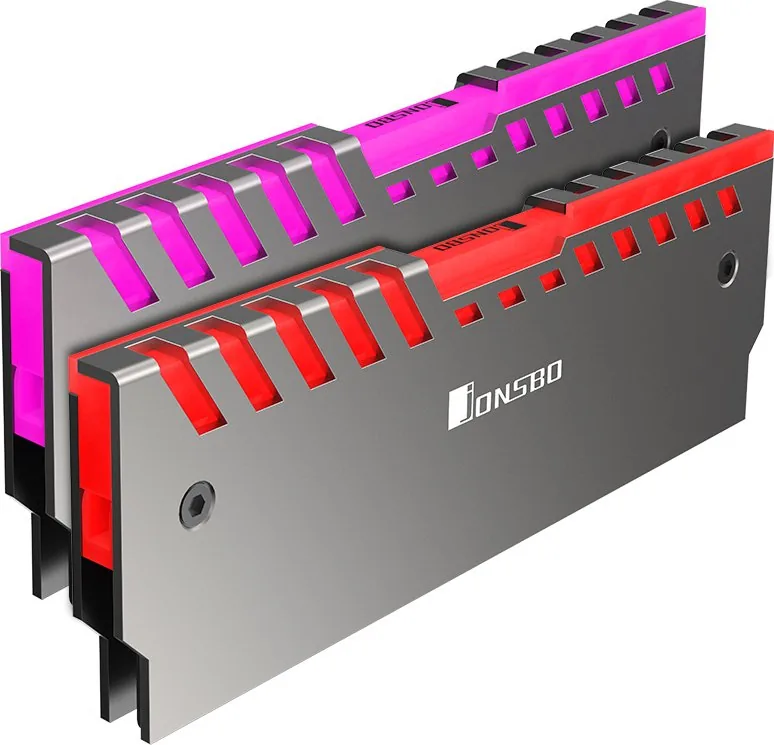
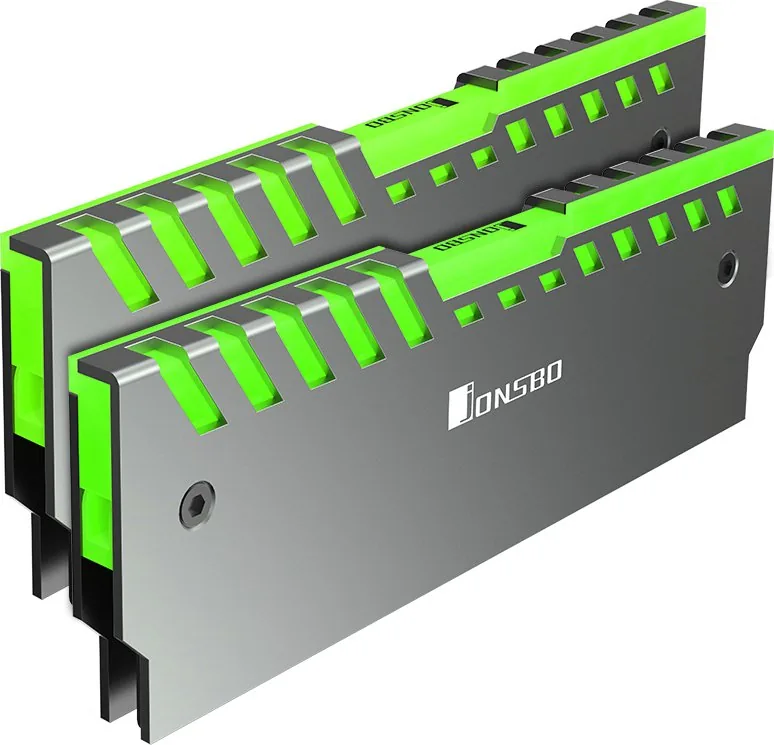
- Silver heat spreaders provide a clean metallic accent for visible memory slots.
- Supports full-height, low-profile, single-sided, and double-sided RAM designs through different assembly methods.
- Includes thermal sheets, EVA foam, mounting hardware, LED components, and an Allen key.
- 12V RGB lighting can connect to a compatible motherboard RGB header.
Disadvantages

- Requires careful fitment, including selection of the correct assembly method for the RAM layout.
- Compatibility depends on available clearance around RAM slots and nearby CPU cooling hardware.
- Lighting requires a compatible 12V RGB motherboard header.
- Installation involves screws, thermal sheets, foam, brackets, and cable routing.
- Incorrect LED wiring or a short circuit may damage the lighting connection.
Product Specification
Type
RAM cooler
Design
Passive
Compatibility
2x DDR4 DIMM, DDR3 DIMM, DDR2 DIMM
Fan
N/A
Connector
3-pin Molex
Dimensions (W x H x D)
5.55 x 1.69 x 0.33 in
Weight
4.02 oz
Features
Aluminum heatsink, RGB lighting, 4-pin RGB header (+12V/G/R/B), includes thermal pad
Product Description
Jonsbo NC-2 RGB Silver, RAM Cooler, 2-Pack - Read, Download & Print Free
The Jonsbo NC-2 RGB Silver, RAM Cooler, 2-Pack adds a polished, illuminated finish to a desktop memory setup while helping RAM modules manage heat. This kit is designed for builders who want a coordinated silver look around the motherboard and a more customized appearance for visible memory slots. Each cooler combines metal heat spreaders, LED strips, lenses, and mounting hardware to create a clean, structured upgrade for compatible RAM.
Built for Different Memory Module Layouts
The package supports several installation approaches for common memory designs. Full-height modules with memory chips on both sides can use the standard heat spreader installation method, with thermal paste sheets placed on the inside surfaces before the parts are secured with screws. For full-height modules with chips on one side, EVA foam is applied to the side without chips before assembly to help create an appropriate fit.
Low-profile memory can also be accommodated by selecting the assembly method that best matches its physical design. This flexibility makes the NC-2 kit suitable for users working with different RAM shapes, provided that clearance and compatibility are checked before installation.
Silver Heat Spreaders with RGB Lighting
The silver heat spreaders give memory a refined metallic appearance, while the LED strips and lenses provide RGB illumination. Lens brackets hold the lighting components in place, helping create a defined visual line above the RAM. A height adapter bracket can be positioned between the memory module and LED bracket when needed, bringing the parts into the correct alignment. Double-sided tape is included for securing this adapter.
The RGB cables are intended for connection to 12V RGB LED sockets on a compatible motherboard. Careful wiring is important: the connection should be checked before powering the system, and the LED cables must not be short-circuited. Builders should confirm that their motherboard offers the required 12V RGB header rather than assuming compatibility with every lighting connector type.
Installation Essentials
Included accessories support a practical installation process: thermal paste sheets, EVA foam, screws, spare screws, an Allen key, adapter brackets, lenses, lens brackets, and LED strips. The assembly relies on fitting the heat spreaders correctly around the memory module, so users should work slowly, avoid overtightening screws, and keep thermal materials positioned only where required.
Notes
- Check RAM height and nearby CPU cooler clearance before fitting the kit.
- Confirm motherboard support for a 12V RGB LED header.
- Use EVA foam only on the chip-free side of applicable single-sided memory modules.
- Disconnect system power before installing or connecting lighting cables.
Search for 67,706 Manuals online


Type-in Brand or Model