

Free Inter-Tech Manuals – Read, Download & Print
17 Manuals
Manuals
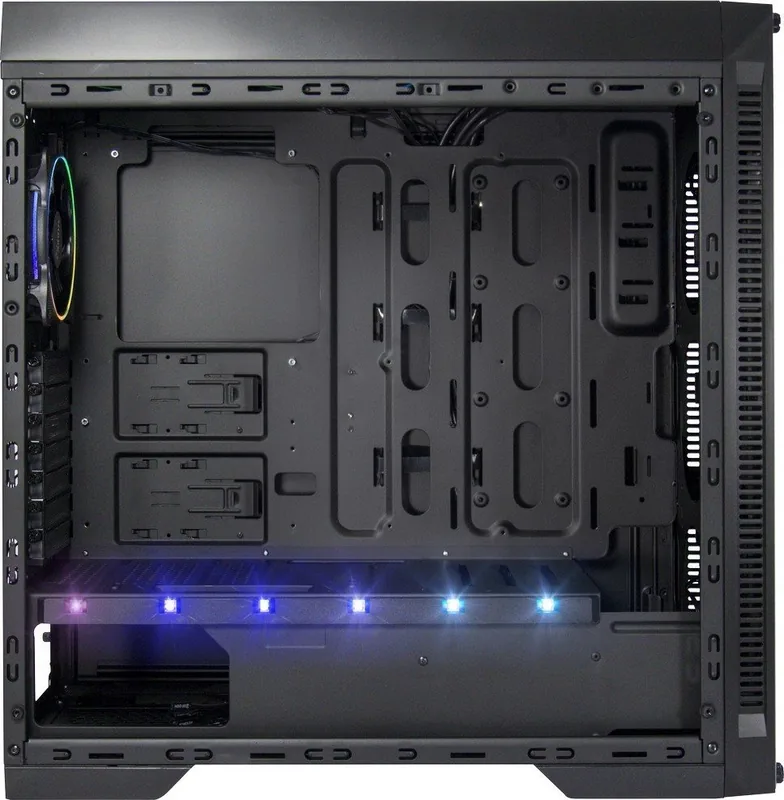
32 Pages

16 Pages
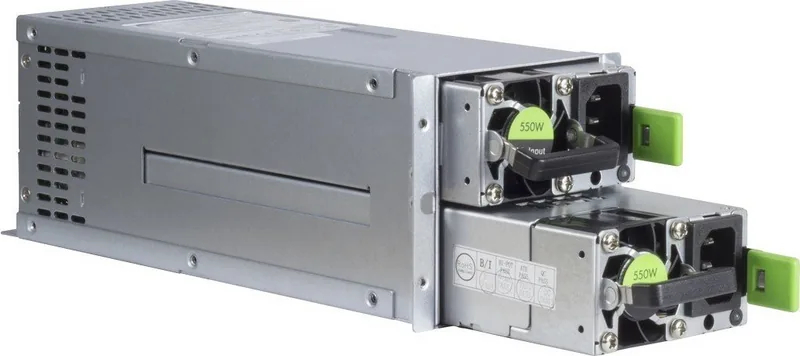
1 Pages
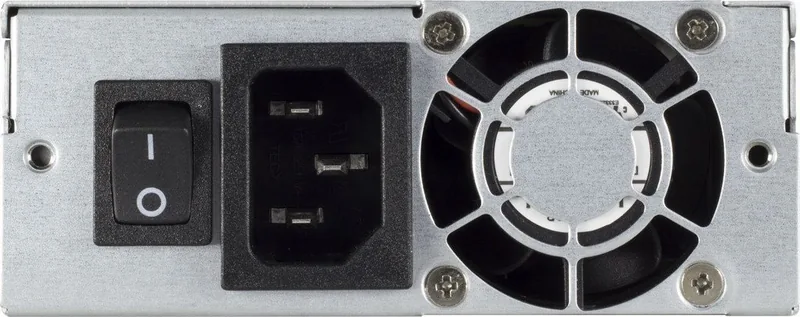
1 Pages
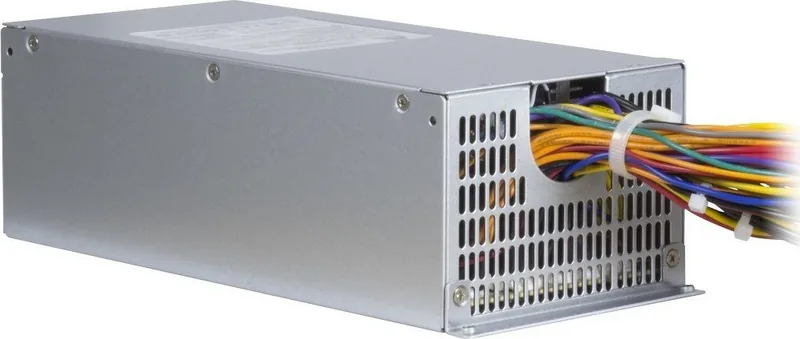
1 Pages
6 Pages
12 Pages
24 Pages
5 Pages
15 Pages
20 Pages
2 Pages
3 Pages
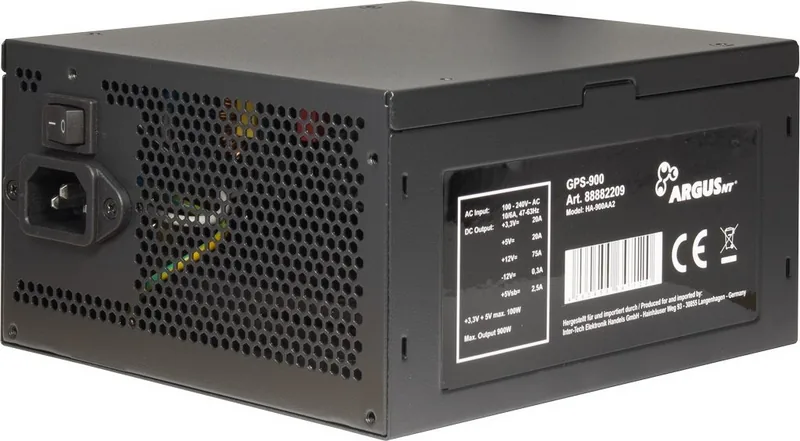
22 Pages
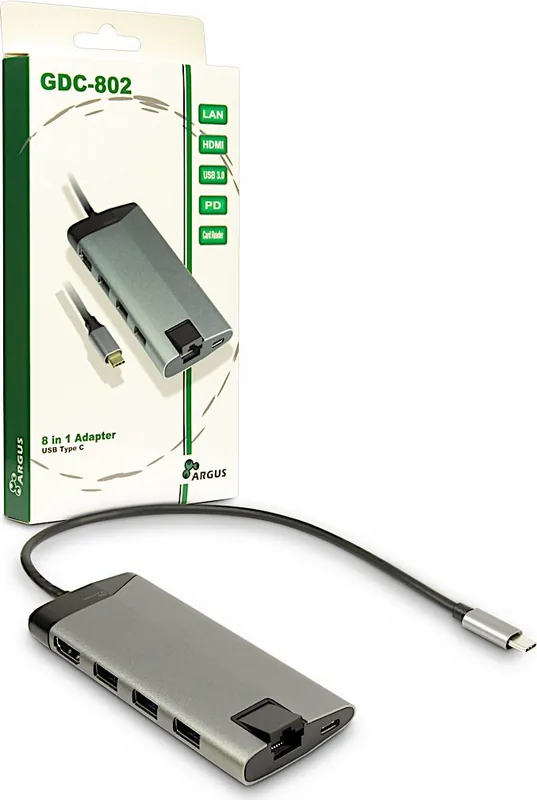
2 Pages
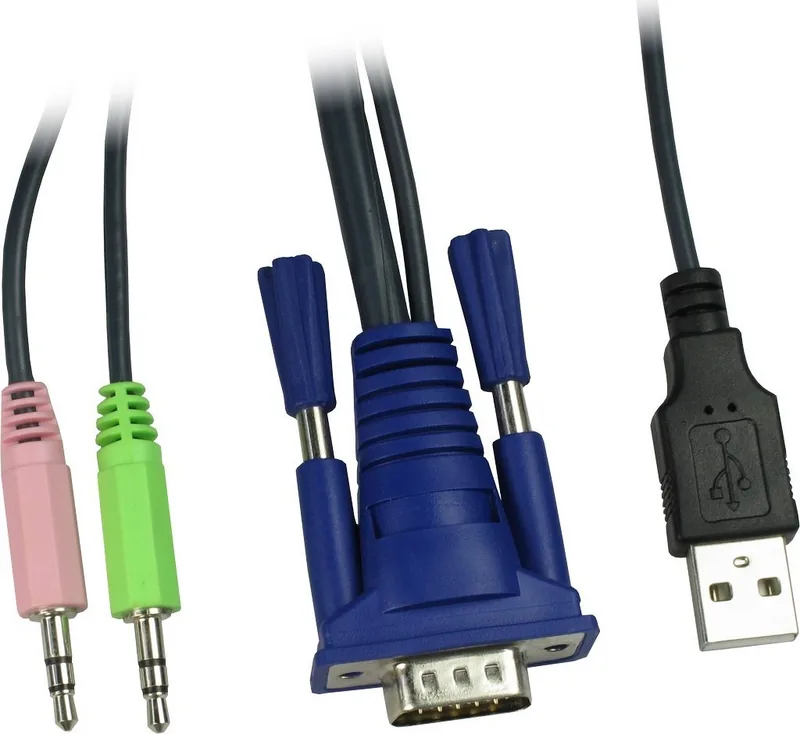
14 Pages
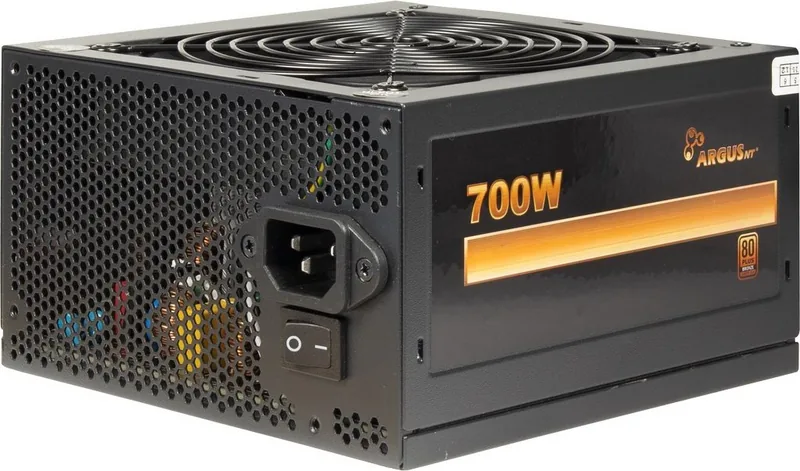
22 Pages
Categories


Free Inter-Tech Manuals - Read, Download and Print
Find practical Inter-Tech manuals in one convenient place. This collection is designed for users who need clear product documentation for setup, operation, maintenance, compatibility checks, and troubleshooting. Whether you are installing a new PC case, connecting a power supply, configuring a storage enclosure, or reviewing technical specifications, the right manual can make the process faster and more reliable.
Inter-Tech documentation helps owners, system builders, technicians, and IT enthusiasts understand the intended use of their equipment. Manuals commonly include product diagrams, connector details, installation instructions, safety notes, package contents, and important operating limits. Reading the documentation before making changes can help prevent incorrect connections, damaged components, and avoidable setup issues.
Read Inter-Tech Manuals Online
Online manuals provide a quick way to access essential product information without searching through boxes or keeping paper booklets on hand. Open the relevant guide in your browser to review instructions whenever you need them. This is useful when comparing hardware, checking a pin layout, confirming supported components, or following an assembly sequence during installation.
Digital documentation is especially helpful for desktop computer projects. Many Inter-Tech products are used in custom systems where several parts must work together. A manual can clarify which drive locations are available, where fans can be mounted, how front-panel cables should be connected, and which dimensions apply to installed hardware. Consult the guide before purchasing additional components or beginning a build.
Download Manuals for Offline Access
Downloading an Inter-Tech manual lets you keep the information available even when an internet connection is not accessible. Save the document to a computer, tablet, or phone for easy reference during repairs, upgrades, office installations, or workshop projects. Offline copies are useful when equipment is located in a server room, warehouse, customer site, or other area with limited connectivity.
A downloaded manual can also be archived with purchase records, warranty documents, and system notes. Giving each saved file a clear name, such as the exact product model and revision, makes future searches easier. If you manage multiple systems, create separate folders for cases, power supplies, rack equipment, cooling accessories, and storage products.
Helpful Download Practices
Before saving a document, verify that the model name shown in the manual matches the label on your Inter-Tech product. Similar model names may have different connector layouts, included accessories, capacities, or installation requirements. Check the cover page, product number, revision reference, and technical drawings where available.
Keep the original file unchanged and, if needed, create a separate copy for notes. This allows you to record cable routing choices, installed drive positions, fan locations, or maintenance dates without modifying the source document. For business environments, store manuals in a shared location so authorized staff can find current documentation quickly.
Print Clear Reference Pages
Printing selected sections of an Inter-Tech manual can be useful during hands-on work. A printed wiring diagram, mounting illustration, or safety page can remain visible at the workbench while you install hardware. This avoids repeatedly switching between a device and a screen, particularly when your computer is powered down or partially disassembled.
For best results, print pages that contain connector diagrams, screw locations, airflow recommendations, dimensional drawings, or troubleshooting tables. Use landscape orientation for wide diagrams when necessary, and make sure the print scale does not reduce labels to an unreadable size. If a document contains color-coded instructions, print in color where possible or add written labels to preserve the distinction between cables and components.
Common Information Found in Inter-Tech Documentation
Inter-Tech manuals vary by product category, but many include information that is important before installation and operation. Product overviews identify key features and explain the purpose of ports, buttons, bays, brackets, and indicators. Package content lists help confirm that necessary mounting parts, cables, adapters, or screws are present before assembly begins.
Technical specification sections can include dimensions, supported form factors, power ratings, connector types, drive capacities, fan sizes, clearance measurements, operating temperatures, and weight. These details are valuable when planning a compatible system. For example, a case manual may describe motherboard support and graphics card clearance, while a power-related manual may identify available connectors and output limits.
Installation and Connection Guidance
Installation pages often provide a recommended order for assembling components. Following that order can simplify cable routing and reduce the chance of having to remove parts later. Pay close attention to illustrations showing motherboard standoff positions, power supply orientation, drive mounting mechanisms, and front I/O connections.
When connecting internal cables, never force a plug that does not fit naturally. Inspect the connector shape, keying, and orientation. Disconnect power before opening equipment or changing internal components. Use the manual alongside the documentation supplied with the motherboard, storage device, cooling hardware, or other connected product, since each item may include additional requirements.
Safety and Care Instructions
Safety information should always be reviewed before installation, cleaning, or service. Hardware should be used in a dry, stable, well-ventilated location and kept away from excessive heat, moisture, dust, and direct sources of liquid. Ensure that airflow openings remain unobstructed and that connected cables are not pinched, stretched, or placed where they may create a hazard.
For electrical products, use an appropriate power source and inspect cables before use. Switch off and unplug equipment before performing internal work. Allow components to cool before handling them. If a product shows signs of damage, overheating, unusual noise, burning odor, or unstable operation, stop using it and consult the relevant service or support guidance.
Troubleshooting With the Manual
An Inter-Tech manual can be a useful first resource when a product does not operate as expected. Start by checking basic installation steps: confirm that all connections are fully seated, compatible parts are installed, switches are set correctly, and any protective packaging materials have been removed. Review diagrams carefully, as a cable connected to the wrong header or port may cause a system feature to fail.
If a case front panel button, USB port, audio jack, fan, drive bay, or LED indicator is not functioning, compare the actual wiring against the manual and the motherboard documentation. For power-related issues, inspect connectors, load requirements, and ventilation. Do not attempt repairs that go beyond the procedures described in the documentation or that could expose you to electrical risk.
Find the Correct Manual by Model
The most accurate documentation is the manual created for your exact Inter-Tech model. Locate the model number on the product label, retail packaging, invoice, or specification sticker. Model details may appear on the rear panel, underside, internal frame, power supply label, or accessory packaging. Record the full designation, including any letters, capacity references, color variant, or revision number.
Searching by the complete model name helps distinguish between related products. If the product has been revised, compare photos, ports, dimensions, and specifications before relying on a guide. A manual for a similar item can offer general context, but it should not replace documentation for the exact hardware in use.
Use Manuals for Better Hardware Planning
Manuals are valuable not only after purchase but also during planning. Before building or upgrading a computer, review dimensions, supported standards, and connector availability. This can help determine whether a case supports the required motherboard form factor, whether a rack enclosure has sufficient mounting space, or whether a power supply offers the necessary connections for installed devices.
Careful planning reduces delays and helps create a cleaner, more serviceable setup. Use specifications to map component placement, estimate cable lengths, confirm cooling locations, and identify needed accessories. Keep documentation available throughout the project so that important limits and installation details are easy to check.
Keep Product Documentation Accessible
A well-organized manual library makes future maintenance easier. Save downloaded Inter-Tech manuals with a consistent file naming system, include the purchase date if useful, and store related notes nearby. Printed copies can be kept with equipment records or in a labeled folder for work areas where hardware is regularly serviced.
Read, download, and print Inter-Tech manuals whenever you need dependable product guidance. With the correct documentation available, you can approach installation, configuration, maintenance, and troubleshooting with greater confidence and a clearer understanding of your equipment.
Search for 67,706 Manuals online


Type-in Brand or Model