

Free Easypix Manuals – Read, Download & Print
17 Manuals
Manuals

13 Pages
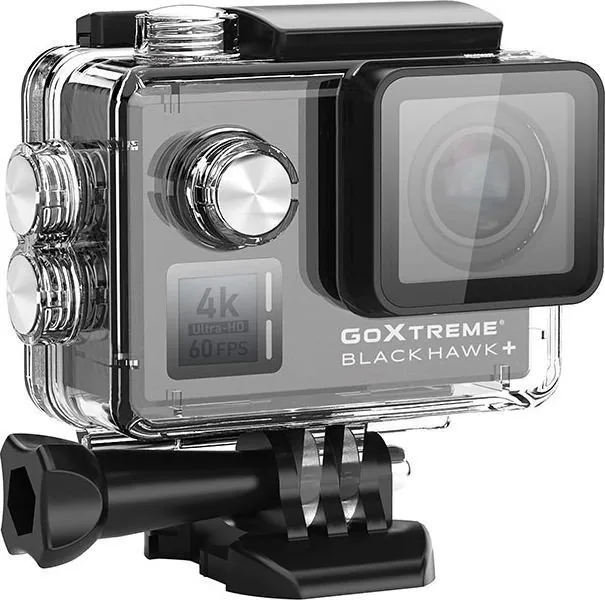
322 Pages
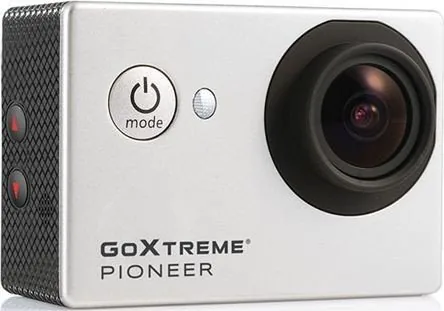
10 Pages

26 Pages
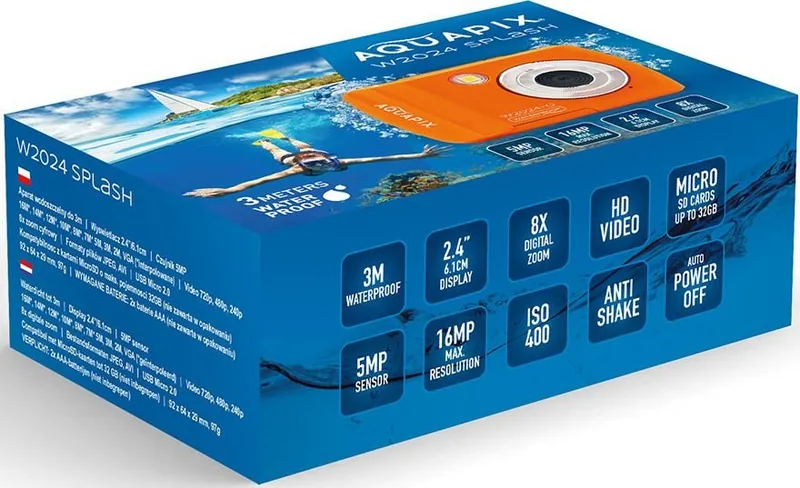
32 Pages
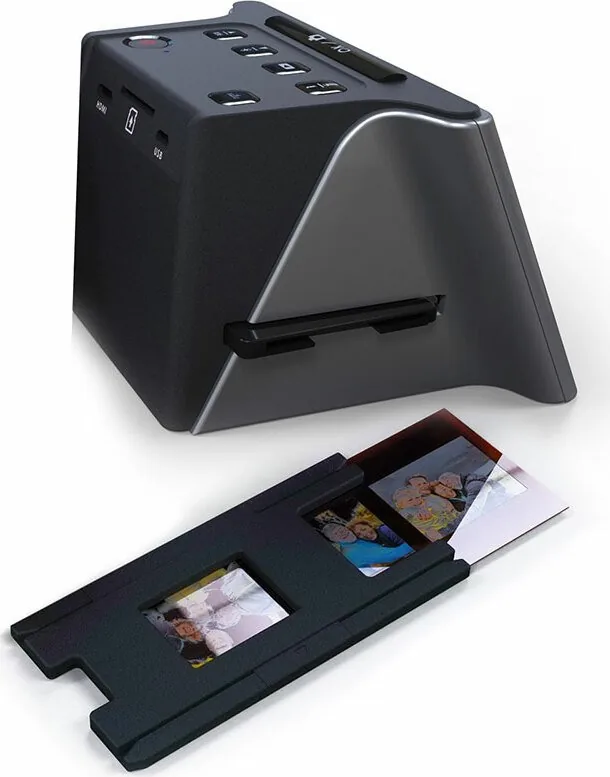
27 Pages
29 Pages
20 Pages
25 Pages

22 Pages
13 Pages
28 Pages
14 Pages

2 Pages

2 Pages
18 Pages
20 Pages
Categories


Discover Comprehensive Support for Your Easypix Devices
Navigating the world of digital photography and imaging software can sometimes feel overwhelming, especially when you encounter a new device or update your existing setup. Easypix has long been recognized as a leader in providing innovative solutions for photographers, hobbyists, and professionals alike. Their range of products, from high-quality scanners to specialized editing software, is designed to streamline workflows and enhance image quality. However, to truly maximize the potential of these tools, having access to accurate and detailed documentation is essential. This guide serves as your central hub for finding, reading, downloading, and printing Free Easypix Manuals, ensuring you have all the information you need at your fingertips.
The Importance of Official Documentation
When investing time and money into technology, understanding its full capabilities is crucial. Manufacturer manuals are not merely instruction booklets; they are comprehensive guides that cover everything from initial setup to advanced troubleshooting. For Easypix users, these documents provide step-by-step instructions on how to configure hardware settings, install necessary drivers, and utilize specific features within their software suites. Without this knowledge, users might miss out on significant functionality or struggle with common errors that could otherwise be resolved quickly. By accessing official manuals, you ensure that you are following best practices recommended by the engineers who built the product, leading to better performance and longevity of your equipment.
Accessing the Manual Repository
Finding the right manual for your specific Easypix model should be a seamless experience. Our dedicated resource center aggregates all available documentation in one convenient location. Whether you own an older model that requires legacy support or the latest release featuring cutting-edge technology, the repository is organized to help you locate files rapidly. The interface allows users to filter resources by product category, such as flatbed scanners, document cameras, or photo editing applications. This categorization ensures that you do not waste time sifting through irrelevant content. Once you identify your device, a simple click reveals a list of downloadable files tailored specifically to that model.
Reading Manuals Online
In today's fast-paced digital environment, immediate access to information is often more valuable than physical copies. Our platform supports online viewing of all Easypix manuals directly within your web browser. This feature eliminates the need to download large PDF files if you only need to check a quick setting or verify a connection procedure. The online reader is optimized for various screen sizes, making it easy to read on desktop computers, tablets, or smartphones. You can zoom in on diagrams, search for specific keywords within the text, and navigate between chapters effortlessly. This flexibility allows you to reference the manual while working on your computer without interrupting your workflow to switch windows or open separate applications.
Downloading High-Quality PDFs
For those who prefer offline access or require a permanent record of their device specifications, downloading the manual is straightforward. All available documents are provided in standard PDF format, ensuring compatibility with virtually any operating system, including Windows, macOS, Linux, iOS, and Android. These files are compressed to minimize download times while maintaining high resolution for clear text and sharp images. When you initiate a download, the file is saved directly to your designated folder, ready for future reference. Having a local copy is particularly useful in environments with limited internet connectivity or when you need to share the documentation with colleagues or technical support teams without relying on network access.
Printing Your Manuals for Reference
Some users find that reading from a physical page enhances their ability to retain information and follow complex procedures. If you choose to print your Easypix manual, our system provides options to customize your output. You can select to print the entire document or just specific sections relevant to your current task. The layout is designed to be printer-friendly, utilizing standard paper sizes like A4 and Letter to reduce waste and ensure proper formatting. Clear margins and legible fonts make printed manuals comfortable to read under various lighting conditions. Many professionals keep a printed copy near their workstation as a quick reference guide during critical projects, reducing the risk of configuration errors or missed steps.
Troubleshooting Common Issues
One of the most frequent reasons users seek out manuals is to resolve operational issues. The Easypix documentation includes extensive troubleshooting sections that address common problems such as driver installation failures, connectivity errors, or software crashes. These guides often include flowcharts and diagnostic steps to help you isolate the root cause of the problem. Instead of contacting support immediately, which can involve wait times, you can often solve the issue yourself by following the prescribed procedures. The manuals also provide details on error codes and what they signify, allowing for faster diagnosis and repair. This self-sufficiency empowers users to maintain their systems effectively and minimizes downtime.
Keeping Software Up to Date
Technology evolves rapidly, and manufacturers frequently release updates to improve performance, fix bugs, or add new features. The Easypix manual repository is regularly updated to reflect these changes. New versions of software often come with revised user guides that highlight modifications to the user interface or changes in functionality. By checking the repository periodically, you ensure that you are always working with the most current information. This proactive approach helps prevent confusion that might arise from using outdated instructions with new software versions. It also keeps you informed about new capabilities that could enhance your creative or professional output.
Maximizing Productivity with Advanced Features
Beyond basic operation, Easypix devices often include advanced features that require specific knowledge to utilize correctly. Detailed manuals explain how to leverage batch processing, automated scanning modes, color correction tools, and integration with third-party applications. Understanding these features can significantly boost productivity by automating repetitive tasks or improving the quality of final outputs. The documentation breaks down complex processes into manageable steps, making it accessible even for users with less technical experience. By mastering these advanced functions, you can transform your workflow, saving hours of manual effort and achieving superior results in your imaging projects.
Conclusion
Accessing Free Easypix Manuals - Read, Download & Print is a vital step for anyone looking to get the most out of their Easypix technology. Whether you are setting up a new device, resolving a technical glitch, or exploring advanced capabilities, the comprehensive documentation available through this resource is invaluable. With options to read online, download for offline use, or print for physical reference, the system caters to diverse user preferences and needs. Embrace the power of knowledge and ensure your Easypix devices perform at their peak efficiency every day.
Search for 67,706 Manuals online


Type-in Brand or Model