

Free Bixolon Manuals – Read, Download & Print
15 Manuals
Manuals
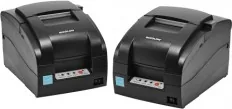
38 Pages
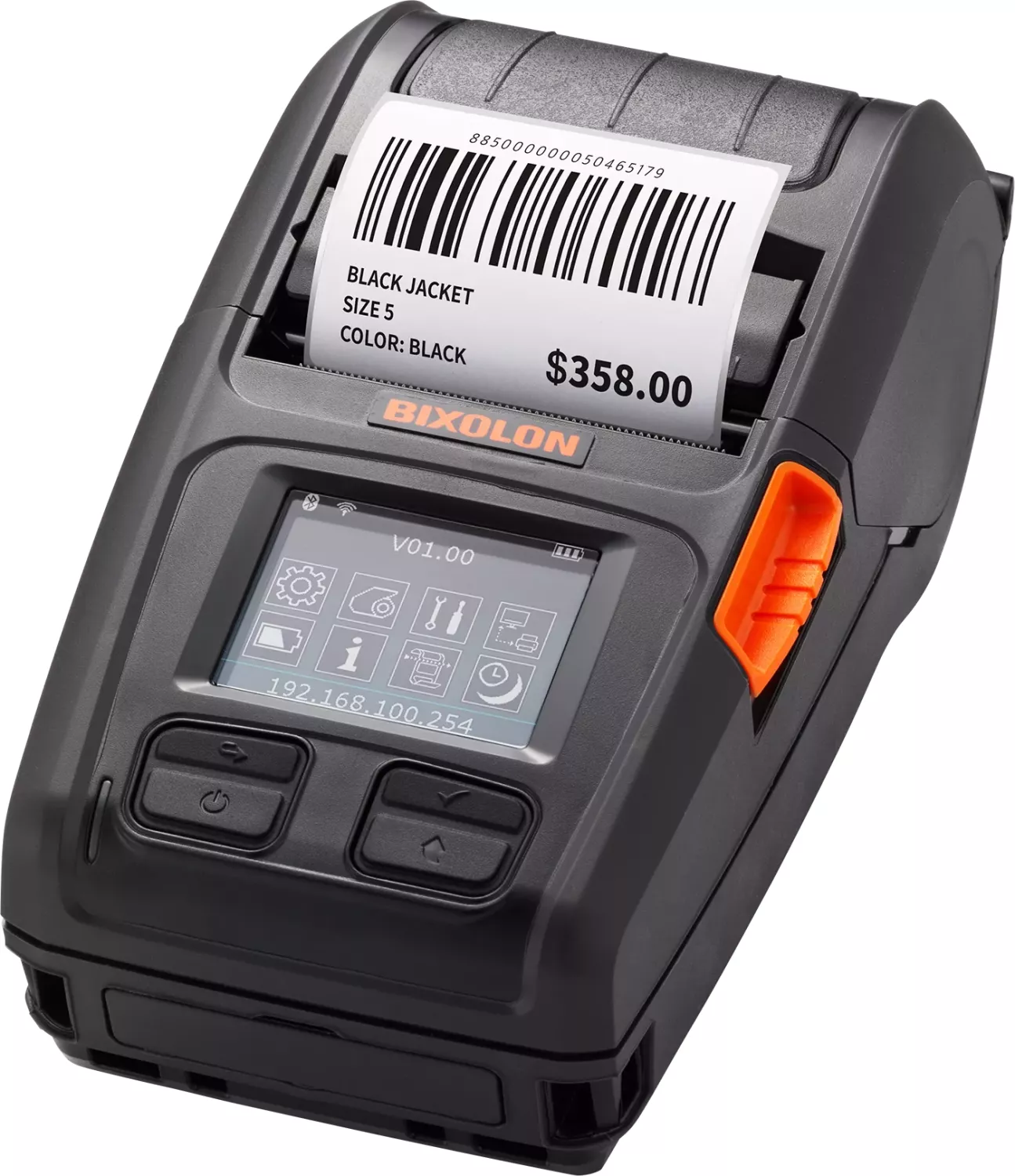
40 Pages
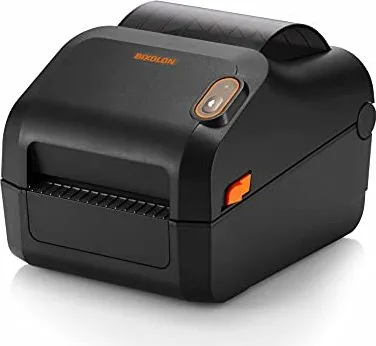
38 Pages
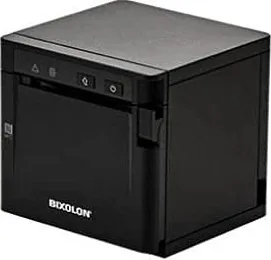
27 Pages
36 Pages
34 Pages
27 Pages
30 Pages
31 Pages
37 Pages
25 Pages
86 Pages
32 Pages
64 Pages
25 Pages
Categories

Free Bixolon Manuals - Read, Download & Print
Find Bixolon Manuals for Printers, POS Systems, and Label Devices
Access a wide range of Bixolon manuals designed to help users understand, install, configure, maintain, and troubleshoot their equipment. Whether you use a receipt printer at a retail counter, a label printer in a warehouse, a mobile printer for field service, or a POS display in a hospitality environment, the right manual can make setup and daily operation much easier.
Bixolon documentation typically includes product specifications, installation instructions, connection diagrams, driver guidance, command references, maintenance recommendations, and troubleshooting information. Reading the correct manual helps users get more value from their hardware while reducing downtime caused by configuration issues, paper jams, communication errors, or incorrect settings.
Read Bixolon Manuals Online
Online manuals offer a convenient way to review product information without installing additional software or keeping paper copies nearby. Users can quickly search within a document for terms such as Bluetooth, USB, Ethernet, Wi-Fi, media sensor, calibration, error indicator, firmware, or factory reset.
Reading a Bixolon manual online is useful when you need to confirm a setting during installation, identify the meaning of a status light, check supported paper sizes, or find the proper cleaning procedure. Manuals are often organized into clear sections, allowing technicians, business owners, and operators to move directly to the information they need.
Common topics found in Bixolon product manuals include:
- Unpacking and package contents
- Safety instructions and operating conditions
- Printer parts and control panel functions
- Power, cable, and network connections
- Paper roll, label, ribbon, and media loading
- Driver and utility installation
- Interface configuration for USB, serial, Ethernet, Wi-Fi, or Bluetooth
- Printing preferences and command settings
- Regular cleaning and preventive maintenance
- Error messages, LEDs, and troubleshooting steps
- Technical specifications and supported accessories
Download Manuals for Offline Reference
Downloading a Bixolon manual provides access to important instructions even when an internet connection is unavailable. This is especially helpful in stores, warehouses, kitchens, delivery vehicles, service locations, and production areas where quick access to documentation is needed.
An offline copy can be saved on a computer, tablet, shared network folder, or company support drive. Teams can keep manuals alongside driver packages, setup notes, warranty details, and maintenance schedules. Downloaded documentation is also useful for IT departments that support multiple locations and need standardized installation guidance for the same printer models.
Before using a manual for technical work, verify that the document matches the exact Bixolon product model and hardware revision. Similar models may use different button combinations, connection options, consumables, firmware tools, or configuration menus. Checking the model number on the product label helps ensure that the instructions apply to the device in front of you.
Print Manuals for Workstations and Service Areas
Printing a manual can be useful for teams that need a physical reference near equipment. A printed copy is practical in areas where employees cannot easily use a computer or mobile device, such as shipping stations, retail counters, kitchens, stock rooms, and repair benches.
Instead of printing every page, consider printing the most relevant sections. Useful pages often include quick setup instructions, paper loading diagrams, cleaning steps, control panel references, error code tables, and network configuration details. This keeps the reference material manageable while giving staff the information they need for common tasks.
For larger manuals, printing double-sided pages or creating a small binder can help reduce paper use and keep the documentation organized. A clearly labeled binder for each printer model can simplify staff training and make routine maintenance more consistent.
Support for Bixolon Receipt Printers
Bixolon receipt printer manuals can help businesses install and operate printers used for point-of-sale transactions, order tickets, receipts, invoices, queue tickets, and kitchen printing. These devices are commonly found in retail stores, restaurants, pharmacies, supermarkets, hotels, and service businesses.
A receipt printer manual may explain how to install thermal paper, connect cash drawer cables, select an interface, adjust print density, configure buzzer settings, and load printer drivers. It can also provide guidance for troubleshooting issues such as blank receipts, faded printing, paper feed problems, offline status, or a printer that is not detected by the POS system.
When setting up a receipt printer, check the required paper width, supported operating system, interface type, and POS software compatibility. The manual can help confirm whether the printer is configured for the correct communication method and settings.
Documentation for Label and Barcode Printers
Bixolon label printer manuals are valuable for operations that print shipping labels, product labels, barcode tags, shelf labels, inventory stickers, wristbands, and asset labels. Proper configuration is important because label printing depends on matching the printer settings with the selected media.
Manuals for label printers often cover direct thermal and thermal transfer printing, label sensor positioning, ribbon installation, media calibration, printhead cleaning, print speed, darkness settings, and label design software. They may also include supported barcode symbologies, command languages, and printer emulation information.
Media calibration is one of the most important setup procedures for a label printer. If labels are feeding incorrectly, stopping in the wrong position, or printing across gaps, the manual can guide users through sensor adjustment and calibration steps. Correct calibration helps avoid wasted labels and improves print alignment.
Manuals for Mobile Printers and Portable Devices
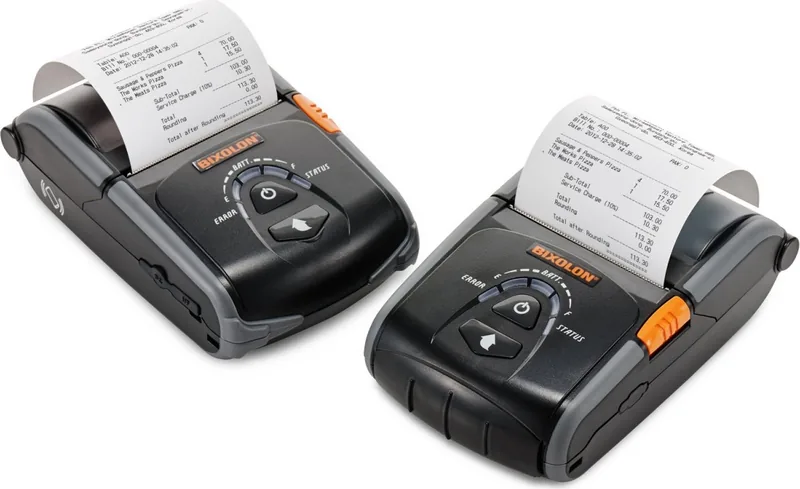
Bixolon mobile printer manuals can help users configure compact printers for delivery receipts, mobile payments, parking enforcement, route accounting, field service, ticketing, and inventory tasks. Because mobile devices often use battery power and wireless communication, their manuals include information that differs from desktop printer documentation.
Look for instructions on battery charging, power saving modes, Bluetooth pairing, Wi-Fi setup, NFC features, mobile operating system support, belt clips, protective cases, and paper loading. Manuals may also explain LED indicators and battery status messages, helping users identify whether a device needs charging, pairing, or service.
For reliable mobile printing, follow the recommended charging practices and use compatible accessories. The manual can also provide temperature, storage, and handling guidance that helps protect portable hardware used in demanding environments.
Troubleshooting Common Bixolon Printer Issues
A Bixolon manual is often the first place to look when a printer is not working as expected. Troubleshooting sections are designed to help users identify likely causes before contacting technical support or replacing parts.
Common issues include no power, communication failures, paper feed errors, poor print quality, labels skipping, Bluetooth connection problems, driver conflicts, and incorrect print size. Start by checking power connections, cable seating, media installation, cover position, status lights, and computer or POS settings. Then compare the device behavior with the troubleshooting table in the applicable manual.
Regular maintenance can prevent many common printing problems. Thermal printheads should be cleaned as recommended, media paths should be kept free of dust and adhesive residue, and only suitable paper, labels, and ribbons should be used. Refer to the manual before cleaning internal components, changing settings, or performing a reset.
Use the Right Manual for Your Bixolon Model
The best documentation is specific to your exact Bixolon device. Search by the full model name shown on the printer label, including any interface or configuration suffix. This helps you find accurate instructions for ports, wireless features, consumables, accessories, command support, and firmware-related procedures.
Keep your manual available whenever you install, move, clean, or troubleshoot equipment. With clear instructions for reading online, downloading for offline use, and printing important pages, Bixolon manuals provide a practical resource for maintaining reliable receipt, label, POS, and mobile printing operations.
Search for 67,732 Manuals online


Type-in Brand or Model