
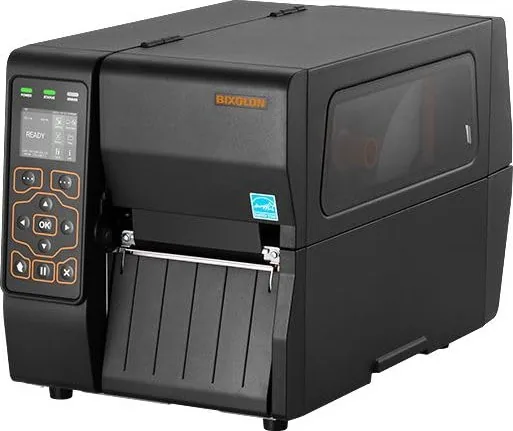
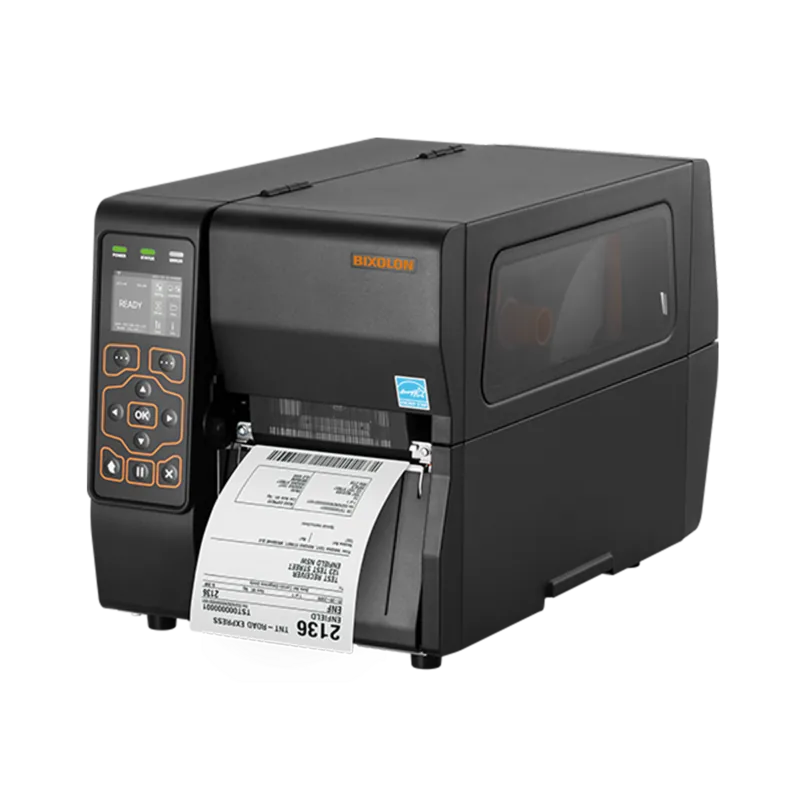
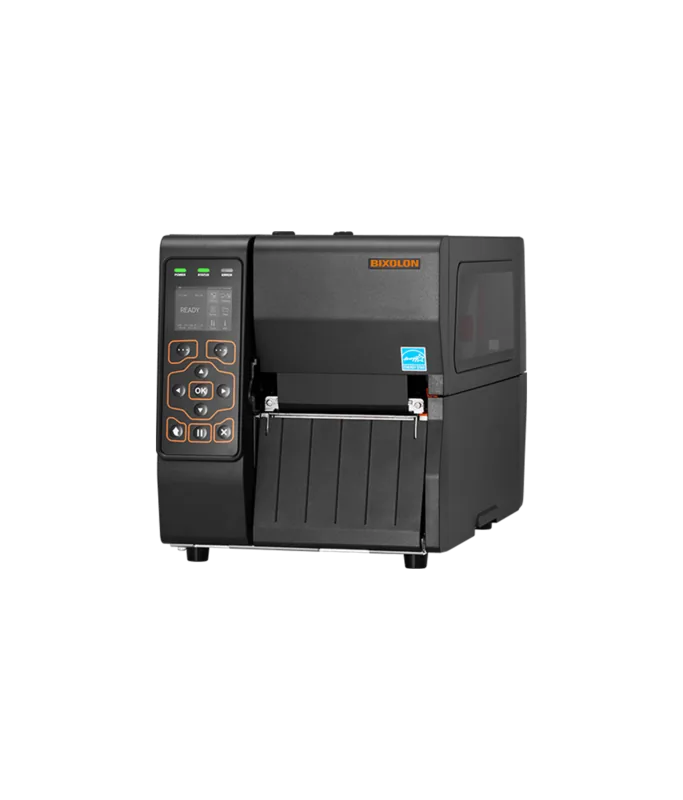
Bixolon XT3-40 Manual
PDF manual · 86 Pages
English



Quick check
Incorrect answer, please try again.
Chat with your Bixolon XT3-40 manual using AI
Get instant AI answers from your Bixolon XT3-40 manual
Ask anything about the Bixolon XT3-40. Answers come from this manual, with the pages they are based on.
XT3-40 Maintenance Schedule
Use a cotton swab dipped in medical alcohol. Turn off printer and let head cool before cleaning.
Use cloth or cotton swab dipped in medical alcohol. Rotate roller while cleaning to remove dust and adhesives.
Clean ribbon and media sensors using appropriate tools like air compressors or alcohol-dipped cloths/swabs.
Clean media and ribbon feed paths using air compressors or cloths/cotton swabs dipped in medical alcohol.
For optional models, clean peeler roller and sensor with alcohol-dipped cloth/swab when changing media.
For optional models, clean auto cutter using air compressor or alcohol-dipped cotton swab if debris is seen.
Ask a Question
Do you recommend XT3-40?
Yes NoFrequently Asked Questions
Standard interfaces include USB, Serial, and Ethernet. Optional interfaces support Bluetooth and WLAN connectivity.
Is this answer helpful?
Turn off power. Use a cotton swab dipped in medical alcohol. Clean towards sides from center. Let dry completely.
Is this answer helpful?
Yes, smart media detection identifies gaps or black marks. Auto calibration is also available for sensors.
Is this answer helpful?
The XT3-40 model reaches a maximum speed of 8 inches per second for optimal throughput.
Is this answer helpful?
Access the Tools menu and select Factory Reset. The printer will reboot automatically to default state.
Is this answer helpful?
Yes, upload firmware files via USB storage directly without host communication required.
Is this answer helpful?
Advantages and Disadvantages
Advantages

- High print speed of up to 8 inches per second
- Flexible connectivity with wired and wireless options
- Smart media detection reduces setup time
- Robust sensor adjustment tools for precision
- Optional auto cutter and peeler modules
Disadvantages

- Sensitive to static electricity damage
- Print head becomes hot during operation
- Requires regular cleaning maintenance
- No built-in battery backup power
- External power outlet grounding required
Product Specification
Type
Label Printer
Technology
Thermal Transfer
Print Resolution
203dpi
Roll Diameter
7.99"
Paper Thickness
2.36 - 7.87 mil
Print Width
4.09"
Print Length
1476.38 ft
Print Speed
7.99 in/s
Memory
128MB (RAM), 128MB (Flash)
Ports
USB 2.0, 1x USB-A 2.0 (Host), serial
Network
LAN
Display
color, 2.4"
Emulation
BPL-E, BPL-Z, SLCS
Dimensions
9.45" x 10.91" x 16.97"
Weight
20.50 lbs
Manufacturer Warranty
1 Year
Product Description
Bixolon XT3-40 Industrial Printing Overview
The Bixolon XT3-40 stands out in industrial printing environments as a reliable label printing solution. This thermal transfer printer delivers high performance with a maximum speed of 8 inches per second for standard models. Users benefit from flexible connectivity options including USB, Serial, and Ethernet ports found on the standard configuration. Optional modules like Bluetooth and WLAN allow for seamless wireless integration into complex networks. The device features a 2.4 inch color graphics display which simplifies navigation through menus and settings. Media handling is robust, supporting widths from 20 to 114 millimeters with various media types. Smart media detection reduces setup time by identifying gaps or black marks automatically without extensive calibration. Maintenance is straightforward with clear instructions provided for cleaning the print head and platen roller using alcohol solutions. Optional accessories like auto cutters and peelers enhance workflow efficiency significantly. Safety notes emphasize avoiding static electricity and heat exposure during operation to prevent damage. Firmware updates are possible directly through USB drives for modern adaptability.
The printer supports both wax and resin ribbons for diverse material applications. It includes tools for sensor sensitivity adjustment and dump modes for troubleshooting communication issues. Installation requires a grounded power outlet and careful cable management to avoid interference. The built-in flash memory stores templates and fonts locally for instant printing jobs. Security features allow password protection for settings management. Overall, this equipment suits warehouses and manufacturing needs effectively. The system manages standby modes intelligently to align media before printing resumes. Users can pause jobs instantly via physical buttons on the control panel. Ribbon installation involves aligning the core inside the supply spindle. The unit supports various label types including PET and PP materials. Power requirements are standard 100 to 240 volts ensuring global usability. Temperature limits ensure operation up to 40 degrees Celsius. Storage allows cold conditions down to 20 degrees below zero. This versatility makes it a strong contender for logistics labels and product coding.
The Bixolon XT3-40 Thermal Transfer Manual offers detailed guidance on these capabilities. Network security protocols protect data transmission across wired and wireless paths. Proper ventilation is required during extended usage cycles to maintain internal temperatures. Operators should check for paper jams frequently to ensure continuous feeding. The peeler module automatically separates labels for quick application. The rewinder assists in take up of liner waste only. Each component is designed for longevity and resistance to wear. Calibration functions help maintain precision over long production runs. Battery backup is not included but power management is efficient. The design prevents accidental finger contact with the cutting blade mechanism during operation. The printer interface menu explains serial baud rates, IP addresses, and encryption methods. Users can perform self-tests to check head dots and LCD pixels.
Note: Static electricity precautions are vital for electronics. Turn off power before connecting cables.
Search for 67,732 Manuals online


Type-in Brand or Model