
Bixolon SPP-R310 Manual
PDF manual · 31 Pages
English



Quick check
Incorrect answer, please try again.
Chat with your Bixolon SPP-R310 manual using AI
Get instant AI answers from your Bixolon SPP-R310 manual
Ask anything about the Bixolon SPP-R310. Answers come from this manual, with the pages they are based on.
Ask a Question
Do you recommend SPP-R310?
Yes NoDo you recommend SPP-R310?
Yes NoFrequently Asked Questions
It uses direct thermal printing, which means it prints without ink or toner. This makes the printer simpler to maintain and well suited for receipts and short-term labels.
Is this answer helpful?
Yes, Wi-Fi is supported for wireless printing in compatible setups. It helps reduce cable use and makes the printer easier to integrate into mobile workflows.
Is this answer helpful?
Yes, an optional magnetic card reader is available for the SPP-R310. It is useful in mobile service and point-of-sale scenarios where card swiping is needed.
Is this answer helpful?
It is a strong fit for retail, delivery, hospitality, and field service teams. Its portable design and wireless features make it practical for printing on the move.
Is this answer helpful?
The printer can work in receipt mode, and label printing is also supported in the series depending on model and configuration. Media setup and calibration are important for label use.
Is this answer helpful?
Keep the printer clean, use approved accessories, and follow battery charging guidance carefully. Regular printhead and sensor cleaning helps preserve print quality and reliability.
Is this answer helpful?
Advantages and Disadvantages
Advantages

- Compact and lightweight, making it easy to carry during mobile work.
- Direct thermal printing reduces consumables and simplifies maintenance.
- Wi-Fi and Bluetooth support improve flexible wireless setup options.
- Optional magnetic card reader supports mobile checkout and verification tasks.
- Battery and accessory options make it adaptable for different field scenarios.
Disadvantages

- Direct thermal printing requires thermal paper and is not ideal for long-lasting output.
- Battery charging and storage need careful handling to maintain performance.
- Some features, like the MSR and specific chargers, are optional rather than standard.
- Regular cleaning is necessary to protect print quality and printhead life.
Product Specification
Type
mobile receipt printer
Technology
Direct thermal
Print resolution
203dpi
Roll diameter
1.97 in
Paper thickness
0.20-2.76 mil
Print width
2.83 in
Print speed
3.94 in/s
Memory
8MB (RAM), 4MB (Flash)
Connections
USB 2.0, serial
Network
Wi-Fi 4 (WLAN 802.11b/g/n)
Display
N/A
Emulation
POS, BXL
Dimensions
4.13x4.96x2.28 in
Weight
0.85 lb
Features
Magnetic card reader, IP54 certified, Battery (Li-Ion, 2600mAh)
Manufacturer warranty
1 Year
Product Description
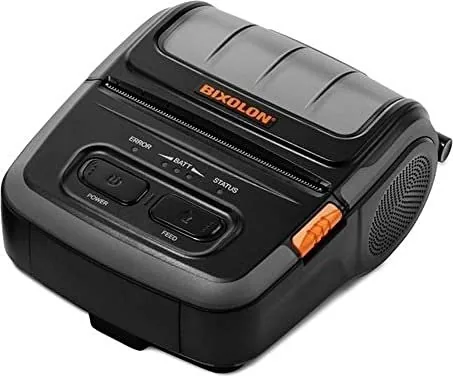
Bixolon SPP-R310, Wi-Fi, Magnetic Card Reader, Direct Thermal Manual
The Bixolon SPP-R310 is a compact mobile printer built for fast, on-the-go output in retail, hospitality, delivery, and field service workflows. With direct thermal printing, it avoids ribbons and keeps operation simple, while its wireless connectivity makes it easy to pair with mobile devices and business systems. For teams that need a practical, portable solution, this printer balances everyday convenience with dependable performance.
What makes it stand out?
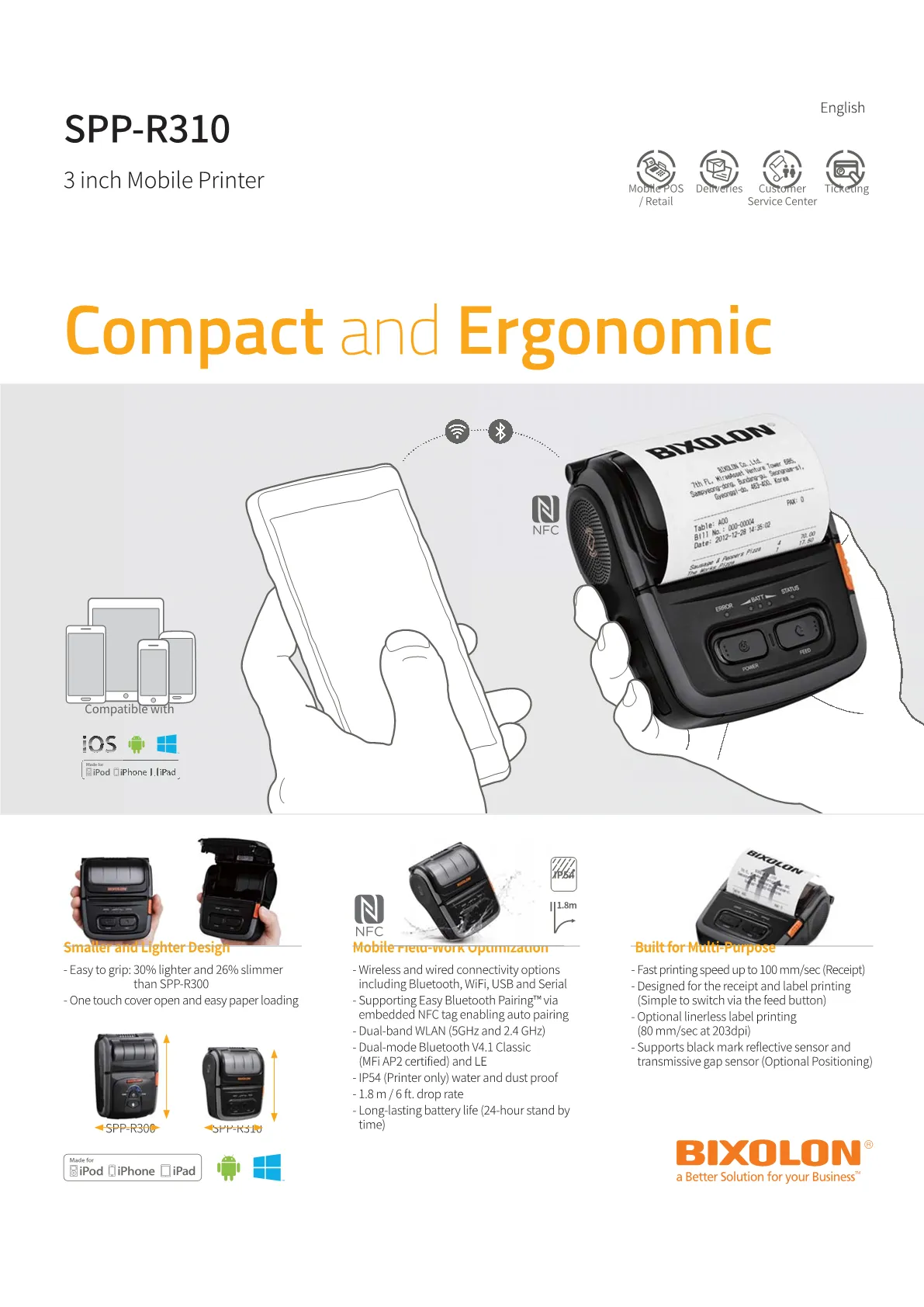
The SPP-R310 is designed for mobility first. Its lightweight body, belt clip support, and optional strap make it easy to carry during busy shifts. The printer supports receipt media and, depending on configuration, label workflows as well. That flexibility is useful for businesses that need one device for tickets, receipts, and basic labeling tasks.
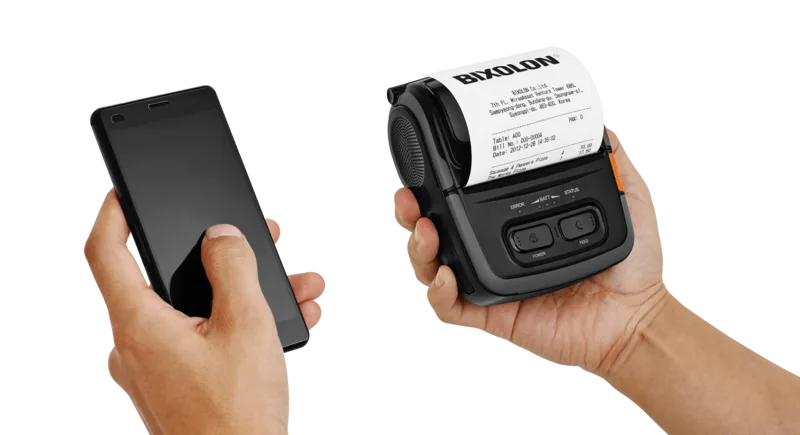
Wireless communication is another major advantage. Wi-Fi support helps streamline printing from compatible devices, while Bluetooth and cable options broaden deployment choices. In fast-moving environments, this means fewer delays and less clutter at the workstation. The integrated control panel also makes it straightforward to check battery status, monitor errors, and feed paper when needed.
For payment and identity-related workflows, the optional magnetic card reader adds extra value. It allows the printer to fit into mobile checkout and verification scenarios where quick card swipes are still part of the process. Combined with the printer’s portable form factor, it becomes a useful tool for point-of-service tasks outside the traditional counter.
The direct thermal print method keeps maintenance low and day-to-day use efficient. There is no ink or toner to replace, and paper loading is designed to be simple. The printer also includes battery and charging guidance, along with self-test functions and cleaning steps that help maintain print quality over time.
Notes
- Best suited for short-format printing and mobile use.
- Battery care matters for long-term reliability.
- Regular cleaning helps preserve print quality, especially with frequent use.
- Optional accessories expand how the printer can be deployed.
Search for 67,732 Manuals online


Type-in Brand or Model