
Bixolon SPP-R210 Manual
PDF manual · 34 Pages
English



Quick check
Incorrect answer, please try again.
Chat with your Bixolon SPP-R210 manual using AI
Get instant AI answers from your Bixolon SPP-R210 manual
Ask anything about the Bixolon SPP-R210. Answers come from this manual, with the pages they are based on.
Ask a Question
Do you recommend SPP-R210?
Yes NoDo you recommend SPP-R210?
Yes NoFrequently Asked Questions
It is a compact mobile thermal printer designed for printing receipts, labels, and similar output while working away from a fixed desk. It suits delivery, retail, service, and on-site operations.
Is this answer helpful?
No. It uses direct thermal printing, so it prints by applying heat to thermal media. That makes daily use simpler and reduces consumable costs.
Is this answer helpful?
Yes. Bluetooth is one of its key connection methods, allowing it to pair with supported mobile devices, PDAs, and PCs that have Bluetooth capability.
Is this answer helpful?
Yes. The printer supports linerless media, which is useful for reducing label waste and improving workflow efficiency. Regular cleaning is important when using this type of paper.
Is this answer helpful?
It can be charged through the supplied battery charger and also through optional cradles or vehicle-based charging accessories. Only approved Bixolon chargers should be used for safety and reliability.
Is this answer helpful?
Check the paper condition, clean the printhead and sensors, and make sure the correct media is installed. If the printer is using linerless paper, cleaning should be done more often.
Is this answer helpful?
Yes. The printer includes a self-test function that prints system details, settings, and character samples. It is a quick way to verify hardware status and basic print performance.
Is this answer helpful?
Advantages and Disadvantages
Advantages

- Compact and lightweight design makes it easy to carry and use in mobile workflows.
- Bluetooth, USB, and WLAN options provide flexible connectivity for different devices.
- Direct thermal printing removes the need for ink or ribbons, simplifying operation.
- Supports linerless media, helping reduce waste and improve label handling.
Disadvantages

- Battery handling requires strict care and only approved chargers should be used.
- Linerless printing needs regular cleaning to keep output quality stable.
- Paper roll capacity is limited by the compact form factor and small roll size.
- Advanced features and safety steps may take time to learn for new users.
Product Specification
Type
mobile receipt printer
Technology
Direct thermal
Print resolution
203dpi
Roll diameter
2.28in
Print width
1.89in
Print speed
3.54in/s
Memory
64MB (RAM), 32MB (Flash)
Connections
USB, serial
Network
Bluetooth 3.0
Display
N/A
Emulation
ESC/POS, BXL
Dimensions
3.11x1.44x4.57in
Weight
0.51lb
Special features
IP43 certified, Battery (Li-Ion, 1200mAh)
Manufacturer's warranty
1 Year
Product Description
Bixolon SPP-R210: Compact Mobile Printing for Demanding Workflows
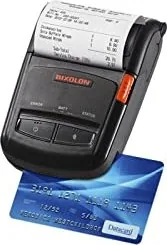
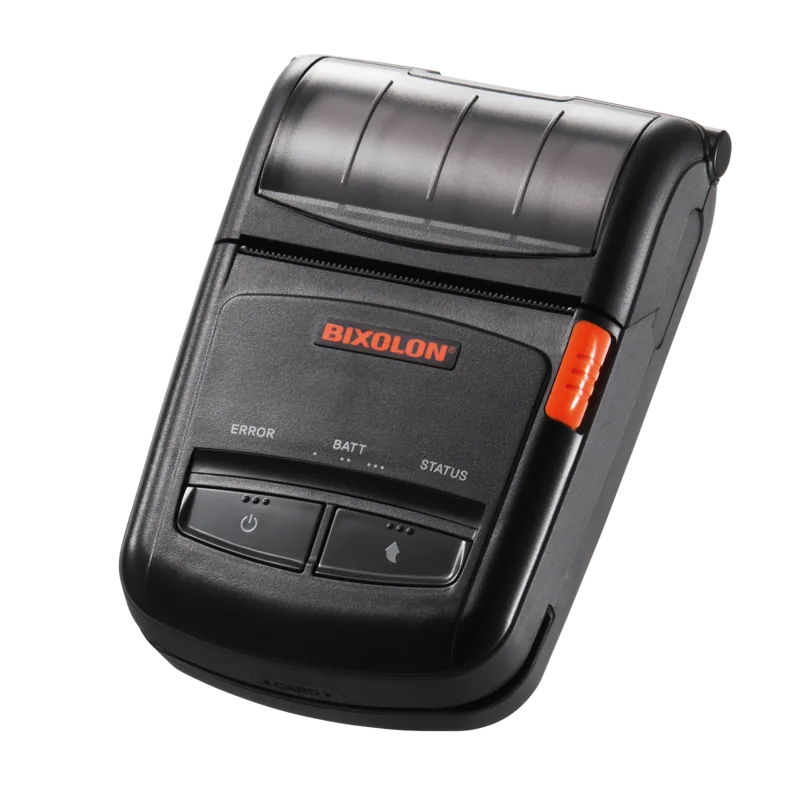
The Bixolon SPP-R210, Bluetooth, Linerless, Direct Thermal Manual points to a printer built for speed, mobility, and everyday reliability. This compact mobile thermal printer is designed for teams that need receipts or labels on the move, whether they are working in retail, field service, delivery, hospitality, or warehouse operations. Its lightweight body and practical accessory options make it easy to carry, mount, or store in a vehicle.
Practical performance in a small footprint
The SPP-R210 uses direct thermal printing, which means there is no need for ink or ribbons. That keeps operation simple and reduces consumables, making it especially useful for fast-paced environments. It supports both standard receipt paper and linerless media, giving businesses flexibility when they want cleaner output and less waste. The printer also offers clear 203 DPI resolution and fast output, helping users produce readable text, symbols, and barcodes with minimal delay.
Built for connection and convenience
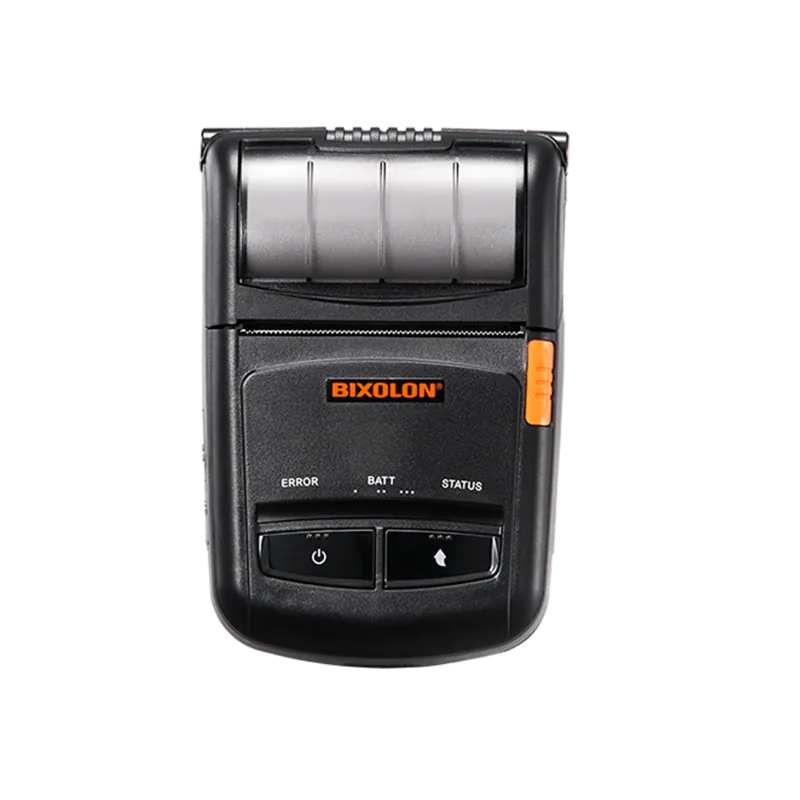
Bluetooth connectivity is one of the strongest advantages of this model, allowing quick pairing with mobile devices and supported systems. USB and wireless LAN support broaden its use across different setups, while optional iOS MFi mode adds value for Apple-focused workflows. The printer also includes thoughtful controls such as battery status LEDs, error indicators, and self-test functions, so users can check status and troubleshoot without complex tools.
Useful accessories and field-ready design
Bixolon clearly designed the SPP-R210 for real-world mobility. Optional cradles, belt straps, protective cases, a vehicle holder, and interface cables help adapt the printer to different working styles. Support for MSR and smart card functions further expands its usefulness in payment or identity-related scenarios. The battery system is rechargeable and supported by multiple charging methods, including desktop chargers and vehicle-friendly options.
A solid choice for portable direct thermal printing
Overall, the SPP-R210 is a dependable option for users who want a compact Bluetooth printer with linerless support and straightforward maintenance. It combines portability, connectivity, and flexible media handling in a form factor that suits mobile teams. For businesses that value low waste, easy setup, and dependable field printing, it remains a practical and versatile solution.
Notes
- Best results come from using approved Bixolon paper and accessories.
- Linerless media should be cleaned regularly to protect print quality.
- Battery safety and proper charging are essential for long-term performance.
Search for 67,732 Manuals online


Type-in Brand or Model