

Free Berker Manuals – Read, Download & Print
12 Manuals
Manuals
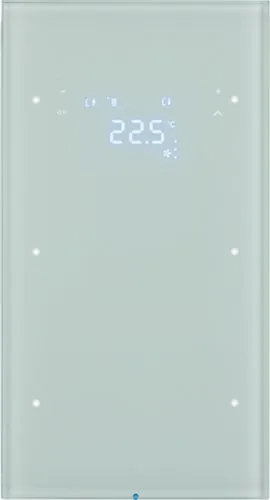
13 Pages
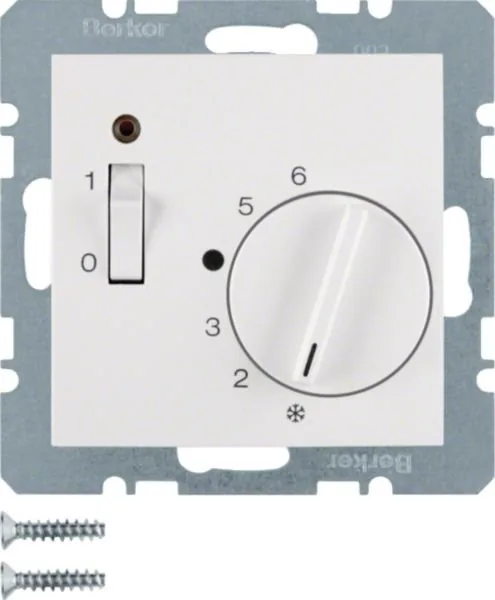
1 Pages
2 Pages
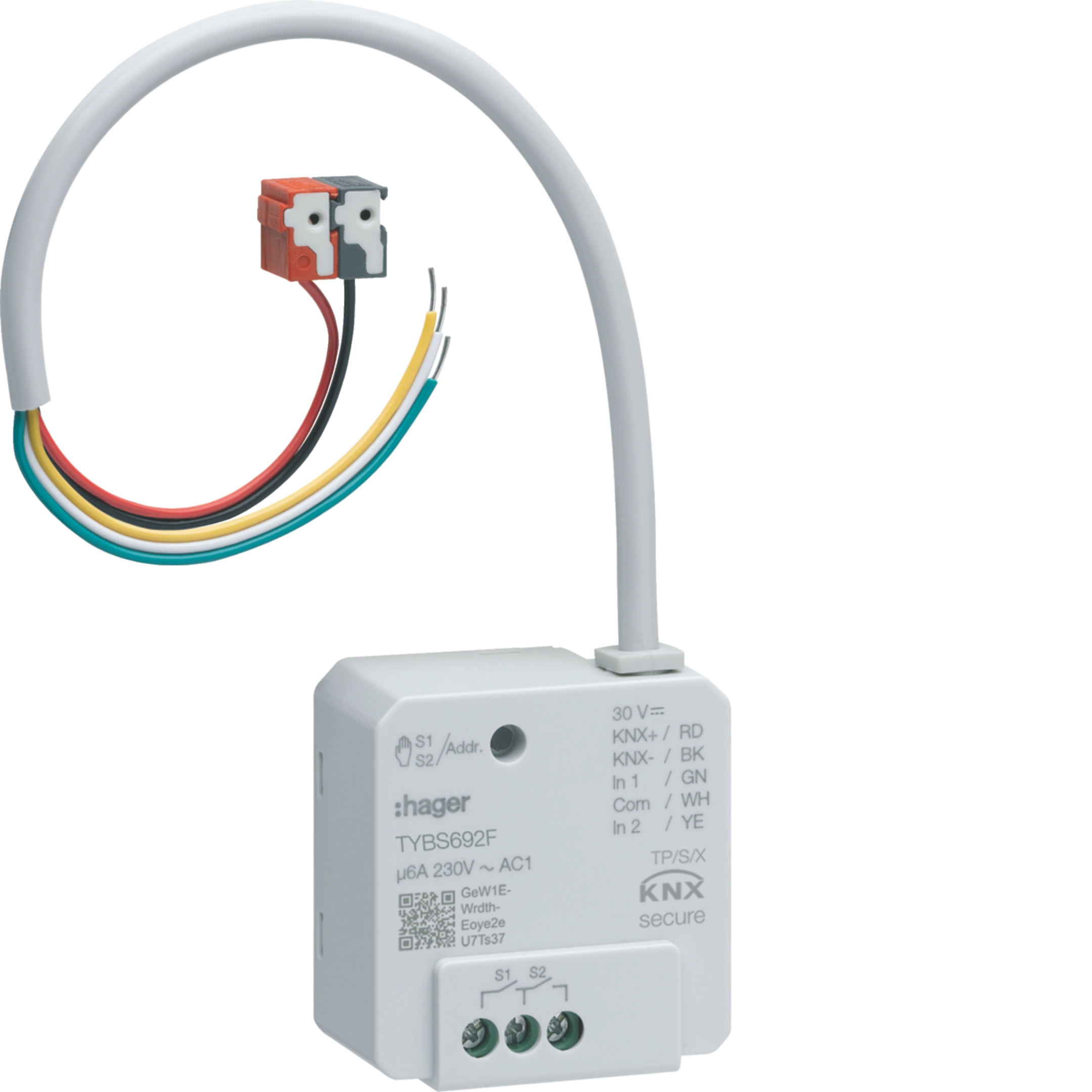
1 Pages
2 Pages
2 Pages
3 Pages
2 Pages
2 Pages
55 Pages
4 Pages
4 Pages
Categories

Free Berker Manuals - Read, Download & Print
Find clear, practical information for Berker electrical products with free manuals that can be read online, downloaded for reference, or printed for use at the job site. Whether you are installing switches, sockets, timers, motion detectors, room controllers, communication systems, or smart home components, the right manual helps you identify product functions, wiring requirements, mounting steps, and safety information before work begins.
Berker documentation is useful for electricians, installers, facility managers, homeowners, and maintenance teams who need dependable product details. Manuals, operating instructions, installation guides, technical data sheets, and system documentation can help users understand how a device is intended to be connected, configured, operated, and maintained. Access to product documents also makes it easier to compare variants, verify compatibility, and locate important technical specifications.
Read Berker Manuals Online
Reading a Berker manual online is a convenient way to quickly check a connection diagram, control function, terminal designation, or setup procedure. Digital documents allow users to search for specific words such as "installation," "reset," "programming," "load," "bus," or "technical data" instead of scanning every page manually. This can save time when diagnosing an issue or preparing for installation.
Online manuals are especially helpful when working with a product that has multiple versions. Small differences in product number, regional standard, operating voltage, or software generation can affect the instructions. Always check the full model designation shown on the label, packaging, or front of the device before relying on a document. Using documentation for the exact product variant helps reduce the risk of incorrect wiring, unsuitable configuration, or missing accessory requirements.
Information Commonly Found in Manuals
Berker manuals often include essential details needed for safe and correct use. Depending on the product type, documentation may contain:
- Product identification and intended application
- Safety notices and installation conditions
- Technical ratings, dimensions, and environmental limits
- Wiring diagrams and terminal assignments
- Mounting instructions for flush-mounted, surface-mounted, or distribution installations
- Operating instructions for users and occupants
- Configuration, programming, and commissioning procedures
- Compatibility information for inserts, covers, frames, sensors, and system components
- Cleaning, maintenance, troubleshooting, and disposal guidance
These details can be valuable for both new installations and replacement work. For example, a manual may show whether a particular switch insert requires a neutral conductor, whether a dimmer supports LED loads, or whether a sensor must be installed at a specified height and distance from heat sources.
Download Manuals for Offline Access
Downloading Berker manuals provides a practical archive that remains available when an internet connection is limited or unavailable. A saved PDF can be kept on a laptop, tablet, phone, or company document system, allowing installers and service personnel to access instructions while traveling or working on site.
Offline copies are useful for organizing documents by project, room, product family, or equipment list. A contractor might save manuals alongside electrical drawings and commissioning records. A property manager may keep operating instructions for installed controls in a building maintenance folder. Homeowners can also store documentation with warranty records and purchase details for future repairs or upgrades.
Benefits of Saving Product Documentation
Keeping downloaded manuals can make ongoing support easier. Important benefits include:
- Fast access to installation and operating instructions
- Easier handover documentation for completed projects
- Reference material for replacements and renovations
- A record of product specifications and limitations
- Searchable PDF text for faster troubleshooting
- Convenient sharing with qualified installers or service teams
When saving files, use meaningful names that include the product number, product type, language, and revision date when available. This reduces confusion if multiple manuals look similar. For example, a file name can identify a motion detector model, a KNX device, or a timer program rather than simply being called "manual.pdf."
Print Berker Instructions When Needed
Printed Berker manuals are helpful in locations where digital devices are inconvenient, restricted, or difficult to use. A paper copy can be placed in a control cabinet folder, project binder, maintenance room, or homeowner information pack. Printed instructions are also useful during installation, when a technician may need to consult wiring diagrams while working near the device.
Before printing, consider selecting only the pages that are relevant to the task. Installation diagrams, terminal layouts, safety instructions, and commissioning pages are often the most useful sections for a work folder. Printing selected pages can reduce paper use while ensuring that key information is available where it is needed.
Tips for Clear Printed Copies
For readable printed documentation, use the original PDF whenever possible and print at the document's intended scale. Diagrams, terminal labels, and small tables can become difficult to read if pages are reduced too much. Color printing may also help when documents use colored wires, symbols, warnings, or configuration charts. If printing in black and white, check that shaded diagrams and labels remain legible.
Keep printed manuals protected from moisture, dust, and damage, especially in workshops, plant rooms, and construction environments. For long-term reference, place pages in a labeled binder or protective sleeve. Include the date the document was downloaded so that future users can verify whether a newer revision is available.
Find the Right Berker Manual
The most important step is matching the documentation to the exact device. Berker products can be part of different design ranges, electrical installation systems, automation platforms, and communication solutions. A cover frame or push button may look similar across ranges while using a different insert, mounting method, or compatible accessory.
Start by locating the article number, serial information, version label, or product name. This information may appear on the rear of an insert, inside a distribution board, on packaging, or in the original project documentation. Search using the complete identifier rather than a broad product category whenever possible.
Check These Details Before Use
Before following any manual, compare the document with the installed or purchased product:
- Article number and product designation
- Voltage, frequency, and current or load rating
- Number of channels, inputs, outputs, or control positions
- Installation type and mounting orientation
- Software or firmware version, where applicable
- System type, such as conventional wiring, KNX, door communication, or building control
- Required accessories, covers, sensors, power supplies, or couplers
- Regional electrical standards and language edition
If the information does not match, locate the correct document before continuing. A similar-looking manual may not apply to the device in front of you.
Installation and Electrical Safety
Berker manuals should be used together with applicable local regulations, site requirements, and professional electrical practice. Electrical installation work can involve hazardous voltage, fire risk, and damage to equipment if performed incorrectly. Devices should be installed, connected, tested, and commissioned by qualified persons when required by law or the nature of the work.
Always isolate the power supply before opening equipment, changing wiring, or replacing components. Confirm that the circuit is de-energized with appropriate test equipment and follow lockout procedures where applicable. Do not exceed the stated load ratings, use damaged components, or modify products outside the manufacturer's instructions. Where a manual specifies protective devices, conductor sizes, mounting conditions, ventilation clearances, or environmental limits, those requirements should be followed.
Troubleshooting With Documentation
Manuals can assist with basic fault finding by explaining indicator lights, error messages, reset procedures, programming sequences, and connection checks. Start with simple verification: confirm the correct supply voltage, inspect terminal connections, check protective devices, and verify that compatible loads or accessories are being used. For programmable products, review parameter settings, addressing, communication wiring, and commissioning status.
Do not use troubleshooting guidance as a substitute for safe testing procedures. If a fault involves overheating, burning smell, repeated tripping, exposed conductors, water ingress, or uncertain wiring, stop using the equipment and have it inspected by a qualified professional.
Keep Your Berker Documentation Organized
A well-organized library of Berker manuals supports safer installation, quicker maintenance, and easier future upgrades. Create folders by building, project, product family, or room, and keep related data sheets, wiring plans, invoices, and commissioning notes together. Record any custom settings, programmed functions, and changes made after installation.
Free Berker manuals to read, download, and print provide a useful starting point for understanding product operation and technical requirements. Select the correct document, review safety information carefully, and use current official or authorized documentation whenever available. With the right manual at hand, users can make better-informed decisions about installation, operation, servicing, and long-term care of Berker electrical systems.
Search for 67,706 Manuals online


Type-in Brand or Model