

Free Auna Manuals – Read, Download & Print
28 Manuals
Manuals
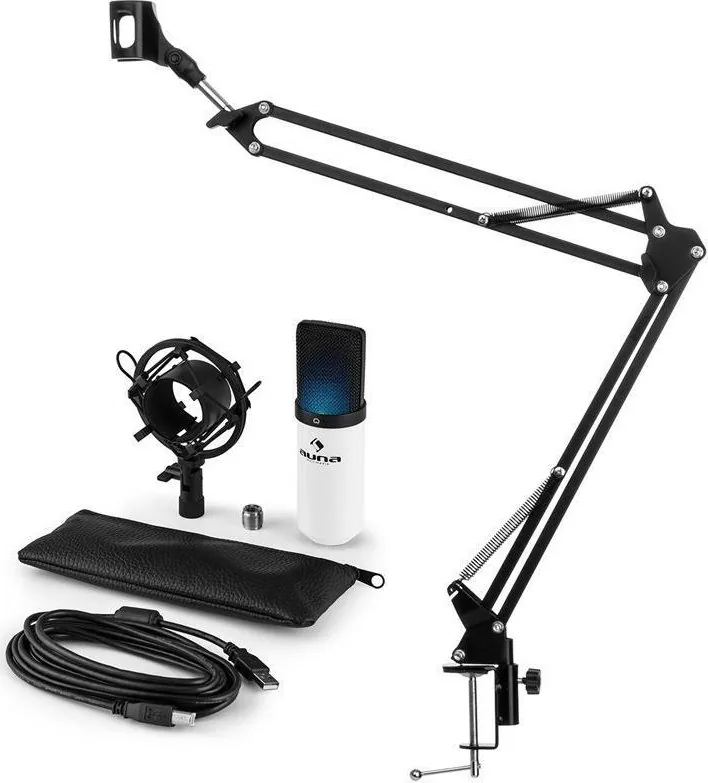
9 Pages
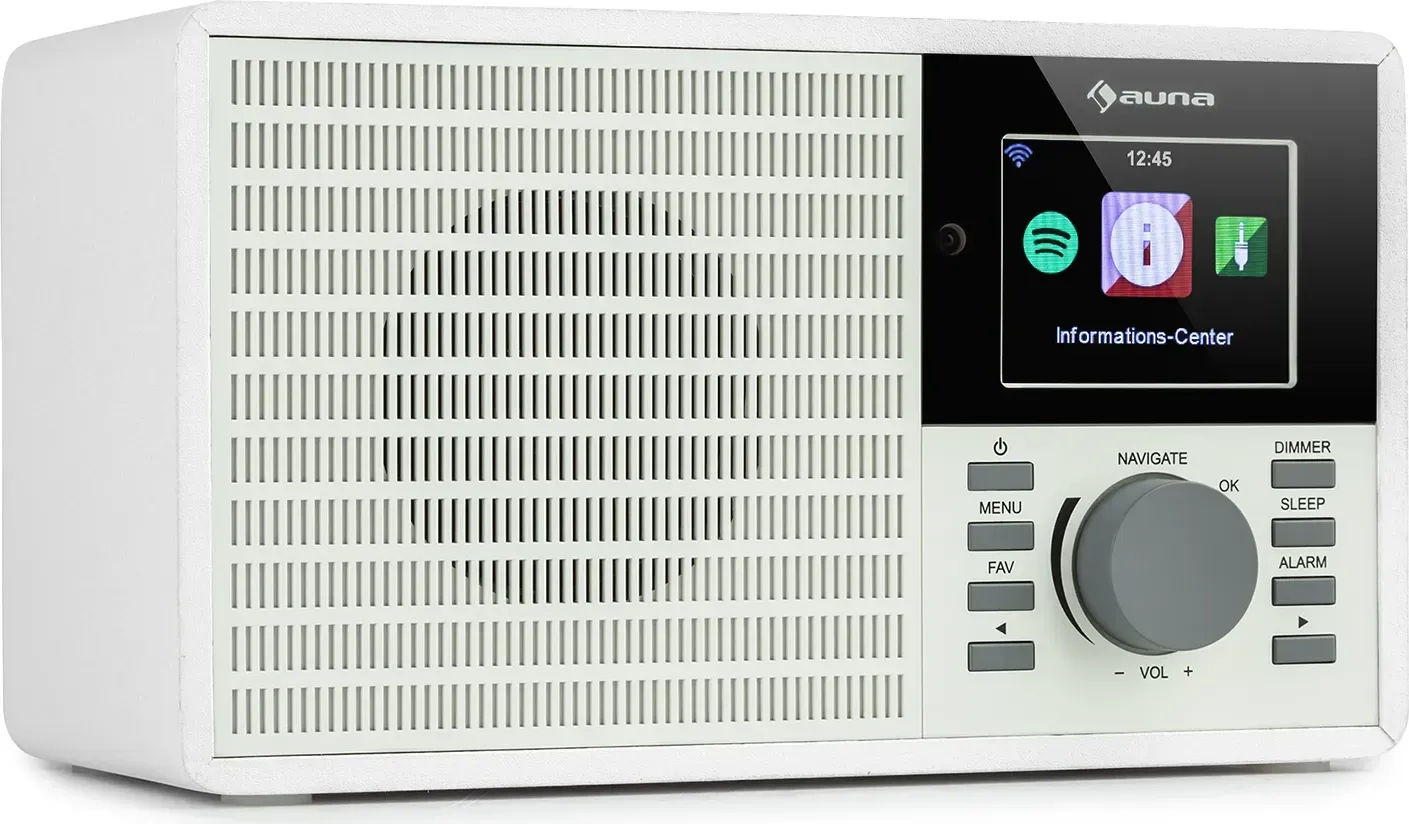
116 Pages
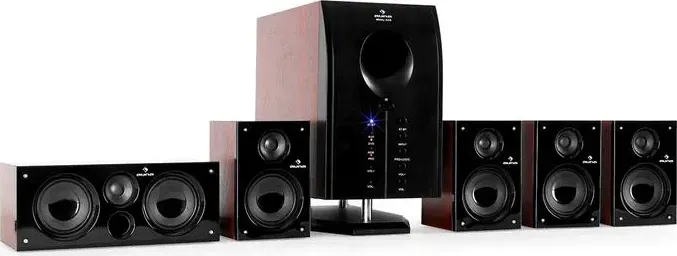
56 Pages
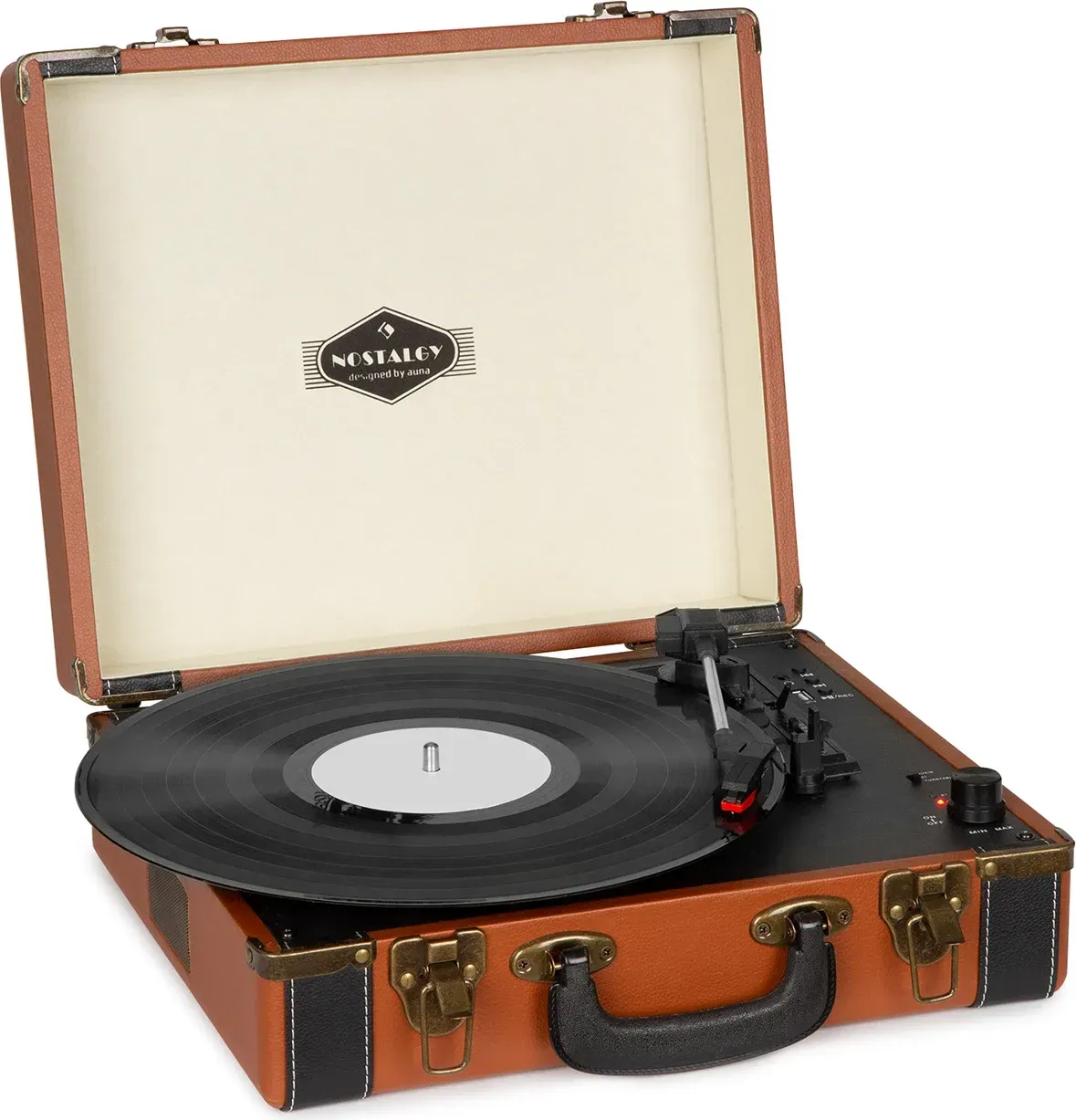
11 Pages
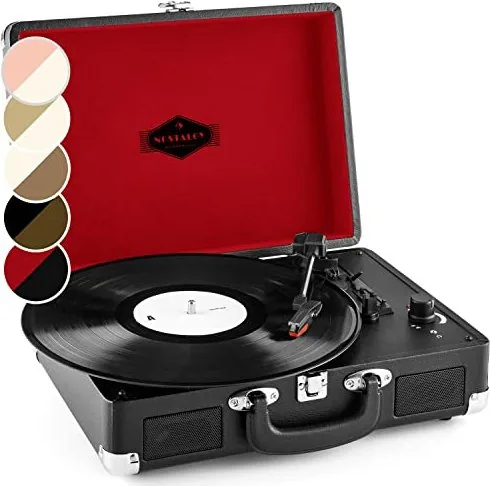
27 Pages
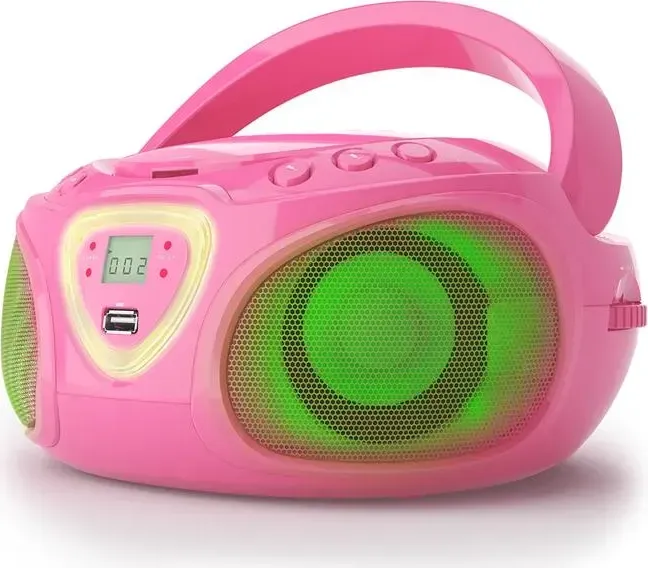
13 Pages
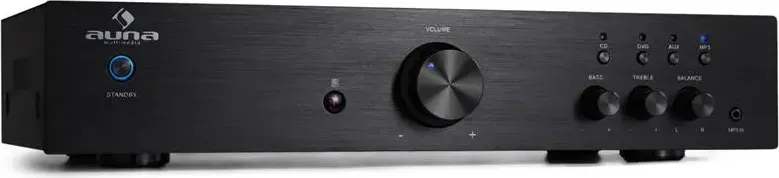
9 Pages
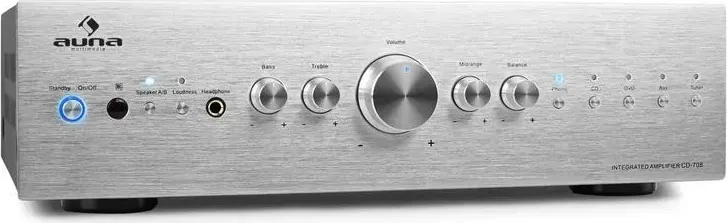
9 Pages
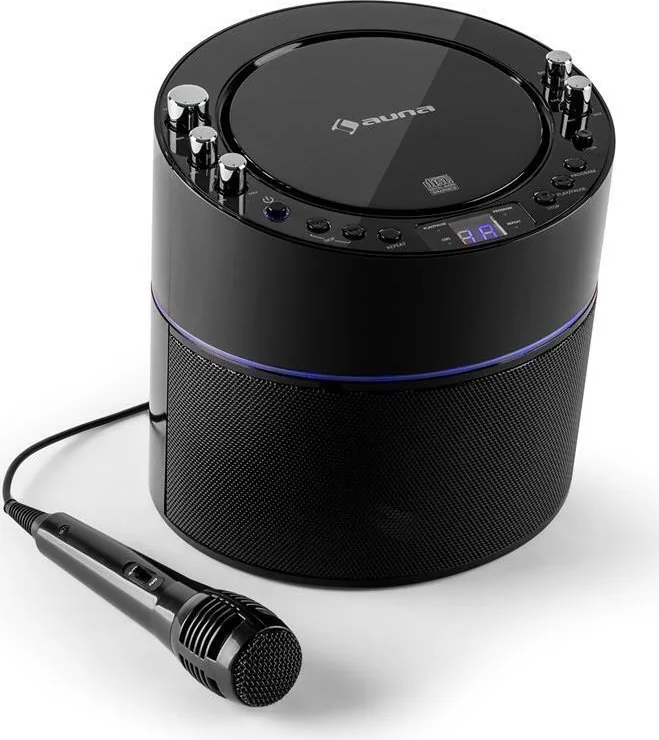
66 Pages
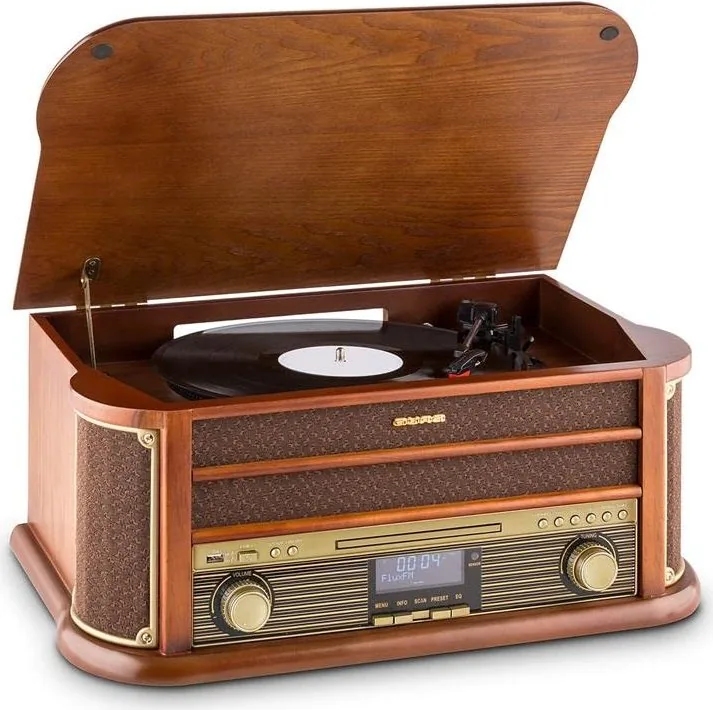
62 Pages
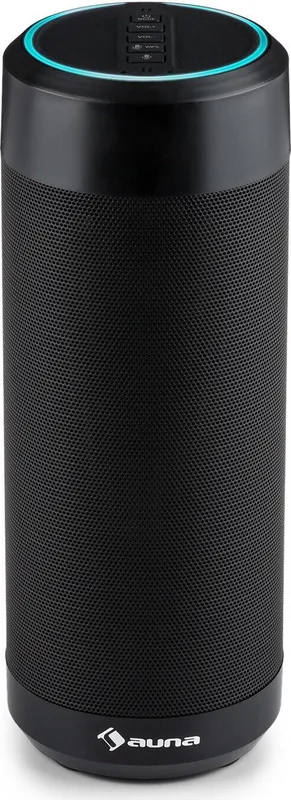
48 Pages
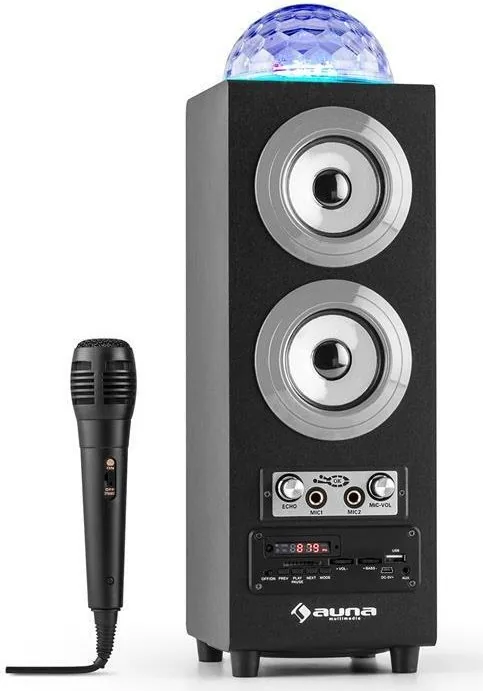
22 Pages
92 Pages
84 Pages
136 Pages
64 Pages
140 Pages
92 Pages
106 Pages
92 Pages
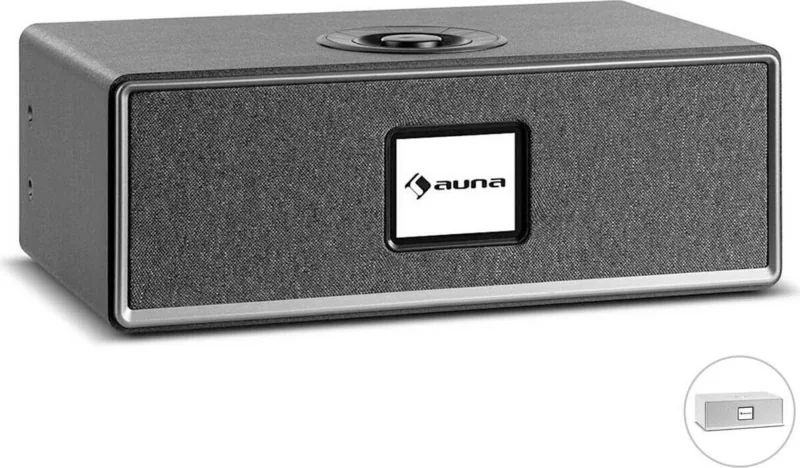
160 Pages
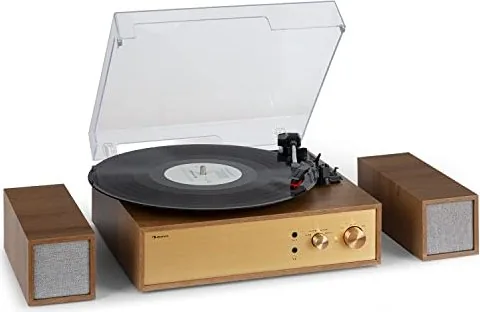
56 Pages
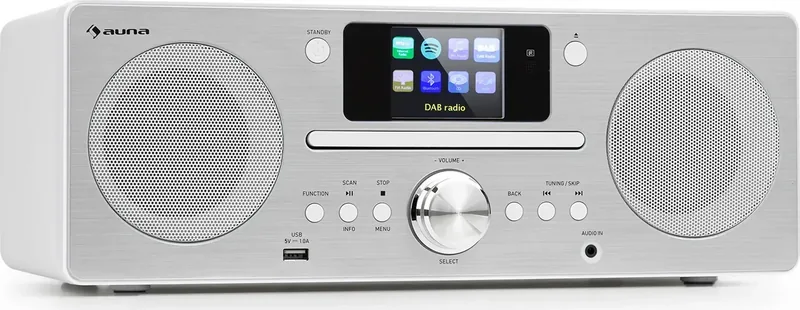
172 Pages
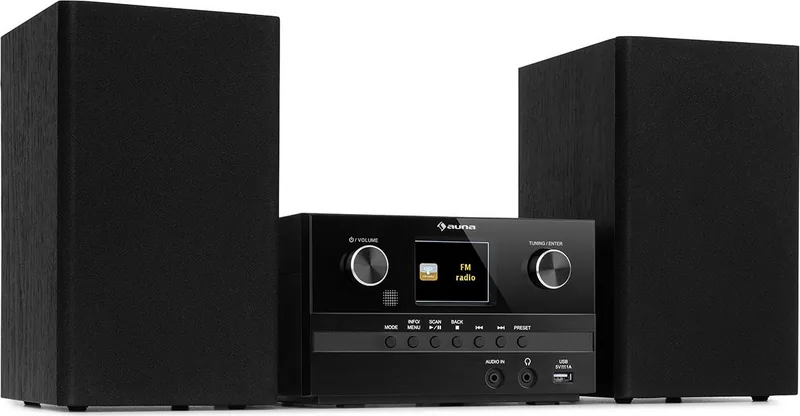
172 Pages
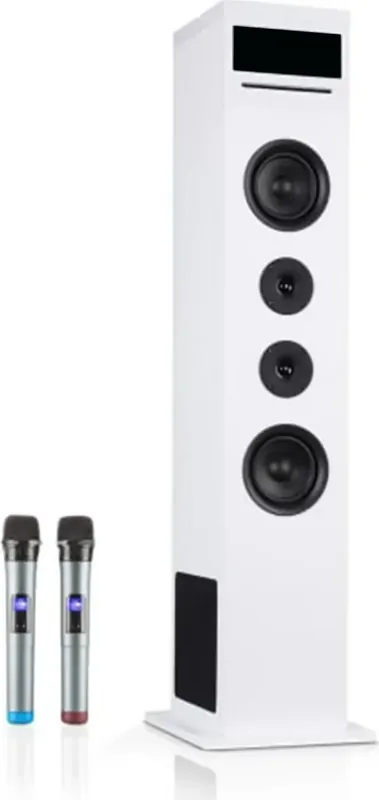
56 Pages
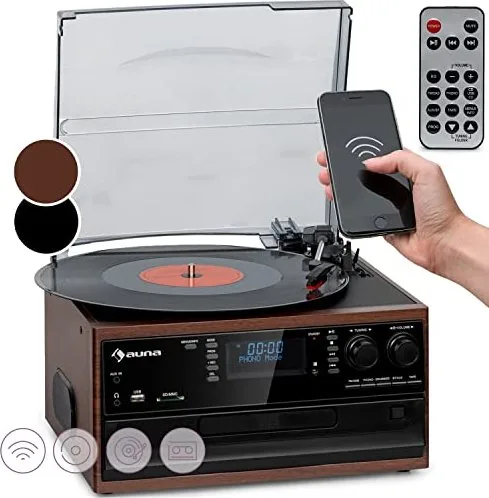
126 Pages
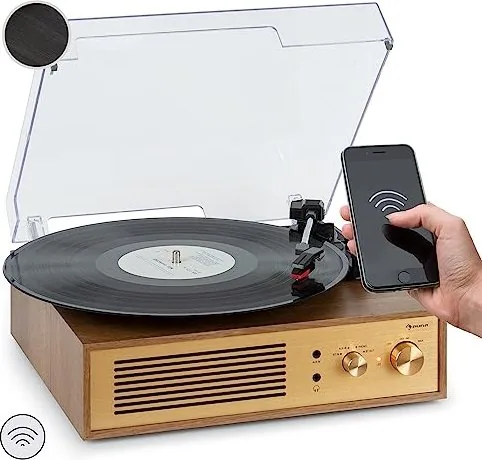
56 Pages
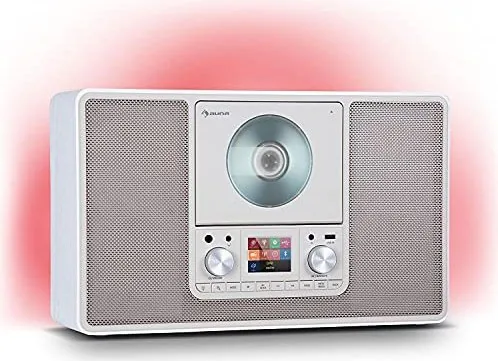
264 Pages
Categories

Free Auna Manuals - Read, Download & Print
Find the Right Auna Manual for Your Product
Looking for a clear, reliable guide for your Auna device? Free Auna manuals make it easier to understand product features, complete setup, solve common problems, and get the best performance from your equipment. Whether you own an Auna speaker, radio, amplifier, turntable, kitchen appliance, fitness device, or home entertainment product, the correct instruction manual provides the information needed for confident everyday use.
A product manual is useful long after the first installation. It can help when you need to reconnect Bluetooth, change audio settings, identify buttons, replace accessories, clean the unit safely, or check technical specifications. Instead of searching through old packaging or paperwork, you can read, download, and print an Auna manual whenever you need it.
Read Auna Manuals Online
Reading an Auna manual online is a convenient option when you need an answer quickly. Digital manuals allow you to review instructions from a computer, tablet, or phone without installing extra software or using paper. Online access is especially helpful when setting up a new product, comparing functions, or checking an error message while standing near the device.
Most manuals are organized into practical sections, including product overview, safety guidance, installation steps, controls and connections, operating instructions, troubleshooting, maintenance, and specifications. Use the table of contents to move directly to the relevant chapter. If the document supports search, enter terms such as "Bluetooth," "remote control," "pairing," "reset," "FM," "USB," or "cleaning" to find the information you need faster.
Reading the manual before first use can prevent avoidable issues. It may explain the correct power supply, recommended installation position, ventilation requirements, compatible media formats, or limitations of certain features. Following these instructions helps protect both the product and connected devices.
Download Auna Manuals for Offline Access
Downloading an Auna user manual gives you a permanent reference that can be opened even when an internet connection is unavailable. This is useful for devices located in workshops, garages, kitchens, holiday homes, vehicles, or rooms with limited connectivity. Saving the manual to your phone or computer also makes it easy to keep important instructions together with invoices, warranty documents, and product photos.
When you download a manual, create a simple folder system so files remain easy to locate. Include the product category, model number, and document type in the file name. For example, a file can be saved as "Auna-model-number-user-manual.pdf." This approach is especially useful when your household has several Auna products or when you manage equipment for a business, venue, rental property, classroom, or studio.
Offline manuals are also practical for travel and equipment transport. You can review setup instructions before an event, confirm cable connections during installation, or check operating limits without relying on a web search. Keep a backup copy in cloud storage or on an external drive if the manual contains essential service information.
Print a Manual When You Need a Paper Copy
A printed Auna manual is ideal for people who prefer to follow instructions on paper. A physical copy can be kept next to the product, placed in a folder, or shared with family members, guests, employees, and technicians. Printing is particularly useful for multi-step installation, maintenance checklists, wiring diagrams, remote control references, and safety instructions.
To save paper, print only the pages you need. For example, you may want the quick-start section, connection diagram, remote control button list, cleaning guidance, or troubleshooting pages. Double-sided printing and grayscale mode can reduce ink and paper use. If you print the complete document, use a binder or folder and label it with the product model number.
Before printing, check that the manual matches your exact device. Products that look similar can have different controls, ports, firmware functions, power requirements, or included accessories. A manual for a related model may be helpful for general guidance, but it should not replace the documentation intended for your specific unit.
How to Identify Your Auna Model Number
The model number is the most important detail when searching for an Auna manual. It is usually found on a product label, rating plate, packaging, purchase confirmation, or original invoice. Depending on the device type, the label may be located on the back, underside, side panel, battery compartment, or near the power connection.
Record the model number exactly as shown, including letters, numbers, spaces, and suffixes. Small differences can identify different versions of a product. If you cannot find the model number, look for other identifying information such as the product name, color, control layout, input connections, display style, or a serial number. Clear photos of the label and front panel can also help distinguish between similar products.
Once you have the model number, search for the corresponding user manual rather than relying only on the product category. This increases the chance of finding accurate instructions for your exact version.
Common Information Found in Auna User Guides
Auna manuals often include practical details that are easy to overlook during normal use. The safety section may explain where the device should be placed, how to avoid moisture exposure, when to disconnect power, and which cleaning methods are appropriate. Audio products may include details on speaker impedance, line inputs, antenna connections, audio modes, equalizer settings, and supported playback sources.
For Bluetooth devices, the manual can explain pairing mode, connection range, reconnecting a previously paired phone, clearing stored devices, and handling connection interruptions. For radios, it may cover antenna placement, station scanning, presets, alarm functions, DAB or FM operation, and display settings. Turntable manuals can provide guidance on stylus care, tonearm adjustment, record speed selection, and connection to external speakers or amplifiers.
Other Auna products may include instructions for timers, heating settings, cooking programs, exercise modes, display icons, accessory assembly, or replacement parts. Technical sections can list dimensions, weight, voltage, frequency range, power consumption, supported file formats, and environmental operating conditions.
Troubleshooting With Your Auna Manual
The troubleshooting section is often the fastest place to start when a product does not work as expected. Common issues may include no power, no sound, poor radio reception, Bluetooth pairing failures, remote control problems, display errors, unexpected shutdowns, or media files that will not play. A manual can provide a sequence of checks that resolves simple problems without unnecessary replacement or repair.
Start with basic checks: confirm that the power cable is connected securely, verify that the outlet works, inspect batteries, select the correct input source, adjust volume settings, and make sure connected cables are fully inserted. For wireless functions, confirm that the device is in pairing mode and that your phone or other source is within range. If an issue continues, follow any reset procedure described for the specific model.
Do not attempt repairs that are not described as user-serviceable. Opening an electrical product, modifying wiring, or using incompatible power supplies can create safety risks and may damage the device. For persistent faults, consult the warranty information or contact an authorized support channel.
Keep Your Device Working Well
Regular care can improve the lifespan and performance of Auna equipment. Keep ventilation openings clear, avoid placing electronics near heat sources or liquids, and clean surfaces with methods recommended in the manual. For audio equipment, use suitable cables and avoid excessive volume levels that can strain speakers. For portable products, follow battery charging recommendations and store the device in a dry, protected location.
Review the manual when moving the product, connecting new equipment, or changing its usual setup. A quick check can prevent incorrect connections, unstable placement, or incompatible settings. Keeping the manual accessible ensures that every user can operate the product safely and make full use of its features.
Access Free Auna Manuals Today
Free Auna manuals provide a straightforward way to read instructions online, download a copy for offline use, or print pages for quick reference. Find your exact model, review the relevant sections, and keep the guide available for setup, maintenance, troubleshooting, and everyday operation. With the right manual at hand, it is easier to enjoy your Auna product with confidence.
Search for 67,732 Manuals online


Type-in Brand or Model