

Free Asustor Manuals – Read, Download & Print
11 Manuals
Manuals
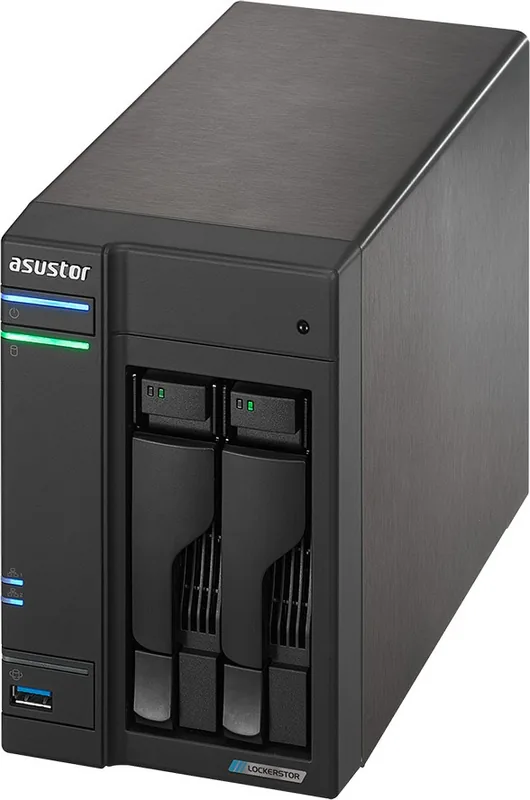
140 Pages
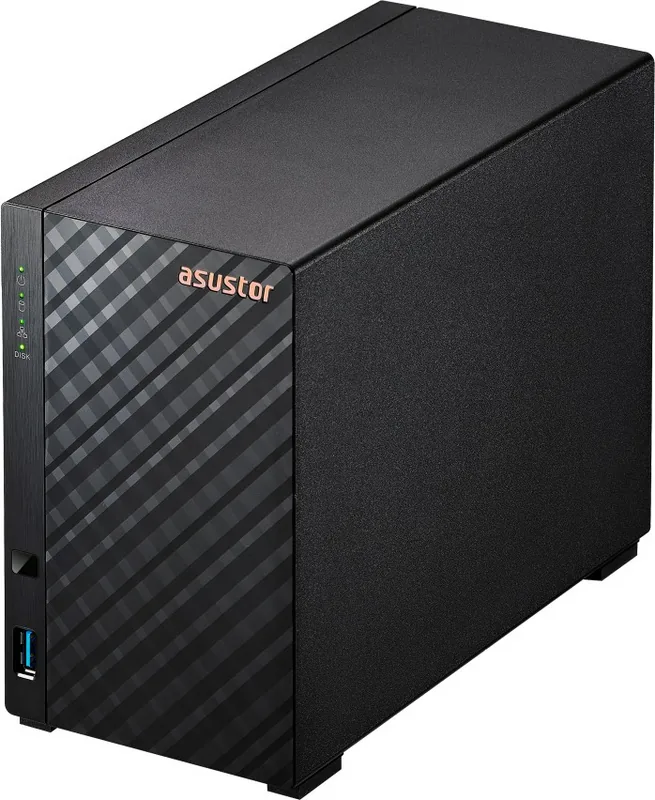
26 Pages
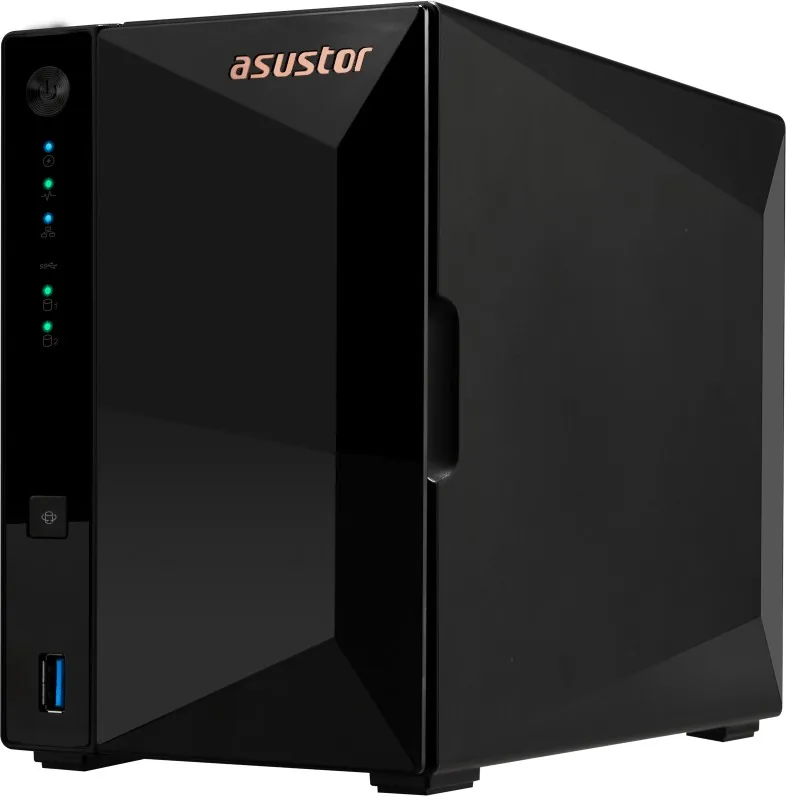
23 Pages
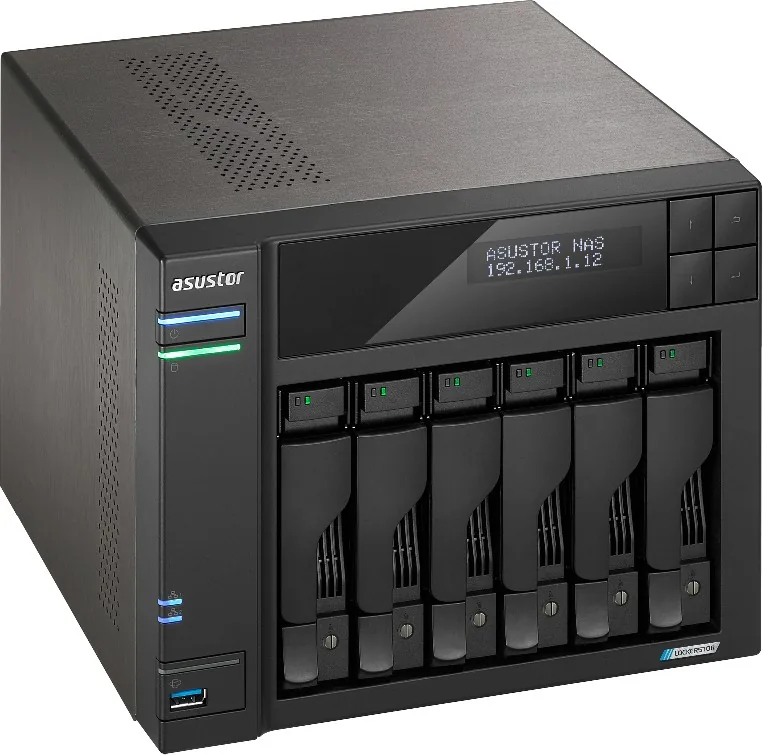
41 Pages
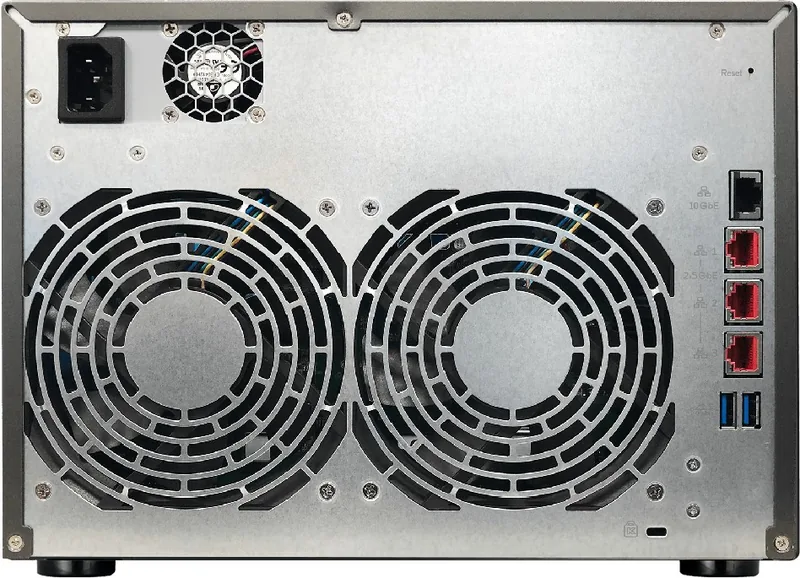
34 Pages
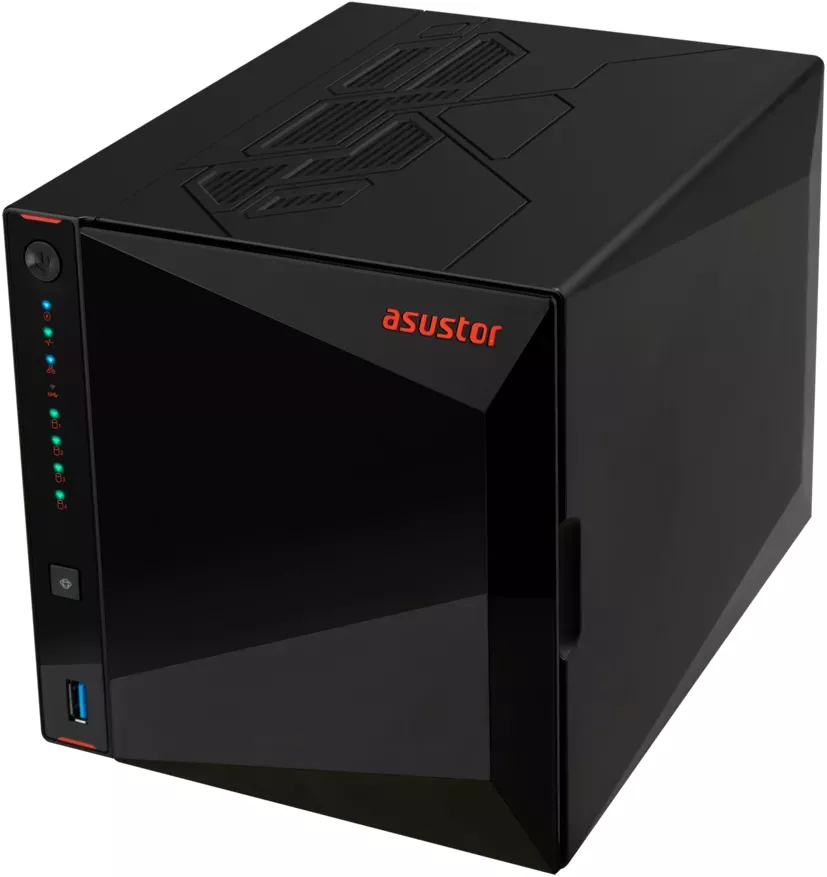
29 Pages

152 Pages
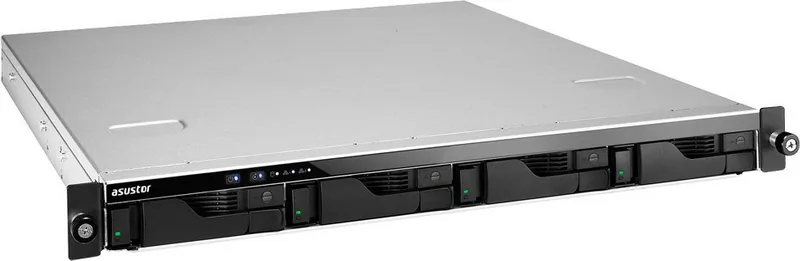
29 Pages
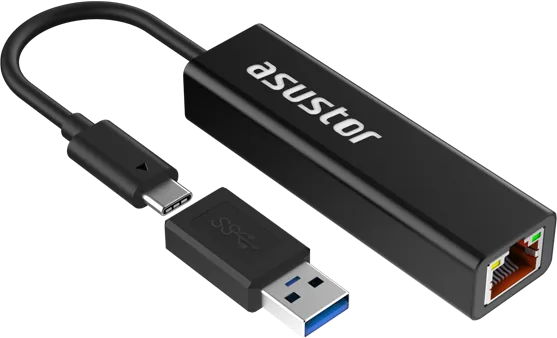
2 Pages
30 Pages
33 Pages
Categories

Free Asustor Manuals - Read, Download & Print
Find free Asustor manuals for NAS devices, storage systems, network appliances, and related accessories. Whether you are setting up a new Asustor NAS, troubleshooting a connection problem, replacing a hard drive, configuring backups, or learning how to use ADM software, the right manual can make every task easier. Read user guides online, download PDF documentation for offline access, or print important pages for use during installation and maintenance.
Find the Right Asustor Manual
Asustor produces network attached storage solutions for homes, offices, creative professionals, and businesses. Because each model can include different drive bays, ports, expansion options, processors, and software capabilities, it is important to use documentation designed for the exact product you own. Manuals commonly provide model-specific instructions, diagrams, safety information, specifications, and support guidance.
Search for manuals by the model number shown on the NAS enclosure, packaging, purchase invoice, or device label. Product names may include AS, ASX, Lockerstor, Drivestor, Flashstor, Nimbustor, or other Asustor series labels. Selecting the correct manual helps ensure that installation steps, compatibility details, and hardware illustrations match your equipment.
Documentation for NAS Owners
An Asustor NAS manual is useful at every stage of ownership. New users can follow the initial setup process, while experienced administrators can use the documentation to review advanced storage, networking, and security features. Manuals may cover topics such as:
- Installing hard disk drives or solid state drives
- Connecting Ethernet, power, USB, HDMI, and expansion devices
- Locating buttons, status LEDs, drive trays, and ports
- Starting the NAS and accessing the web-based setup interface
- Installing and updating Asustor Data Manager, also known as ADM
- Creating storage volumes, RAID groups, shared folders, and user accounts
- Setting up remote access, mobile applications, and cloud services
- Configuring backups, snapshots, synchronization, and data protection
- Managing multimedia applications and home entertainment features
- Performing routine maintenance and solving common problems
Read Asustor Manuals Online
Reading an Asustor manual online is a convenient option when you need fast answers without saving a file. Online documentation can be useful from a desktop computer, tablet, or phone while you are working near the NAS. Use the table of contents, page thumbnails, or search function to quickly locate instructions for a specific feature or error.
Online manuals are especially helpful when you need to confirm a hardware connection, identify an LED pattern, check supported drive installation procedures, or review a warning before making a configuration change. Keep the manual open in a separate browser tab while completing setup steps in the ADM management interface.
Easy Reference for Setup and Configuration
Most users consult their Asustor documentation during first-time installation. The guide may explain how to safely unpack the device, install compatible drives, connect the NAS to a router or switch, and find the device on the local network. It can also provide a walkthrough for creating an administrator account and configuring essential settings.
After basic installation, manuals can help with more detailed configuration. You may learn how to create shared folders for family members or employees, assign user permissions, enable file services, connect computers using Windows, macOS, or Linux, and organize storage for documents, photos, videos, and backups. Clear instructions are valuable when changing settings that affect access rights or data availability.
Download Asustor Manuals in PDF Format
Downloading an Asustor manual provides a dependable offline reference. PDF manuals can be saved on a computer, phone, tablet, USB drive, or cloud storage account. This is useful if your internet connection is unavailable, the NAS is being moved to a different location, or you need documentation during a network outage.
A downloaded manual is also easy to search, archive, and share with authorized technicians or team members. Save the PDF using a clear filename that includes the Asustor model number and document version. If you manage several devices, create a folder for each NAS and store its quick installation guide, full user manual, warranty information, and any relevant software documentation together.
Benefits of Keeping a Local Copy
Having a local copy of an Asustor guide helps make maintenance more efficient. You can review drive replacement instructions before removing a disk, check the recommended shutdown procedure before relocating the unit, or compare port layouts when attaching peripherals. Local documentation is also useful for organizations that maintain written records of their hardware and configuration processes.
When downloading manuals, confirm that the guide applies to your exact product version. Some manuals support multiple related models, while others are limited to one chassis or series. Check the title page, supported model list, publication date, and revision number. Newer firmware releases can add or change features, so supplement hardware manuals with current ADM guides when necessary.
Print Important Manual Pages
Printing selected pages from an Asustor manual can be practical during physical installation, drive upgrades, and troubleshooting. A printed checklist reduces the need to switch between screens while connecting cables, installing disks, or navigating a rack or equipment cabinet. Print only the pages you need to keep the reference material organized and reduce paper use.
Useful pages to print may include the hardware overview, drive installation diagrams, quick setup instructions, port descriptions, reset button information, safety warnings, and troubleshooting tables. For business environments, printed network configuration notes and recovery procedures can be stored securely with other IT documentation.
Printing Tips
Before printing, use the PDF preview to select specific page ranges. Choose landscape orientation for wide diagrams or tables, and use standard portrait orientation for text-heavy instructions. If a manual includes color-coded diagrams, print in color when possible. For long reference documents, double-sided printing and two-page layouts can save paper while keeping the guide readable.
Keep printed manuals away from liquids, heat sources, and static-prone work areas. If you are working inside a NAS enclosure, turn off the unit and follow the safety instructions before handling drives or internal components. Printed material is useful, but it should never replace proper electrical safety practices or current backup procedures.
Troubleshooting With Asustor Documentation
Manuals are often the first place to look when an Asustor NAS does not behave as expected. Troubleshooting sections may explain what different LED colors and blinking patterns mean, how to verify network connections, how to restart the device safely, and how to identify basic storage or system alerts.
Common issues addressed in documentation can include a NAS that is not detected on the network, a drive that is not recognized, slow file transfers, failed login attempts, inaccessible shared folders, unexpected beeping, or problems accessing applications. Follow instructions in order and avoid making multiple changes at once. Recording what you changed makes it easier to reverse a setting or provide accurate information if additional support is needed.
Protect Your Data During Maintenance
Before changing RAID settings, replacing disks, resetting configuration options, or updating firmware, review the relevant manual instructions and ensure important data is backed up. RAID can improve availability in certain configurations, but it is not a complete backup strategy. Keep separate copies of important files on another device, external storage, or a trusted cloud destination.
Use the documented shutdown process whenever possible. Abruptly disconnecting power can increase the risk of file system issues or incomplete writes. If a guide includes a recovery procedure, read all steps before beginning and verify that you understand any impact on settings, users, applications, or stored data.
Get More From Your Asustor NAS
Free Asustor manuals can help you use more than basic file storage. Depending on your model and ADM version, your NAS may support private cloud access, media streaming, surveillance recording, virtualization tools, Docker containers, USB backup, snapshot protection, synchronization, and app-based services. Documentation can introduce available features and explain the system requirements for each one.
Review the manual whenever you add a new use case. For example, a guide may show how to connect the NAS to a television through HDMI, configure a media server, enable encrypted connections, create automated backups, or set up notifications for disk and system events. Understanding these options can help you build a storage solution that fits your home or workplace.
Use Manuals Alongside Current Support Resources
A manual is an essential reference, but software menus and available features may vary after ADM updates. For the most accurate results, use the manual that matches your model and consult current Asustor support resources for firmware notes, compatibility lists, downloads, and updated technical information. This approach is especially important when selecting hard drives, expansion units, memory upgrades, or third-party applications.
Keep your documentation organized, download the guides you use most often, and print only the pages needed for hands-on work. With free Asustor manuals available to read, download, and print, you can install, manage, maintain, and troubleshoot your NAS with greater confidence.
Search for 67,706 Manuals online


Type-in Brand or Model