
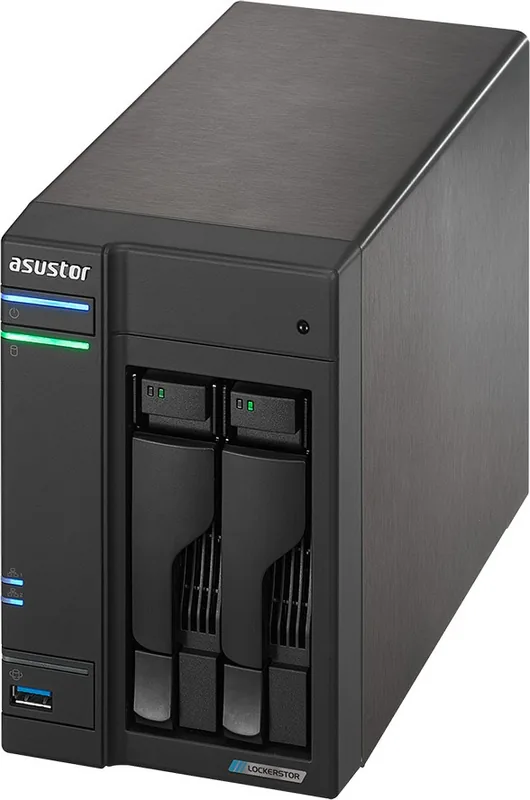
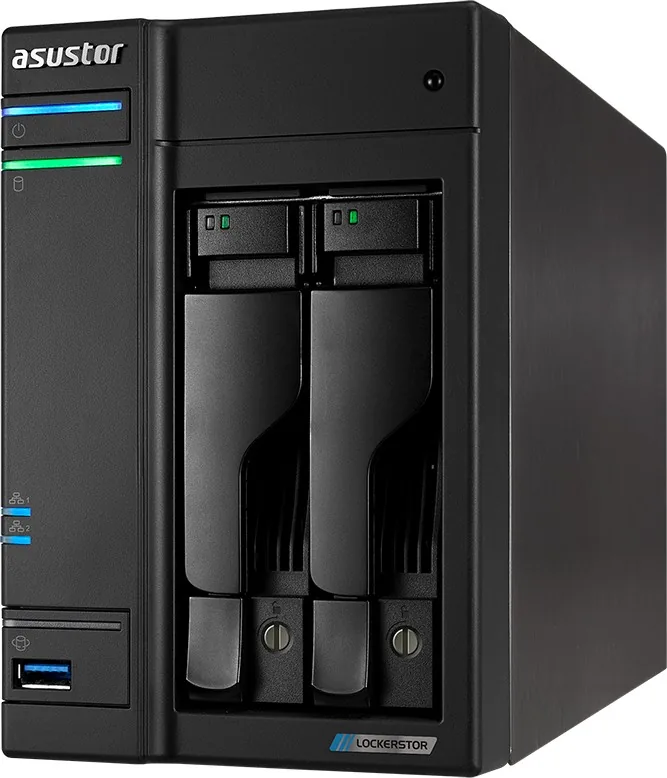
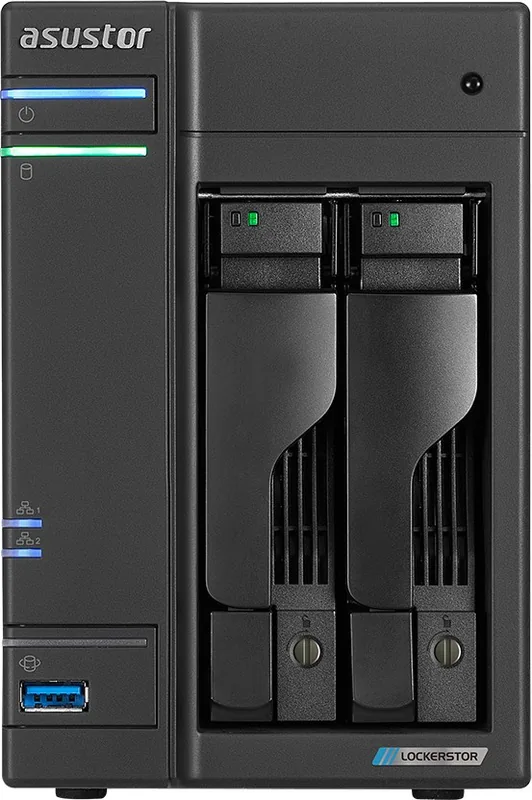
Asustor AS65/AS66 Lockerstor Manual
PDF manual · 140 Pages
English



Quick check
Incorrect answer, please try again.
Chat with your Asustor AS65/AS66 Lockerstor manual using AI
Get instant AI answers from your Asustor AS65/AS66 Lockerstor manual
Ask anything about the Asustor AS65/AS66 Lockerstor. Answers come from this manual, with the pages they are based on.
Ask a Question
Do you recommend AS65/AS66 Lockerstor?
Yes NoFrequently Asked Questions
It is designed as centralized network storage for homes, creators, and small organizations. It combines shared storage, private-cloud access, backup, multimedia services, surveillance options, and expandable applications through ADM and App Central.
Is this answer helpful?
The platform supports Windows, macOS, Linux, and mobile workflows. Available connection methods include SMB/CIFS, AFP, NFS, FTP, WebDAV, SSH, browser-based ADM access, and ASUSTOR mobile applications.
Is this answer helpful?
Protection options include RAID configurations, scheduled or manual snapshots, local and remote backup jobs, external-drive backups, cloud backup support, shared-folder encryption, disk health checks, and access controls. RAID improves availability but does not replace an independent backup.
Is this answer helpful?
Yes. EZ Connect provides Cloud ID-based remote access, while DDNS and router configuration can provide additional connection options. For safer remote use, enable HTTPS, use strong passwords, limit access with firewall rules, and keep ADM updated.
Is this answer helpful?
ADM includes firewall settings, trusted IP lists, automatic blacklisting after repeated failed logins, IP and geolocation rules, encrypted shared folders, SSL certificate management, user and group permissions, Windows ACL support, and activity logs.
Is this answer helpful?
Yes. App Central can add services for media streaming, music, photos, video, downloads, surveillance, VPN, cloud synchronization, databases, websites, and other workloads. Availability can vary by model, ADM version, and app requirements.
Is this answer helpful?
Advantages and Disadvantages
Advantages

- Supports cross-platform sharing through SMB, AFP, NFS, FTP, WebDAV, SSH, and mobile access options.
- Flexible RAID, snapshots, disk diagnostics, iSCSI, MyArchive, and multiple backup methods support strong data management.
- ADM Defender, encryption, SSL certificates, access controls, and automatic login blocking strengthen security.
- App Central extends the NAS for media, surveillance, downloads, cloud sync, VPN, websites, and more.
- Power scheduling, disk hibernation, sleep mode, and fan controls help manage energy use.
Disadvantages

- RAID choices, hardware features, and supported functions vary by Lockerstor model and drive count.
- Encrypted folders require careful password and key management; lost credentials can make data unrecoverable.
- Remote access requires correct EZ Connect, DDNS, router, or network configuration.
- Some active downloads, recordings, sync jobs, and backups can prevent sleep mode.
- Third-party apps may have different stability, support, and compatibility levels than verified ASUSTOR apps.
Product Specification
Hard Drive
N/A
Warranty
36 months
USB Writing Mode
Link
Product Description
Asustor AS65 / AS66 Lockerstor NAS Gen1 - Read, Download & Print Free
The Asustor AS65 / AS66 Lockerstor NAS Gen1 range is built for users who want centralized storage, dependable protection, and flexible services in one always-available system. Powered by ASUSTOR Data Master (ADM), these NAS units provide a polished browser-based workspace for organizing data, managing accounts, and tailoring services to home, creative, and small-business needs.
A private cloud with broad compatibility
Lockerstor Gen1 systems make it simple to access shared content across Windows, macOS, Linux, and mobile devices. SMB, AFP, NFS, FTP, WebDAV, and SSH support help the NAS fit into mixed-device environments. EZ Connect and DDNS options extend access beyond the local network, while Searchlight helps locate stored items quickly from the ADM interface.
ADM also gives each user a customizable desktop, taskbar controls, storage visibility, and practical tools for browsing, moving, uploading, downloading, and sharing content. Share links can be created with expiration dates, providing a controlled way to distribute selected items without opening wider access than necessary.
Storage, backup, and recovery options
The AS65 and AS66 Lockerstor Gen1 family supports flexible volume planning with Single, JBOD, RAID 0, RAID 1, RAID 5, RAID 6, and RAID 10 configurations, depending on the model and installed drives. This enables owners to balance capacity, speed, and fault tolerance around their priorities. Disk health features, S.M.A.R.T. checks, and compatible IronWolf Health Management tools add useful visibility into drive condition.
Snapshot Center offers scheduled and manual snapshots for supported Btrfs volumes and iSCSI LUNs. Snapshots can be previewed and used to recover earlier content after accidental changes or corruption. Backup choices include Rsync, FTP, internal destinations, external USB or eSATA drives, one-touch backup, and compatible cloud services. MyArchive adds removable-drive flexibility for transfer, archiving, or off-site rotation.
Security and media-ready versatility
ADM Defender provides firewall rules, trusted addresses, automatic blocking after failed sign-ins, and black or white lists. SSL certificates, including Let's Encrypt support, help protect supported connections. Shared folders can be encrypted, and detailed user, group, domain, and Windows ACL permissions make access control more precise.
Beyond storage, Lockerstor Gen1 can act as a multimedia and service hub. App Central expands the platform with tools for downloads, surveillance, media streaming, music, photos, VPN access, websites, databases, synchronization, and more. Power scheduling, disk hibernation, sleep settings, and fan controls help reduce unnecessary energy use.
Note: Available RAID levels, hardware controls, expansion options, and app compatibility vary by specific Lockerstor model and installed drives. Plan backups before changing volumes, encryption settings, or factory defaults.
Search for 67,706 Manuals online


Type-in Brand or Model