
Asustor AS65 Lockerstor Manual
PDF manual · 33 Pages
English



Quick check
Incorrect answer, please try again.
Chat with your Asustor AS65 Lockerstor manual using AI
Get instant AI answers from your Asustor AS65 Lockerstor manual
Ask anything about the Asustor AS65 Lockerstor. Answers come from this manual, with the pages they are based on.
Ask a Question
Do you recommend AS65 Lockerstor?
Yes NoFrequently Asked Questions
The AS65XXR series supports up to 128GB of system memory, allowing users to upgrade their storage appliance for better multitasking and application performance.
Is this answer helpful?
Press the release button to pull out the tray, mount the drive using four screws, slide the tray back until it clicks, and lock it with the provided key to ensure security.
Is this answer helpful?
Yes, but you must unplug the power cord first, push the lever to release the PSU, remove the old unit, and insert the new one until it clicks into place.
Is this answer helpful?
The blue power LED lights up, the green system status LED flashes during boot, and the system beeps once ready, indicating the NAS is fully operational.
Is this answer helpful?
Use the included Ethernet cables to connect the NAS to your router or switch. The network LED will light up steadily when the connection is established successfully.
Is this answer helpful?
Check your network connection, disable firewalls, ensure both devices are on the same LAN, or try connecting directly with a cable and setting a static IP address.
Is this answer helpful?
Advantages and Disadvantages
Advantages

- Supports up to 128GB of system memory for enhanced performance
- Dual power supply options available for critical redundancy
- Flexible drive bays accommodate both 2.5-inch and 3.5-inch SATA disks
- Multiple installation methods including mobile app and web interface
- PCI Express slot allows for future hardware expansion
Disadvantages

- Memory installation voids warranty if not performed by qualified personnel
- Requires careful static electricity precautions during internal upgrades
- Initial setup may take time due to automatic memory checks
- Network detection issues may require manual IP configuration
- Specific power adapter required; third-party adapters risk damage
Product Specification
Hard Drive
N/A
External
2x 2.5GBase-T, 2x Gb LAN
Additional Ports
4x USB-A 3.0, 1x PCIe 3.0 x8 (electrically x4)
RAID Level
0/1/5/6/10
CPU
Intel Atom C3538, 4C/4T, 2.10GHz, 8MB+1MB Cache, 15W TDP, Codename "Denverton" (Goldmont, Intel 14nm)
RAM
8GB DDR4 SO-DIMM (1x 8GB, 3 Slots free, max. 128GB), 8GB Flash
Warranty
36 months
USB Writing Style
Link
Product Description
Asustor AS65 Lockerstor Rackmount NAS: A Powerful Storage Solution
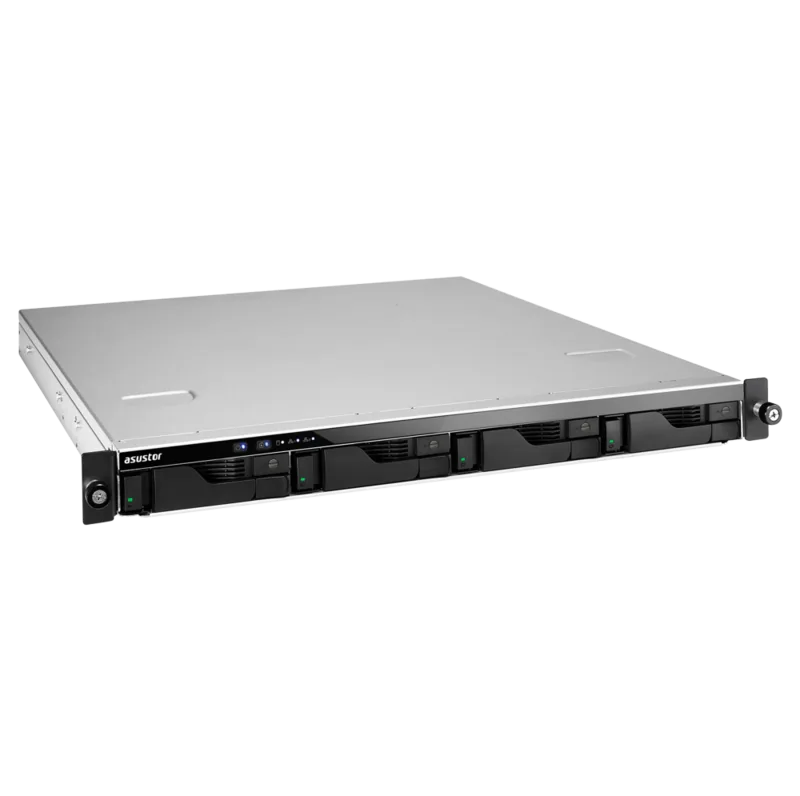
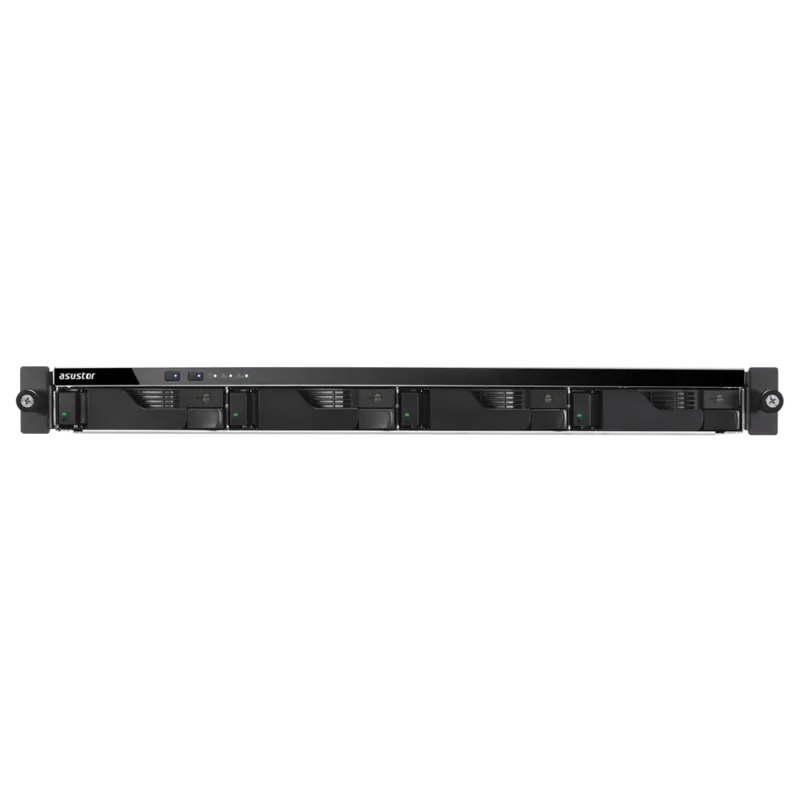
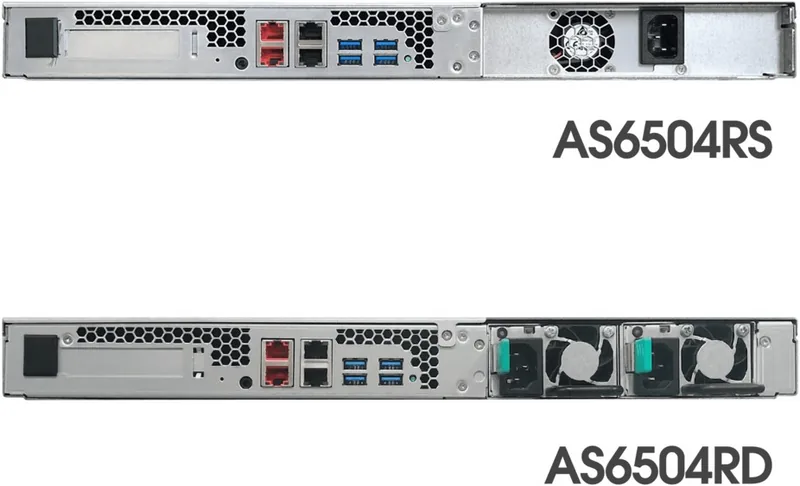
The Asustor AS65 Lockerstor Rackmount NAS series, including models like the AS6504RD and AS6512RD, represents a robust entry into enterprise-grade storage. Designed for small to medium businesses, these devices offer exceptional flexibility with support for up to twelve hard drives in the larger configuration. The rackmount form factor ensures seamless integration into server rooms, while the dual power supply options on select models provide critical redundancy for uninterrupted operations.
Users can easily install 2.5-inch or 3.5-inch SATA drives using the tool-free tray mechanism, which features a secure locking system to prevent accidental removal. The hardware is built for expansion, supporting memory upgrades up to 128GB and featuring PCI Express slots for adding network cards or other peripherals. This makes the system adaptable to growing data needs without requiring a complete hardware overhaul.
Software management is streamlined through multiple installation methods. Administrators can utilize the ASUSTOR Control Center for Windows and Mac, configure the device via a web browser, or use the AiMaster mobile app for on-the-go setup. The ADM operating system provides an intuitive interface for managing files, media streaming, and backup tasks. With 2.5GbE and 1GbE ports available, the NAS delivers high-speed connectivity suitable for demanding network environments.
Safety and compliance are prioritized, with FCC and CE certifications ensuring the device meets international standards for electromagnetic compatibility and safety. Proper ventilation and environmental controls are essential for longevity, as the unit operates best within specific temperature ranges. Whether you are building a home lab or securing business data, this NAS offers a reliable foundation for your digital infrastructure.
Important Notes
- Always back up data before initializing the system as all existing data will be erased.
- Use only approved power adapters to avoid damaging the internal components.
- Ground yourself before handling memory modules to prevent electrostatic discharge damage.
Search for 67,706 Manuals online


Type-in Brand or Model