
Asustor AS33 Drivestor PRO Manual
PDF manual · 23 Pages
English



Quick check
Incorrect answer, please try again.
Chat with your Asustor AS33 Drivestor PRO manual using AI
Get instant AI answers from your Asustor AS33 Drivestor PRO manual
Ask anything about the Asustor AS33 Drivestor PRO. Answers come from this manual, with the pages they are based on.
Ask a Question
Do you recommend AS33 Drivestor PRO?
Yes NoFrequently Asked Questions
The range includes the AS3302T and AS3304T. The AS3302T has two drive bays, while the AS3304T has four drive bays.
Is this answer helpful?
The NAS supports compatible 3.5-inch and 2.5-inch SATA hard drives or SSDs. At least one compatible drive is needed before initialization.
Is this answer helpful?
Connect the NAS to a router, switch, or hub with an Ethernet cable. It includes a 2.5 Gigabit RJ-45 network port for compatible high-speed wired networks.
Is this answer helpful?
Setup can be completed with ASUSTOR Control Center on Windows or macOS, through a web browser using the NAS IP address, with the AiMaster mobile app, or through a direct connection method.
Is this answer helpful?
Yes. Initialization can erase all data on installed drives. Back up important data before installing drives and starting system setup.
Is this answer helpful?
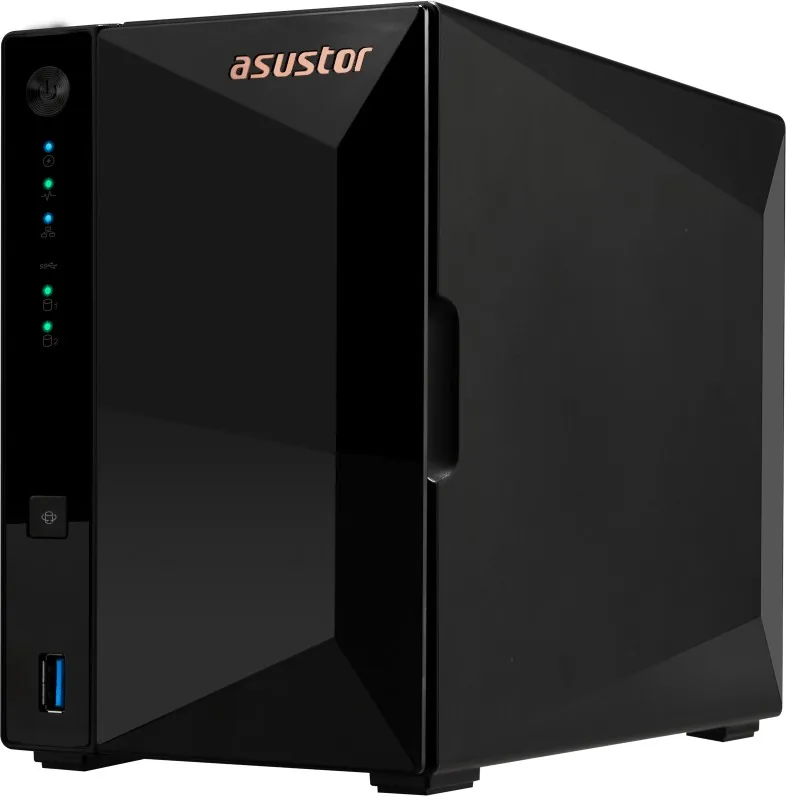
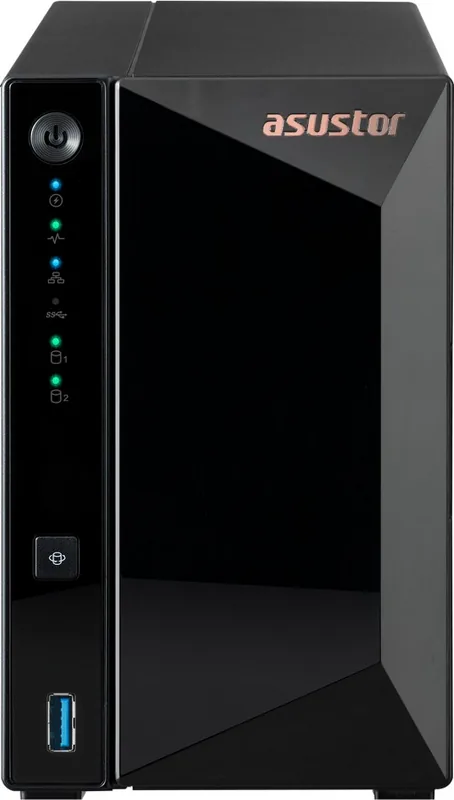
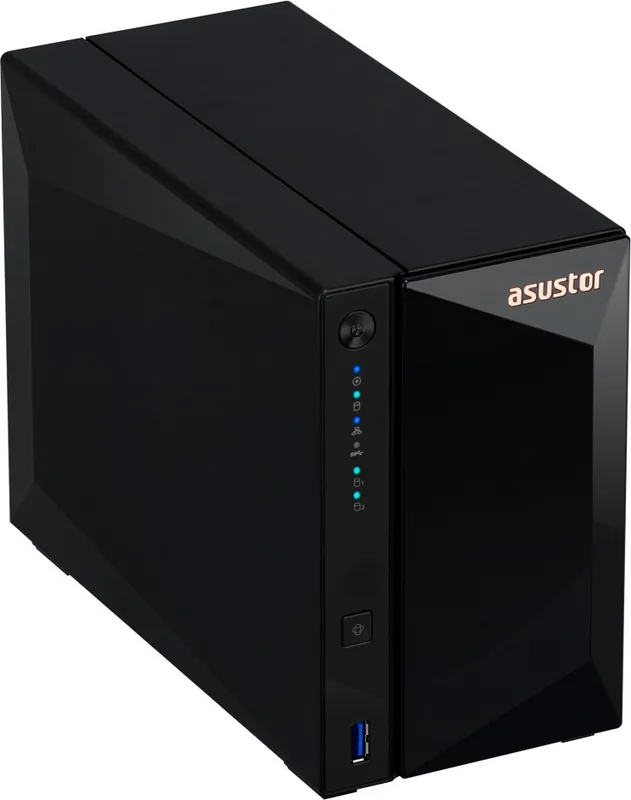
The LEDs show power, system status, network connection, USB status, disk readiness, data access, and possible disk faults. A solid green system status light indicates the NAS is ready.
Is this answer helpful?
Advantages and Disadvantages
Advantages

- Available in 2-bay AS3302T and 4-bay AS3304T versions for flexible storage planning.
- Supports 3.5-inch and 2.5-inch SATA drives, allowing users to select compatible capacity options.
- Includes a 2.5 Gigabit RJ-45 port for faster wired networking on compatible infrastructure.
- Offers setup through desktop software, a web browser, mobile app, or direct network connection.
- Front LEDs provide clear status feedback for power, network, USB activity, drive access, and disk faults.
Disadvantages

- Drives are not included, so total cost depends on the selected compatible SATA disks.
- System initialization may erase data stored on installed drives, requiring a backup beforehand.
- Network discovery requires the NAS and client device to be on the same local network.
- Only one front USB 3.2 Gen 1 port is listed in the provided specifications.
- A wired network connection is required for normal router, switch, or hub integration.
Product Specification
Hard drive
N/A
External
1 x 2.5GBase-T
Additional ports
3 x USB-A 3.0 (Host)
CPU
Realtek RTD1296, 4 x 1.40 GHz (ARM Cortex-A53)
RAM
2 GB DDR4, 8 GB Flash
Features
iSCSI, 256-bit AES encryption, FTP server, iTunes server, BitTorrent client, WebDAV, 4K transcoding, anti-theft protection (Kensington Lock)
Warranty
3 years
USB notation
Link
Product Description
Asustor AS33 Drivestor PRO NAS - Read, Download & Print Free
The Asustor AS33 Drivestor PRO NAS is a practical network storage solution for households, creators, and small offices that want centralized access to digital content. Available in AS3302T and AS3304T configurations, it provides two or four drive bays for building storage around compatible 3.5-inch or 2.5-inch SATA drives. This flexible approach lets users choose capacity and redundancy that suit their needs.
Designed for a straightforward setup, the Drivestor PRO connects to a router, switch, or hub through its 2.5 Gigabit RJ-45 network port. The faster wired connection can improve transfers between compatible devices, making it useful for backing up computers, organizing media libraries, and sharing work files across a local network. A USB 3.2 Gen 1 port also supports connected USB devices and data access.
Installation and daily operation
Drive installation is designed to be approachable. Users remove the front cover, slide out a drive tray, fit a compatible drive, and lock the tray back into place. The included screws support 2.5-inch drive installation, while the tray rails simplify fitting 3.5-inch drives. Before initialization, important data on installed drives should be backed up because setup can erase existing content.
Power and network status are easy to monitor through front LED indicators. Separate lights show system readiness, network activity, USB status, and drive activity or errors. The system status indicator changes from blinking to solid green when the NAS is ready, while the network light identifies a connected port. A red drive light helps highlight a potential disk issue that needs attention.
Flexible setup options
Asustor provides several ways to initialize the Drivestor PRO. Desktop users can locate the NAS on the local network with ASUSTOR Control Center on Windows or macOS. Those who know the device IP address can use a web browser for setup, while mobile users can discover and initialize the NAS with the AiMaster app on Android or iOS. These choices make the device accessible from different types of hardware.
The power button can be configured to shut down the NAS or place it into sleep mode after a short press. For reliable operation, place the unit on a stable surface, keep ventilation openings clear, and use the supplied power adapter. The recommended operating temperature is 0 to 40 degrees C.
Note: The AS3302T and AS3304T require at least one compatible SATA drive. Keep the NAS and your computer or mobile device on the same local network during discovery and initial setup.
Search for 67,706 Manuals online


Type-in Brand or Model