

Free Weller Manuals – Read, Download & Print
15 Manuals
Manuals
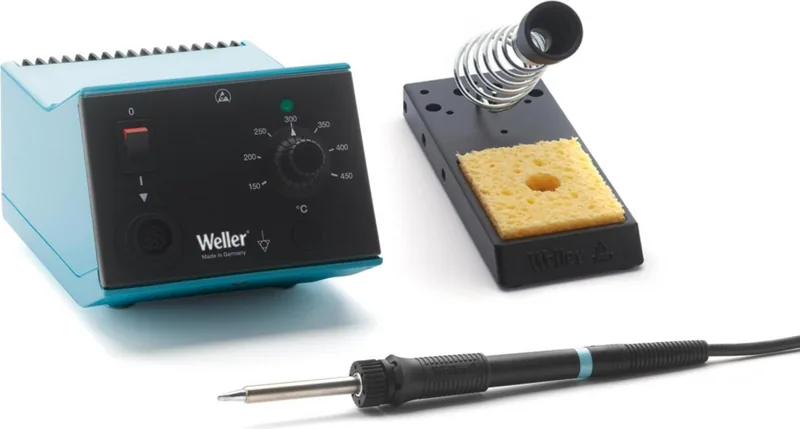
68 Pages
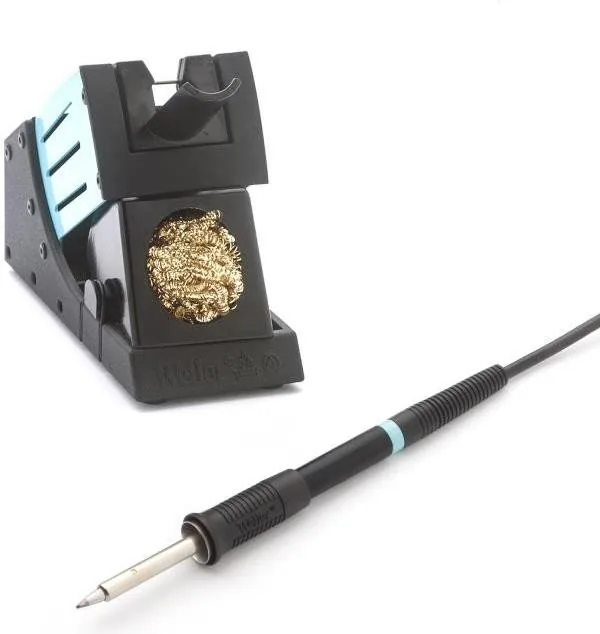
35 Pages
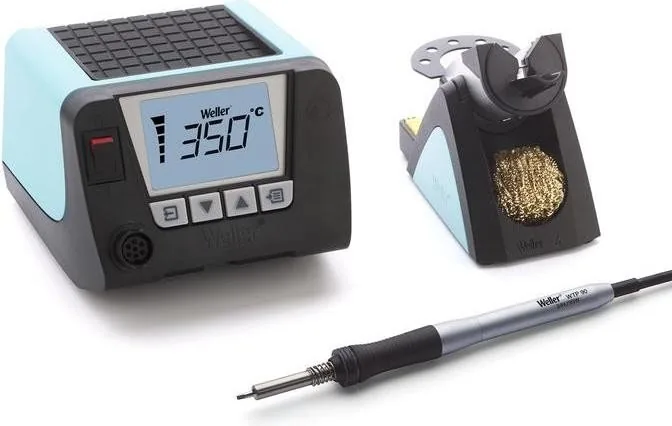
94 Pages
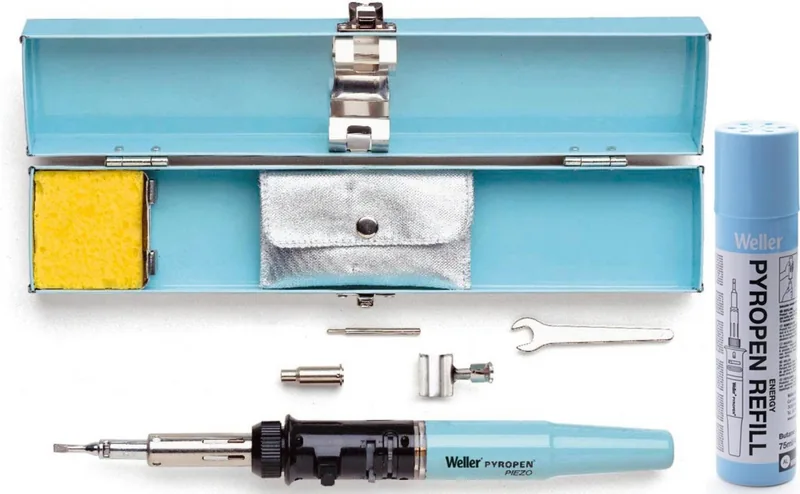
31 Pages
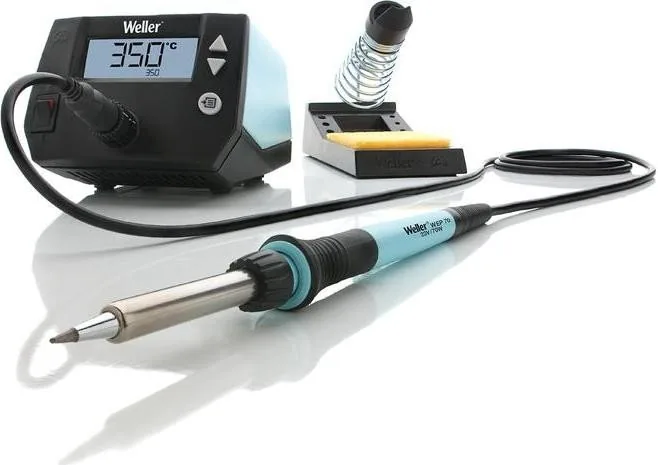
116 Pages
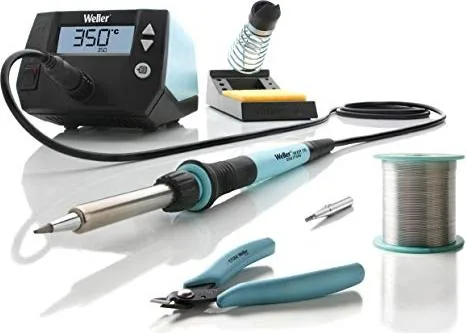
118 Pages
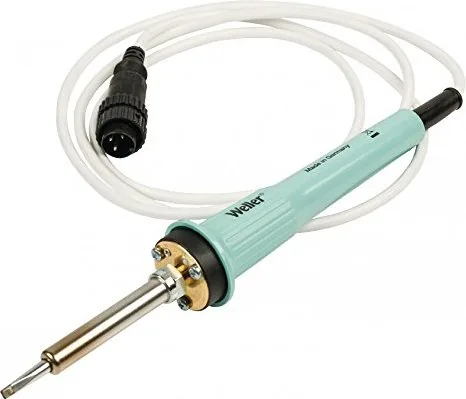
32 Pages
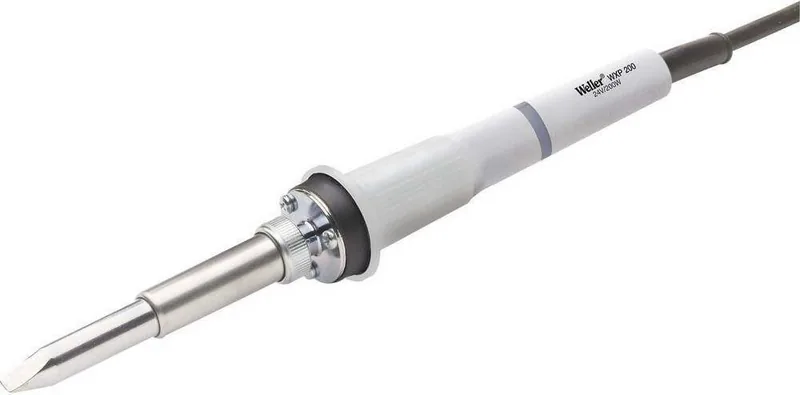
21 Pages
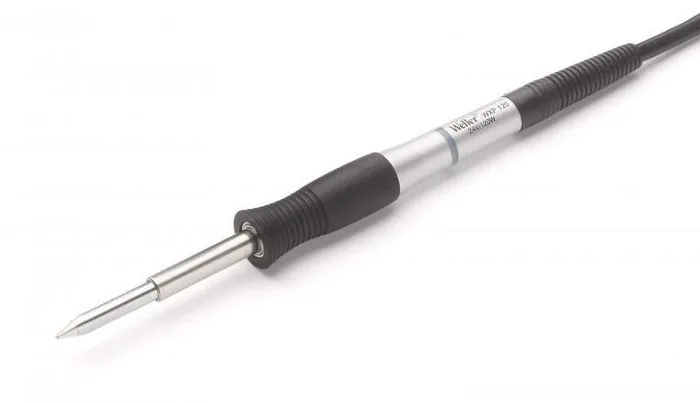
103 Pages
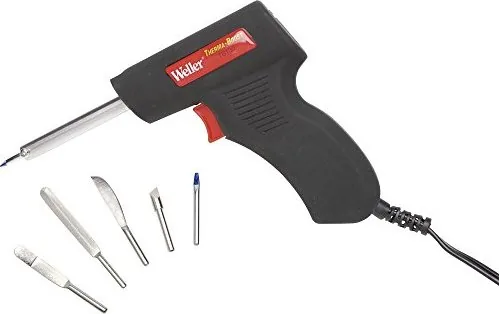
21 Pages
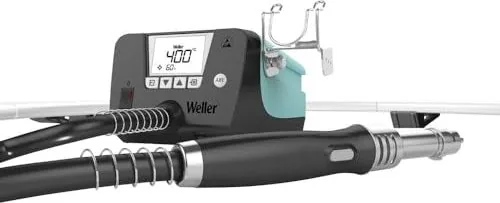
95 Pages
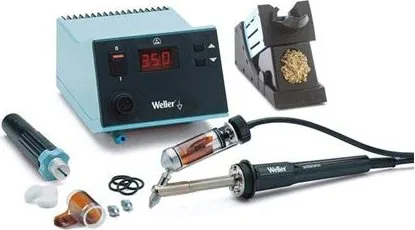
107 Pages
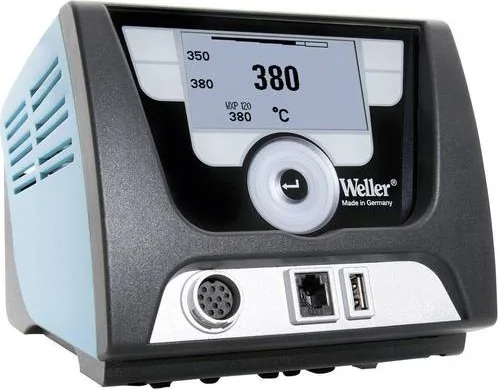
116 Pages
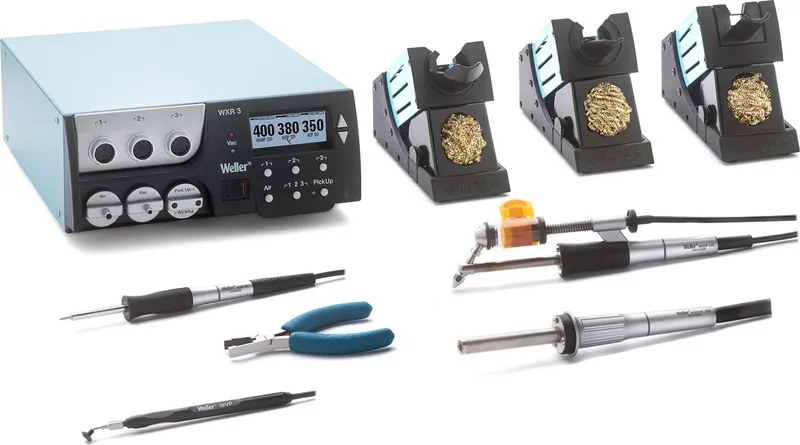
139 Pages
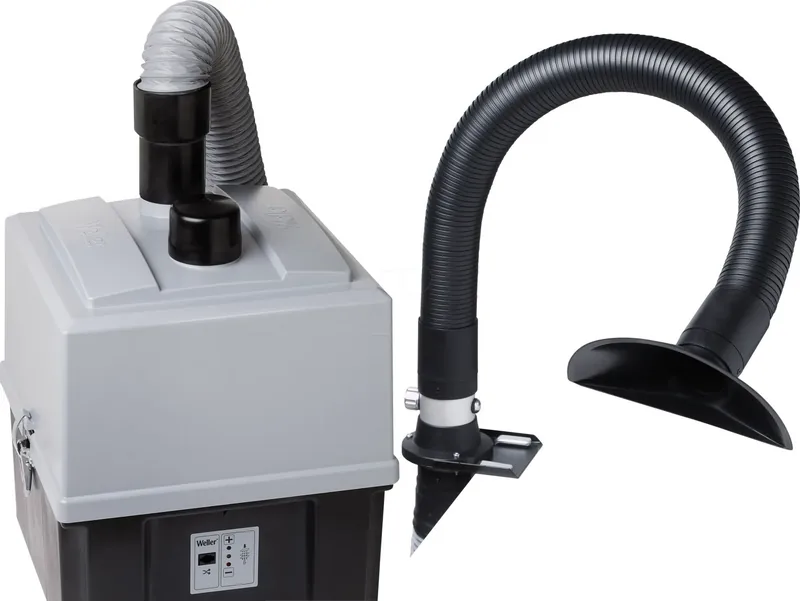
122 Pages
Categories

Free Weller Manuals - Read, Download & Print
Find Weller Tool Documentation in One Place
Weller is widely known for soldering stations, soldering irons, hot air tools, desoldering equipment, fume extraction systems, hand tools, and professional electronics rework products. Whether you are repairing a circuit board, setting up a new workbench, replacing a soldering tip, or troubleshooting a temperature control issue, the right manual can save time and help protect both the tool and the workpiece.
This resource is designed for people looking for free Weller manuals to read online, download for reference, or print for use in a workshop. Product documentation can include operating instructions, safety information, setup guides, parts lists, technical specifications, maintenance instructions, calibration details, wiring diagrams, and troubleshooting information. Having the correct document available makes it easier to use Weller equipment safely and effectively.
Read Weller Manuals Online
Reading a Weller manual online is a convenient option when you need a quick answer without downloading files. Online manuals can help users identify control functions, understand display messages, confirm compatible tips and accessories, and review recommended operating temperatures.
Common information found in Weller operating manuals includes:
- Initial setup and connection instructions
- Temperature adjustment and preset information
- Tip installation and replacement guidance
- Cleaning and care recommendations
- Error codes and warning messages
- Safety notices for heated tools and electrical equipment
- Power requirements and technical ratings
- Compatible handpieces, tips, nozzles, and accessories
Online access is especially useful for technicians who work with multiple stations or need to check instructions at a repair bench. Before starting a task, verify that the document matches the exact Weller model number, version, and regional power configuration of your equipment.
Download Weller Manuals for Offline Use
Downloading a manual provides dependable access when an internet connection is unavailable. A saved PDF can be kept on a computer, tablet, phone, or shared service workstation. This is useful in production areas, field service environments, laboratories, schools, maker spaces, and electronics repair shops.
When downloading documentation, use the file name to identify the model and retain the original document whenever possible. Manuals may be updated over time, and similar-looking products can have different controls, accessories, service procedures, or safety requirements. Keeping the correct version with your equipment helps avoid confusion later.
A downloaded Weller manual may be useful for:
- Training new users on proper station operation
- Reviewing maintenance schedules
- Finding replacement consumables
- Checking fuse, voltage, and electrical specifications
- Diagnosing common operating problems
- Confirming configuration settings
- Creating a local equipment documentation library
For the most accurate and current documentation, consult official Weller product support resources or authorized distributors. Manufacturer documentation is the best source for safety-critical instructions, current specifications, and official service information.
Print Manuals for Your Workbench
Printed manuals remain valuable in hands-on technical environments. A paper copy can be placed near a soldering station, included in a maintenance binder, or stored with the tool for quick access. Printing key pages can be particularly practical when gloves, flux residue, limited screen space, or workshop conditions make digital reference less convenient.
Consider printing the sections that are most useful for daily work, such as safety instructions, operating controls, troubleshooting tables, tip compatibility charts, and maintenance procedures. If the manual includes diagrams, print them at a size that makes labels and connector markings easy to read.
Useful Printing Tips
Print double-sided to reduce paper use while retaining a complete reference copy. For frequently used equipment, place printed pages in a protective sleeve or binder. A laminated quick-reference page can help users locate essential controls and warnings without repeatedly handling the full manual.
Always keep the complete digital manual available as well. Technical documents can contain important notes, expanded diagrams, revision information, and safety details that may not appear in a shortened quick guide.
Types of Weller Manuals and Guides
Weller documentation can cover many product categories. The exact content depends on the tool, its age, and its intended application.
Soldering Station Manuals
Soldering station manuals generally explain power-up procedures, temperature settings, sleep or standby functions, password options, calibration settings, display indicators, and compatible handpieces. Professional stations may include profiles, multiple channels, USB or network functions, and advanced process-control settings.
Soldering Iron and Handpiece Instructions
Handpiece documentation may explain how to install tips, replace heaters, clean contact surfaces, inspect cables, and prevent damage from improper handling. It may also list compatible stations and specify which tips are approved for a particular iron.
Hot Air and Rework System Guides
Hot air manuals commonly include nozzle installation instructions, airflow settings, temperature controls, cool-down procedures, and safe positioning of heat-sensitive components. These guides are important for board rework because excessive heat, poor airflow, or incorrect nozzle selection can damage components and printed circuit boards.
Desoldering Tool Manuals
Desoldering manuals may describe vacuum operation, filter replacement, nozzle cleaning, glass tube maintenance, and blockage removal. Regular cleaning is essential because solder residue can restrict airflow and reduce tool performance.
Fume Extraction Documentation
Fume extraction manuals can include installation instructions, filter-change schedules, airflow specifications, alarm indicators, and placement recommendations. Proper extraction helps improve the working environment when soldering, reworking, or using flux-containing materials.
How to Locate the Correct Weller Manual
The best way to find the right manual is to begin with the complete model number shown on the product label, base station, handpiece, packaging, or purchase documentation. Model names can be similar, so avoid relying only on the product appearance.
Check for details such as:
- Full model or order number
- Product series or station name
- Voltage rating
- Regional version
- Hardware revision or generation
- Connected handpiece model
- Language requirement
If a tool was purchased as part of a kit, the station and handpiece may have separate documentation. A replacement part may also have its own instructions. Matching every relevant part helps ensure that the selected manual applies to the equipment in use.
Safety and Proper Use
Weller tools often operate at high temperatures and may involve electrical power, hot air, vacuum systems, sharp tips, and chemical residues. Read the safety section before using any equipment, especially if the product is unfamiliar or has been stored for a long period.
Use the tool only as intended, place heated handpieces in the proper holder, and allow components to cool before maintenance. Keep flammable materials away from hot tools. Use suitable ventilation or fume extraction where required. Inspect power cords, handpiece cables, stands, filters, and tips for visible damage before operation.
Do not rely on a manual alone when servicing electrical equipment. If a repair involves internal power components, damaged wiring, or calibration procedures beyond normal user maintenance, contact qualified service personnel or an authorized repair provider.
Troubleshooting With a Manual
A manual can help identify common issues before a tool is removed from service. Typical troubleshooting sections explain possible causes of a missing temperature reading, heating failure, unstable temperature, blocked desoldering path, weak airflow, display warning, or accessory detection error.
Start with simple checks recommended by the manufacturer. Confirm power input, cable connections, handpiece seating, tip condition, filter condition, and configuration settings. Replace only approved consumables and parts. If an error continues after following the documented steps, record the model number, error message, and operating conditions before seeking support.
Build a Reliable Weller Documentation Library
Keeping organized manuals for your Weller equipment supports safer operation, faster troubleshooting, and more consistent maintenance. Save documents using clear file names, group them by product type, and note the location of the original official source. Include purchase dates, maintenance records, accessory lists, and calibration history when relevant.
Free Weller manuals can be an important reference for hobbyists, students, technicians, engineers, and repair professionals. Read them before use, download them for offline access, and print essential pages for the workbench. The right documentation helps you get the most from your Weller equipment while maintaining safe, reliable, and accurate results.
Search for 67,732 Manuals online


Type-in Brand or Model