

Free Speedlink Manuals – Read, Download & Print
75 Manuals
Manuals
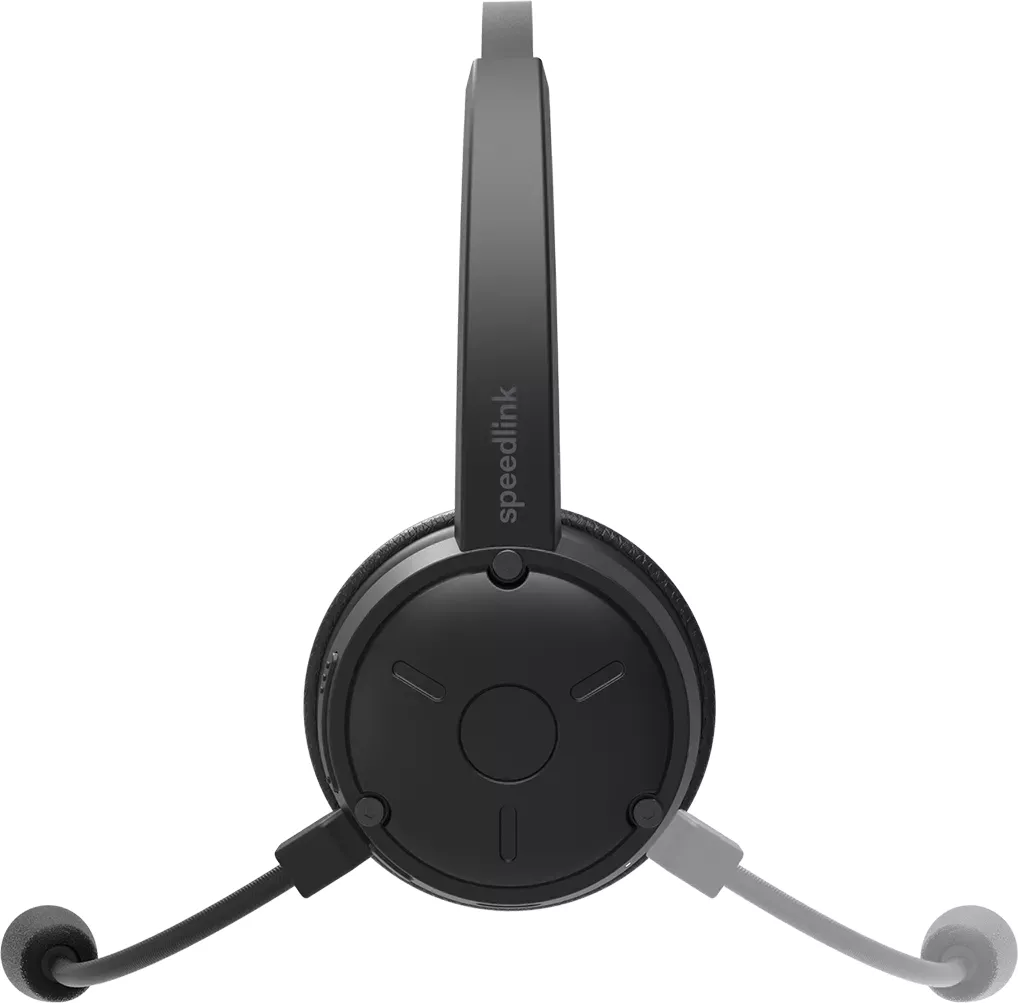
1 Pages
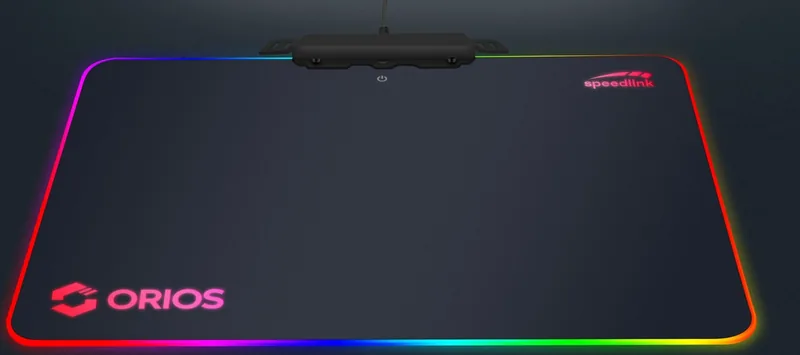
19 Pages
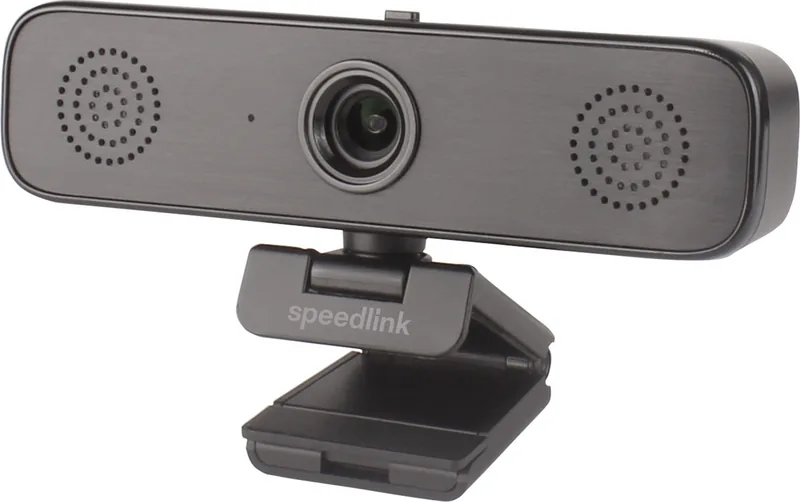
2 Pages
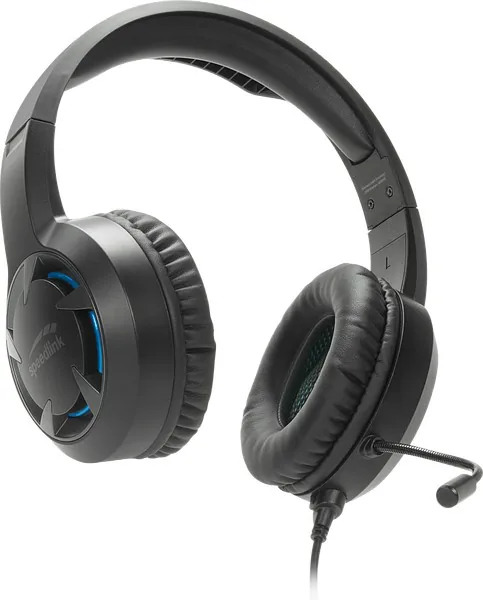
2 Pages
2 Pages
36 Pages
2 Pages
36 Pages
40 Pages
40 Pages
19 Pages
48 Pages
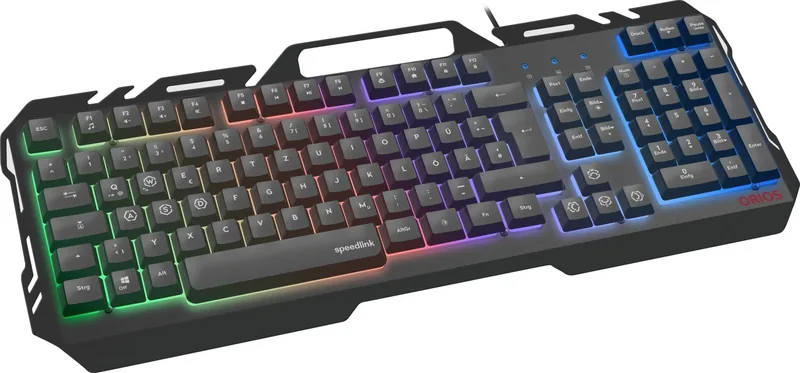
21 Pages
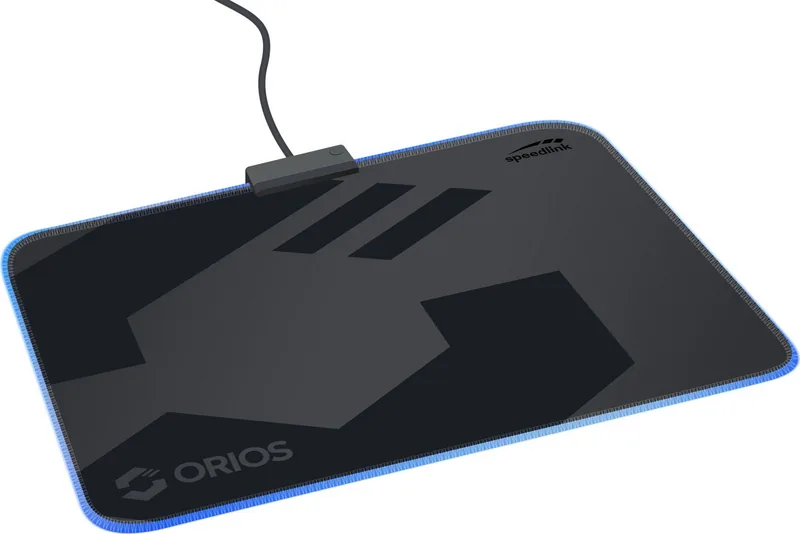
19 Pages
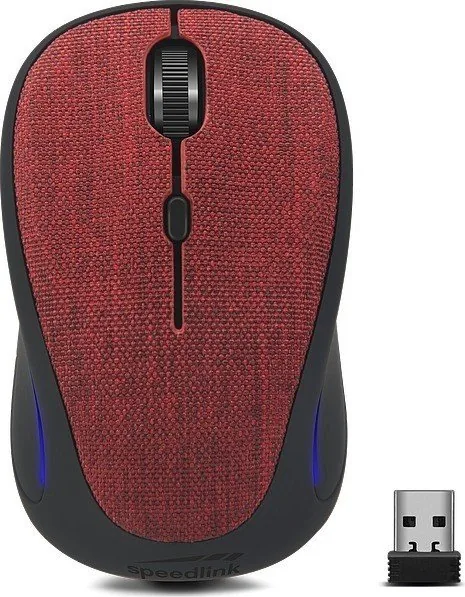
25 Pages
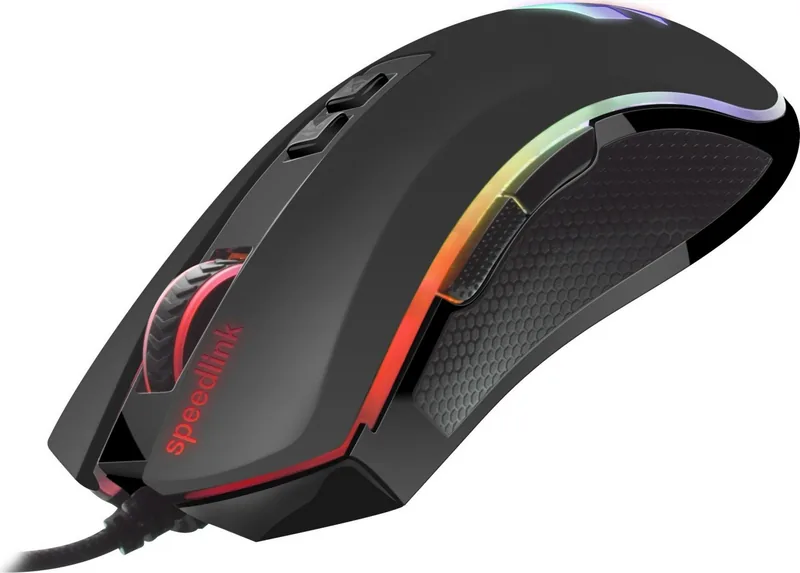
21 Pages
2 Pages
40 Pages
36 Pages
21 Pages
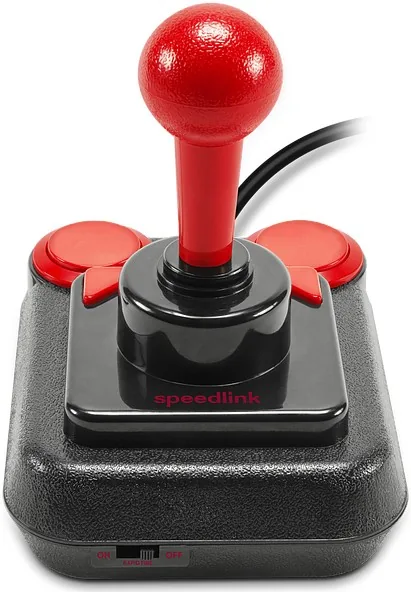
40 Pages
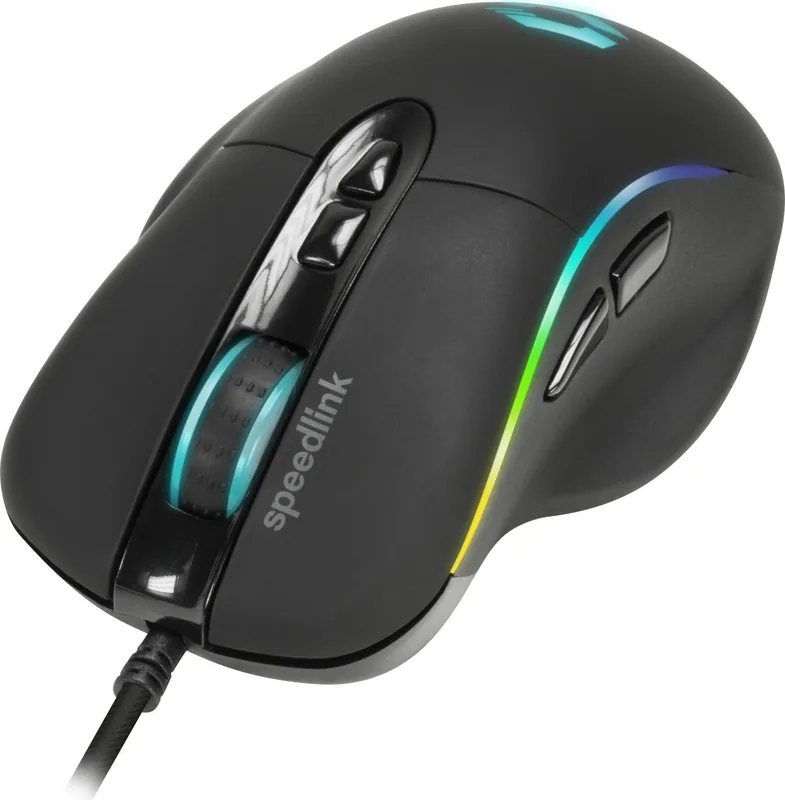
21 Pages
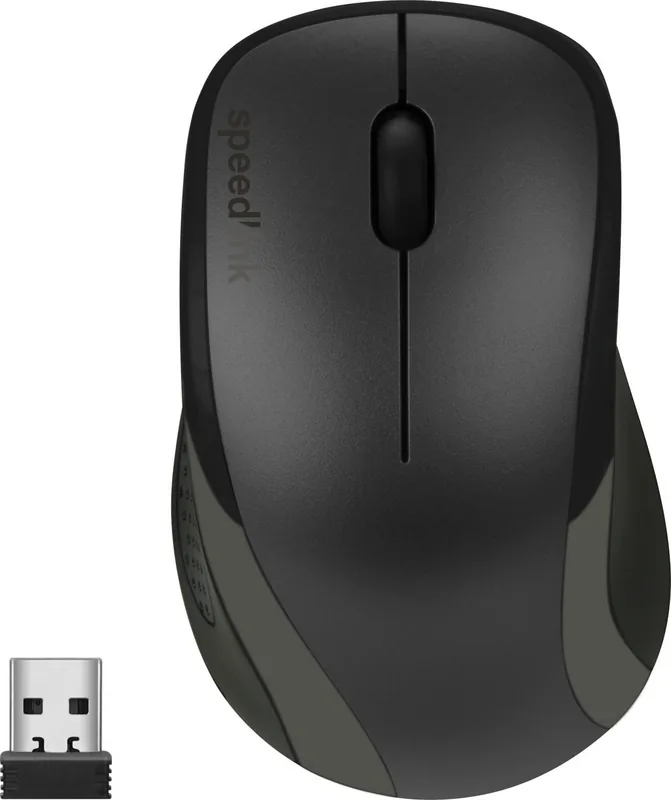
48 Pages
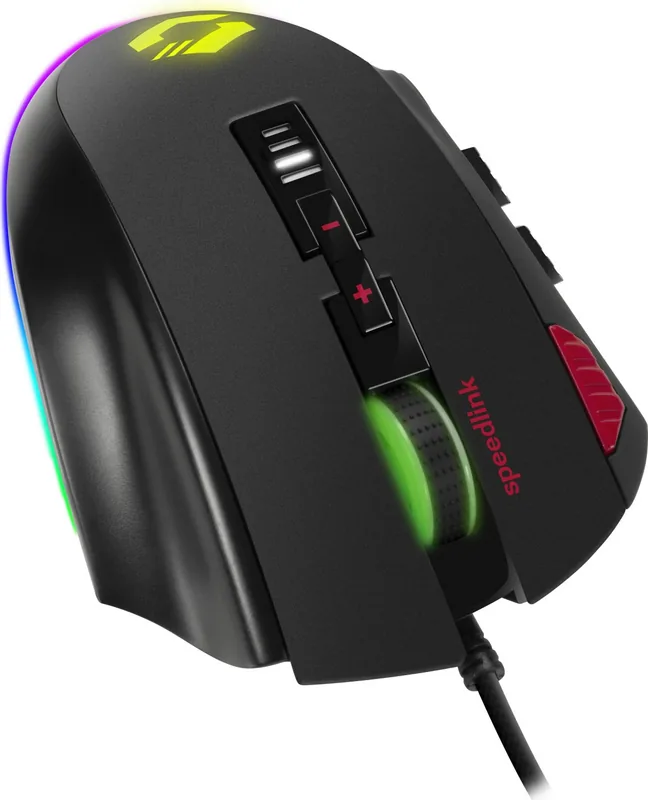
21 Pages
21 Pages
2 Pages
21 Pages
20 Pages
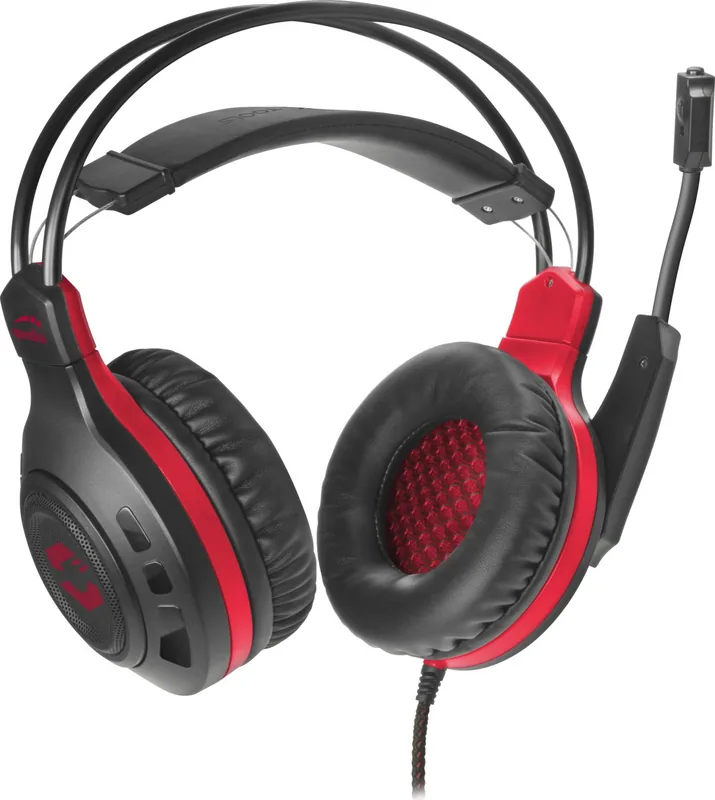
2 Pages
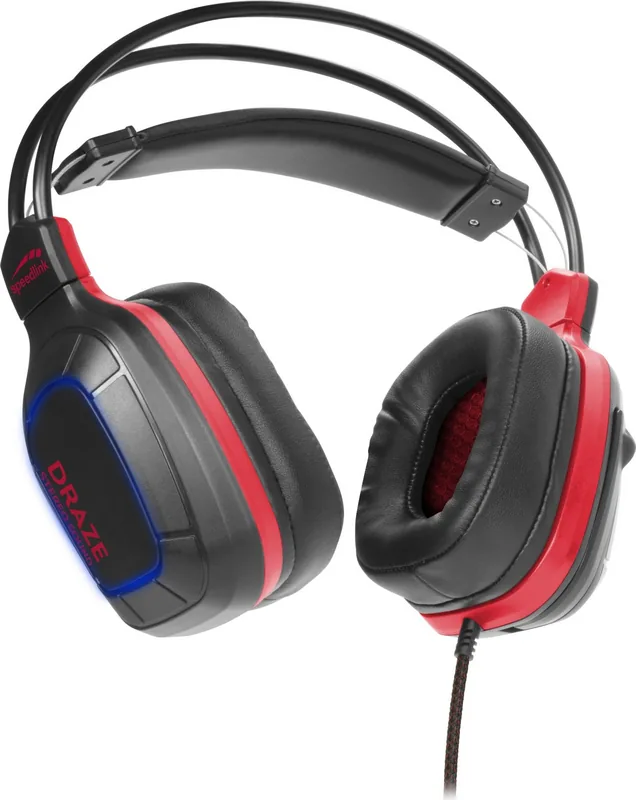
2 Pages
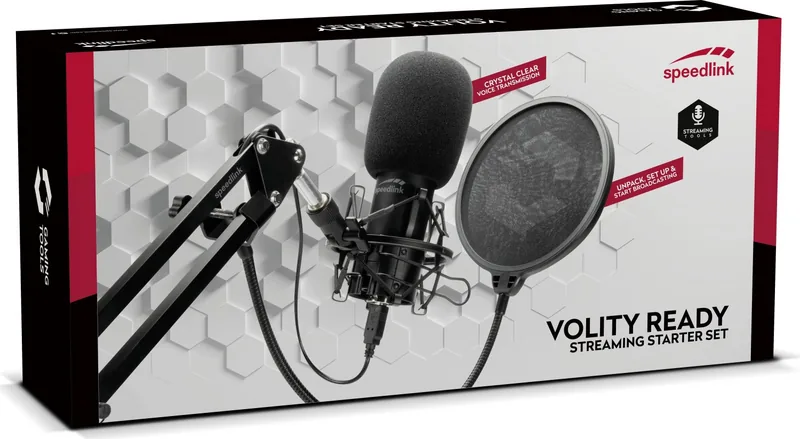
40 Pages
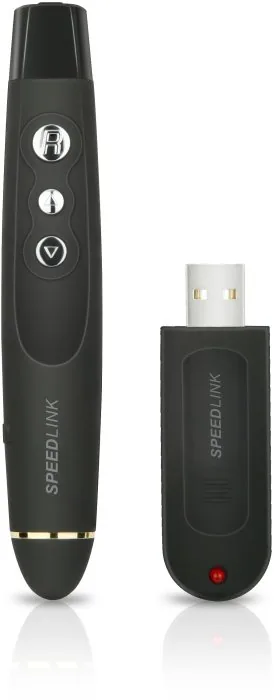
2 Pages
52 Pages
2 Pages
44 Pages
2 Pages
40 Pages
56 Pages
2 Pages
2 Pages
56 Pages
21 Pages
48 Pages
2 Pages
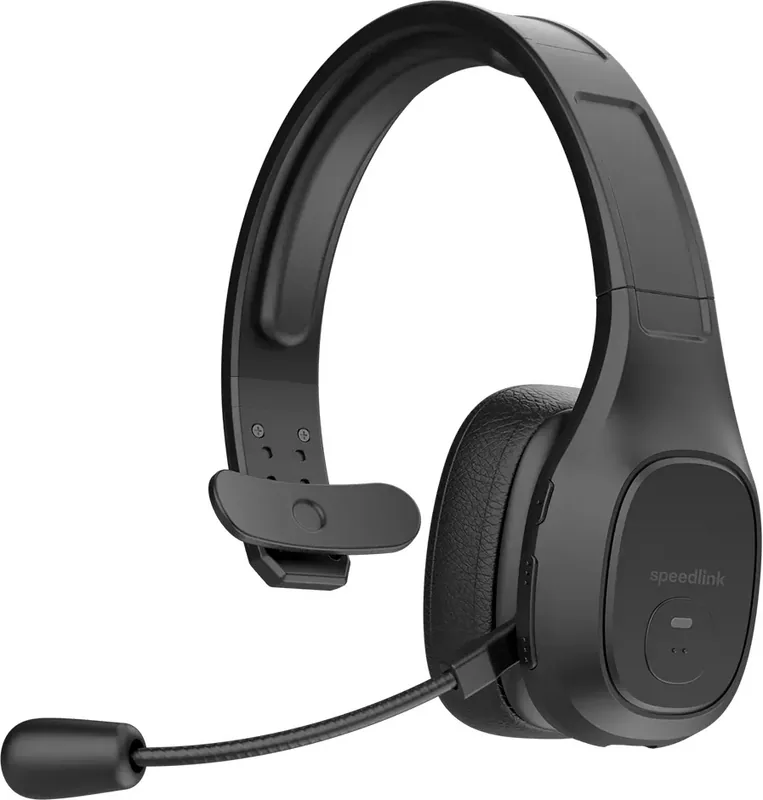
1 Pages
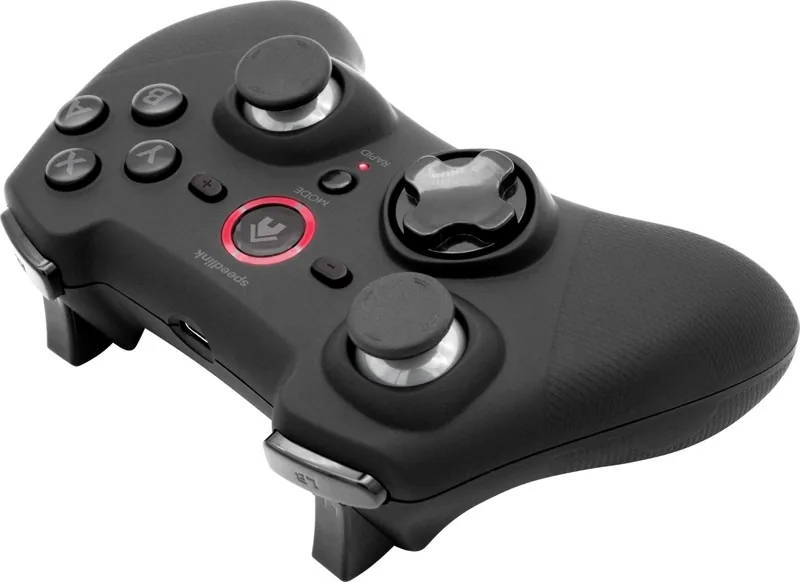
2 Pages
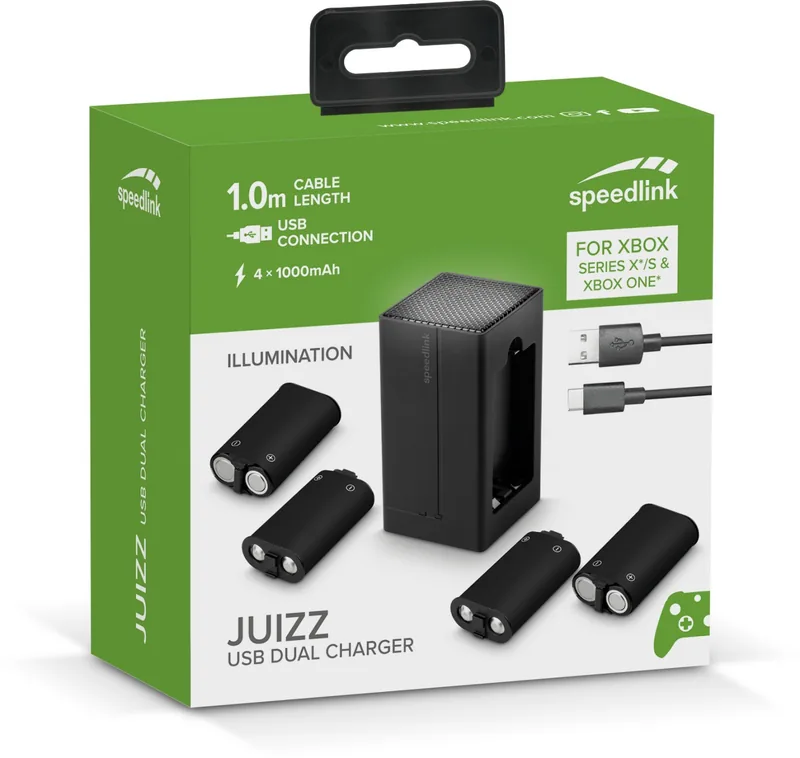
2 Pages
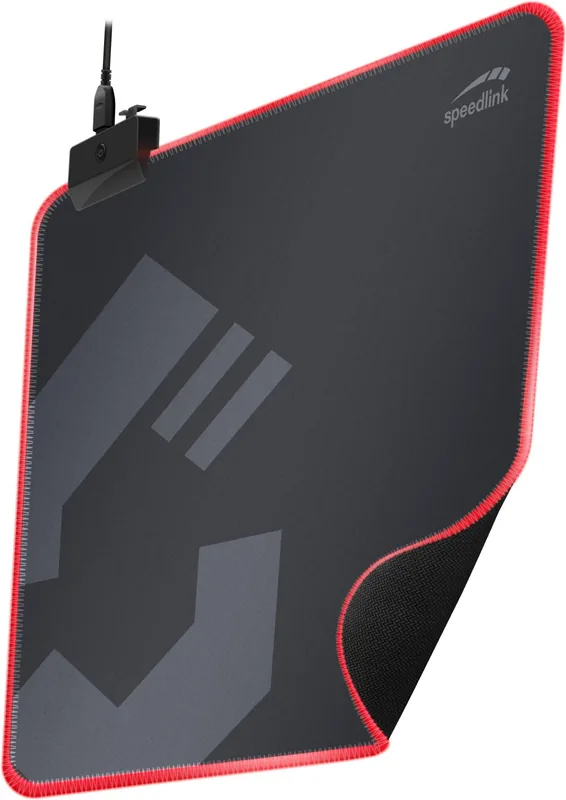
36 Pages
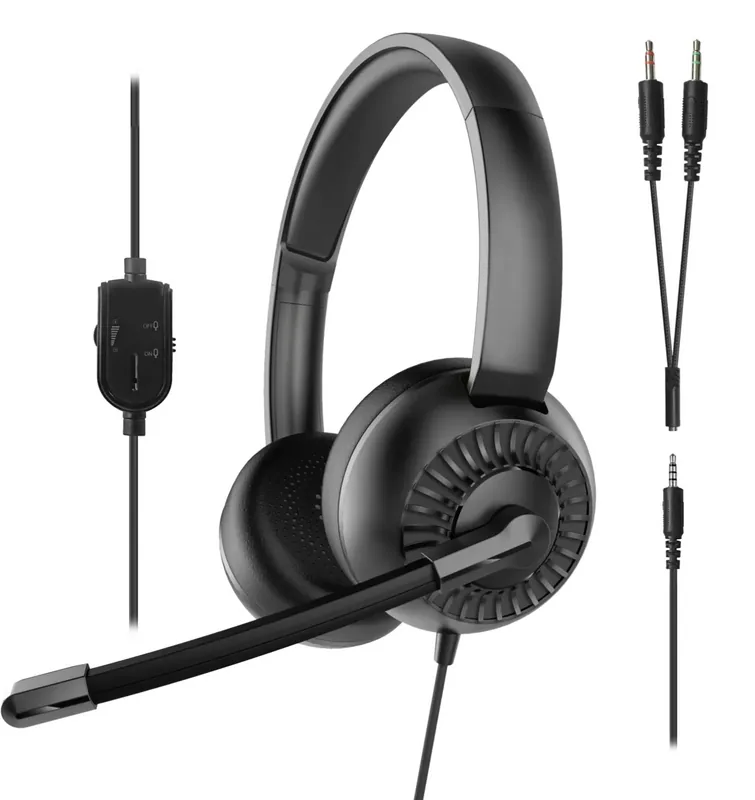
2 Pages
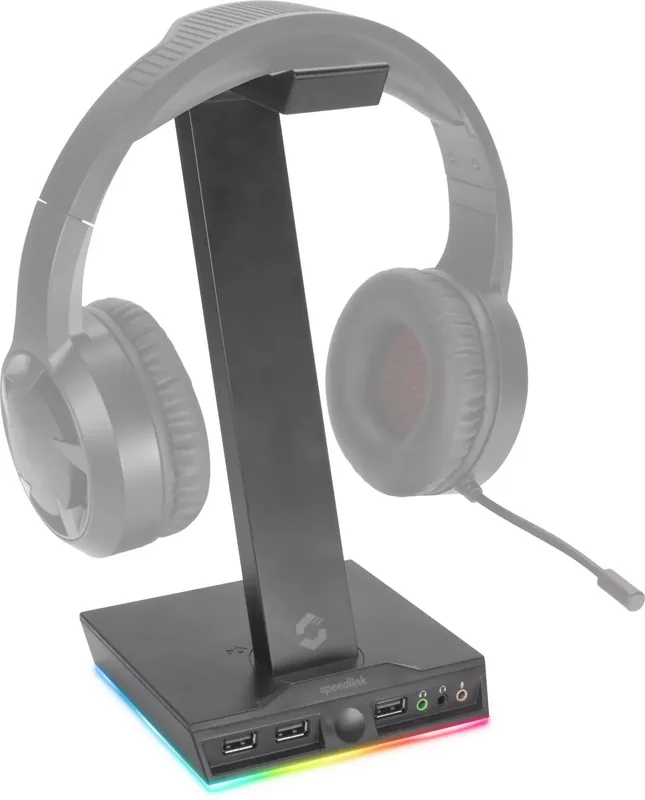
2 Pages
Categories


Free Speedlink Manuals - Read, Download and Print
Find helpful Speedlink manuals for a wide range of computer accessories, gaming gear, audio products, and input devices. Whether you need setup instructions for a keyboard, mouse, headset, game controller, webcam, speaker system, or USB accessory, a product manual can provide the details needed to get started and use every available feature with confidence.
Speedlink products are designed for everyday computing, home entertainment, and gaming. However, even a simple device may include programmable buttons, lighting controls, charging requirements, wireless pairing steps, compatibility notes, or software settings that are easier to understand with the correct documentation. This collection makes it convenient to read manuals online, download a copy for later, or print important pages for quick reference.
Read Speedlink Manuals Online
Reading a manual online is a practical option when you need an answer quickly. Open the document in your browser and look for the section that matches your question. Most manuals are organized into clearly labeled topics, allowing you to move from initial setup to specific features without reading every page.
Online manuals can be especially useful for common tasks such as:
- Connecting a Speedlink device to a computer, console, television, or mobile device
- Installing batteries or charging a rechargeable product
- Pairing a wireless mouse, keyboard, headset, or controller
- Identifying ports, buttons, status lights, switches, and controls
- Changing DPI settings, audio levels, vibration settings, or lighting modes
- Using software or driver functions where supported
- Checking cleaning, storage, and safety guidance
- Finding troubleshooting advice for connection or performance problems
When viewing a manual, begin with the product overview. This section typically identifies controls and included accessories. Next, review the installation or connection instructions before changing advanced settings. Following the documented sequence can prevent avoidable issues, such as connecting a receiver to an unsuitable port, using the wrong power source, or attempting wireless pairing before the device is charged.
Download Manuals for Offline Access
Downloading a Speedlink manual gives you a local copy that can be opened whenever an internet connection is unavailable. Saving the document on a computer, phone, or tablet is useful for travel, desk setup, LAN events, classroom environments, or any situation where you may need product information at short notice.
A downloaded manual also makes it easier to keep documentation with your device. Create a folder for your equipment and save the manual alongside receipts, warranty information, driver installers, and notes about customized settings. If you own several peripherals, clearly naming each file by product model can help you find the right document later.
Before downloading, confirm that the manual matches your exact Speedlink model. Products with similar names may have different buttons, connectors, software support, or platform compatibility. Check the model designation shown on the product label, retail packaging, device underside, cable tag, or battery compartment. Matching the model number is more reliable than choosing a manual based only on product appearance.
Print the Pages You Need
Printing a manual can be useful when setting up equipment away from a screen or when sharing instructions with another user. You may not need to print the entire document. In many cases, the most useful pages are the quick-start guide, connection diagram, control layout, pairing instructions, technical specifications, and troubleshooting section.
For a cleaner printed reference, select only the relevant pages and use double-sided printing where available. Keep the pages in a folder with the device or place a short setup sheet near a shared workstation. Printed instructions are particularly convenient for gaming setups, audio systems, office peripherals, and family computers where more than one person may need to reconnect or configure the equipment.
Manuals for Keyboards, Mice and Input Devices
Speedlink keyboards and mice may include features beyond standard plug-and-play operation. A manual can explain multimedia keys, function shortcuts, macro functions, adjustable sensitivity, polling settings, LED indicators, and onboard profiles. For wireless models, it can also provide information about the USB receiver, battery installation, charging, sleep mode, and reconnection procedures.
If a mouse is not responding as expected, consult the manual before assuming the device is faulty. Check whether the power switch is enabled, the battery is charged, the receiver is connected directly to the computer, and the selected surface supports optical or laser tracking. For keyboards, verify the language layout, connection method, battery status, and any platform-specific key combinations.
Manuals for Gaming Controllers and Accessories
Gamepads, racing accessories, joysticks, and other gaming controls often require platform-specific configuration. The correct manual can explain button assignments, operating modes, USB connection, wireless synchronization, vibration support, and calibration. It may also identify compatibility requirements for Windows computers, game consoles, or supported applications.
When setting up a controller, make sure the selected mode is appropriate for the game or platform. Some devices offer multiple input modes, and the manual can help identify the correct switch position or button combination. If a game does not recognize a controller immediately, review the troubleshooting section for steps involving reconnection, software updates, game settings, or controller mode selection.
Manuals for Headsets, Speakers and Audio Products
Speedlink audio manuals can help with wired and wireless headsets, microphones, speakers, sound systems, and related accessories. They may explain connection options, volume controls, microphone mute functions, charging behavior, pairing indicators, and recommended care. This information is valuable when using a headset for calls, streaming, gaming, music, or voice chat.
For headset setup, confirm which connector or connection method is required. A device may use USB, a 3.5 mm audio plug, Bluetooth, or a dedicated wireless receiver. The manual can clarify whether separate microphone and headphone connectors are needed, whether an adapter is required, and how to select the device in operating system audio settings.
If sound is missing or the microphone is not detected, inspect the cable and connectors, check the device volume and mute controls, and verify that the correct playback and recording devices are selected. For wireless audio products, also check charging status and pairing mode.
Troubleshooting Common Speedlink Issues
A manual is often the best first resource when a device stops working, loses connection, or behaves unexpectedly. Start with the basic checks listed for the specific product. These usually include confirming power, cable connections, battery condition, receiver placement, and compatibility.
Common troubleshooting steps may include restarting the connected device, reconnecting the USB cable or receiver, trying a different USB port, charging the battery fully, removing nearby wireless interference, or resetting the product according to its instructions. Avoid disassembling a device or using unapproved power adapters, cleaners, or replacement parts. Doing so can cause damage and may affect warranty coverage.
For software-enabled products, check whether the manual refers to a driver, configuration utility, firmware procedure, or supported operating system version. Use official support resources when obtaining software and follow installation instructions carefully. If a problem persists after completing the recommended steps, keep the model number and purchase details available when contacting the retailer or manufacturer support.
Find the Right Manual by Model Number
The fastest way to locate the appropriate Speedlink manual is to search using the exact model name or model number. This identifier is usually more precise than a general product category such as "gaming mouse" or "wireless headset." It can distinguish between versions that look similar but use different receivers, controls, battery types, or connection standards.
Once you have found the correct manual, review the document version and language. Some products include multilingual documentation, while others provide separate documents for different regions. Use the language version that is easiest for you to follow, especially for safety instructions and technical procedures.
Keep Your Speedlink Product Ready to Use
A good manual is more than a setup guide. It is a lasting reference for maintenance, feature discovery, and problem solving. Save or print the documentation for your Speedlink product so that important information is always within reach. With the right manual, you can connect devices correctly, understand their controls, use supported functions, and resolve many common issues efficiently.
Search for 67,706 Manuals online


Type-in Brand or Model