
Speedlink Orios LED Manual
PDF manual · 19 Pages
English



Quick check
Incorrect answer, please try again.
Chat with your Speedlink Orios LED manual using AI
Get instant AI answers from your Speedlink Orios LED manual
Ask anything about the Speedlink Orios LED. Answers come from this manual, with the pages they are based on.
Ask a Question
Do you recommend Orios LED?
Yes NoFrequently Asked Questions
It is an illuminated gaming mousepad for connecting to a computer. It is meant for home or office use in dry indoor spaces and is designed to improve both comfort and desk style.
Is this answer helpful?
The lighting is switched on with one press of the power button. To turn it off, press and hold the button for about three seconds.
Is this answer helpful?
It includes four LED modes: blue, green, red, and a pulsating multicolor effect. These options let users change the look of their setup easily.
Is this answer helpful?
No. The product is described as maintenance-free, so it is meant to be used without regular upkeep or special care routines.
Is this answer helpful?
No. It is intended for indoor home or office use only, especially in dry, closed spaces. It is not meant for outdoor or damp environments.
Is this answer helpful?
Yes. Do not open the product, and stop using it if it becomes damaged. It may also be affected by strong static or electromagnetic interference from nearby devices.
Is this answer helpful?
It should not be thrown away with regular household waste. It must be taken to an official recycling or collection point so it can be disposed of or recycled properly.
Is this answer helpful?
Advantages and Disadvantages
Advantages

- Soft gaming surface supports comfortable mouse movement during long sessions.
- LED lighting adds visual flair and helps the desk stand out.
- Four lighting modes make it easy to match different moods or setups.
- Simple power control keeps operation easy with no complex setup.
- Maintenance-free design reduces everyday care and handling.
Disadvantages

- Designed for indoor use only, so it is not ideal for portable or outdoor use.
- The product should not be opened or repaired by the user.
- Strong electromagnetic or static interference may affect performance.
- Disposal must follow recycling rules, not normal household trash.
- Damaged units should stop being used immediately for safety reasons.
Product Specification
Dimensions
13.78x10.63in
Height
0.16in
Material
Fabric
Weight
0.52lb
Shape
Rectangular
Design
Multicolor (black, gray), Text, Logo
Special features
Backlit (RGB)
Product Description
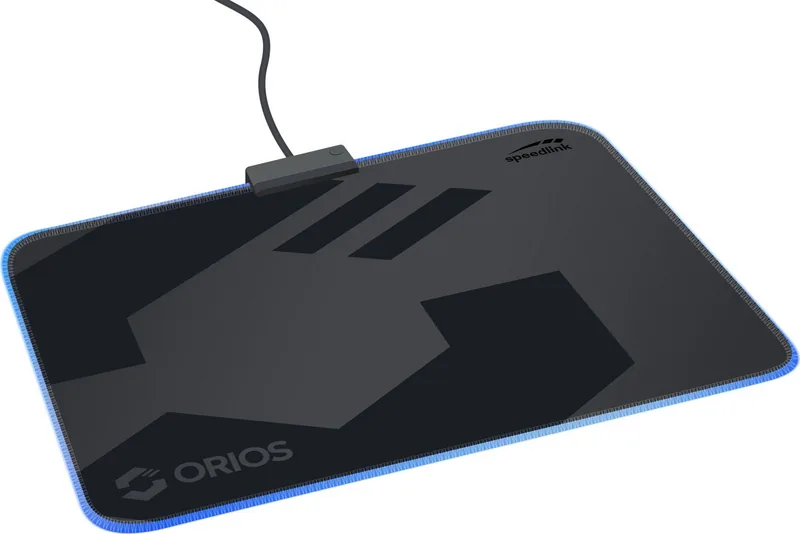
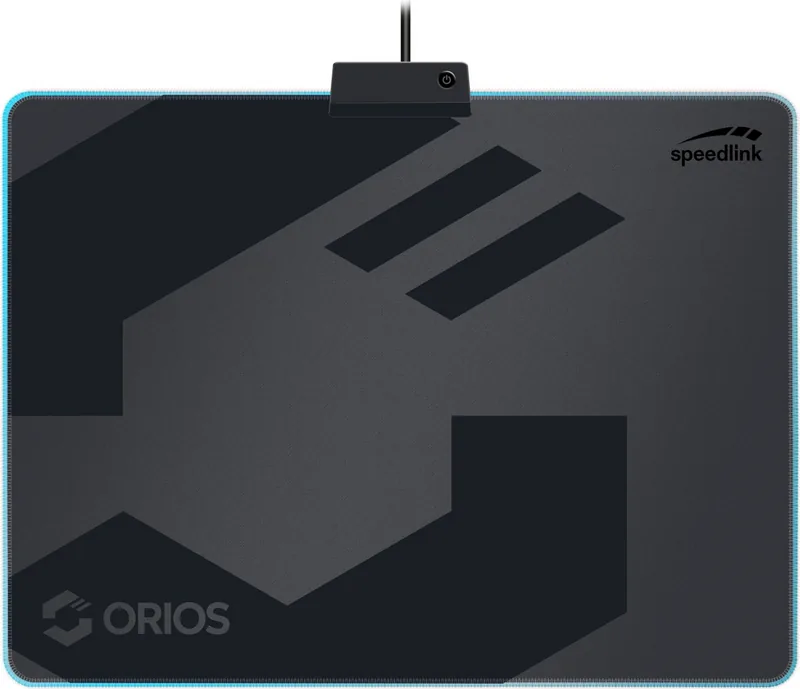
Speedlink Orios LED Gaming Mousepad Soft
The Speedlink Orios LED Gaming Mousepad Soft Manual reveals a simple idea done well: combine a comfortable mouse surface with eye-catching lighting for everyday gaming and desk setups. This illuminated mousepad is designed for computer use at home or in the office, especially in dry indoor spaces where a stable, tidy gaming area matters.
A gaming accessory with atmosphere
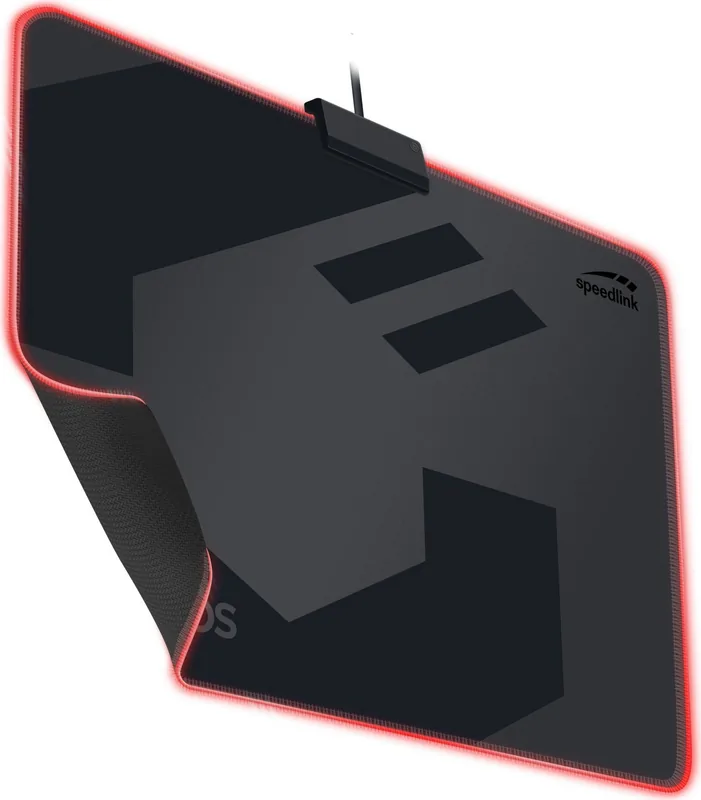
What makes the Orios stand out is its LED edge lighting. The lighting can be switched on with a single press and powered off by holding the button for three seconds. The pad offers four lighting modes, including blue, green, red, and a pulsating multicolor effect. That gives the desk a more dynamic look without adding complicated controls or software-heavy setup.
Built for practical daily use
The mousepad is described as maintenance-free, which is a plus for users who want a dependable accessory without extra care routines. Its soft surface should feel comfortable during long sessions, while the illuminated frame adds personality to a gaming station. The product is intended for connection to a computer and is meant for indoor use only, so it fits best in a controlled environment rather than travel or outdoor setups.
Clear limitations and safety notes
The included guidance also makes the usage rules clear. The pad should not be opened, disassembled, or used if damaged. Like many USB-powered accessories, it may be affected by strong static, electrical, or high-frequency interference from nearby electronics. Disposal rules are also emphasized, reminding users to recycle the product properly rather than throw it away with household waste.
Why it appeals to gamers
For players who want a straightforward upgrade, the Orios combines style and function. It adds light to a setup, supports a cleaner desktop look, and keeps operation simple. That balance makes it appealing to casual gamers, students, and office users who want a small visual boost without sacrificing practicality.
Notes
- Best used in dry indoor spaces
- No maintenance required
- Not user-serviceable
- Recycle responsibly when replaced
Search for 67,706 Manuals online


Type-in Brand or Model
Patrik Marek
8 months ago
Is this mouse pad suitable for different mouse types, and will it stay quiet with a soft fabric surface? Also, how do the color changes work?
Manual.ly
8 months ago
Yes, the pad is designed to work with different mouse types and is easy to use for anyone. Reviewers specifically mention a soft, flexible fabric surface that feels comfortable and does not create annoying scraping or rattling noises during normal mouse use. For the colors, the pad uses a small button to switch colors, so you can change the look directly on the pad without extra steps or complicated settings.