
Speedlink Orios RGB Manual
PDF manual · 19 Pages
English



Quick check
Incorrect answer, please try again.
Chat with your Speedlink Orios RGB manual using AI
Get instant AI answers from your Speedlink Orios RGB manual
Ask anything about the Speedlink Orios RGB. Answers come from this manual, with the pages they are based on.
Ask a Question
Do you recommend Orios RGB?
Yes NoFrequently Asked Questions
The Orios RGB is an illuminated gaming mousepad with a smooth tracking surface and RGB edge lighting. It connects to a PC via USB and is designed for indoor home or office use to improve mouse precision and add ambient lighting.
Is this answer helpful?
Basic plug-and-play functions work via USB, but drivers available from www.speedlink.com may enable advanced lighting customization and additional features. Download the official driver for full control and firmware updates.
Is this answer helpful?
Yes, but strong static, electrical or high-frequency fields (radio installations, mobile phones, microwaves) can affect operation. If issues occur, increase the distance between the pad and the interfering device.
Is this answer helpful?
No. The product contains no user-serviceable parts and should not be opened. Attempting repairs or modifications may void authorization to operate the equipment and will likely void warranty and manufacturer liability.
Is this answer helpful?
Do not dispose of the mousepad with household waste. Follow local e-waste recycling rules and return to official collection points; major retailers in the EU may accept small electronics free of charge. Remove batteries where possible.
Is this answer helpful?
Technical support and product information are available at Speedlink’s website: www.speedlink.com. Keep the product information and serial details for faster assistance when contacting support.
Is this answer helpful?
No. The pad is designed for dry, closed indoor spaces (home or office). Exposure to moisture or outdoor conditions can damage the product and is not recommended.
Is this answer helpful?
Advantages and Disadvantages
Advantages

- Customizable RGB edge lighting enhances aesthetics and desk ambiance.
- Large, smooth surface optimized for both optical and laser mouse tracking.
- Simple USB connectivity with optional driver support from Speedlink.
- Maintenance-free design intended for regular indoor home or office use.
- Complies with FCC Class B limits and includes clear safety guidance.
Disadvantages

- Contains no user-serviceable parts; cannot be opened or repaired by users.
- May experience interference near strong static, electrical, or RF fields.
- Requires proper e-waste disposal; not suitable for household trash.
- Functionality for advanced lighting may depend on driver downloads.
- Limited to dry, indoor environments—unsuitable for humid or outdoor use.
Product Specification
Dimensions
13.78x9.84in
Height
0.16in
Material
Plastic (hard)
Weight
1.67lb
Shape
rectangular
Design
monochrome (black), text, logo
Special features
illuminated (RGB)
Product Description
Speedlink Orios RGB Gaming Mousepad — Quick Guide and Overview
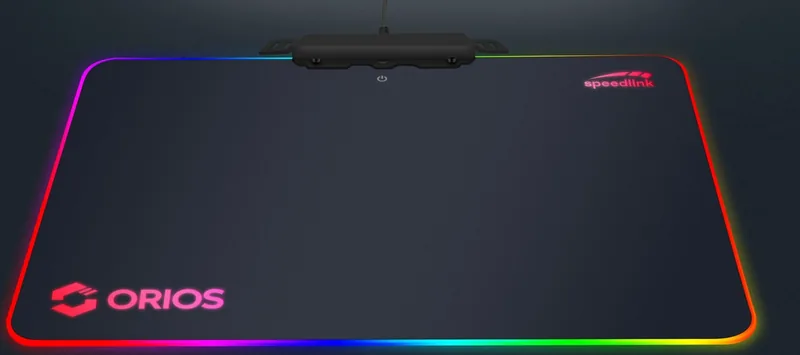
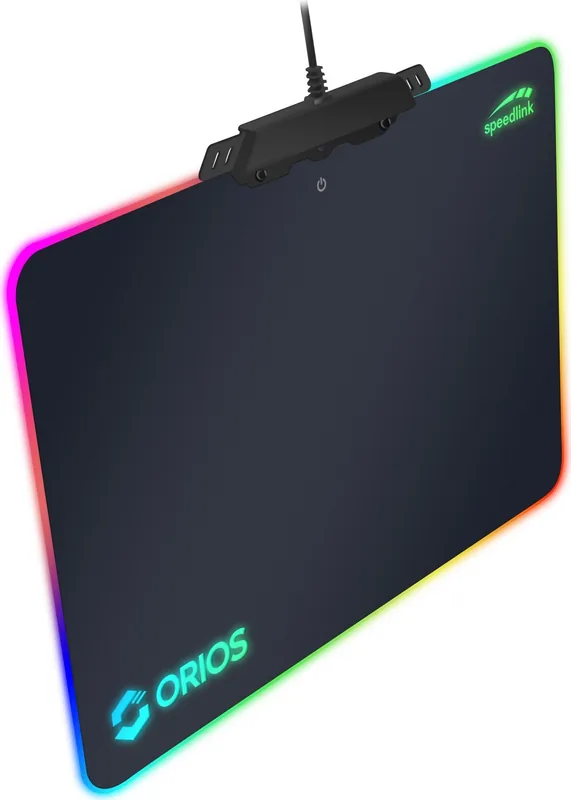
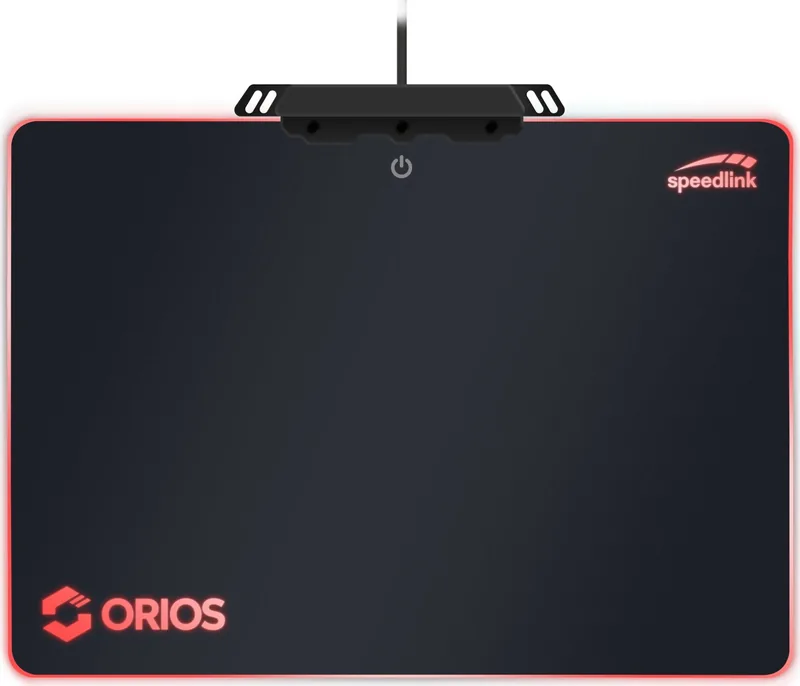
The Speedlink Orios RGB Gaming Mousepad is an illuminated desk accessory designed to enhance precision and aesthetics for PC gaming and everyday work. Featuring customizable RGB lighting, a large, smooth glide surface and USB connectivity, it balances style with practical function. The pad provides consistent tracking for optical and laser mice while the illuminated edge adds ambient lighting to your setup.
Features and Practical Use
The Orios RGB connects to a computer via USB and is intended for indoor home or office use. It requires no maintenance, contains no user-serviceable parts and should not be opened or used if damaged. Official drivers and further configuration options are available from Speedlink’s website. The mousepad aims to reduce friction for fast cursor movement while offering vibrant lighting effects that sync with gaming rigs or stand alone as mood lighting.
Safety, Compliance and Disposal Notes
This product complies with FCC Class B limits and includes conformity notices about possible interference from strong static, electrical or high-frequency fields (radio installations, mobile phones, microwaves). If interference occurs, increase distance from the source. The pad must not be disposed of with household waste; follow local e-waste recycling procedures and remove batteries where applicable.
Who Should Consider It
Gamers seeking an affordable RGB-illuminated surface with reliable tracking and users who want a stylish desk accent will find the Orios compelling. It’s best for dry indoor environments and for people who prefer a plug-and-play accessory with optional driver support for advanced lighting control.
Notes
- Download drivers and manual details at www.speedlink.com for full functionality and firmware/lighting updates.
- Do not open the product or attempt repairs—manufacturer disclaims liability for misuse or unauthorized modifications.
- Keep product information for future reference and technical support contact details.
Search for 67,706 Manuals online


Type-in Brand or Model
Eduardo Pinheiro
8 months ago
How bright are the LED lights in real use, and are they visible in daylight?
Manual.ly
8 months ago
The LEDs are designed more for visual effect at night than for strong visibility in bright rooms. Reviewers report that in daylight the lighting is not very noticeable (which is normal), while in the dark it looks very good and provides a clear, nice atmosphere. Overall brightness is considered decent for the price, with some users noting it could be a bit stronger, but they were still satisfied. The pad also supports multiple color profiles and is well made and stable, with a large surface that works reliably with both optical and laser mouse sensors.