
Speedlink Fortus Wireless Manual
PDF manual · 52 Pages
English



Quick check
Incorrect answer, please try again.
Chat with your Speedlink Fortus Wireless manual using AI
Get instant AI answers from your Speedlink Fortus Wireless manual
Ask anything about the Speedlink Fortus Wireless. Answers come from this manual, with the pages they are based on.
Ask a Question
Do you recommend Fortus Wireless?
Yes NoFrequently Asked Questions
There are four sensitivity levels available on the DPI switch: 600, 1000, 1600, and 2400 DPI.
Is this answer helpful?
The illumination color changes to indicate the current DPI setting: green for 600, red for 1000, turquoise for 1600, and blue for 2400.
Is this answer helpful?
No, the product uses alkaline-manganese batteries. Do not recharge them to avoid safety hazards.
Is this answer helpful?
The mouse switches to power-saving mode if it has not been used for ten minutes.
Is this answer helpful?
Set the switch on the base to the Off position to deactivate mouse illumination and the color indicator.
Is this answer helpful?
For help or inquiries, please visit the support website at www.speedlink.com.
Is this answer helpful?
Extended use may cause health problems. Take regular breaks and consult a doctor if pain persists.
Is this answer helpful?
Advantages and Disadvantages
Advantages

- Adjustable DPI switch with four sensitivity levels ranging from 600 to 2400 for precise control during gameplay.
- Visual LED color indicators change with each DPI setting for easy identification without guessing the resolution.
- Automatic power saving mode engages after ten minutes of inactivity to preserve battery life effectively.
- USB receiver stores securely in the base compartment for transport, reducing clutter and preventing loss.
- Wireless functionality provides freedom of movement during gaming sessions without cable restrictions.
Disadvantages

- Requires two AAA alkaline batteries which are consumable and not rechargeable for sustained power.
- Device must not be disassembled as it is not user serviceable, preventing internal repairs.
- Cannot be used outdoors and is intended for indoor environments only due to safety limitations.
- Extended use may cause health issues like discomfort or pain without regular breaks recommended.
- Performance may be affected by strong static or high-frequency electrical fields nearby interferers.
Product Specification
Handedness
Right Hand
Buttons
6 (total), 2 (main), 1 (top), 2 (left side), 1 (scroll wheel click)
Scroll Wheel
1 x 2-way
Tracking
Red LED / IR
Resolution
2400dpi, reducible to 1600/1000/600dpi
Lighting
red, green, blue, turquoise
Connectivity
Wireless (2.4GHz), USB-A (USB-A Receiver)
Power Source
2x AAA
Dimensions (WxHxD)
3.11 x 1.65 x 4.96 inches
Approximate Volume
6.65 in^3 (approximate shape)
Weight
0.28 lbs
Color
Multi-color, black/red
Features
Thumb rest, stowable receiver
Product Description
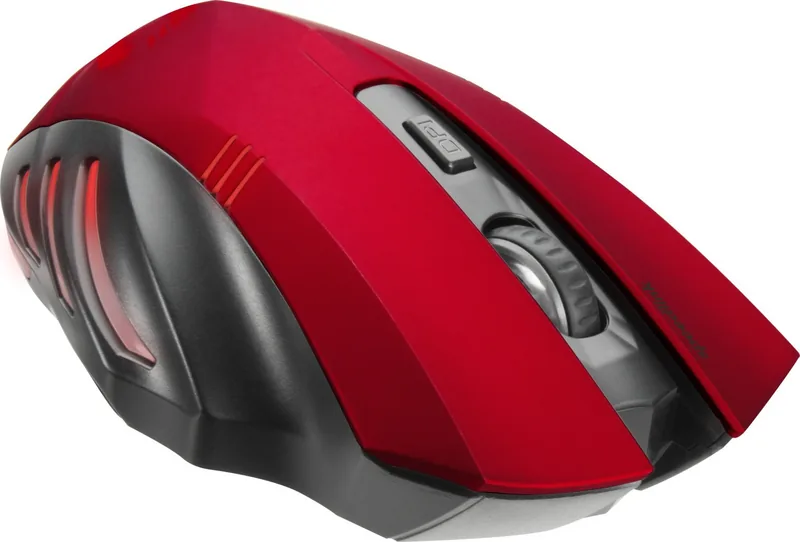
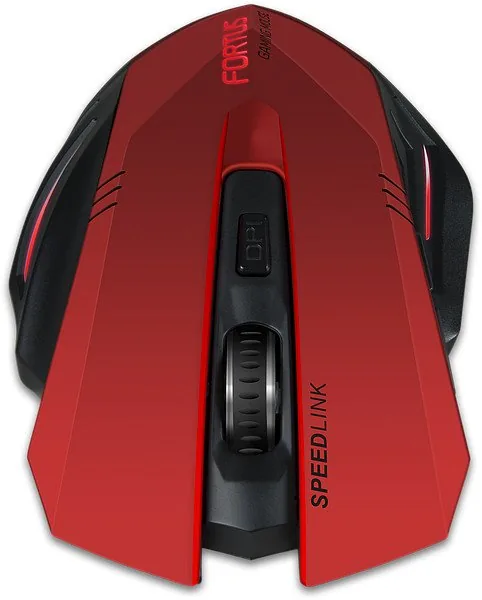
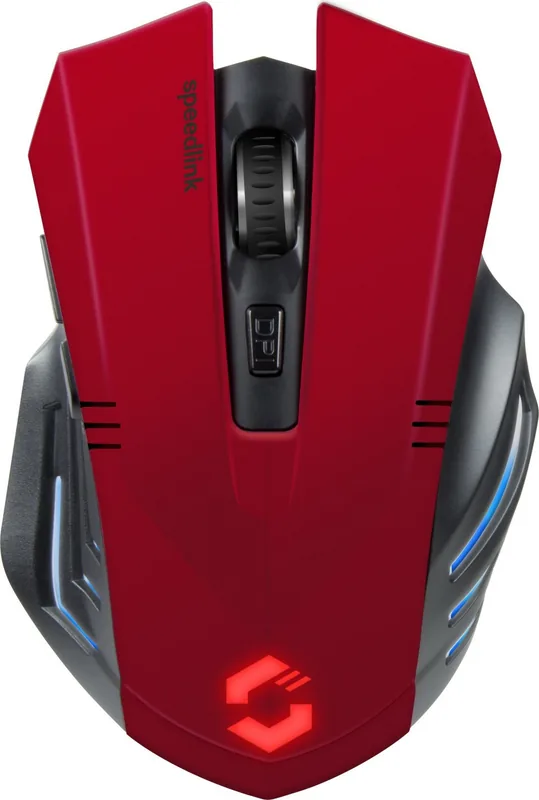
Elevate Your Gaming Experience with the Speedlink Fortus Wireless black/red
Gaming enthusiasts know that precision and reliability are paramount when competing in virtual arenas. The Speedlink Fortus Wireless black/red USB Gaming Mouse delivers exactly that, combining ergonomic design with advanced functionality to enhance your gameplay. This device is crafted for indoor home or office use, ensuring that your setup remains consistent whether you are tackling competitive matches or managing daily tasks. The USB connection provides seamless integration with your computer, while the wireless feature offers the freedom of movement needed for intense sessions. The Speedlink Fortus Wireless black/red is designed to be your trusted companion, offering durability and performance that stands out in a crowded market.
One of the standout features of this mouse is the adjustable DPI switch. Players can select from four distinct sensitivity levels to match their play style. These settings include 600, 1000, 1600, and 2400 DPI. To make customization even easier, the mouse illuminates in a different color corresponding to each setting. You will see green for 600 dpi, red for 1,000 dpi, turquoise for 1,600 dpi, and blue for 2,400 dpi. If you prefer a quiet setup, you can deactivate the illumination completely by switching the base to the off position. This feature also turns off the color indication, keeping your workspace clean and distraction-free. The guide provides detailed instructions on how to utilize these features correctly.
Battery life is managed through an intelligent power-saving mode. If the device remains unused for ten minutes, it automatically switches to sleep to conserve energy. Simply press any mouse button to reactivate the unit instantly. The mouse requires two AAA batteries, which should be inserted with correct polarity into the compartment located at the base. For portability, the USB receiver can be stored inside the same compartment on the bottom, preventing loss during travel. This thoughtful design ensures that every component has a designated place, reducing clutter when you pack up your gear for the next outing.
Important Safety and Disposal Notes
Using input devices for extended periods may cause health risks such as discomfort or pain. Users are advised to take regular breaks and consult a medical professional if issues persist. This product contains no user-serviceable parts, so do not attempt to disassemble it. Dispose of the device and batteries according to local regulations, not as household waste. For technical support, visit the manufacturer website. Ensure the product complies with safety directives regarding interference from strong electrical fields. Keep batteries in a cool, dry place away from children. This guide ensures you get the most out of your Speedlink Fortus Wireless black/red USB Gaming Mouse Manual experience.
Search for 67,706 Manuals online


Type-in Brand or Model
Lisa Weber
8 months ago
I enjoy the gaming features, but the batteries drain incredibly fast even without the lights on. Is this common or should I return it?
Manual.ly
8 months ago
While the mouse is designed for wireless performance, some users report higher battery consumption during active use. We recommend using high-quality alkaline batteries and ensuring the device is in standby mode after five minutes. If you experience drainage within 24 hours with fresh batteries, it may indicate a defect. Please contact us within 30 days for a warranty claim.