

Free PreSonus Manuals – Read, Download & Print
18 Manuals
Manuals
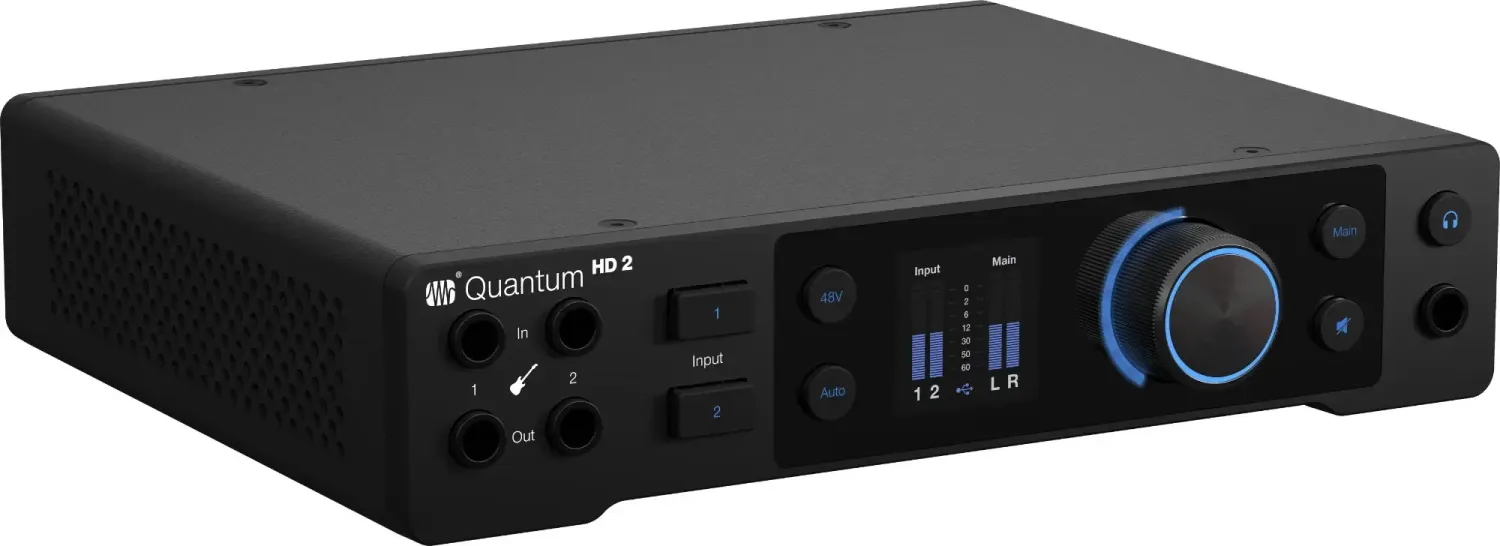
29 Pages
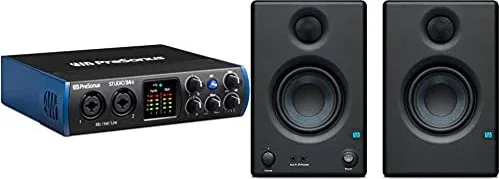
30 Pages
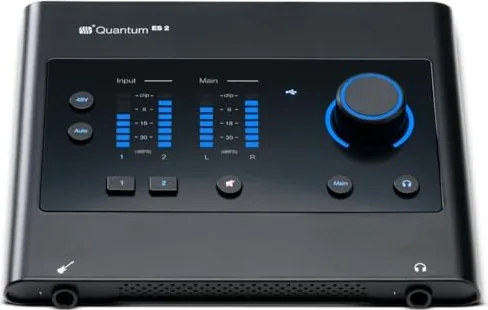
23 Pages
12 Pages
17 Pages
159 Pages

9 Pages
53 Pages
108 Pages
17 Pages
20 Pages
20 Pages
17 Pages
8 Pages
17 Pages

107 Pages
17 Pages
35 Pages
Categories

Free PreSonus Manuals - Read, Download & Print
Find the Right PreSonus Manual for Your Equipment
Looking for clear instructions, setup guidance, specifications, or troubleshooting information for your PreSonus gear? This resource helps you locate free PreSonus manuals for a wide range of audio products. Read manuals online, download a copy for later, or print the pages you need for your studio, stage, classroom, or home recording setup.
PreSonus products are used by musicians, producers, podcasters, engineers, streamers, and educators around the world. From audio interfaces and studio monitors to digital mixers, microphones, control surfaces, and software, every product has features that are easier to understand with the correct documentation nearby. A manual can help you get connected correctly, update settings confidently, and make better use of the equipment you already own.
Browse Manuals by Product Category
PreSonus documentation is commonly organized by product type, making it easier to narrow down your search. Start with the category that best matches your device, then confirm the model name printed on the front panel, rear panel, packaging, or product label.
Audio Interfaces
PreSonus audio interface manuals provide essential information for recording instruments, vocals, and line-level sources with a computer or mobile device. Documentation may cover USB connections, driver installation, input gain controls, phantom power, headphone outputs, monitor mixing, sample rates, and routing options.
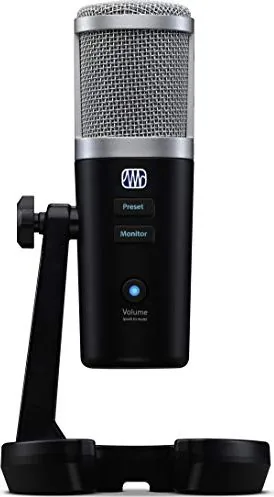
Whether you use an AudioBox, Studio, Quantum, Revelator, or another interface series, the manual can explain how to connect microphones, guitars, keyboards, speakers, and headphones safely. It can also clarify which controls affect input levels and which controls affect playback volume.
Studio Monitors and Speakers
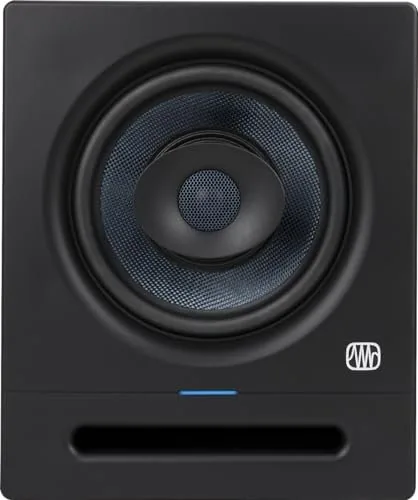
Studio monitor manuals are useful when setting up a reliable listening environment. They can include power requirements, balanced and unbalanced input connections, acoustic tuning controls, placement recommendations, frequency response information, and maintenance guidance.
For PreSonus Eris, R-series, Sceptre, Temblor, and related speaker products, reading the manual before installation can help prevent common issues such as improper cable selection, unwanted hum, poor monitor placement, or incorrect rear-panel settings.
Mixers and Live Sound Equipment
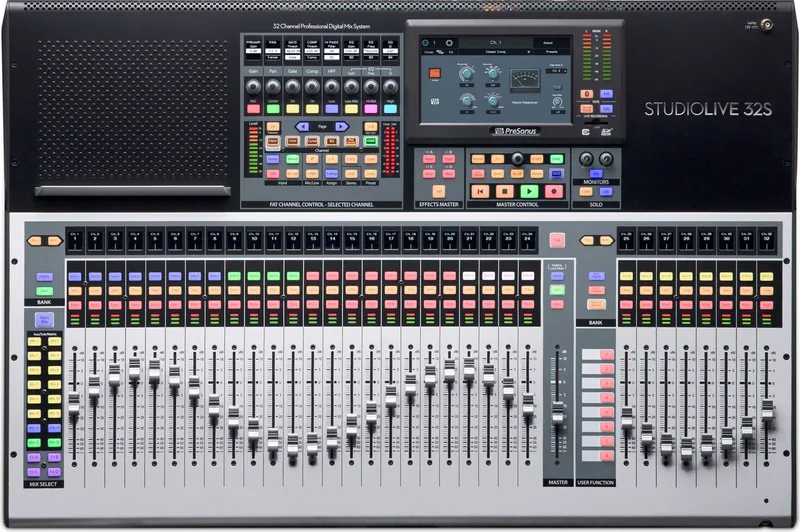
PreSonus mixer manuals can be especially valuable because modern digital mixers offer detailed routing, processing, recording, networking, and recall features. Documentation for StudioLive mixers and related live sound equipment may explain channel configuration, preamps, buses, effects, graphic EQ, scenes, remote control, and multitrack recording.
A manual is also helpful for learning how to prepare a mixer for a live performance. You can review input assignments, monitor mixes, main outputs, talkback functions, signal meters, and safety information before the event begins.
Microphones, Headphones, and Accessories
Manuals for microphones, headphones, monitor controllers, control surfaces, and other accessories can provide quick answers about compatibility and operation. They may include connection diagrams, switch descriptions, polar pattern details, charging instructions, included accessories, and care recommendations.
Even simple products benefit from a quick manual check. Understanding the intended use, correct connector type, and recommended operating conditions helps protect your equipment and supports consistent audio performance.
Recording and Production Software
PreSonus is closely associated with music production software, including Studio One and related tools. Software manuals and user guides can cover installation, activation, project creation, audio device setup, recording, editing, mixing, automation, virtual instruments, mastering, and exporting.
Software documentation is useful for both beginners and experienced users. New users can learn the workflow step by step, while advanced users can find detailed information about shortcuts, routing, plug-in support, control surface integration, and customization.
Read Online, Download, or Print
Different situations call for different ways of using a manual. Reading online is convenient when you need a quick answer while working at your desk. Downloading a manual gives you access when internet service is unavailable. Printing selected pages can be useful in a control room, rehearsal space, venue, or equipment rack where a paper reference is easier to use.
Read Manuals Online
Online manuals are ideal for searching specific terms such as "phantom power," "firmware," "USB," "routing," "reset," or "factory settings." Use the document search feature in your browser or PDF viewer to jump directly to the information you need instead of scanning every page.
Download Manuals for Offline Access
Saving a manual to your computer, tablet, or phone keeps important guidance close at hand. Create a folder for your equipment documents and name files by model number. This makes it easier to find the right guide later, especially if you own multiple PreSonus products.
Print Important Pages
You may not need to print an entire manual. Consider printing connection diagrams, quick-start pages, safety instructions, mixer channel layouts, keyboard shortcut lists, or troubleshooting charts. A few printed reference pages can save time during recording sessions or live events.
How to Identify Your Exact PreSonus Model
Accurate model identification matters. Products in the same family can look similar while offering different inputs, outputs, firmware options, or software features. Before choosing a manual, check the complete model name and version.
Look for the model number on the front or back of the device, the underside of a desktop unit, the speaker rear panel, or a label near the serial number. For software, check the installed version and operating system. If you have a mixer or interface with network capability, note the current firmware version as well.
Pay attention to details such as the number of inputs, the generation of the device, USB or Thunderbolt connectivity, and whether the product is a standard, Artist, Professional, or special edition model. Using documentation for a closely related model may be helpful for general concepts, but the exact manual is best for connections and settings.
Common Information Found in PreSonus Manuals
A PreSonus manual can do much more than explain the buttons. It often serves as a complete reference for setup, daily operation, problem solving, and technical planning.
Setup and Connections
Most manuals include diagrams showing how to connect sources and destinations. These may include microphones, instruments, line-level devices, computers, monitors, headphones, amplifiers, and network hardware. Follow the recommended connection order and power-up sequence to reduce the chance of noise, feedback, or accidental equipment damage.
Controls and Indicators
Front-panel and rear-panel diagrams identify knobs, buttons, LEDs, meters, ports, and switches. This is particularly helpful when controls have multiple functions or when settings are accessed through menus. Manuals can explain what each indicator means and how to interpret warning or status lights.
Troubleshooting
Troubleshooting sections address common problems, including no sound, low input level, distorted recording, driver connection issues, digital clocking conflicts, feedback, software detection problems, and network communication errors. Start with basic checks such as cables, power, monitor level, input selection, mute status, and software audio settings.
Specifications and Compatibility
Technical specifications help you confirm whether a product suits your workflow. Manuals may list supported sample rates, bit depth, input impedance, frequency response, power consumption, dimensions, weight, operating system requirements, and connector types. This information is useful when planning upgrades or integrating new gear.
Get More From Your PreSonus Gear
Reading the manual is one of the quickest ways to uncover features that may not be obvious at first glance. An audio interface may offer flexible monitor routing. A mixer may store scenes for different bands or venues. Studio monitors may have room-control settings that improve their sound in your space. Production software may include templates, shortcuts, and tools that speed up your workflow.
Keep the manual available while you experiment. Start with a simple setup, verify that audio passes cleanly from input to output, then add more features one at a time. This approach makes it easier to understand signal flow and isolate problems if a setting does not behave as expected.
Use Manuals Safely and Responsibly
Always review safety instructions before connecting or powering new audio equipment. Use the correct power source, allow proper ventilation, keep liquids away from electronics, and use appropriate cables for balanced, unbalanced, speaker-level, and digital connections. Turn down monitor and headphone levels before testing a new signal path to protect your hearing and equipment.
For current product support, updates, and the latest documentation, verify the manual revision and consult official PreSonus resources when available. Product features, supported operating systems, firmware behavior, and software workflows can change over time. The right manual helps you set up with confidence, solve problems faster, and enjoy dependable performance from your PreSonus equipment.
Search for 67,706 Manuals online


Type-in Brand or Model