
PreSonus Eris 4.5 Manual
PDF manual · 12 Pages
English



Quick check
Incorrect answer, please try again.
Chat with your PreSonus Eris 4.5 manual using AI
Get instant AI answers from your PreSonus Eris 4.5 manual
Ask anything about the PreSonus Eris 4.5. Answers come from this manual, with the pages they are based on.
Ask a Question
Do you recommend Eris 4.5?
Yes NoFrequently Asked Questions
They feature balanced 1/4-inch TRS and unbalanced RCA inputs on the rear panel for audio sources. Additionally, there is a 1/8-inch stereo input on the front panel for quick connections to media players like smartphones.
Is this answer helpful?
The standard 4.5 model does not support Bluetooth. Only the 4.5BT model has wireless connectivity. For standard pairs, connect via 1/4-inch TRS or RCA cables to your audio interface or computer.
Is this answer helpful?
Yes, they are ideal for gaming at the desktop. The 4.5-inch driver provides clear sound, and the front headphone jack allows for private auditory immersion without disturbing neighbors.
Is this answer helpful?
These are shelving EQ controls. The High control adjusts frequencies above 10 kHz by plus or minus 6 dB. The Low control adjusts frequencies around 100 Hz by the same amount to fit acoustics.
Is this answer helpful?
The monitors enter power save mode after 40 minutes of no audio signal. Once audio resumes, the power save mode turns off automatically to ensure readiness.
Is this answer helpful?
The pair consists of one active and one passive speaker. The active speaker contains the amplifier and most inputs, powering the passive speaker through bare-wire connectors.
Is this answer helpful?
Use a 1/8-inch TRS to 2x RCA cable provided in the box to connect from your PC to the rear inputs. Position the active speaker on the left for proper stereo imaging.
Is this answer helpful?
Advantages and Disadvantages
Advantages

- Active-passive design simplifies cabling for the home studio setup.
- Acoustic tuning controls tailor sound to room acoustics quickly.
- Balanced and unbalanced inputs offer great connection flexibility.
- Headphone output allows private listening without disturbing others.
- Power saver mode saves energy automatically after inactivity.
Disadvantages

- Standard models do not include Bluetooth connectivity.
- Passive speaker requires separate wire connection from active unit.
- Standby mode may delay response when audio resumes.
- Front panel aux input sums with rear panel audio inputs.
- Frequency response lacks deep sub-bass punch for heavy bass genres.
Product Specification
Principle
2-Way
Tweeter
1 x 1" (25.4 mm)
Woofer
1 x 4.5" (114.3 mm)
Frequency Range
70 Hz - 20 kHz
Power
25 W Peak
Max SPL
100 dB
Dimensions
6.42" x 9.49" x 7.09" (W x H x D)
Product Description
Elevate Your Listening Experience with the PreSonus Eris 4.5
The world of audio monitoring has evolved to meet the specific demands of modern home studios and gaming setups alike. The PreSonus Eris 4.5 stands out as a premier choice for those seeking studio-quality sound without breaking the bank. Whether you are mixing tracks, gaming, or simply enjoying music, these monitors deliver a smooth frequency response that ensures accuracy across the spectrum.
Understanding the PreSonus Eris 4.5 Pair
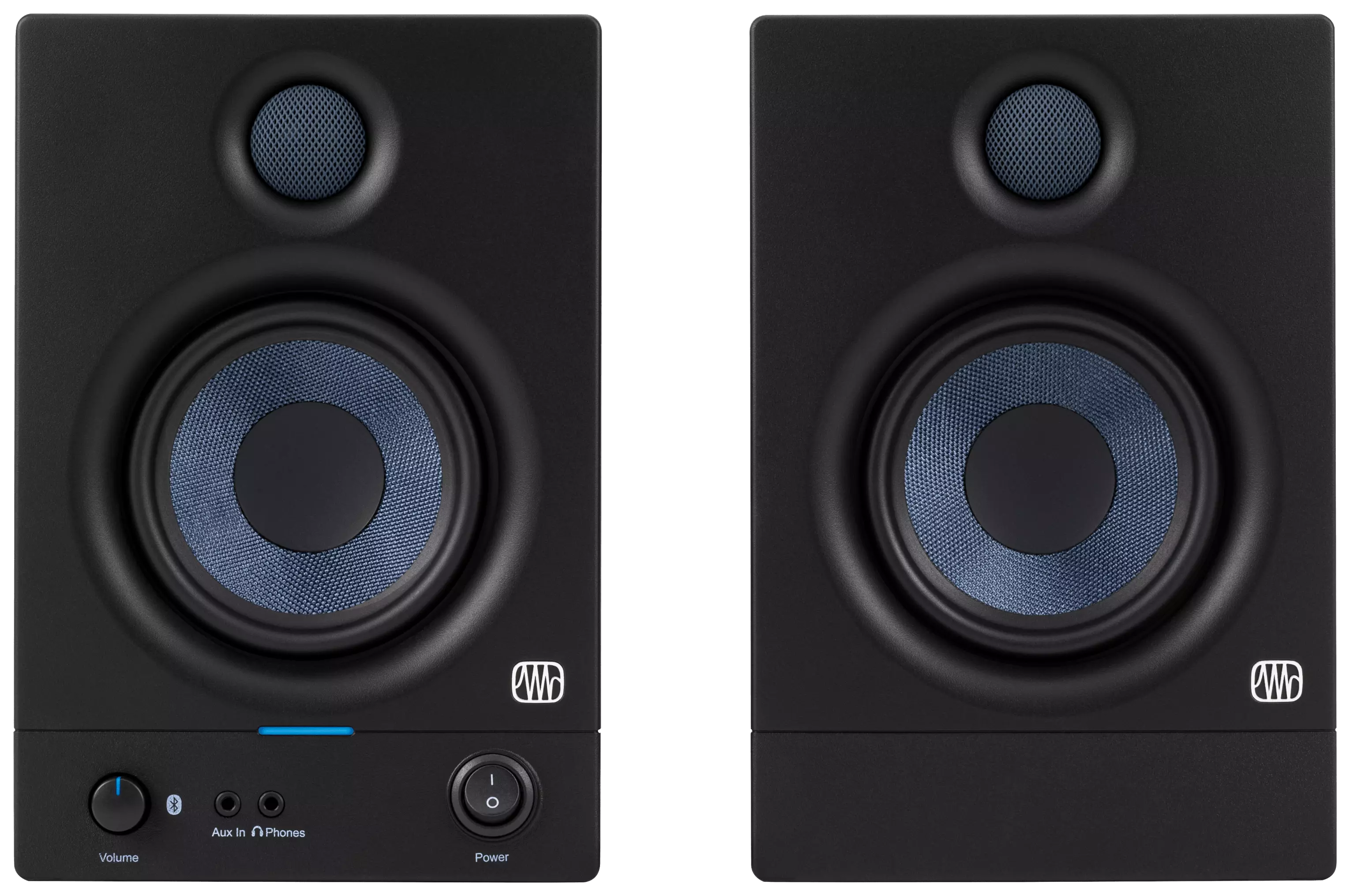
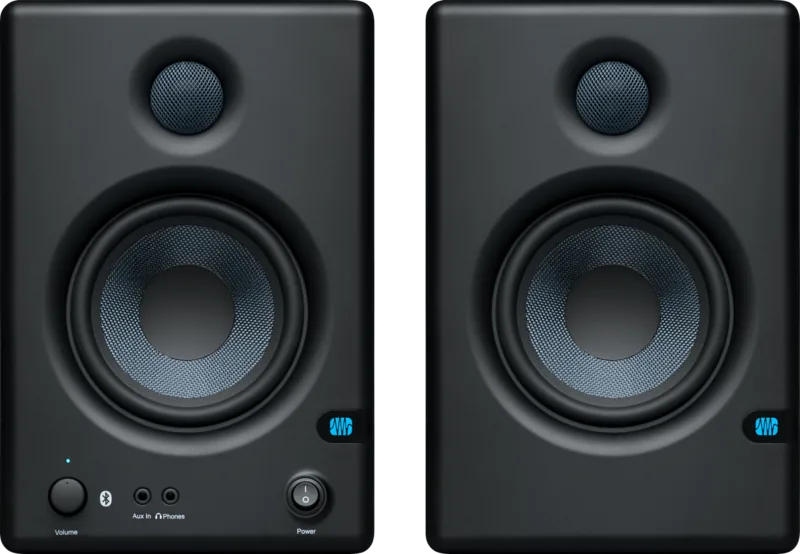
Each package contains a pair of monitors comprising one active speaker and one passive speaker. This active-passive design allows for flexible setup options. The active unit houses the power amplifier and most connectivity options, while the passive unit relies on the signal passing through the bare-wire connections behind it. This setup simplifies cable management behind your desk while maintaining robust audio power. The active speaker should typically be placed on the left to maintain the correct stereo image, though reversing inputs is supported if you prefer controls on the right. The pair comes with foam feet to improve isolation and an IEC power cable for the active unit. The PreSonus brand is known for reliability and value in the audio industry. This series continues that tradition with high build quality. The foam feet included help isolate the speakers from desk vibrations, ensuring cleaner sound reproduction.
Connectivity and Control
Connectivity is a strong point for the Eris 4.5. You have access to balanced 1/4-inch TRS inputs and unbalanced RCA inputs on the rear panel. There is also a convenient 1/8-inch stereo input on the front panel for quick connections to media players. For acoustic tuning, High and Low controls allow you to adjust the treble and bass by plus or minus 6 dB. These shelving EQ controls help tailor the sound to your room acoustics quickly. A volume knob on the front controls both monitor and headphone levels. The LED status indicator shows power and standby modes clearly.
Performance and Versatility
The 4.5-inch woven composite low-frequency driver paired with a 1-inch silk-dome high-frequency driver provides a frequency response from 70 Hz to 20 kHz. This range is impressive for desktop monitors. The system includes a headphone output with its own volume control, ensuring you can listen at high levels without disturbing others. When headphones are connected, the Eris speakers mute automatically. Power management features an automatic power save mode to save energy during periods of inactivity after 40 minutes of silence. The 50 watts of Class D HF power ensure clean highs.
Using the PreSonus Eris 4.5 Pair Manual is recommended during initial setup to ensure optimal gain staging and cable placement. Follow the hookup diagrams to avoid ground loops and interference. Positioning the speakers correctly is crucial for the stereo image. Proper gain staging helps avoid noise, so keep levels within a reasonable range. Unbalanced cables are more susceptible to noise, so using balanced cables is advised for best results.
Conclusion
These monitors are ideal for content creation and critical listening. Their compact size fits well in any workstation without sacrificing sound quality. The ability to adjust acoustic settings makes them versatile for different environments. They integrate seamlessly into creative workflows.
Final Notes
Ensure you register your product on MyPreSonus.com for support. Keep cables away from power sources to reduce noise. Always connect positive to positive wire connections for best performance. Place the speakers at ear level for accurate sound.
Search for 67,706 Manuals online


Type-in Brand or Model