

Free Nacon Manuals – Read, Download & Print
19 Manuals
Manuals

48 Pages
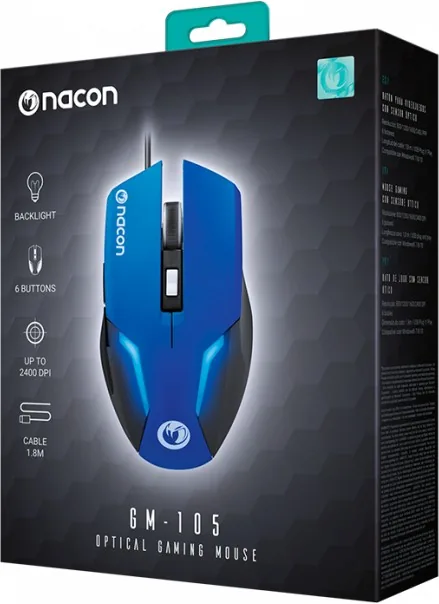
24 Pages

2 Pages

32 Pages

32 Pages
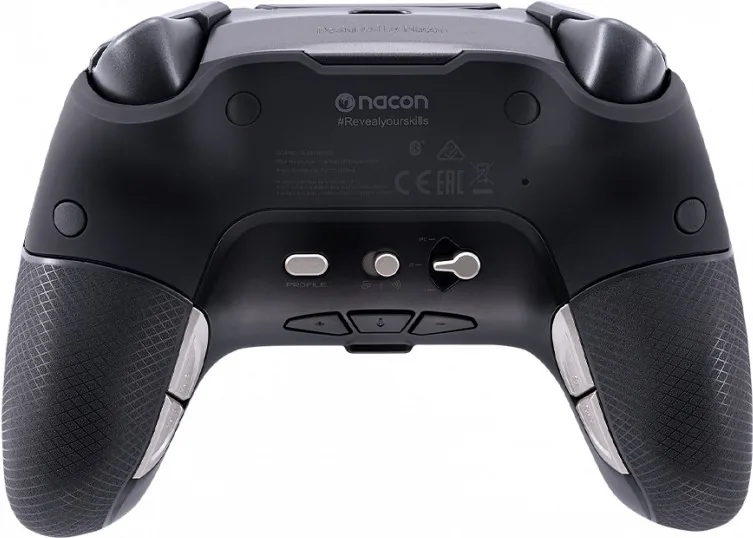
17 Pages
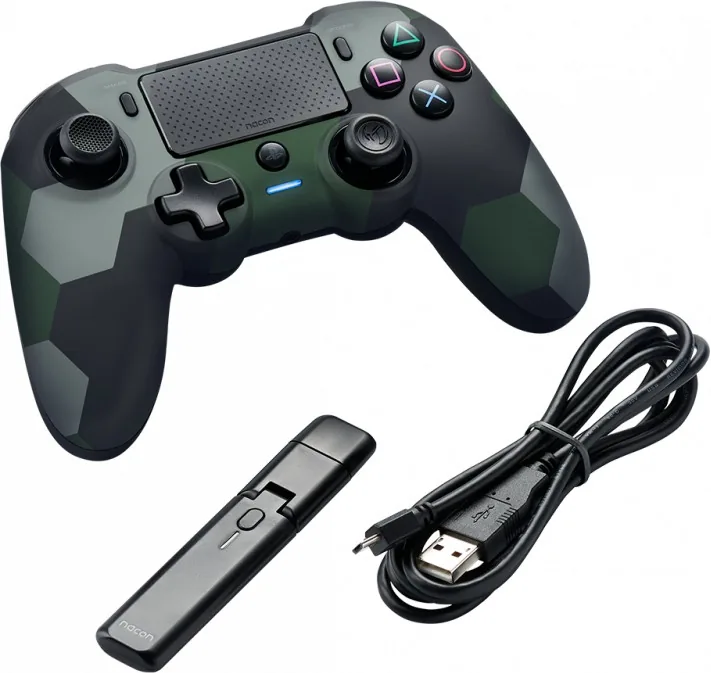
14 Pages

24 Pages
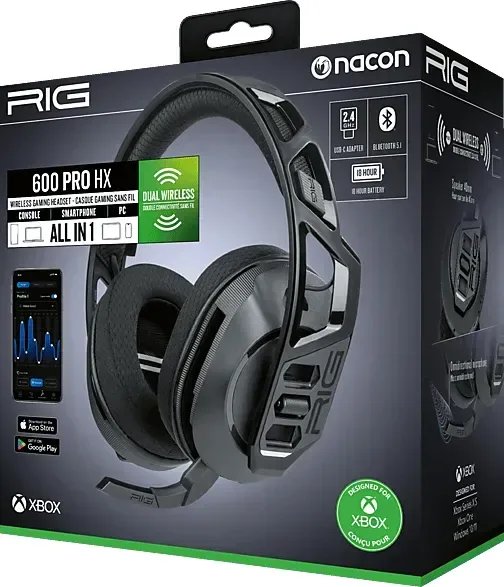
70 Pages

22 Pages

2 Pages
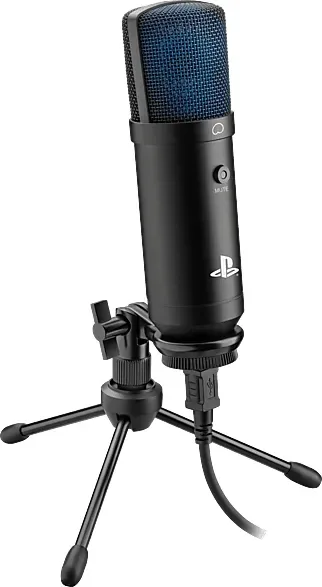
56 Pages

46 Pages
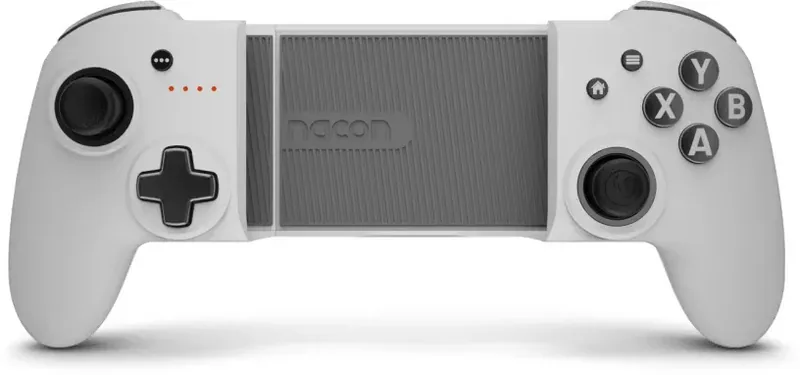
70 Pages
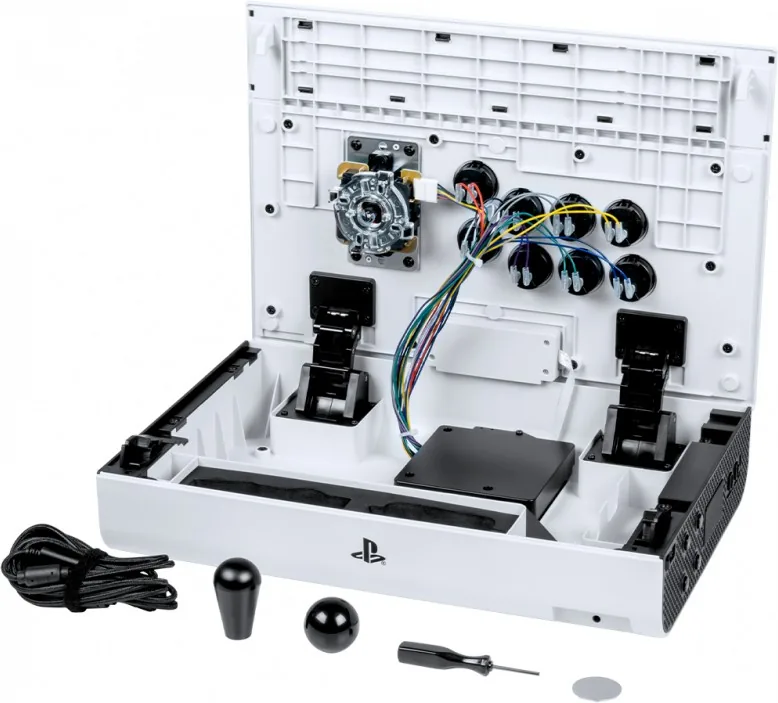
64 Pages

45 Pages
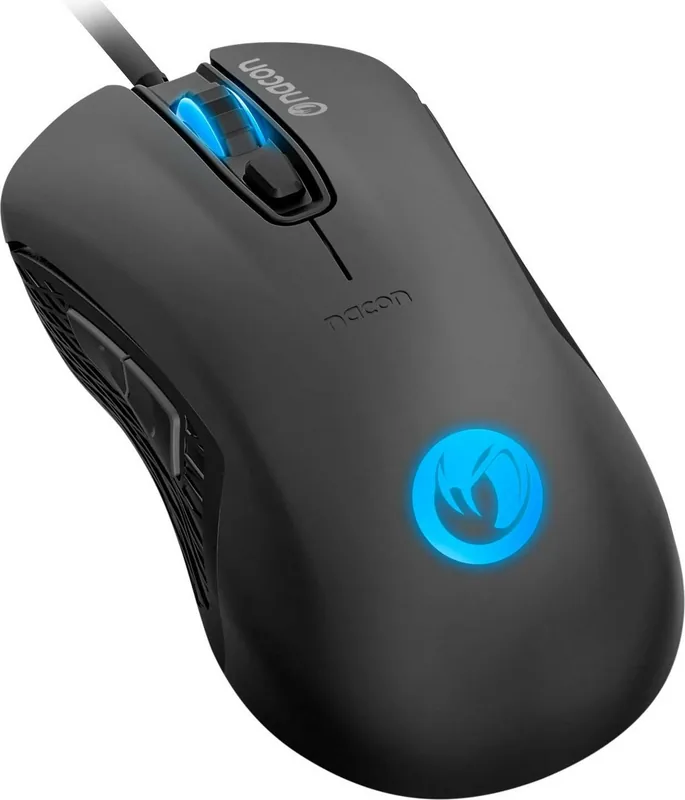
28 Pages

48 Pages

28 Pages
Categories


Free Nacon Manuals - Read, Download & Print
Introduction to Nacon Documentation Resources
In the rapidly evolving world of gaming peripherals and accessories, having access to accurate and comprehensive documentation is essential for maximizing the performance of your devices. Nacon, a prominent manufacturer known for its high-quality controllers, headsets, and other gaming gear, provides users with an extensive library of manuals designed to enhance the user experience. Whether you are setting up a new controller, troubleshooting connectivity issues, or looking to customize button mappings, free Nacon manuals serve as the ultimate guide for gamers of all skill levels. These resources are available for read, download, and print, ensuring that help is always within reach regardless of your internet connection status.
The availability of these manuals in digital formats allows users to quickly find solutions without the need to search through physical boxes or contact customer support immediately. For many enthusiasts, the ability to print specific sections means they can have a hard copy on their desk while playing, making it easier to reference settings during tournaments or long gaming sessions. This accessibility underscores Nacon's commitment to user satisfaction and technical transparency.
The Importance of Accurate User Guides
User manuals are more than just instruction booklets; they are vital tools that bridge the gap between hardware capabilities and user potential. When purchasing a Nacon product, such as the Pro Controller or a wireless headset, the manual contains critical information regarding setup procedures, safety warnings, and maintenance tips. Without this information, users might struggle to pair their devices correctly or fail to utilize advanced features like adjustable sensitivity or programmable buttons.
Accurate documentation prevents common errors that can lead to frustration or even damage to the equipment. For instance, understanding the correct charging protocols for rechargeable batteries can extend the lifespan of the device significantly. Similarly, knowing how to properly clean sensors or lenses ensures that the peripheral remains responsive and clear over time. By providing detailed guides, Nacon empowers owners to take full control of their gaming setup, reducing the likelihood of unnecessary returns or support tickets.
Furthermore, these manuals often include troubleshooting sections that address frequent issues encountered by the community. Instead of guessing what went wrong when a controller stops responding, users can consult the manual to check battery levels, reset procedures, or driver installation steps. This self-service approach saves time and enhances the overall reliability of the gaming experience.
How to Access and Navigate the Manual Library
Accessing the vast collection of Nacon manuals is a straightforward process designed for ease of use. The official website hosts a dedicated section where users can search for products by name, model number, or category. Once a specific product is selected, a list of available documents appears, typically including quick start guides, full user manuals, firmware update instructions, and warranty information. Each document is presented with a clear title and file size indicator, allowing users to choose the most appropriate resource for their needs.
The search functionality is optimized to handle various input methods, whether you know the exact model number like the NA-100 or simply recall the product type. Advanced filtering options allow users to narrow down results by region or language, ensuring that the content is relevant and understandable. For those who prefer browsing, the categories are logically organized, separating wired controllers from wireless ones, and distinguishing between accessories and main units.
Navigation within the PDF files themselves is also user-friendly. Most manuals feature a clickable table of contents at the beginning, enabling readers to jump directly to chapters on pairing, customization, or safety. Page numbers are clearly marked, and hyperlinks facilitate smooth movement between sections. This structure ensures that finding specific information is efficient, even when dealing with lengthy documents containing hundreds of pages of technical details.
Benefits of Reading, Downloading, and Printing Manuals
The option to read, download, and print Nacon manuals offers distinct advantages tailored to different usage scenarios. Reading online is ideal for quick lookups when you have an active internet connection. It allows for immediate access to the latest versions of documents, which may contain updated information or corrections not found in older editions. Digital reading also supports zooming and text searching, making it easy to locate keywords like "reset" or "firmware" instantly.
Downloading the manuals provides the benefit of offline access. Gamers often play in environments where internet connectivity is unreliable or non-existent, such as LAN parties or remote locations. Having the files saved locally on a computer, tablet, or smartphone ensures that help is available anytime. Downloaded files can be stored in organized folders for future reference, creating a personal knowledge base for all owned Nacon products. This permanence is valuable for long-term ownership, as software updates or new games may require revisiting specific settings years after purchase.
Printing the manuals adds a tactile dimension to the user experience. Some users prefer physical copies for their convenience and readability. A printed manual can be placed next to the gaming console or PC, allowing for quick glances without switching screens. This is particularly useful for complex setups involving multiple devices or for users who want to mark up the document with notes using a pen. Printing also serves as a backup measure in case digital devices run out of battery or malfunction. Additionally, certain regions or legal requirements may mandate keeping a physical copy of the warranty and safety instructions, making the print option indispensable for compliance.
Comprehensive Coverage of Product Categories
Nacon covers a wide array of gaming peripherals, and their manual library reflects this diversity. The documentation spans across several key categories, including gamepads, racing wheels, flight sticks, headsets, and mobile gaming accessories. For gamepad enthusiasts, the manuals detail button layouts, analog stick calibration, and macro programming. Racing wheel guides focus on force feedback settings, pedal adjustments, and mounting stability. Flight stick documentation covers throttle management, axis mapping, and joystick sensitivity.
Each category is supported by specialized content that addresses the unique demands of that genre. Racing simulators require precise tension settings and realistic force feedback curves, which are explained in depth within the respective manuals. Flight simulation enthusiasts need to understand how to configure trim tabs and rudder pedals, information that is readily available in the flight stick guides. Headset manuals provide insights into microphone positioning, noise cancellation features, and surround sound configuration, ensuring immersive audio experiences.
Mobile gaming accessories are another growing segment, with manuals explaining how to connect clips and triggers to smartphones and tablets. These guides often include compatibility lists and step-by-step instructions for iOS and Android devices. By covering such a broad spectrum, Nacon ensures that every gamer, regardless of their preferred platform or genre, has access to the necessary tools to optimize their equipment.
Safety and Maintenance Guidelines
Beyond operational instructions, Nacon manuals place a strong emphasis on safety and maintenance. Proper care of gaming peripherals extends their longevity and ensures safe usage. Manuals include warnings about electrical safety, such as avoiding exposure to water or extreme temperatures. They advise against disassembling the device unless authorized, as this can void warranties and pose risks of electric shock or injury.
Maintenance tips cover cleaning procedures using appropriate materials, storage recommendations to prevent dust accumulation, and cable management techniques to avoid wear and tear. Regular firmware updates are highlighted as a crucial part of maintenance, ensuring that the device operates with the latest bug fixes and performance improvements. Following these guidelines helps users maintain their equipment in top condition, preserving both functionality and resale value.
In conclusion, free Nacon manuals are an invaluable resource for anyone owning Nacon products. They provide clear, accessible, and comprehensive guidance that enhances the gaming experience through better understanding and utilization of the hardware. Whether accessed online, downloaded for offline use, or printed for physical reference, these documents empower users to get the most out of their investments. With a commitment to quality and user support, Nacon continues to deliver exceptional documentation that stands as a benchmark in the gaming industry.
Search for 67,706 Manuals online


Type-in Brand or Model