

Free Kramer Manuals – Read, Download & Print
13 Manuals
Manuals
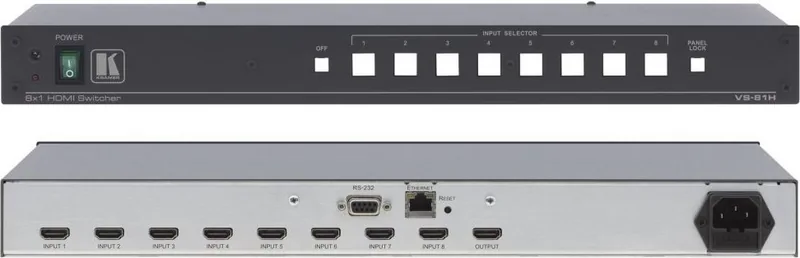
23 Pages

16 Pages
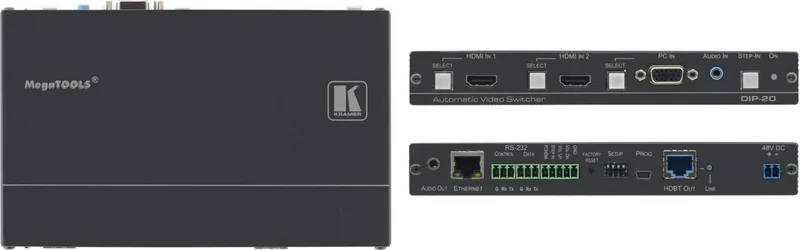
81 Pages
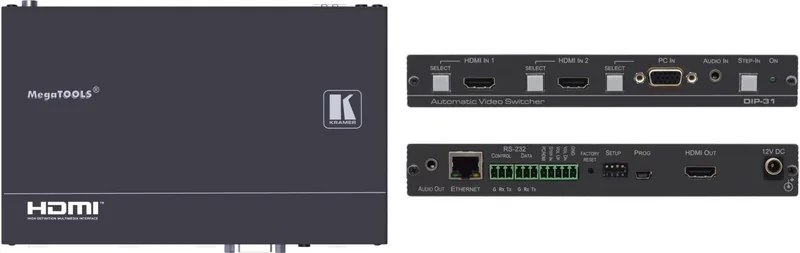
79 Pages
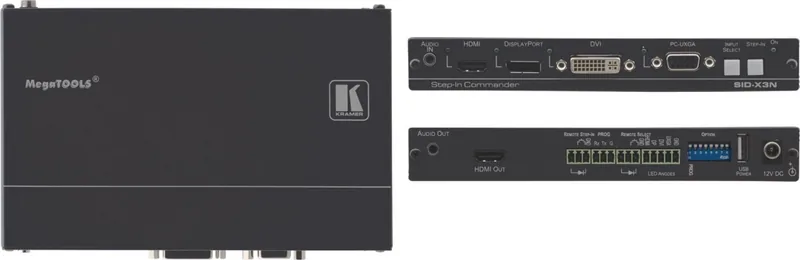
37 Pages
39 Pages
23 Pages
14 Pages
14 Pages
21 Pages
24 Pages

24 Pages
15 Pages
Categories


Kramer Manuals
Understanding Kramer Manuals
Kramer Manuals are an essential resource for anyone working with Kramer products, including AV signal management tools, switching systems, matrix routers, extenders, scalers, control devices, and related connectivity solutions. Whether you are an installer, technician, integrator, facility manager, or end user, having access to the right manual can make setup faster, troubleshooting easier, and long-term operation more reliable. These manuals typically provide the information needed to install hardware correctly, connect components safely, configure features properly, and maintain consistent performance in professional environments.
Kramer as a brand is widely associated with audiovisual systems used in classrooms, conference rooms, control centers, houses of worship, hospitality spaces, and live-event environments. Because many of these products include advanced routing, signal conversion, and control options, the manual is often the first and most important reference point. A good manual not only explains basic operation but also helps users understand product capabilities, supported formats, firmware behavior, and recommended use cases.
What You Can Find in Kramer Manuals
Kramer Manuals usually contain a structured set of instructions and technical details designed to support the full product lifecycle. They often include product overview sections, installation diagrams, connector pinouts, configuration steps, specifications, safety instructions, and troubleshooting tips. For more advanced devices, the manual may also include network setup guidance, RS-232 or IP control commands, firmware update procedures, and example workflows.
Product Identification and Overview
The first section of many manuals introduces the product model, describes its purpose, and summarizes key features. This helps users confirm that they have the correct document for their specific device. Since Kramer offers many related models with similar naming conventions, product identification is especially important. Users can quickly verify supported inputs, outputs, supported resolutions, audio handling, power requirements, and control options.
Installation and Wiring Guidance
Installation instructions are among the most valuable parts of Kramer Manuals. They may explain how to mount the device, connect power, route audio and video signals, and attach control cables. For rack-mounted equipment or devices installed in AV cabinets, the manual can also specify ventilation, clearance, and environmental considerations. Clear wiring diagrams help reduce connection errors and minimize downtime during deployment.
Configuration and Operation
Many Kramer products are designed for flexible operation, which means users may need to configure EDID, scaling, switching modes, preset recall, or network settings. Manuals often explain how to navigate on-device menus, use front-panel controls, access web interfaces, or work with remote management tools. In environments where the system must be customized for different rooms or users, this section is especially useful.
Technical Specifications
Technical specification tables provide a concise view of the product's performance limits and compatibility details. These may include supported video formats, bandwidth, audio standards, connector types, power draw, dimensions, and operating temperature ranges. For integrators, these specifications are critical when designing systems that must match existing infrastructure or meet project requirements.
Troubleshooting and Maintenance
Troubleshooting sections help diagnose common issues such as no signal, distorted output, control failure, or power problems. Manuals often include step-by-step checks, LED status explanations, and corrective actions. Maintenance information may cover cleaning, firmware updates, storage recommendations, and periodic inspection. This helps extend product life and maintain stable operation.
Why Kramer Manuals Matter
In professional AV environments, even a small configuration mistake can cause significant disruption. A manual reduces guesswork and helps teams deploy systems correctly the first time. This is particularly valuable when working with large projects that involve multiple displays, distributed audio, control processors, or complex signal pathways.
Faster Installation
With a reliable manual, installers can move quickly from unpacking to commissioning. They can identify ports, understand signal flow, and avoid mistakes that could damage equipment or create compatibility issues. This reduces labor time and improves project efficiency.
Better Troubleshooting
When a system does not behave as expected, the manual offers a direct path to resolving the issue. Instead of relying on assumptions, technicians can consult official guidance for error indicators, reset methods, supported settings, and diagnostic steps.
Improved User Confidence
End users benefit when they understand how to operate the equipment properly. Manuals help them switch sources, adjust settings, or interpret device indicators without needing constant support. This leads to fewer support requests and a better overall experience.
Compliance and Safety
Kramer Manuals also communicate important safety and compliance details. Users learn about correct power usage, grounding, ventilation, and handling. This reduces the risk of equipment damage and helps ensure that installations follow best practices.
How to Use Kramer Manuals Effectively
To get the most value from Kramer Manuals, users should approach them as working documents rather than references only used after a problem appears. Reading the manual before installation can prevent errors and reveal features that may be overlooked during setup.
Start with the Correct Model
Always confirm that the manual matches the exact model number and hardware revision. Even closely related products can differ in features, firmware support, or connector layout. Using the wrong manual can lead to incorrect wiring or incomplete configuration.
Review the Signal Path
For AV products, understanding the signal path is essential. The manual usually explains how input and output signals should move through the device. Reviewing this flow before installation helps ensure that the system design matches the physical setup.
Pay Attention to Notes and Warnings
Manuals often include notes, cautions, and warnings that highlight limitations or special requirements. These details may relate to cable length, power sequencing, heat management, or supported control methods. Ignoring them can result in unstable operation.
Use Diagrams and Tables
Kramer Manuals often contain diagrams that simplify complex instructions. Port maps, rack layouts, command tables, and wiring charts can save time and reduce confusion. These visual aids are especially helpful in fast-paced installation environments.
Common Users of Kramer Manuals
Kramer Manuals serve a wide audience across commercial, educational, and institutional settings. Different users rely on the documents for different reasons, but each group benefits from clear technical guidance.
AV Integrators
Integrators use manuals during system design, installation, testing, and handoff. They need accurate information about feature support, control integration, and interconnection requirements.
IT and Network Teams
When Kramer products connect to IP networks or integrate with managed infrastructure, IT teams may consult the manual for addressing, security, firmware, and remote management details.
Facility and Operations Teams
Facility staff use manuals to maintain room systems, perform basic troubleshooting, and support daily operations. Manuals help them understand what the equipment does and how to respond to common issues.
End Users and Presenters
Users in meeting rooms or classrooms may need the manual to learn how to select sources, adjust outputs, or recover from a simple operational problem. Accessible instructions help them use the system independently.
Benefits of Digital Access
Digital versions of Kramer Manuals are especially convenient because they are searchable, easy to store, and simple to share with installation teams. A searchable PDF allows users to jump directly to a connector diagram, command reference, or troubleshooting section without reading the entire document line by line.
Easy Search and Retrieval
Digital manuals save time when a technician needs a specific detail quickly. Searching for a model number, port label, or error message can lead directly to the relevant section.
Support for Remote Teams
When projects involve multiple locations or remote support staff, digital manuals make collaboration easier. Everyone can reference the same document and work from consistent information.
Better Project Documentation
Digital manuals can be archived with project records, maintenance logs, and training materials. This is useful for long-term support and future upgrades.
Selecting the Right Manual
Choosing the right Kramer Manual depends on the product type and the task at hand. Some users need a quick start guide for basic setup, while others require a complete user manual or technical reference.
Quick Start Guides
These are useful for initial installation and basic operation. They usually cover essential steps without going deeply into advanced configuration.
User Guides
User guides provide broader operational instructions and are suitable for day-to-day use. They often include detailed feature descriptions and setup explanations.
Technical Manuals
Technical manuals are intended for installers and engineers who need full specifications, control protocols, and system integration details. These are ideal for advanced deployments.
Service and Support Documents
Some products also include service guides, firmware notes, or application notes. These documents may be helpful when troubleshooting or updating devices in the field.
Conclusion
Kramer Manuals are more than simple instruction sheets. They are practical tools that support installation, operation, maintenance, and troubleshooting across a wide range of AV applications. By providing clear guidance on product features, wiring, configuration, and technical limits, these manuals help users deploy equipment with confidence and keep systems running smoothly. For anyone using Kramer products, the manual is a valuable companion that improves efficiency, reduces risk, and supports professional results from initial setup through everyday use.
Search for 67,706 Manuals online


Type-in Brand or Model