

Free Enermax Manuals – Read, Download & Print
21 Manuals
Manuals
32 Pages
45 Pages
2 Pages
2 Pages
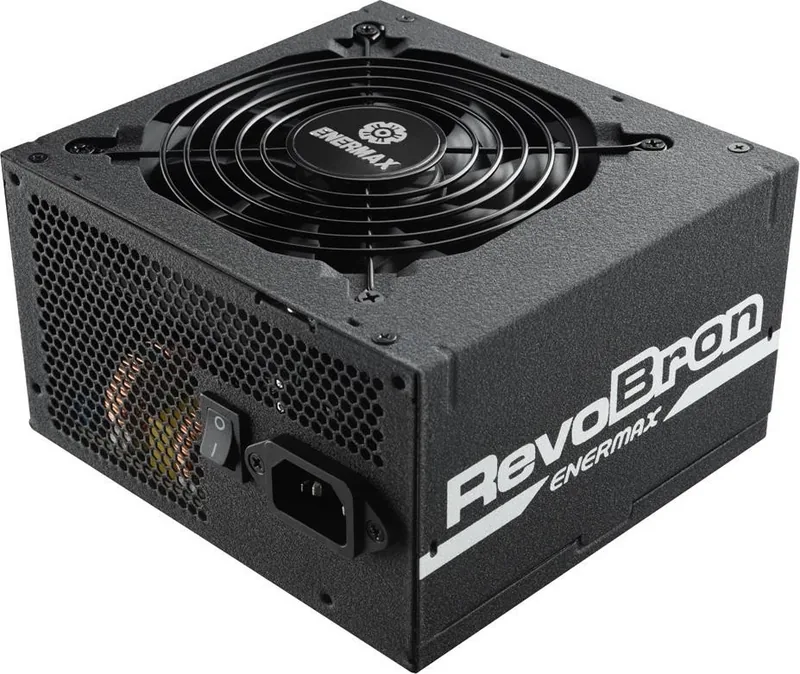
2 Pages
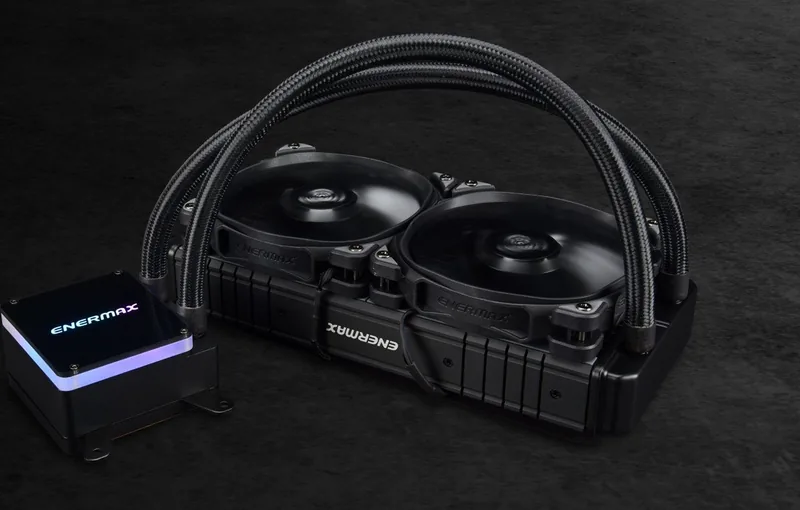
28 Pages
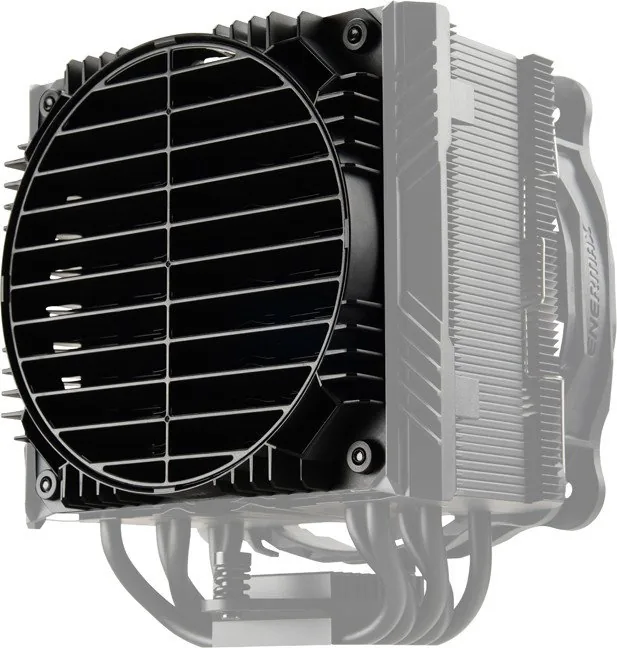
2 Pages
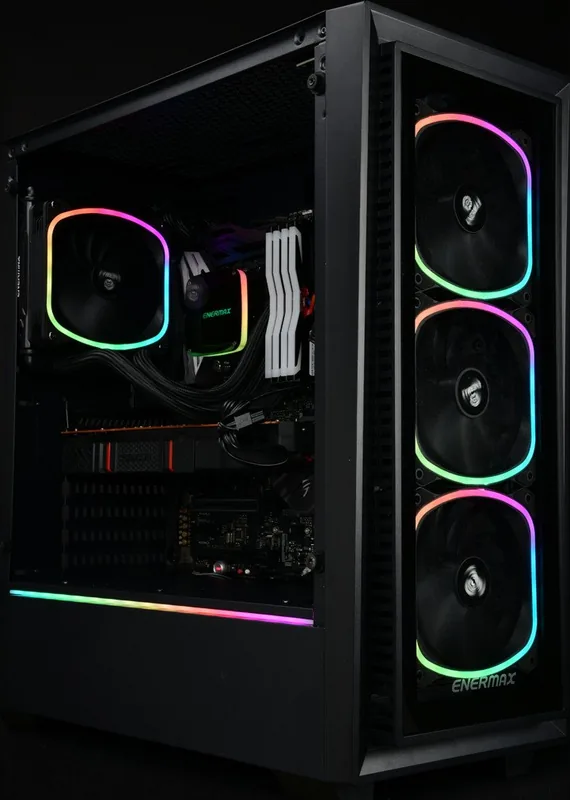
44 Pages
32 Pages
19 Pages
22 Pages
22 Pages
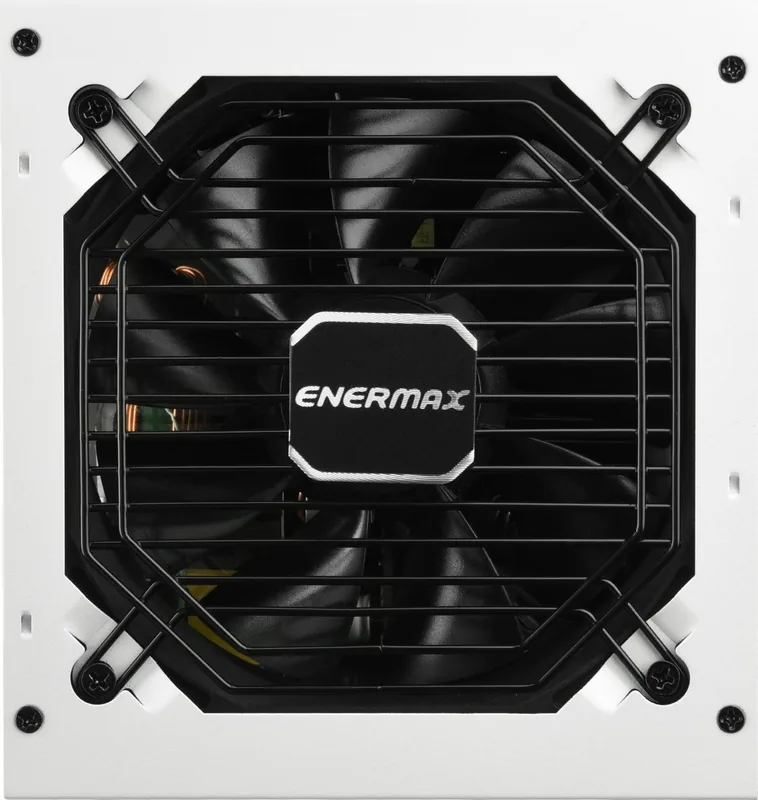
2 Pages
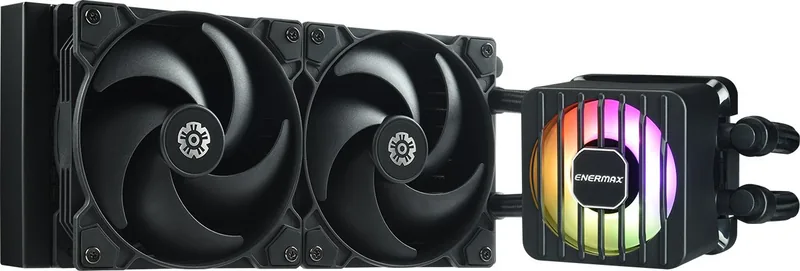
19 Pages
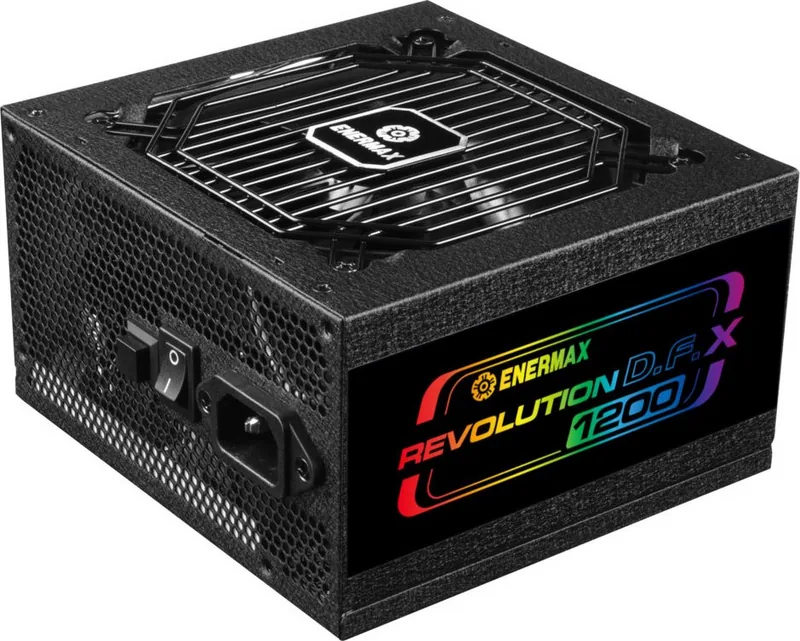
24 Pages
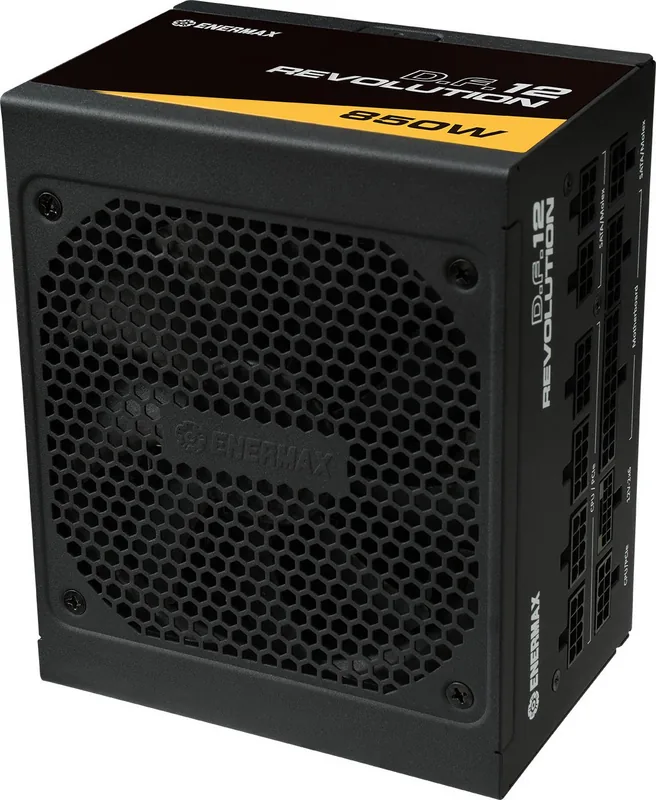
24 Pages
23 Pages
2 Pages
2 Pages
2 Pages
2 Pages
Categories

Free Enermax Manuals - Read, Download & Print
Find Enermax Product Manuals in One Convenient Place
Looking for a free Enermax manual? This page helps you locate user guides, installation instructions, technical documentation, and product information for Enermax hardware. Whether you need help setting up a power supply, installing a CPU cooler, connecting case fans, configuring RGB lighting, or checking product specifications, an official-style manual can provide the details you need.
Enermax is known for PC components and cooling products designed for gamers, builders, workstation users, and computer enthusiasts. Manuals are especially useful when you are working with a new component, replacing an older part, troubleshooting a system issue, or preparing hardware for resale. Instead of guessing which cable, bracket, connector, or mounting position to use, consult the relevant documentation before making changes to your computer.
Read Enermax Manuals Online
Reading an Enermax manual online is a simple way to access product information from a desktop computer, laptop, tablet, or phone. Online manuals can be useful when you need a quick answer while building or repairing a PC and do not have the original paperwork available.
Many product guides include diagrams, labeled parts, safety notes, compatibility information, and step-by-step installation instructions. These details can help users identify the correct fan headers, power connectors, mounting hardware, and cable routing options. Product manuals may also explain recommended maintenance procedures, operating limits, warranty information, and precautions for safe handling.
Before installing any component, review the manual for your exact model whenever possible. Different Enermax products may use different brackets, adapters, controller layouts, or connection methods. A manual for a similar-looking model may not contain the correct instructions for your specific hardware.
Information Commonly Found in Manuals
An Enermax product manual may include:
- Product overview and package contents
- Component dimensions and technical specifications
- Compatibility requirements
- Installation and mounting instructions
- Cable and connector descriptions
- Fan, pump, and lighting connection guidance
- Controller setup information
- Safety precautions and care recommendations
- Troubleshooting steps
- Warranty and support details
Download Free Enermax PDF Manuals
Downloading a manual can be helpful if you want to keep a copy for future reference. A saved PDF manual can be opened without repeatedly searching online, making it practical for PC builders, repair shops, IT staff, and users maintaining multiple systems.
When downloading documentation, save the file with a clear name that includes the product model. For example, include the model number, product category, and revision when that information is available. This makes it easier to find the correct guide later, especially if you own several Enermax products or have documentation from multiple PC hardware brands.
PDF manuals are also convenient for printing selected pages. You may only need the mounting diagram, wiring chart, or troubleshooting section during installation. Saving a local copy allows you to access those pages even when an internet connection is unavailable.
Tips for Choosing the Correct Manual
Check the product label, retail box, invoice, or original listing to identify the exact model name. Look for details such as wattage, fan size, radiator size, series name, or controller type. These details can distinguish products that appear similar but require different documentation.
For power supplies, verify the wattage and series. For CPU coolers, confirm whether the unit is an air cooler or liquid cooler and note the radiator size if applicable. For cases and fans, check the model number and lighting version. Selecting the correct manual helps prevent incorrect installation and reduces the risk of using incompatible accessories.
Print Enermax Instructions for Easier Installation
Printing an Enermax manual can be useful when assembling a computer away from a screen. A printed guide lets you keep installation steps nearby while working inside a case, mounting a cooler, connecting cables, or adjusting fan placement.
Consider printing only the pages you need, such as the hardware list, motherboard compatibility chart, mounting sequence, or connector diagram. This can reduce paper use while keeping essential information within reach. If the manual contains color-coded wiring or lighting diagrams, use a color printer when possible to make labels easier to distinguish.
For long-term reference, store printed manuals in a folder with receipts, warranty cards, and spare mounting hardware. Keeping documentation organized can save time if you later upgrade your computer, replace a component, troubleshoot a problem, or transfer hardware to another system.
Manuals for Enermax Power Supplies
Power supply documentation is important because a PSU connects to nearly every major component in a PC. A manual can explain connector types, cable usage, ventilation requirements, installation orientation, and safety guidelines.
Always use the cables supplied with the specific power supply model. Modular power supply cables are not universally interchangeable, even when connectors seem physically similar. Using cables from another PSU can damage components or create a safety hazard. Review the manual and product labeling before connecting motherboard, CPU, graphics card, storage, or peripheral power cables.
The manual may also provide information about fan behavior, hybrid fan modes, input voltage requirements, and protection features. If a power supply does not start, verify the rear switch position, wall power, motherboard connections, CPU power connection, and case power-button wiring before assuming the unit has failed.
Manuals for Enermax CPU Coolers and Liquid Cooling
CPU cooler manuals help ensure correct mounting pressure, bracket selection, and fan orientation. These instructions are particularly important because socket support can vary between Intel and AMD platforms. The manual may show which backplate, standoff, bracket, screws, and retention parts are required for each supported socket.
For air coolers, documentation can show the recommended direction of airflow and the proper placement of fan clips. For liquid coolers, the guide may explain radiator mounting, pump connections, fan headers, RGB connectors, and cable controller options.
Before installation, check the cooler clearance inside your PC case. Confirm that the radiator, fan thickness, memory modules, motherboard heatsinks, and graphics card do not interfere with the cooler. Avoid overtightening screws, and follow the sequence shown in the manual to apply even pressure across the CPU.
Manuals for Fans, Cases, and RGB Accessories
Enermax fan, case, and lighting manuals can help users understand connector standards and controller functions. Modern PC accessories may include PWM fan connectors, SATA power connectors, USB headers, 3-pin ARGB connectors, 4-pin RGB connectors, remote controls, or proprietary hubs.
Do not connect a 3-pin 5V addressable RGB plug to a 4-pin 12V RGB header. These connection types are different and may cause damage if used incorrectly. Check the labels on both the product cables and motherboard headers before connecting lighting equipment.
Case manuals may include drive bay layouts, front-panel pin diagrams, fan mounting positions, dust filter removal instructions, and cable-management features. These details can make a build cleaner, quieter, and easier to maintain.
Troubleshooting With an Enermax Manual
A manual is often the best first resource when a component is not operating as expected. Start by checking that all connectors are fully seated and connected to the appropriate header or power source. Review diagrams carefully, because similar connectors may serve different functions.
If a fan does not spin, check its power connection, BIOS fan settings, and controller configuration. If RGB lighting does not work, verify the voltage type, connector orientation, and software or controller settings. If a cooler produces unusual noise, inspect the mounting, fan cables, radiator position, and pump connection according to the product guide.
When troubleshooting a power-related issue, shut down the system and disconnect it from wall power before handling internal components. Follow all safety warnings in the documentation and avoid opening a power supply enclosure.
Use Documentation to Build With Confidence
Free Enermax manuals make it easier to install, maintain, and understand your PC hardware. Reading online, downloading a PDF, or printing key pages gives you flexible access to the instructions you need. Use the exact manual for your product model, follow the listed safety guidance, and keep a copy available for future upgrades or troubleshooting.
With the right documentation at hand, you can approach your Enermax installation with greater confidence, protect your components, and make informed decisions throughout the building process.
Search for 67,706 Manuals online


Type-in Brand or Model