

Free CyberPower Manuals – Read, Download & Print
13 Manuals
Manuals
40 Pages

39 Pages
50 Pages
2 Pages
8 Pages
52 Pages
2 Pages
2 Pages
2 Pages
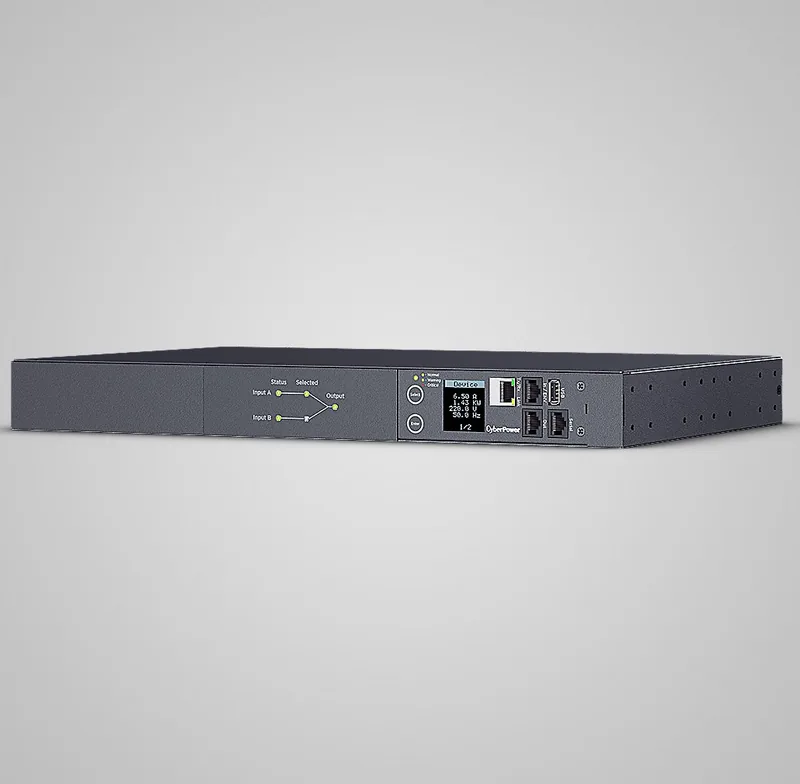
40 Pages
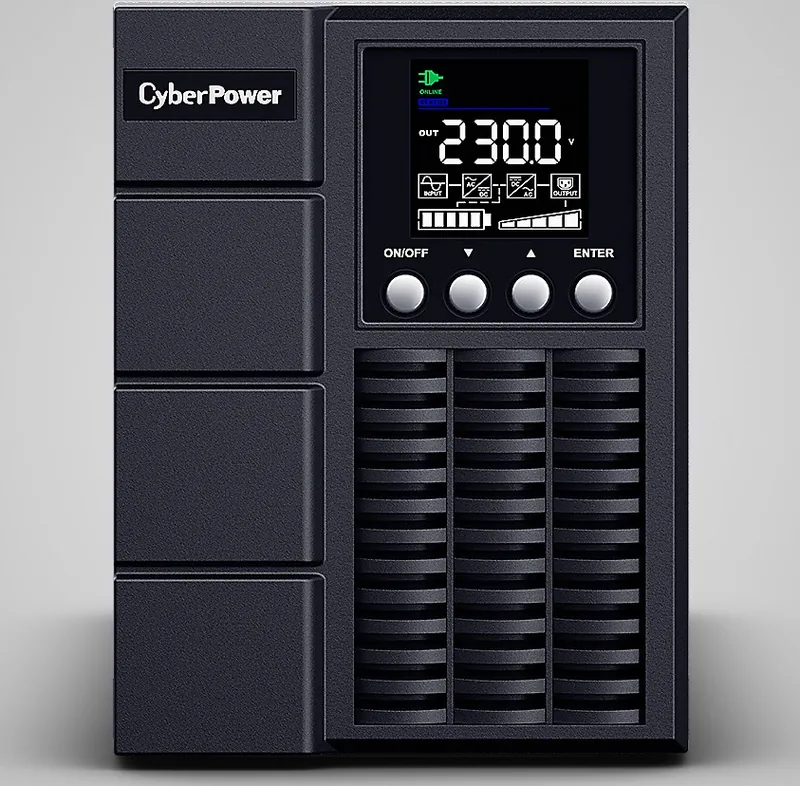
38 Pages

84 Pages
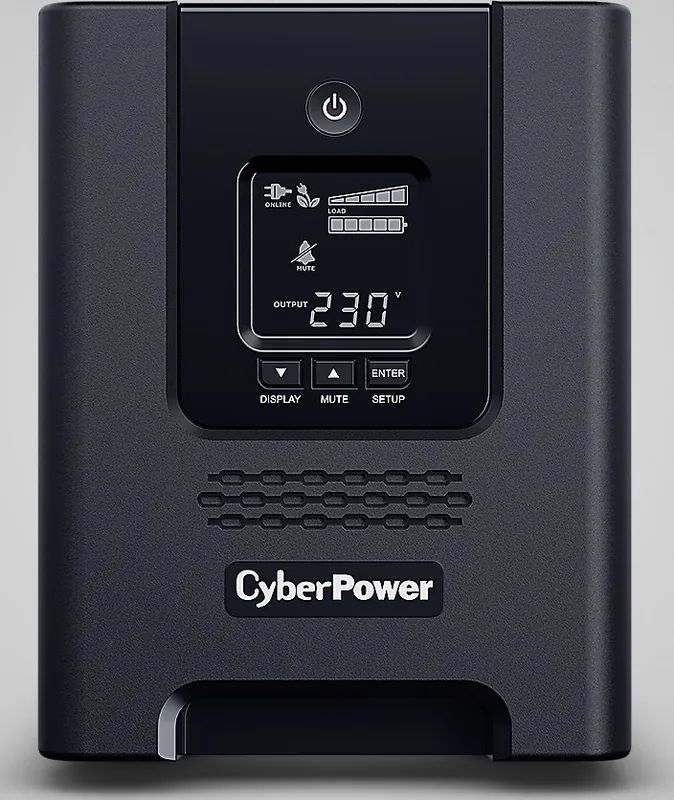
42 Pages
Categories

Free CyberPower Manuals - Read, Download & Print
Find free CyberPower manuals for power supplies, UPS battery backups, surge protectors, power distribution units, and related equipment. This page is designed to help home users, office managers, IT teams, and technicians quickly locate the information needed to install, operate, maintain, and troubleshoot CyberPower products. Read manuals online, download a copy for later reference, or print important pages for setup, service, and emergency procedures.
CyberPower devices protect computers, networking hardware, entertainment systems, servers, point-of-sale equipment, and other electronics from outages, voltage changes, and power surges. Having the correct manual makes it easier to understand your device's features, connect it safely, configure software, replace batteries, and respond to alarms or error messages.
Browse CyberPower Product Manuals
CyberPower manuals are organized by product type and model, helping you find instructions that match your equipment. Product documentation may include owner guides, user manuals, quick start guides, installation instructions, warranty details, technical specifications, and software documentation.
Common CyberPower manual categories include:
- UPS and battery backup manuals
- Uninterruptible power supply installation guides
- Surge protector and power strip instructions
- Power distribution unit manuals
- Rackmount UPS documentation
- Desktop and tower UPS user guides
- Inverter and power accessory manuals
- Power management software guides
- Replacement battery instructions
- LCD display and control panel references
Whether you need help with a compact backup unit for a desktop computer or a high-capacity rackmount system for critical business equipment, the right manual can provide clear model-specific information.
Read CyberPower Manuals Online
Reading a CyberPower manual online is a convenient way to check information without saving a file. Online manuals are useful when you need a quick answer about indicator lights, outlet groups, battery runtime, alarm sounds, reset procedures, or supported load limits.
A manual can explain the purpose of front-panel buttons, LCD menus, communication ports, circuit breakers, and battery compartments. It can also help you identify the correct connections for protected equipment, modem or network lines, USB communication cables, and external battery packs where supported.
Before connecting a UPS or surge protector, review the safety section. Power equipment may have specific requirements for grounding, ventilation, load capacity, battery handling, and placement. Manuals commonly explain which devices are appropriate for battery-backed outlets and which high-power devices should not be connected. Following those instructions can help prevent overloads, shortened battery life, equipment damage, and unexpected shutdowns.
Find Information by Model Number
The model number is the best way to locate the correct CyberPower manual. It is usually printed on a label on the back, bottom, side, or rear panel of the unit. It may also appear on the original box, purchase receipt, or product registration information.
Check the complete model number carefully, including letters and numbers. Similar CyberPower products may have different outlet configurations, battery capacities, display functions, voltage ratings, or software support. Selecting documentation for the exact model helps ensure that the instructions and specifications apply to your device.
If a product has a serial number as well as a model number, use the model number first when searching for a manual. The serial number typically identifies the individual unit, while the model number identifies the product version and its documentation.
Download a Free CyberPower Manual
Downloading a CyberPower manual gives you a local copy that can be opened whenever you need it. A saved manual is especially useful during an outage, when internet access may be unavailable, or when equipment must be serviced in a location without reliable connectivity.
Most manuals are available as PDF files. PDF manuals can be viewed on computers, tablets, and phones with a compatible reader. They are also easy to search for terms such as "battery," "overload," "alarm," "installation," "runtime," "shutdown," or "circuit breaker."
Keep a downloaded manual with your device records. For business environments, consider storing manuals alongside asset information, warranty documentation, purchase dates, and battery replacement records. This can simplify maintenance planning and help staff respond faster when a power-related issue occurs.
Benefits of Saving Documentation
A downloaded manual can help you:
- Review setup instructions before installation
- Check input and output electrical ratings
- Confirm maximum supported load
- Understand battery replacement procedures
- Locate troubleshooting tables and error codes
- Configure USB or network communication
- Set up automatic shutdown software
- Verify warranty and service information
- Access instructions during an outage
For larger installations, maintain copies of manuals for every UPS, PDU, and surge protection device. Clear documentation supports safer operation and makes equipment handoffs easier when staff or locations change.
Print CyberPower Manuals for Easy Reference
Printing a CyberPower manual or selected pages can be helpful in server rooms, workshops, offices, classrooms, and home technology areas. A printed quick reference is useful when technicians need immediate access to startup, shutdown, battery replacement, or alarm response instructions.
You may not need to print the entire manual. Consider printing the pages that cover safety precautions, installation diagrams, outlet assignments, LCD menu controls, troubleshooting steps, battery replacement, and technical specifications. Store printed pages near the equipment in a clean, dry location where they can be accessed quickly.
When printing, make sure diagrams and tables remain readable. Landscape orientation can work better for wiring diagrams, outlet layouts, and specification charts. If the manual includes a revision date or document number, include it on your printed copy so you can identify the version later.
CyberPower UPS Setup and Operation Help
CyberPower UPS manuals often provide step-by-step instructions for unpacking, charging, connecting, and testing a battery backup system. Many units should be charged for a recommended period before they are expected to deliver full battery runtime. The exact charging time and operating guidance depend on the model.
A UPS manual can also explain the difference between surge-only outlets and battery backup outlets. Battery-backed outlets are intended for essential devices that need to remain on long enough for safe shutdown or continued short-term operation. Surge-only outlets are generally intended for equipment that needs protection from spikes but does not require backup power during an outage.
Do not assume every connected device should use battery backup. High-draw devices such as laser printers, space heaters, refrigerators, air conditioners, and other motorized or heating equipment may overload many UPS models. Always check the manual for supported loads and outlet recommendations.
Understanding Alerts and Status Lights
CyberPower equipment may use audible alarms, LEDs, LCD messages, or software notifications to report its current condition. A manual can help you determine whether an alert indicates normal battery operation, low battery, overload, wiring fault, battery replacement need, or another condition.
If your unit beeps during a power outage, it may be operating normally on battery power. If it beeps continuously or shows an error message, consult the troubleshooting section for the specific model. The manual may recommend reducing the load, checking the input power source, resetting a breaker, reconnecting the battery, or arranging battery replacement.
Battery Maintenance and Replacement
Battery condition is important for reliable UPS operation. Over time, internal batteries lose capacity and may need to be replaced. CyberPower manuals commonly include battery safety warnings, compatible replacement information, access instructions, and testing guidance.
Before replacing a battery, read the manual for your exact model. Turn off and disconnect equipment as directed, follow all battery handling precautions, and use the recommended replacement type. Some units support user-replaceable batteries, while others may require qualified service.
Environmental conditions can affect battery life. High temperatures, frequent discharges, heavy loads, and long storage periods may reduce runtime. Regular testing and periodic review of UPS status indicators can help identify battery concerns before an outage exposes them.
Troubleshooting CyberPower Devices
The troubleshooting section of a CyberPower manual is often the fastest place to find solutions to common problems. It may address issues such as a UPS that will not turn on, a device that does not provide battery power, an alarm that will not stop, outlets that are not working, short runtime, communication problems, or an overloaded condition.
Start with basic checks described in the manual. Verify that the unit is connected to a functioning grounded outlet, the power switch is on, connected equipment does not exceed capacity, and any resettable circuit breaker is in the correct position. For software-related issues, check communication cable connections and supported operating system requirements.
Avoid opening the enclosure or attempting repairs not covered by the documentation. Internal components and batteries can present electrical or safety hazards. Use the manual's service guidance and contact qualified support when needed.
Use the Right Manual for Safer Power Protection
The correct CyberPower manual is a valuable resource throughout the life of your equipment. Use it when installing a new battery backup, reviewing power capacity, connecting protected devices, managing alerts, replacing a battery, or preparing for an outage.
Read, download, and print free CyberPower manuals to keep important information close at hand. With accurate documentation for your model, you can make better decisions about setup, maintenance, and troubleshooting while helping protect the electronics that matter most.
Search for 67,706 Manuals online


Type-in Brand or Model