
CyberPower Professional 2200VA Manual
PDF manual · 42 Pages
English



Quick check
Incorrect answer, please try again.
Chat with your CyberPower Professional 2200VA manual using AI
Get instant AI answers from your CyberPower Professional 2200VA manual
Ask anything about the CyberPower Professional 2200VA. Answers come from this manual, with the pages they are based on.
Ask a Question
Do you recommend Professional 2200VA?
Yes NoFrequently Asked Questions
The PR2200ELCDSL is rated at 2200VA and 1980W. The combined demand of all connected equipment must remain within this limit to avoid overload alarms, shutdowns, or a tripped circuit breaker.
Is this answer helpful?
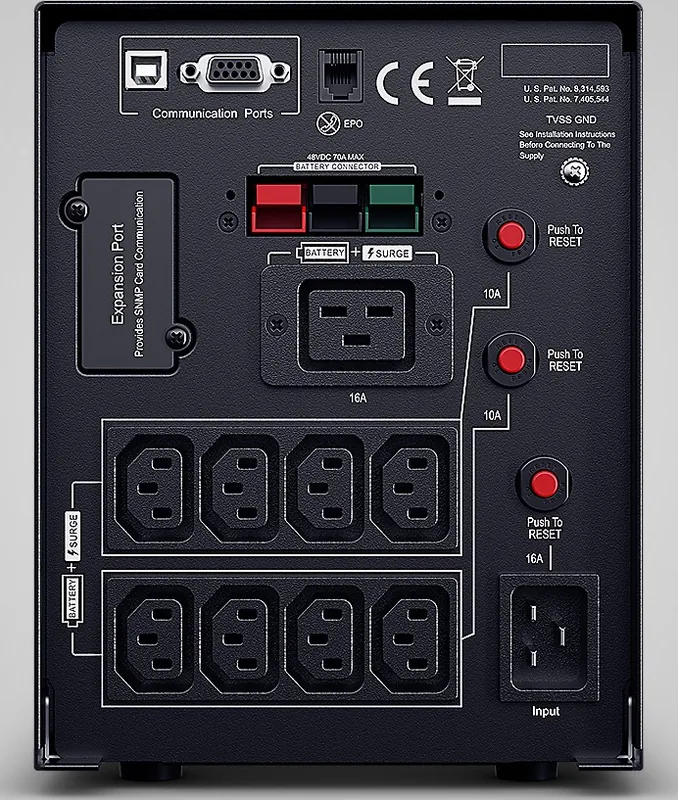
It provides nine IEC outlets with battery backup and surge suppression. These outlets are intended for suitable electronic equipment such as computers, monitors, network devices, and external storage hardware.
Is this answer helpful?
Automatic Voltage Regulation corrects low incoming AC voltage without switching to battery power. This helps provide steadier output to connected equipment and preserves battery power for more serious brownouts or outages.
Is this answer helpful?
Yes. The UPS includes a USB port for computer communication and supports PowerPanel Business Edition software for monitoring and automated shutdown. A serial port is also available, but USB and serial should not be used simultaneously.
Is this answer helpful?
Yes, it has an SNMP/HTTP network expansion slot. Installing a compatible optional RMCARD enables remote monitoring and management over a network.
Is this answer helpful?
Do not connect laser printers, copiers, paper shredders, space heaters, vacuums, sump pumps, or other high-power equipment. Their startup or operating demand can overload and potentially damage the UPS.
Is this answer helpful?
Advantages and Disadvantages
Advantages

- 2200VA/1980W capacity supports professional computers, network hardware, and other important electronic loads.
- Nine IEC outlets provide battery backup and surge protection for multiple connected devices.
- Automatic Voltage Regulation corrects voltage fluctuations without unnecessarily draining the battery.
- LCD display shows load, battery capacity, estimated runtime, input/output voltage, events, and faults.
- USB, serial, EPO, and optional network management support flexible monitoring and control.
Disadvantages

- High-demand devices such as laser printers, heaters, copiers, and pumps should not use battery-backed outlets.
- Runtime depends on connected load and battery condition, so maximum capacity reduces backup time.
- The 23.3 kg unit requires a stable indoor location and may be less convenient to move.
- Only one computer communication connection, USB or serial, can be used at a time.
- External battery expansion is limited to compatible XL models, not the standard PR2200ELCDSL.
Product Specification
Type
Tower
Classification
VI (Line-Interactive)
Apparent Power
2,200 VA
Real Power
1,980 W
Voltage
230 V
Input
C20
Outputs
8 x C13, 1 x C19
Interfaces
USB, serial
Runtime
9.5 min (50%), 2.5 min (100%)
Charging Time
3 h
Weight
56.22 lb
Dimensions (W x H x D)
6.69 x 8.70 x 17.01 in
Rack Units
N/A
Features
LCD, HID support
Manufacturer Warranty
three years
Product Description
CyberPower Professional 2200VA, USB - Read, Download & Print Free
The CyberPower Professional 2200VA, USB - Read, Download & Print Free solution highlights a dependable uninterruptible power supply designed for demanding computers, network hardware, workstations, and essential electronic equipment. Built for environments where unstable utility power can interrupt productivity, the Professional series combines battery backup, surge defense, and automatic voltage regulation in one compact tower system.
Reliable Backup Power for Critical Equipment
The PR2200ELCDSL delivers 2200VA and 1980W of capacity, providing substantial support for connected IT equipment during blackouts, brownouts, and voltage fluctuations. Its nine IEC battery-backed and surge-protected outlets help keep important devices operating long enough to save work, complete safe shutdown procedures, or continue short-term operations.
Automatic Voltage Regulation, or AVR, corrects low utility voltage without immediately using battery power. This helps preserve battery capacity while maintaining a safer, more consistent output for connected hardware. The unit also includes 405 joules of surge protection to help defend equipment from damaging power spikes.
Clear Status Monitoring and USB Connectivity
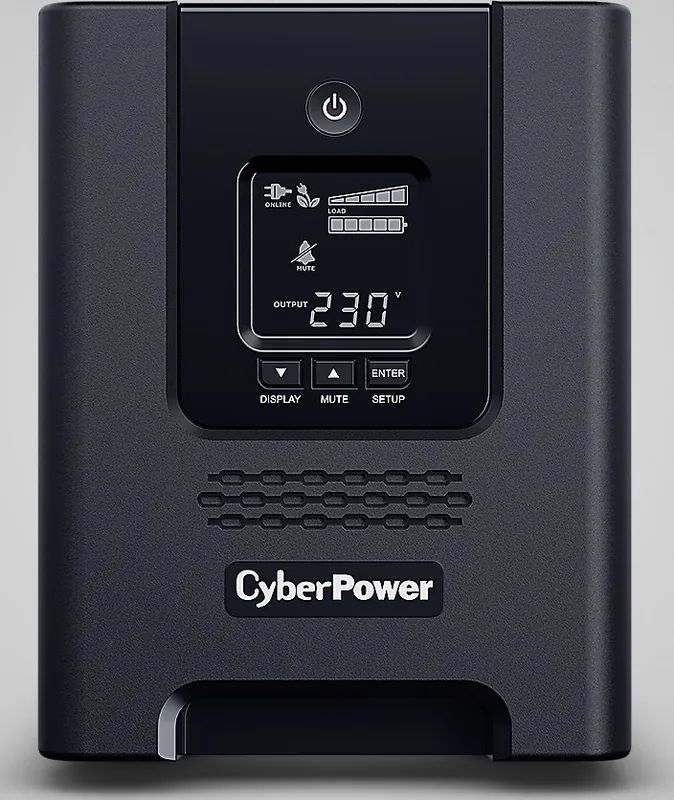
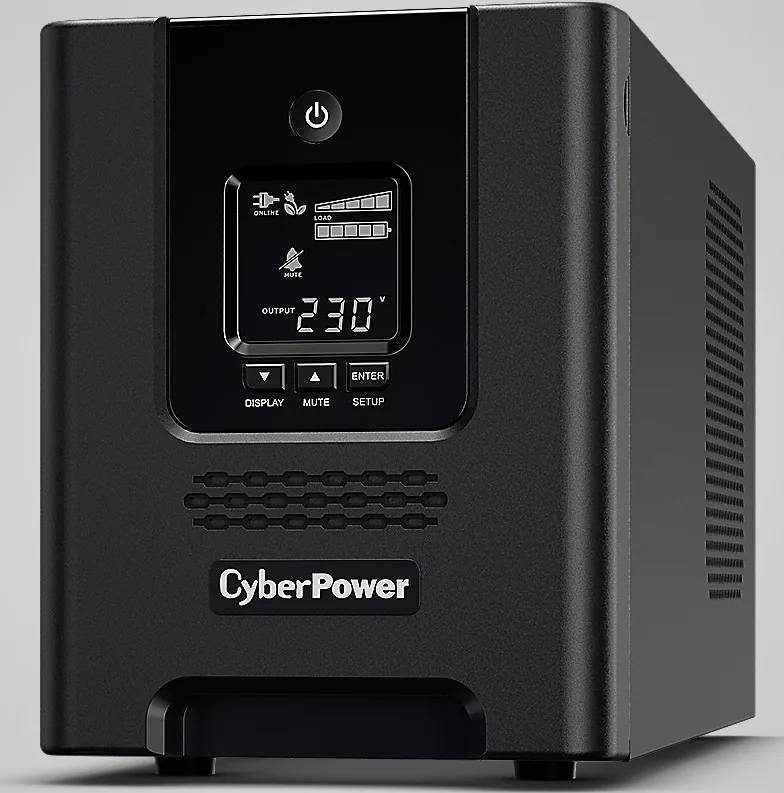
An intelligent LCD display gives users access to essential operating information, including input voltage, output voltage, load level, battery capacity, estimated runtime, event history, and fault alerts. Dedicated controls allow users to scroll through status information, mute alarms, and enter setup options directly from the front panel.
USB connectivity supports communication with a computer for monitoring and automated shutdown functions. CyberPower PowerPanel Business Edition software can help save open work and shut down a compatible system during an extended outage. A serial connection is also available, although only one communication port should be used at a time.
Built for Managed Power Environments
For advanced deployment needs, the UPS includes an Emergency Power Off port and an SNMP/HTTP network expansion slot for optional remote management hardware. Selected XL models also support an external CyberPower BP48VPT01 battery pack to extend runtime beyond the internal battery capacity.
The GreenPower UPS technology is designed to improve operating efficiency and reduce unnecessary energy use. This makes the unit a practical choice for offices and professional installations that want power protection while keeping energy costs in mind.
Note: Connect the UPS only to a properly grounded AC outlet. Avoid connecting high-demand devices such as laser printers, copiers, heaters, vacuums, pumps, or paper shredders to battery-backed outlets, as they can create an overload.
Note: Charge the unit for at least eight hours before relying on full battery runtime. For storage, keep the battery charged and recharge it approximately every three months.
Search for 67,706 Manuals online


Type-in Brand or Model