
CyberPower Professional Tower PR750ELCD Manual
PDF manual · 52 Pages
English



Quick check
Incorrect answer, please try again.
Chat with your CyberPower Professional Tower PR750ELCD manual using AI
Get instant AI answers from your CyberPower Professional Tower PR750ELCD manual
Ask anything about the CyberPower Professional Tower PR750ELCD. Answers come from this manual, with the pages they are based on.
Ask a Question
Do you recommend Professional Tower PR750ELCD?
Yes NoFrequently Asked Questions
It provides backup power and surge protection for computers and networking equipment during outages.
Is this answer helpful?
Yes, the USB and serial connections allow connected software to initiate safe shutdowns automatically.
Is this answer helpful?
Yes, it delivers a pure sine wave suitable for sensitive servers and high-end workstations.
Is this answer helpful?
LED indicators will flash or change color to signal low battery capacity or end-of-life status.
Is this answer helpful?
Yes, you can plug several devices into the protected outlets based on the total wattage limit.
Is this answer helpful?
Advantages and Disadvantages
Advantages

- Pure sine wave output protects sensitive electronics effectively
- USB and serial ports enable remote monitoring and control
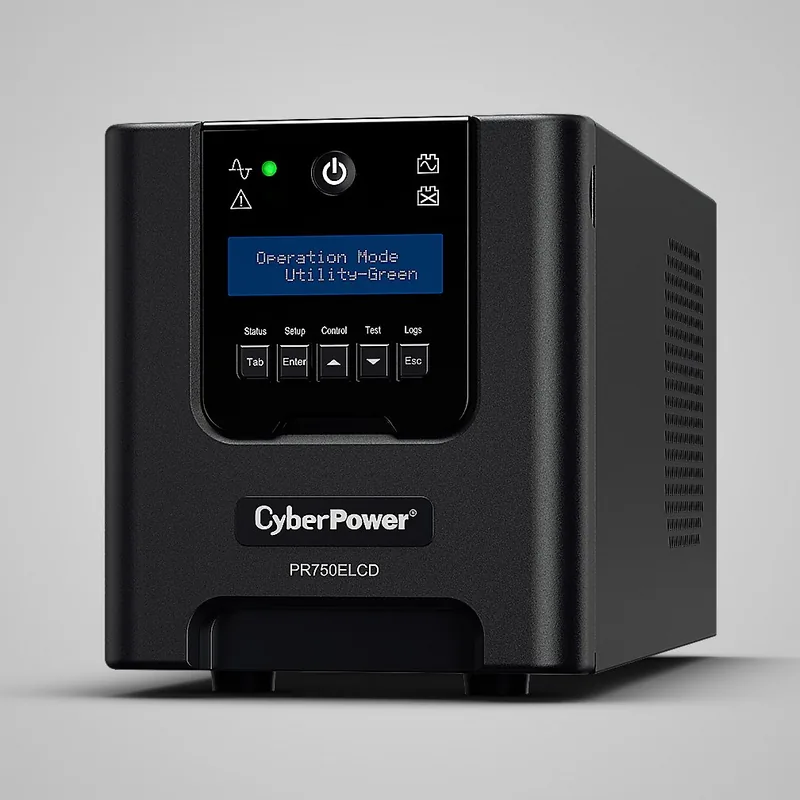
- Compact tower design saves valuable desk or rack space
- Automatic voltage regulation extends battery lifespan significantly
Disadvantages

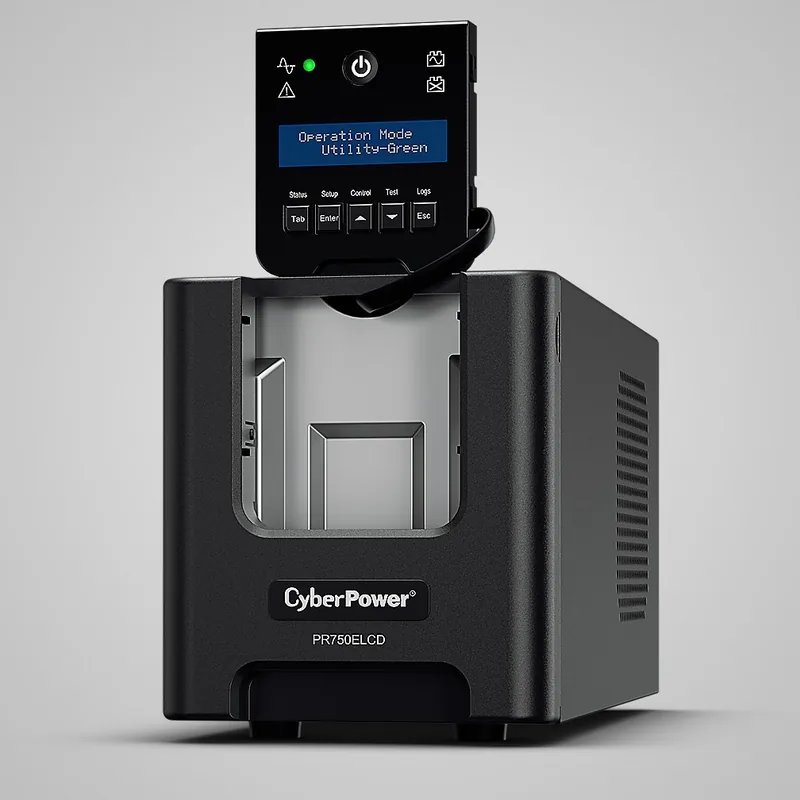
- Battery replacement may require opening the unit casing
- No LCD display to show detailed real-time power metrics
- Limited runtime on full load compared to larger models
Product Specification
Type
Tower
Classification
VI (Line-Interactive)
Apparent Power
750VA
Real Power
675W
Voltage
230V
Input
1x C14
Outputs
2x NEMA 5-15, 2x C13
Interfaces
serial, USB
Runtime
10.5 min (50%), 2.5 min (100%)
Charge Time
8h
Weight
27.12 lbs
Dimensions (WxDxH)
13.74x6.38x5.35 in
Features
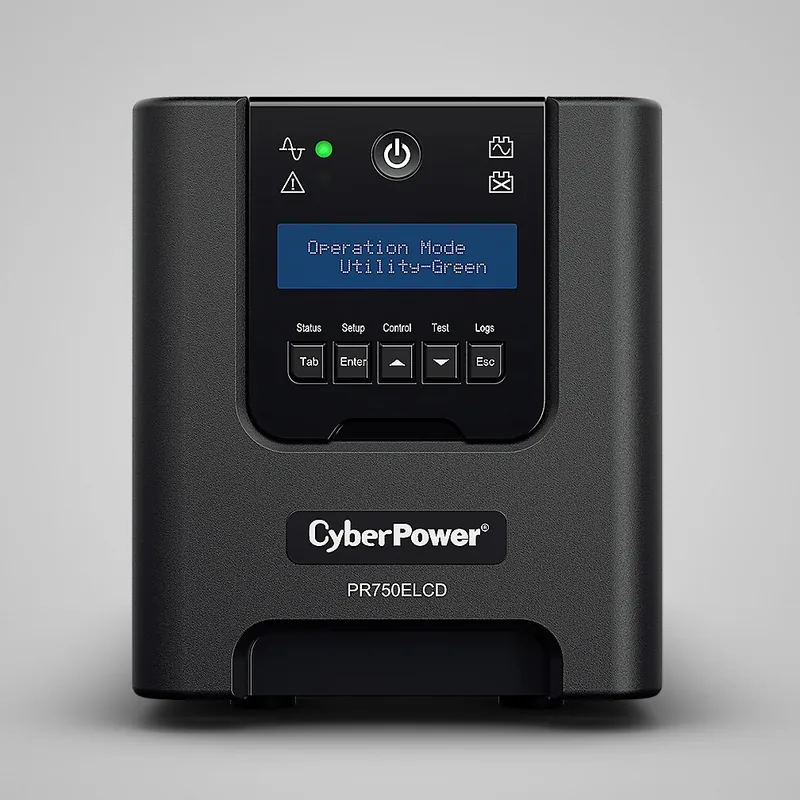
LCD
Product Description
Protect Your Digital Assets with the CyberPower Professional Tower Series 750VA
In an era where data loss can be catastrophic, having a reliable power backup solution is essential for every professional and home office setup. The CyberPower Professional Tower Series 750VA UPS stands out as a robust guardian against power fluctuations, ensuring your critical equipment remains safe during unexpected outages. This unit is designed to provide seamless protection for computers, networking gear, and other sensitive electronics that cannot afford even a momentary interruption in power.
The tower form factor allows this device to sit neatly under a desk or in a server rack without taking up valuable floor space. Its intelligent battery management system automatically adjusts charging cycles to extend battery life, offering long-term reliability. With both USB and serial connectivity options, users can easily monitor power status and manage shutdown procedures remotely through their computer systems. This level of integration ensures that your data is saved safely before the battery runs low, preventing corruption and hardware damage.
Engineered for stability, the Pure Sine Wave output delivers clean power that mimics utility grid electricity, making it ideal for high-performance servers and workstations. Unlike modified sine wave units, this model protects delicate components from stress caused by power distortion. The built-in surge protection further shields your devices from voltage spikes that could otherwise fry expensive circuit boards. Whether you are running a small business or managing a complex home lab, this UPS provides the peace of mind needed to keep operations running smoothly.
Key Features Overview
The CyberPower Professional Tower Series combines advanced technology with user-friendly design. It features automatic voltage regulation to correct minor power issues without switching to battery mode, which conserves battery life. The front panel includes clear LED indicators that show battery status, load levels, and fault conditions at a glance. Easy-to-replace batteries ensure minimal downtime when maintenance becomes necessary. Overall, this unit represents a smart investment for anyone serious about maintaining uninterrupted service.
Important Notes
- Always test the unit monthly to ensure battery health.
- Keep ventilation areas clear to prevent overheating.
- Use the provided software for automated shutdowns.
Search for 67,706 Manuals online


Type-in Brand or Model