

Free Lian Li Manuals – Read, Download & Print
17 Manuals
Manuals
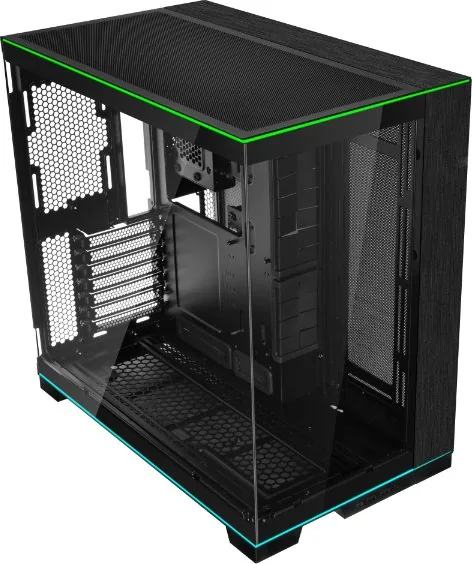
29 Pages
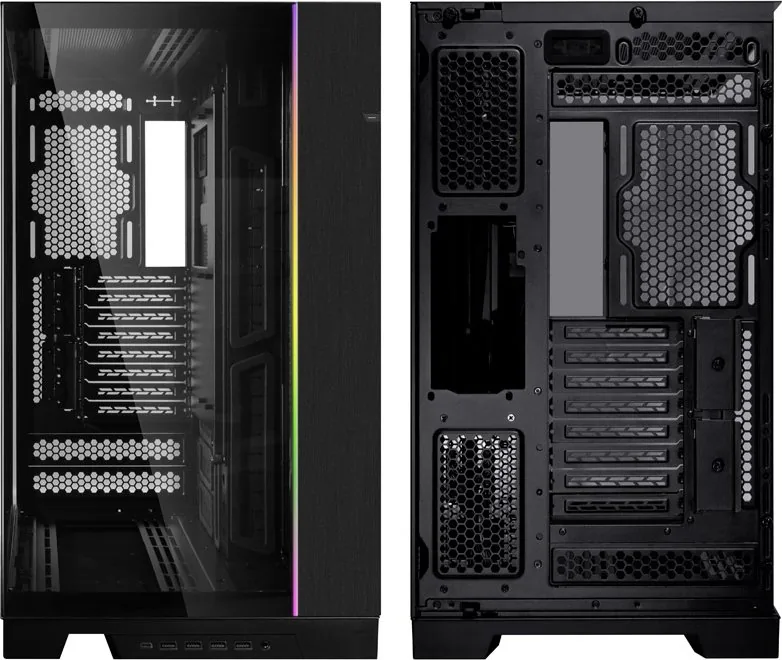
28 Pages
2 Pages
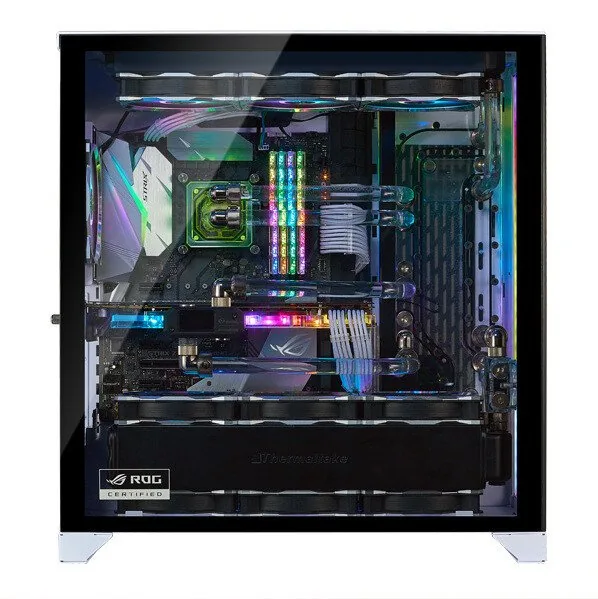
15 Pages
10 Pages
2 Pages
2 Pages
10 Pages
23 Pages
2 Pages
4 Pages
2 Pages
24 Pages
12 Pages

1 Pages
1 Pages
10 Pages
Categories

Free Lian Li Manuals - Read, Download & Print
Find Lian Li Product Documentation in One Place
Looking for a Lian Li manual for your PC case, cooling accessory, fan controller, power supply, desk, or other computer hardware? This page is designed to help users locate clear product documentation for compatible Lian Li items. Manuals can be useful whether you are building a new desktop, upgrading a gaming system, replacing a component, troubleshooting RGB lighting, or confirming installation requirements before purchasing hardware.
Lian Li products are known for premium aluminum cases, tempered-glass chassis, liquid cooling solutions, UNI FAN systems, RGB controllers, vertical GPU mounts, storage accessories, and modular desk designs. Many products include detailed guides covering parts lists, screw locations, cable connections, radiator support, motherboard compatibility, fan placement, and software setup. Having the correct manual available can make installation faster and help avoid common assembly mistakes.
Read Lian Li Manuals Online
Online manuals provide a convenient way to review assembly instructions without searching through paper inserts or packaging. Digital documentation is especially helpful when a printed guide has been misplaced, when purchasing used hardware, or when planning a custom PC build from multiple components.
A typical Lian Li manual may include product diagrams, measurements, compatibility charts, safety notes, installation steps, and illustrations for accessories. Depending on the model, users may also find guidance for removing panels, mounting radiators, installing power supplies, routing cables, attaching fans, fitting graphics cards, and connecting front-panel cables.
Reading a manual before beginning a build can help identify required tools, supported hardware dimensions, included accessories, and optional parts. This is useful for avoiding conflicts between large graphics cards, thick radiators, tall CPU coolers, custom water-cooling components, and compact case layouts.
Common Information Found in Manuals
Lian Li documentation often includes the following information:
- Product specifications and model identification
- Included screws, brackets, cables, and mounting hardware
- Motherboard form factor support
- GPU length and CPU cooler height limits
- Radiator and fan compatibility details
- Storage drive mounting instructions
- Front I/O and internal connector diagrams
- RGB controller and fan hub connection guidance
- Cable management recommendations
- Warranty, safety, and cleaning information
Download Lian Li Instructions for Offline Use
Downloading a manual can be helpful when working in an area with limited internet access or when you want to keep documentation with your build records. A saved copy makes it easy to refer to diagrams while assembling hardware, moving a system, replacing parts, or performing maintenance.
Before downloading, make sure the manual matches the exact product model and revision. Lian Li produces several case families with similar names, and different versions may have different layouts, included parts, controller designs, or component support. Check the product label, box, invoice, or manufacturer page for the precise model number.
For accessories such as UNI FAN controllers, RGB hubs, AIO coolers, and display-equipped components, it is also important to check for software instructions and firmware notes. Some products require specific USB, SATA power, PWM, ARGB, or proprietary cable connections. Using the correct instructions can help prevent connection errors and ensure that lighting, cooling, and monitoring features work as expected.
Tips for Choosing the Right Manual
Use these steps to locate the most relevant documentation:
- Identify the complete product name and model number.
- Confirm the product category, such as case, fan, cooler, controller, or accessory.
- Compare photographs of the product with official images.
- Check whether your item is a standard, RGB, performance, mesh, EVO, mini, or special edition version.
- Review the publication date or revision number where available.
- Use official manufacturer documentation whenever possible.
Print Lian Li Manuals for Your Workspace
Printing a manual is useful for builders who prefer to keep physical instructions on the workbench. A printed guide can be easier to follow while handling components, especially when viewing small screw diagrams, cable-routing illustrations, or numbered assembly steps.
For best results, print only the pages you need. Case builders may want to print the parts inventory, motherboard standoff layout, radiator compatibility chart, and front-panel wiring diagram. Users installing fans or lighting accessories may want the controller wiring pages, daisy-chain diagrams, and software setup instructions.
If the manual contains color-coded cable diagrams, use color printing when possible. If printing in black and white, carefully review connector labels and symbols before starting. Keep printed instructions away from liquids, thermal paste, loose screws, and unpacked electronic components.
Manuals for Lian Li PC Cases
Lian Li case manuals are valuable for first-time builders and experienced enthusiasts alike. Modern cases may support multiple fan layouts, removable brackets, adjustable motherboard trays, vertical GPU mounting, reverse-connect boards, hidden cable channels, and large radiator configurations. Because these layouts can vary significantly between models, the correct guide is important.
A case manual can explain how to remove side panels safely, install standoffs, mount a power supply, secure storage drives, position fans, and route front-panel connectors. It may also show clearance limits for major hardware, including graphics cards, radiators, pumps, and air coolers.
Before Building in a Lian Li Case
Review these details before installation:
- Supported motherboard sizes
- Maximum graphics card length and thickness
- CPU air cooler height clearance
- Top, side, bottom, rear, and front radiator support
- Fan size and quantity options
- Power supply length limitations
- Drive bay capacity
- Vertical GPU mount compatibility
- Required clearance for cable bends and connectors
Manuals for UNI FAN, RGB, and Cooling Products
Lian Li cooling and lighting products can include advanced connection systems that reduce cable clutter while offering synchronized lighting and fan control. Manuals for UNI FAN products, Strimer cables, AIO coolers, hubs, and controllers help users understand how to connect components correctly.
Pay close attention to power and data connections. Fan hubs and RGB controllers may need SATA power from the power supply, internal USB headers on the motherboard, PWM connections for speed control, and ARGB connections for motherboard synchronization. Some devices use proprietary connectors that should not be forced into standard headers.
Installation guides may also include instructions for L-Connect software, which can be used with supported hardware to adjust lighting effects, fan curves, pump settings, display options, and device profiles. Always check system requirements and current software guidance before installing control applications or updating firmware.
Troubleshooting With Your Manual
Manuals are often the first resource to consult when a component does not fit, fans do not spin, RGB lighting does not appear, or front-panel ports are not functioning. Start by checking every cable connection, orientation mark, and power requirement shown in the product documentation.
For cases, verify that motherboard standoffs are installed in the proper positions and that no unused standoff touches the back of the board. For fan and RGB products, confirm that the controller has power, the correct device ports are used, and all daisy-chained modules are firmly attached. For liquid coolers, review pump header guidance, radiator orientation recommendations, and software detection steps.
If an issue continues, compare the product serial number and exact model against official support resources. Manufacturer support pages, FAQs, driver pages, and warranty information can provide additional help for model-specific concerns.
Use Product Documentation Safely
Always power off and unplug the computer before opening the case or changing internal components. Ground yourself before handling sensitive electronics, avoid overtightening screws, and never force a connector into a port. Keep manuals available throughout the installation process so you can verify each step as you go.
Free Lian Li manuals are a practical resource for planning, installing, maintaining, and troubleshooting compatible computer hardware. Whether you need to read instructions online, save a guide for later, or print key pages for a build desk, the right documentation can help create a cleaner, safer, and more successful PC setup.
Search for 67,706 Manuals online


Type-in Brand or Model