

Free Hori Manuals – Read, Download & Print
10 Manuals
Manuals
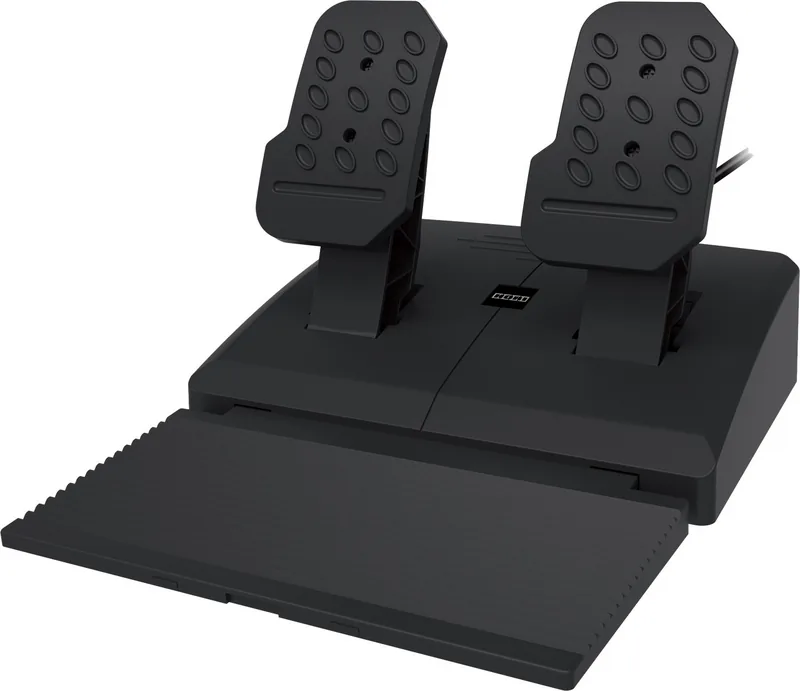
54 Pages
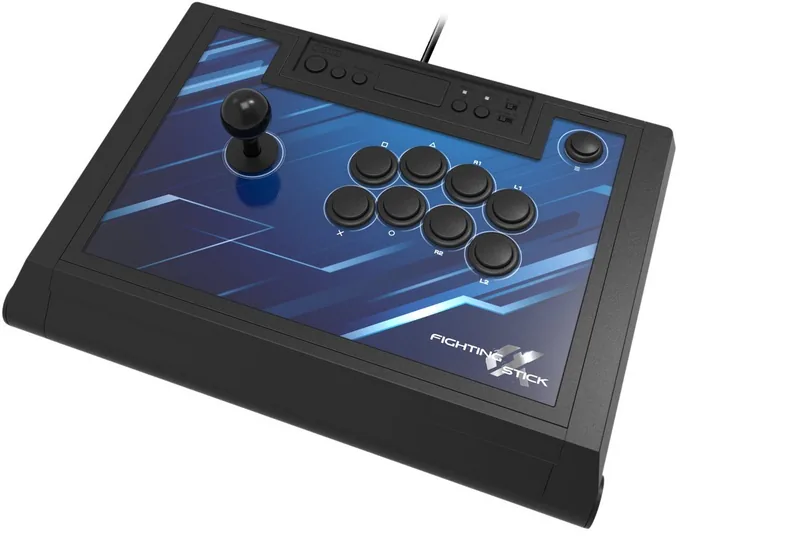
9 Pages

5 Pages

36 Pages

2 Pages
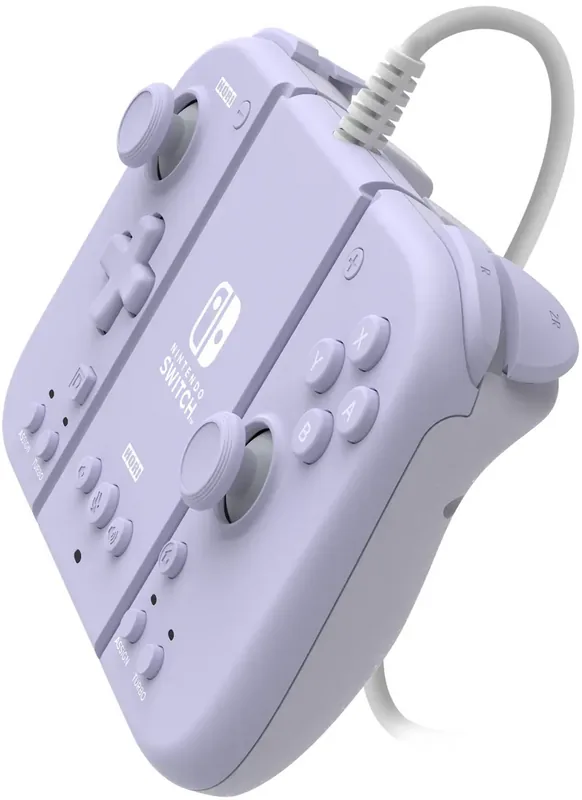
14 Pages
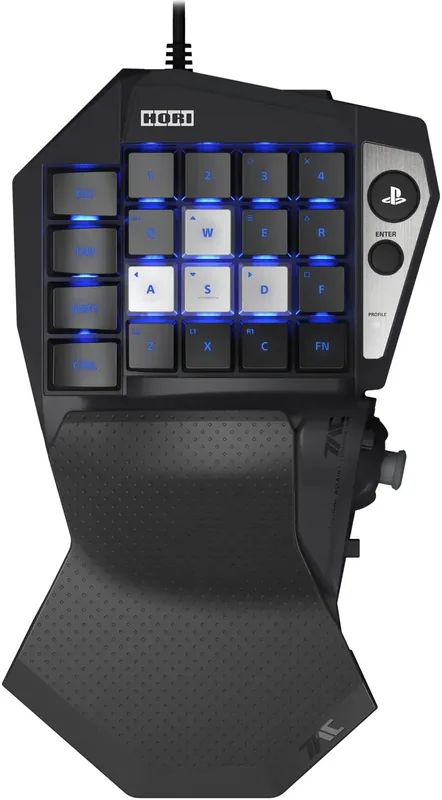
13 Pages
10 Pages
1 Pages
21 Pages
Categories


Free Hori Manuals - Read, Download & Print
Welcome to the ultimate resource for all your gaming peripheral needs. If you own a controller or accessory made by Hori, finding the correct documentation can sometimes be challenging. This guide is designed to help you access free Hori manuals easily, allowing you to read, download, and print them without any cost. Whether you are troubleshooting an issue, setting up a new device, or simply curious about its features, having the official manual at your fingertips is essential.
Why Access Official Hori Manuals Is Important
Hori is a renowned manufacturer known for producing high-quality controllers, arcade sticks, and other accessories for various gaming consoles like Nintendo Switch, PlayStation, Xbox, and PC. These devices often come with complex button layouts, customizable settings, and specific maintenance requirements. The official manual provides critical information that third-party guides might miss.
Firstly, safety instructions are paramount. Gaming peripherals involve electronics and batteries in some cases. Understanding how to charge your device safely, how to store it properly, and what environments to avoid prevents damage to both the product and your console. Secondly, setup procedures vary significantly between models. A fighting stick for the Nintendo Switch operates differently than a Pro Controller for the same system. The manual ensures you connect your device correctly to avoid compatibility issues.
Thirdly, troubleshooting is a major benefit. When a button becomes unresponsive or the vibration feature stops working, the manual offers step-by-step diagnostic steps. Instead of guessing or contacting support immediately, you can perform basic checks listed in the document. Finally, understanding warranty terms is crucial. The manual outlines the duration of coverage and the conditions required to keep your warranty valid, ensuring you are protected if defects arise.
How to Find and Download Your Manual
Accessing these documents has never been easier. We have compiled a comprehensive list of resources where you can find the latest and most accurate versions of Hori manuals. The process typically involves visiting the official Hori website or using our dedicated repository. Here is a step-by-step approach to getting your document.
Start by identifying the exact model number of your device. This number is usually found on the back of the product or on the original packaging box. It often looks like a combination of letters and numbers, such as HORI-NSW-001. Once you have this identifier, navigate to the support section of the Hori website. Look for a search bar specifically labeled for downloads or manuals. Enter your model number into this field to filter the results.
If you prefer using our centralized platform, simply browse the category matching your console type. For example, select Nintendo Switch if you own a Switch accessory. You will see a list of available products. Click on your specific item to view details. On the product page, look for a tab labeled Documentation or Downloads. Clicking this link will reveal a PDF file associated with your device.
The download process is straightforward. Most files are hosted directly on secure servers. Click the download button, and the file will save to your computer or mobile device. Ensure you have a PDF reader installed on your device to open the file. Popular options include Adobe Acrobat Reader, which is free to use. Once downloaded, the file is yours to keep indefinitely, even if the online version is updated later.
Reading Manuals Online Effectively
While downloading is convenient, reading the manual directly online offers immediate benefits. Many websites now offer interactive PDF viewers that allow you to search for keywords instantly. This feature is incredibly useful when you need to find a specific instruction quickly without scrolling through dozens of pages.
When reading online, pay attention to the navigation tools provided by the viewer. Use the table of contents to jump to relevant sections. Common sections include Getting Started, Hardware Overview, Software Configuration, and Troubleshooting. If you are trying to fix a connection issue, go straight to the connectivity section. Avoid reading the entire document from start to finish unless you are setting up a brand new device for the first time.
Some advanced manuals include video links or QR codes. These digital elements provide visual demonstrations of complex setups, such as mapping buttons or adjusting sensitivity levels. Watching a short video clip can clarify steps that text descriptions alone might confuse. Take advantage of these multimedia resources to enhance your understanding of the hardware.
Printing Your Manual for Physical Reference
For many users, having a physical copy of the manual is preferable. This is especially true for gamers who keep their controllers near their console and want quick reference without needing a screen. Printing the manual allows you to annotate it with notes, highlight important warnings, or mark pages with tabs for easy access.
To print your manual, ensure you have a printer with ink or toner. Open the PDF file on your computer and select the print option. Before printing everything, check the page range. If you only need the troubleshooting section, specify those page numbers to save paper and ink. However, for a complete reference, printing the entire document is recommended.
Consider the paper quality. Standard office paper is sufficient for most purposes, but if you plan to keep the manual for years, slightly heavier cardstock might hold up better against frequent handling. After printing, you can organize the pages in a binder. This keeps the document safe from spills, tears, and loss. Place the manual in a dry area away from direct sunlight to prevent fading over time.
Troubleshooting Common Issues Without the Manual
Even with a manual, some questions may arise. While the document covers most scenarios, here are general tips for common problems encountered with Hori products. If your controller is not connecting via Bluetooth, try resetting the device. Most Hori controllers have a small reset button on the back. Press this with a pin while the device is off, then turn it on again and attempt pairing.
For wired connections, check the cable for damage. Frayed wires can cause intermittent disconnections. Try a different USB port on your console or PC. Sometimes the issue lies with the port rather than the controller. Also, ensure your console firmware is up to date. Manufacturers often release patches that improve compatibility with third-party accessories.
If analog sticks drift, this is a common issue across many brands, including Hori. Calibration software within the game or console settings can sometimes help. In severe cases, the internal sensor may need replacement. Check the warranty status before attempting repairs. Do not attempt to open the device yourself unless you are experienced, as this may void your warranty.
Maintaining Your Hori Accessories
Proper maintenance extends the life of your gaming gear. Keep your controllers clean by wiping them down regularly with a soft, dry cloth. Avoid using harsh chemicals or alcohol-based cleaners, as these can damage the plastic coating and rubber grips. For sticky residue, use a slightly damp cloth followed immediately by a dry one.
Store your devices in a cool, dry place when not in use. Extreme heat can warp plastic components, and moisture can lead to corrosion inside the circuitry. If you have a battery-powered controller, remove the batteries if you do not plan to use the device for an extended period. This prevents potential leakage that could ruin the contacts.
Regularly update the firmware if the manufacturer releases updates. Firmware updates often fix bugs and improve performance. Check the official Hori support page periodically for new versions. Keeping your software current ensures you get the best experience from your hardware.
Conclusion
Accessing free Hori manuals is a simple yet powerful way to maximize your gaming experience. By reading, downloading, and printing these documents, you gain full control over your equipment. You can troubleshoot issues faster, set up devices correctly, and maintain your gear for years to come. Whether you are a casual gamer or a competitive esports player, having the right information at hand makes all the difference. Start exploring your manual today and unlock the full potential of your Hori accessories.
Search for 67,706 Manuals online


Type-in Brand or Model