
Hori Mario Kart Racing Wheel Pro Mini Manual
PDF manual · 36 Pages
English



Quick check
Incorrect answer, please try again.
Chat with your Hori Mario Kart Racing Wheel Pro Mini manual using AI
Get instant AI answers from your Hori Mario Kart Racing Wheel Pro Mini manual
Ask anything about the Hori Mario Kart Racing Wheel Pro Mini. Answers come from this manual, with the pages they are based on.
Ask a Question
Do you recommend Mario Kart Racing Wheel Pro Mini?
Yes NoFrequently Asked Questions
No. The Hori Mario Kart Racing Wheel Pro Mini is a wired controller that connects via USB. It is not a wireless device and requires a USB port on the Nintendo Switch dock or PC.
Is this answer helpful?
Yes. It works on PC but only through XInput. The wheel functions as an XInput controller; DirectInput is not supported, so ensure games support XInput controllers or use an input wrapper.
Is this answer helpful?
Use the Assign mode: press and hold the ASSIGN button for three seconds, press the programmable button you want to change, then press the desired assignable function and finally press HOME to confirm. LEDs indicate mode and assignment status.
Is this answer helpful?
Button Hold keeps a button in a pressed state after release. Enable by holding the Hold button for one second (red LED on). To disable, press the Hold/ITEM/L Paddle once; for in‑game item use (e.g., Mario Kart) press ZL/ITEM/L Paddle to toggle off before using an item.
Is this answer helpful?
Yes. The product can be used without connecting the foot pedal unit. However, to initialize controls you should rotate the wheel fully and depress pedals when first connecting or after rebooting.
Is this answer helpful?
To reset an individual button, follow the Assign mode steps and during the assignment step press and hold the same button for three seconds. To reset all assignments to default, use the documented reset sequence in the Assign instructions; the Program LED will indicate the reset.
Is this answer helpful?
HORI provides a 90-day warranty in the US and region-specific procedures in the EU. Safety notes: do not disassemble, avoid moisture and dust, don’t use on glass/fragile furniture, avoid heavy impact, and clean only with a soft dry cloth. Keep out of reach of children under 3.
Is this answer helpful?
Advantages and Disadvantages
Advantages

- Compact clamp-on design fits small setups and saves space.
- Wide compatibility: Nintendo Switch and PC via XInput.
- Programmable Assign mode lets you remap many buttons and sticks.
- Button Hold feature enables sustained input without continuous pressing.
- Long wheel cable (3m) provides flexibility in positioning.
Disadvantages

- Wired-only connection; no wireless option available.
- PC support limited to XInput; DirectInput not supported.
- 180° rotation is less than many full-size wheels for advanced simulation.
- Clamp not suitable for glass or fragile furniture.
- Button Hold can accidentally block item use unless toggled off.
Product Specification
Type
Steering Wheel
Compatibility
PC, Switch
Material
Plastic
Mounting
clampable, Suction Cups
Connection
wired, USB
Power Supply
USB
Buttons
14 (total), 10 (center), 4 (right)
D-Pad
concave
Steering Range
270 degrees (adjustable)
Pedals
2 upright
Gear Shifter
2 paddle shifters (Plastic, stationary)
Special Features
incl. Pedals, Vibration Motor
Product Description
Hori Mario Kart Racing Wheel Pro Mini (PC/Switch)
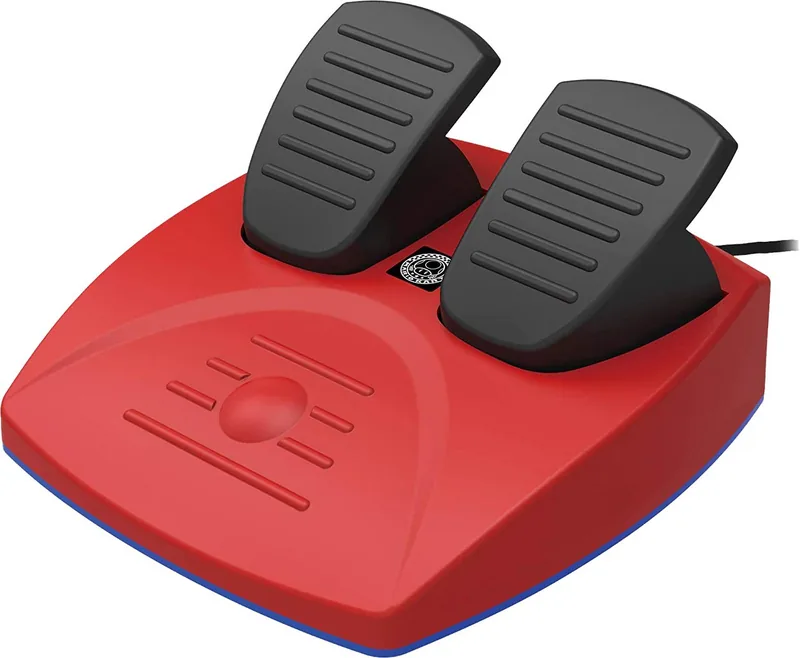
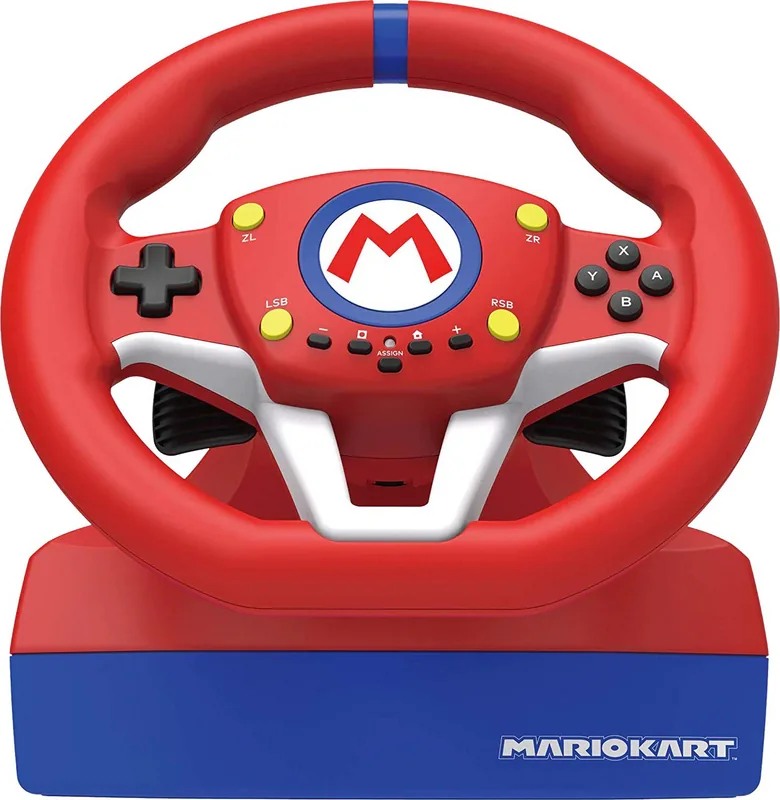
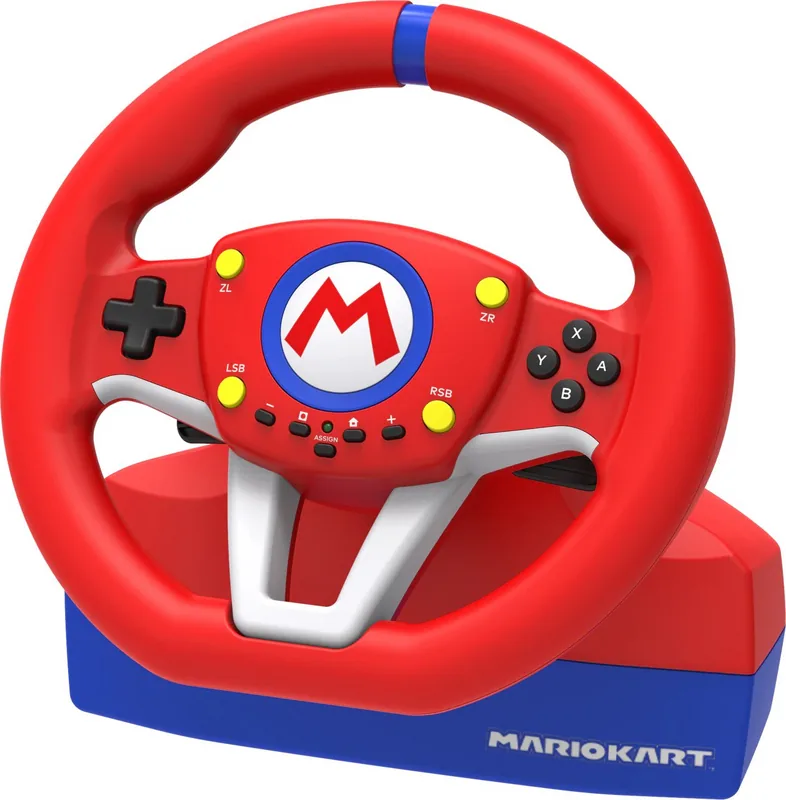
The Hori Mario Kart Racing Wheel Pro Mini (PC/Switch) is a compact, wired racing wheel and pedal set designed for Nintendo Switch and PC via XInput. It offers a sturdy clamp-on steering unit with a 220mm wheel diameter, 180° rotation and a three-meter controller cable, plus a separate two-pedal unit (1.5m cable). Built with accessible ergonomics and straightforward setup, the Pro Mini is aimed at casual racers and fans of Mario Kart who want an immersive yet space-friendly peripheral.
Setup is plug-and-play: connect the modular plug between wheel and pedals, clamp the wheel to a desk or table (avoid glass or fragile surfaces), rotate the wheel fully each direction and depress both pedals once to initialize. The product requires a USB port and up-to-date Nintendo Switch system software for optimal compatibility. On PC it functions through XInput (DirectInput is not supported).
Functionally, the wheel includes mapped face buttons, shoulder paddle shifters, a directional pad with a mode toggle (D‑pad, left stick or right stick), programmable button remapping via an Assign mode, and a Button Hold feature that locks a button press until toggled. LEDs indicate programming and Hold states. Assign mode lets you remap many controls (A/B/X/Y, L/R, ZL/ZR, LSB/RSB, ITEM, paddles and pedals, and directional inputs) and store settings across USB disconnects. You can reset individual buttons or all assignments to defaults using the documented button sequences.
Construction notes emphasize durability and safe use: do not disassemble or modify, keep away from dust and moisture, avoid impact or heavy pressure, and clean only with a soft dry cloth. The clamp should not be used on fragile furniture. The product is made in China and carries regional disposal and warranty information: 90-day US warranty from purchase and specific EU warranty procedures.
Overall, the Hori Mario Kart Racing Wheel Pro Mini (PC/Switch) balances compact form, practical features and customization for fans looking for a more tactile Mario Kart experience without a full-size rig.
Notes
- Not a wireless controller; wired USB only.
- PC support uses XInput; no DirectInput support.
- Button Hold can interfere with item usage in games like Mario Kart; disable it with ZL/ITEM/L Paddle before using items.
- Save packaging for regulatory and warranty info; follow local disposal rules for electronics.
Search for 67,706 Manuals online


Type-in Brand or Model
Martin Roche
9 months ago
Does the steering feel precise and responsive, or is it too sloppy and unprecise like some say?
Manual.ly
9 months ago
Thanks for the question. Steering quality can feel different depending on setup and in-game calibration. Please make sure the wheel is properly connected and securely attached, then check the game's control settings (steering sensitivity and deadzone) and run any calibration option the game offers. If you are using a compatible controller profile, select the correct wheel/steering input so the game reads it correctly. For best feel, test in a simple driving mode first and compare with your controller settings, since sensitivity differences can make the wheel feel "squishy". If it still feels inaccurate after these steps, contact our support with your device and game details so we can help troubleshoot.