
Hori Horipad+ Manual
PDF manual · 21 Pages
English



Quick check
Incorrect answer, please try again.
Chat with your Hori Horipad+ manual using AI
Get instant AI answers from your Hori Horipad+ manual
Ask anything about the Hori Horipad+. Answers come from this manual, with the pages they are based on.
Ask a Question
Do you recommend Horipad+?
Yes NoFrequently Asked Questions
Yes, the controller works with Windows 10 via XInput over USB. Note that the headphone jack is inactive on PC, so audio must come from another source.
Is this answer helpful?
Motion Aim lets you control the right analog stick by physically tilting the controller left, right, up, or down. It offers two modes depending on whether you hold the controller vertically or horizontally.
Is this answer helpful?
Hold the Turbo button and press the plus or minus buttons to cycle through three speeds: 5, 10, or 20 times per second. The LED flashes to indicate the current setting.
Is this answer helpful?
No, basic functions work out of the box. However, installing the HORI Device Manager app allows you to customize button assignments and adjust sensitivity levels.
Is this answer helpful?
When used with a PC, the controller operates strictly as an input device via USB. The audio output circuitry is disabled for PC compatibility, requiring separate audio hardware.
Is this answer helpful?
Advantages and Disadvantages
Advantages

- Motion Aim function allows precise aiming by tilting the controller
- Dedicated Snipe and Quick buttons for instant sensitivity adjustments
- Customizable Turbo modes with adjustable speeds for rapid fire
- Compatible with both Nintendo Switch and PC via XInput
- Companion app enables extensive button remapping and configuration
Disadvantages

- Headphone jack does not work when connected to a PC
- Gyro settings must be disabled in games to avoid conflicts
- No wireless connectivity; requires a USB cable connection
- Does not support native Switch features like HD Rumble or IR camera
- Turbo function may not work correctly with all software titles
Product Specification
Type
Gamepad
Compatibility
Switch, PC
Connection
Wired, USB
Power Supply
USB
Buttons
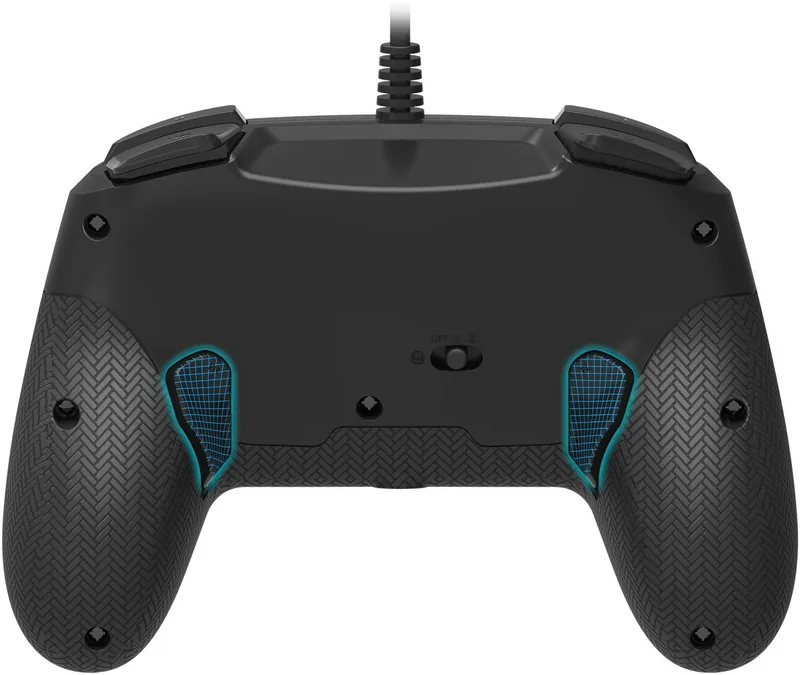
17 (total), 5 (function keys), 4 (action buttons), 2 (triggers), 2 (shoulder buttons), 2 (analog sticks), 2 (back)
Analog Sticks
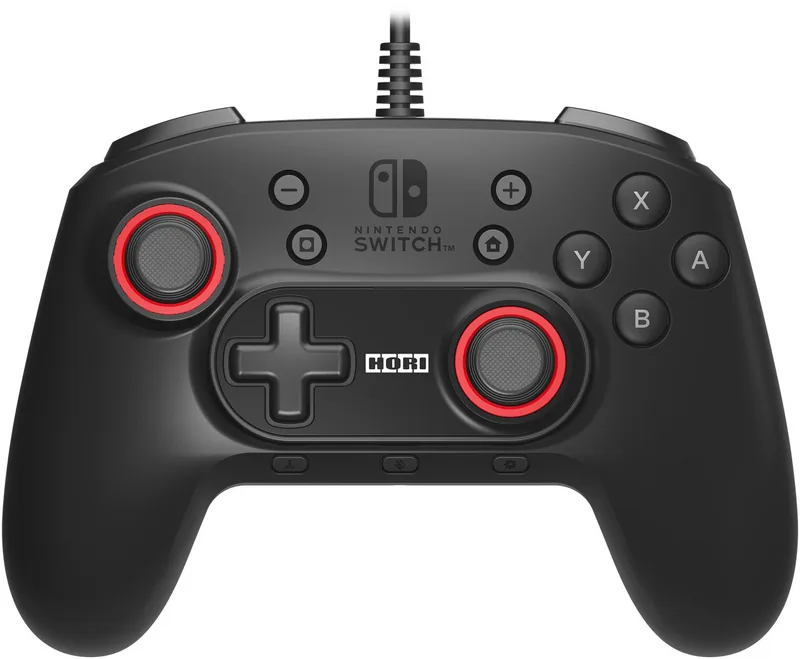
1 concave (left above D-pad), 1 concave (right below action buttons)
D-Pad
Straight
Colors
Black, Red
Features
3.5mm jack, Motion sensor, Turbo function
Product Description
Elevate Your Gaming with the Hori Horipad+ Controller
The Hori Horipad+ Controller in sleek black is a premium wired gamepad designed specifically for Nintendo Switch and PC users who demand precision and customization. This controller transforms standard gameplay by introducing advanced features like Motion Aim, allowing players to control the right analog stick input simply by tilting the device. Whether you are engaging in long-range sniping or quick close-quarters combat, this controller adapts to your style.
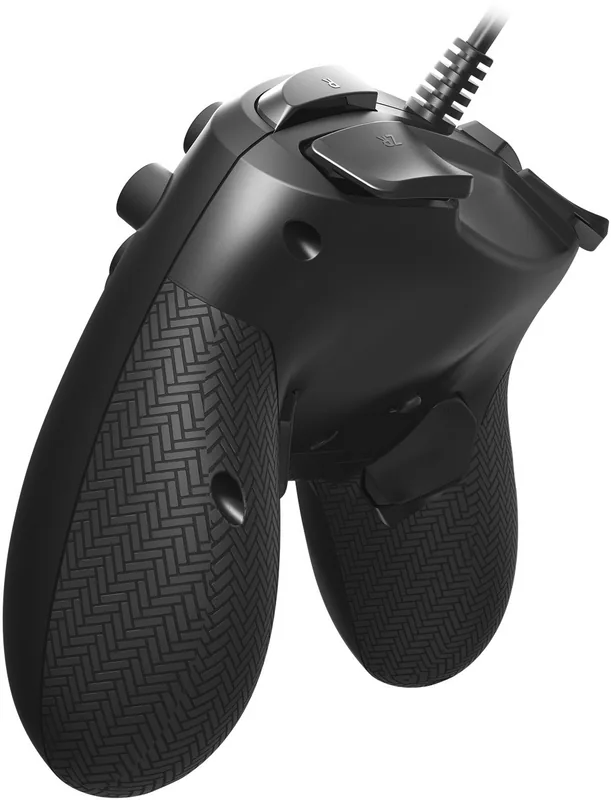
Designed with ergonomics in mind, the Horipad+ features a layout that mimics traditional console controllers while adding dedicated buttons for Snipe Mode (FL) and Quick Mode (FR). These specialized functions let you adjust analog stick sensitivity on the fly, offering maximum output reduction for precision or maximum speed for rapid movements. The controller also boasts a robust Turbo function, enabling rapid-fire capabilities without constant button mashing, which can be customized to three different speeds.
Connectivity is straightforward via USB, ensuring a lag-free experience on both platforms. On the Nintendo Switch, it supports full audio through the built-in headphone jack, though PC users should note that audio is handled differently. The inclusion of a companion app allows for deep customization, letting users assign functions to various buttons and fine-tune settings beyond what is possible with physical buttons alone. With its durable build and thoughtful design, the Horipad+ stands out as an essential tool for competitive gamers seeking an edge.
Search for 67,706 Manuals online


Type-in Brand or Model