

Free EVGA Manuals – Read, Download & Print
13 Manuals
Manuals
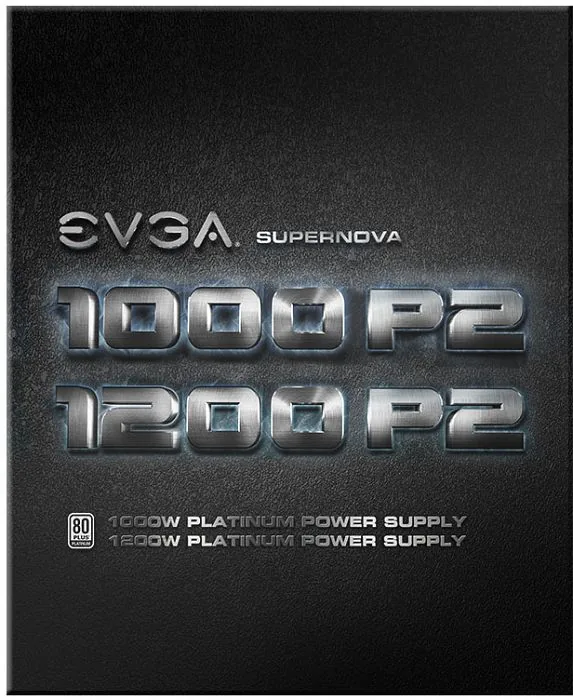
48 Pages
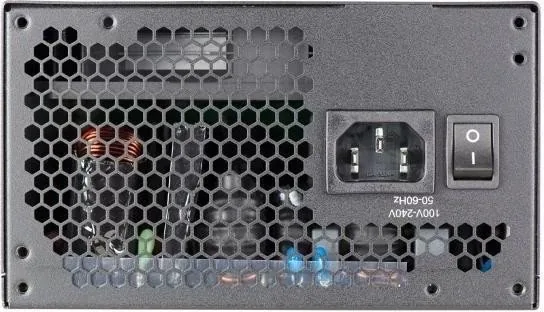
26 Pages
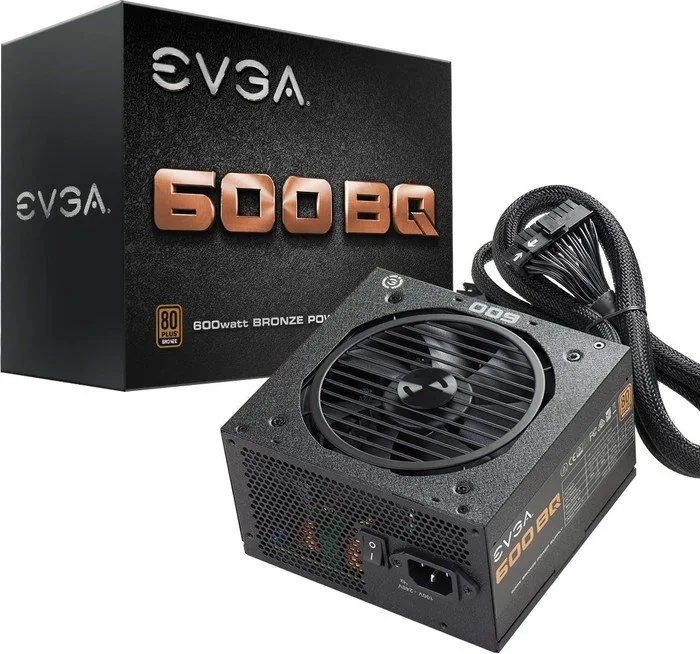
20 Pages
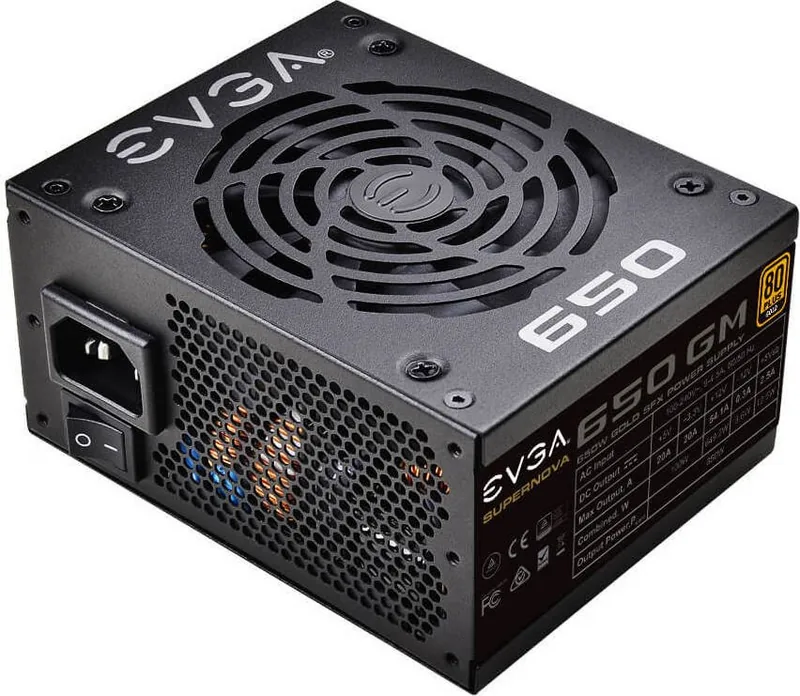
26 Pages
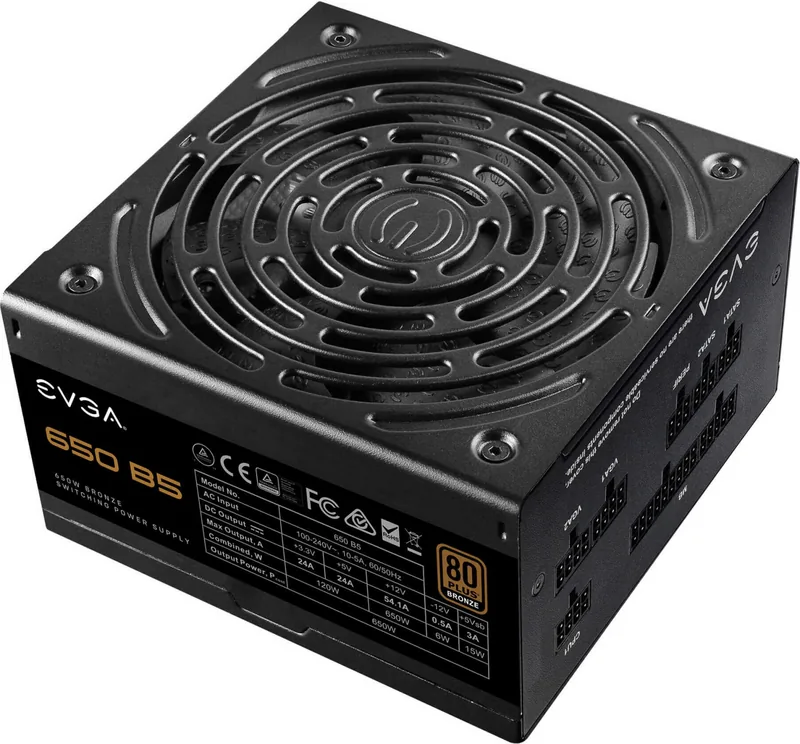
10 Pages
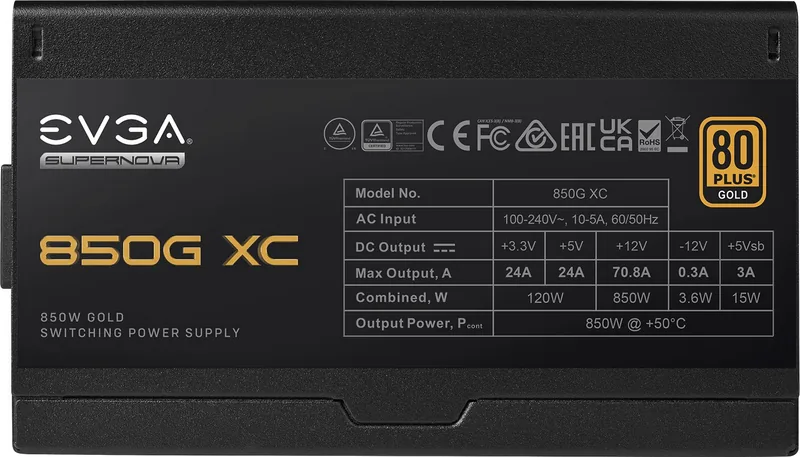
66 Pages
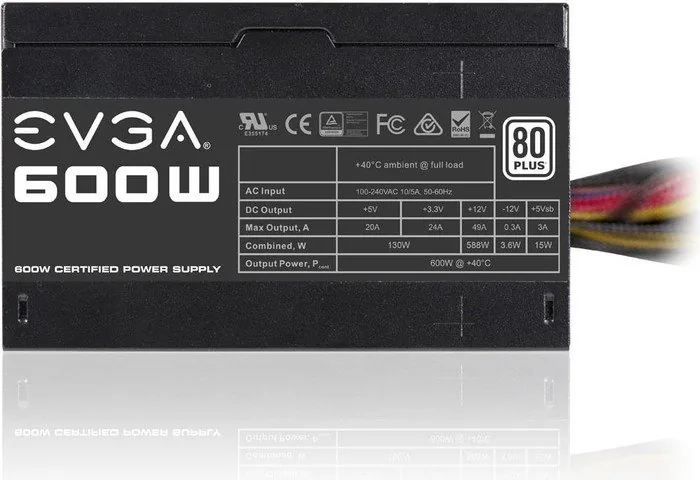
8 Pages
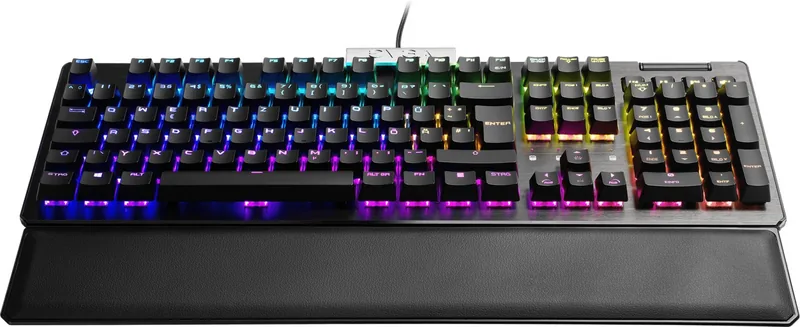
10 Pages

14 Pages

14 Pages
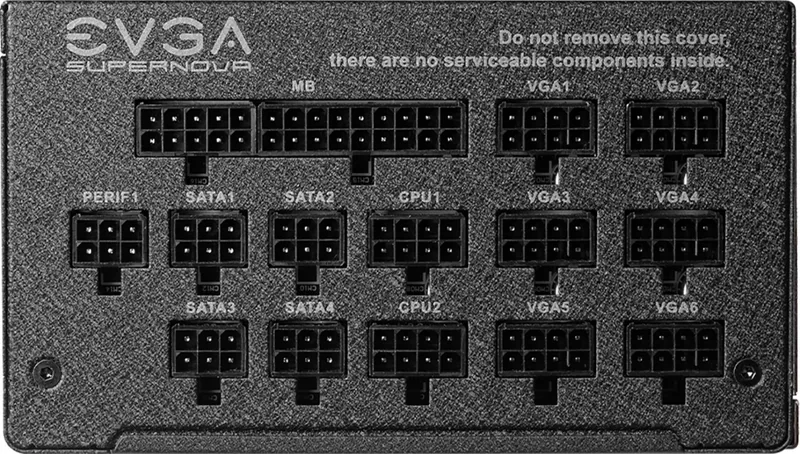
28 Pages
28 Pages
10 Pages
Categories

Free EVGA Manuals - Read, Download & Print
Introduction to EVGA Documentation Resources
In the rapidly evolving world of computer hardware, having access to accurate and comprehensive documentation is essential for both novice builders and seasoned enthusiasts. EVGA, a leading manufacturer of high-performance graphics cards, motherboards, power supplies, and cooling solutions, provides a wealth of information through its official manual repository. This guide serves as your ultimate resource for accessing free EVGA manuals, allowing you to read online, download PDF files for offline use, and print detailed instructions for troubleshooting, installation, and maintenance. Whether you are assembling a new gaming rig, overclocking your GPU, or resolving a technical issue with your power supply unit (PSU), these documents provide the critical knowledge needed to maximize performance and ensure system stability.
The availability of free manuals democratizes access to technical expertise, empowering users to take control of their hardware without relying solely on third-party forums or paid support services. By centralizing these resources, EVGA ensures that every customer has the tools necessary to understand the capabilities and limitations of their equipment. This document will walk you through the process of locating these manuals, understanding their structure, and utilizing them effectively to enhance your computing experience.
Navigating the Official EVGA Support Portal
Accessing the correct documentation begins with finding the right place on the EVGA website. The official EVGA support section is designed with user experience in mind, offering a streamlined interface where users can quickly locate specific product manuals. To begin, visit the main EVGA website and navigate to the Support tab. From there, you will find a search function or a categorized list of products. Entering your specific model number into the search bar is often the most efficient method, especially given the vast array of SKUs that EVGA produces over time.
Once you have identified your product, the support page will display various tabs including Drivers, BIOS, Firmware, and Manuals. It is crucial to select the Manuals tab to view the full library of available guides. These pages typically host multiple versions of documentation, ranging from quick start guides to extensive user manuals covering advanced features. For older products, archived manuals may be available, ensuring that legacy systems can still be maintained with up-to-date information. The portal also categorizes manuals by language, providing global accessibility for non-English speakers who require local language support for setup and operation.
Types of Manuals Available for EVGA Products
EVGA offers a diverse range of documentation tailored to different types of hardware and user needs. Understanding the distinction between these document types helps users find the exact information required for their current task.
Quick Start Guides
Quick start guides are concise, step-by-step instructions designed to get users up and running immediately after unboxing. These documents focus on the essential steps of installation, such as connecting power cables, mounting the component, and installing basic drivers. They are ideal for first-time builders who need a clear roadmap without getting bogged down in complex specifications or advanced configuration options.
User Manuals
User manuals are comprehensive documents that cover every aspect of the product. They include detailed specifications, safety warnings, troubleshooting sections, and warranty information. For graphics cards, these manuals explain how to utilize software utilities like EVGA Precision X1 for overclocking and monitoring. Motherboard manuals delve into BIOS settings, fan curve configurations, and expansion slot layouts. Power supply manuals provide critical information on wattage ratings, modular cable management, and efficiency standards.
Technical Specifications Sheets
While not always classified strictly as manuals, specification sheets are vital references that detail the electrical and physical characteristics of the hardware. These documents are essential for compatibility checks, ensuring that components fit within the case and that the power supply can handle the load of the entire system. They often include dimensions, connector types, and thermal design power limits.
Warranty and Registration Forms
Documentation also includes forms for registering your product to activate the warranty. Keeping track of these forms is important for future support claims. The manuals often contain QR codes or URLs that direct users to the registration portal, simplifying the process of securing coverage for their investment.
How to Download and Save Your Manual Files
Downloading an EVGA manual is a straightforward process that requires only a few clicks. Once you have located the correct product page on the support portal, look for the PDF icon or link associated with the manual you wish to obtain. Clicking this link will initiate the download to your device. Most modern browsers will save the file directly to your default downloads folder, while others may prompt you to choose a location.
It is highly recommended to organize your downloaded files into a dedicated folder named EVGA Manuals or similar. This practice ensures that you can easily retrieve documentation later without searching through unrelated files. Saving the PDF locally allows you to access the information even when you do not have an internet connection, which is particularly useful during the assembly process in a workspace with limited connectivity. Additionally, having a digital copy means you can search for specific keywords within the document using your PDF reader, saving significant time compared to flipping through physical pages.
Printing Your EVGA Documentation for Reference
For many users, having a physical copy of the manual is invaluable, especially during the initial build phase. Printing the manual allows you to keep notes, mark diagrams, and reference instructions hands-free while working inside the computer case. When printing, consider selecting the appropriate page range to avoid wasting paper. If you only need the installation steps, you can select those specific pages rather than printing the entire document.
When setting up your printer, choose double-sided printing if available to conserve paper, or opt for black and white mode to reduce ink consumption unless color diagrams are essential for clarity. Ensure that the print quality is set to high resolution so that small text and fine details in circuit diagrams remain legible. Some users prefer to print only the troubleshooting section and the wiring diagrams, creating a custom reference sheet that covers the most common issues and connections. This targeted approach keeps your workspace organized and focused on the immediate tasks at hand.
Utilizing Manuals for Troubleshooting and Optimization
The true value of EVGA manuals extends beyond simple installation; they serve as powerful tools for diagnosing problems and optimizing system performance. The troubleshooting sections in these documents address common issues such as no-post situations, overheating alerts, and driver conflicts. By following the logical flowcharts provided, users can isolate the root cause of a problem without needing immediate external assistance.
Furthermore, advanced users can leverage the detailed explanations of BIOS settings and software utilities found in the manuals to push their hardware to its limits. Overclocking guides explain how to safely increase clock speeds and voltages while monitoring temperatures and stability. Cooling manuals offer insights into fan curve adjustments and liquid cooling loop construction, enabling enthusiasts to achieve lower noise levels and better thermal performance. Understanding the theoretical underpinnings presented in these documents leads to more informed decision-making and safer experimentation.
Conclusion: Empowering Your Hardware Journey
Free EVGA manuals are an indispensable asset for anyone owning EVGA hardware. They provide the knowledge base necessary for successful installation, effective troubleshooting, and optimal performance tuning. By utilizing the official support portal to read, download, and print these documents, users ensure they have reliable, manufacturer-approved information at their fingertips. Whether you are building your first PC or upgrading a high-end workstation, these resources empower you to make the most of your investment. Embrace the convenience of digital documentation and the reliability of printed guides to maintain a stable, high-performing system that meets all your computing needs.
Search for 67,706 Manuals online


Type-in Brand or Model