
EVGA X17 Manual
PDF manual · 14 Pages
English



Quick check
Incorrect answer, please try again.
Chat with your EVGA X17 manual using AI
Get instant AI answers from your EVGA X17 manual
Ask anything about the EVGA X17. Answers come from this manual, with the pages they are based on.
Ask a Question
Do you recommend X17?
Yes NoFrequently Asked Questions
The EVGA X17 utilizes the Pixart 3389 optical sensor, known for its high precision and reliability in tracking movements without acceleration.
Is this answer helpful?
Yes, the mouse features a modular weight system. You can remove the bottom panel to access the compartment and add or remove five-gram weights to customize the feel.
Is this answer helpful?
The mouse comes equipped with eleven programmable buttons, including standard clicks, side buttons, scroll wheel tilts, and a dedicated sniper button.
Is this answer helpful?
The EVGA X17 supports up to 16000 DPI across five stages, allowing for extreme sensitivity adjustments suitable for various gaming genres.
Is this answer helpful?
Yes, the X17 includes two LOD sensors that can be calibrated individually through the EVGA Unleash software to suit your lifting habits.
Is this answer helpful?
No, the EVGA X17 is a wired gaming mouse that connects via a USB cable to ensure zero latency and consistent power delivery.
Is this answer helpful?
Advantages and Disadvantages
Advantages

- Pixart 3389 sensor provides industry-leading tracking accuracy and zero acceleration issues.
- Customizable weight system allows users to add or remove 5g weights for perfect balance.
- Dual LOD sensors enable precise calibration for different play styles using software.
Disadvantages

- Requires installation of proprietary EVGA Unleash software for full feature access.
- No wireless connectivity option available as it is a wired USB-only device.
- Limited color options for LED profiles compared to some competitors with per-zone lighting.
Product Specification
Suitability
right hand
Keys
8 (total, 10 key functions), 2 (main), 2 (top), 3 (left), 1 (scroll wheel click, 3 key functions)
Scroll Wheel
1x 4-way
Scanning
LED-red/IR
Resolution
16000dpi, reducible to 6400/5000/3200/1600/800dpi
Sensor
PixArt PMW 3389
Buttons
mechanical buttons, Omron
Polling Rate
8000Hz (wired USB)
Lighting
RGB
Connection
wired (6.56ft), USB
Power Supply
USB
Dimensions (WxDxH)
2.76x1.77x4.84in
Approximate Volume
6.17cu in (approximate shape)
Weight
3.63oz (+0.88oz)
Features
thumb rest, three sensors (2x additional depth sensor/LOD sensor), weight magazine (4x 5g), NVIDIA Reflex Certified, onboard memory, textile cable
Product Description
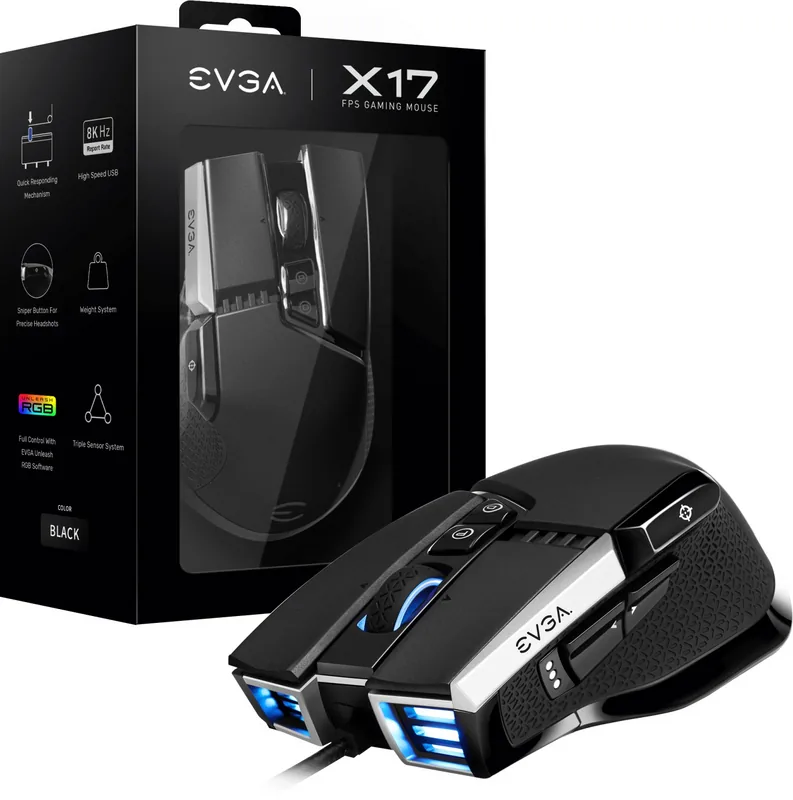
EVGA X17 Gaming Mouse: Precision Redefined for Competitive Play
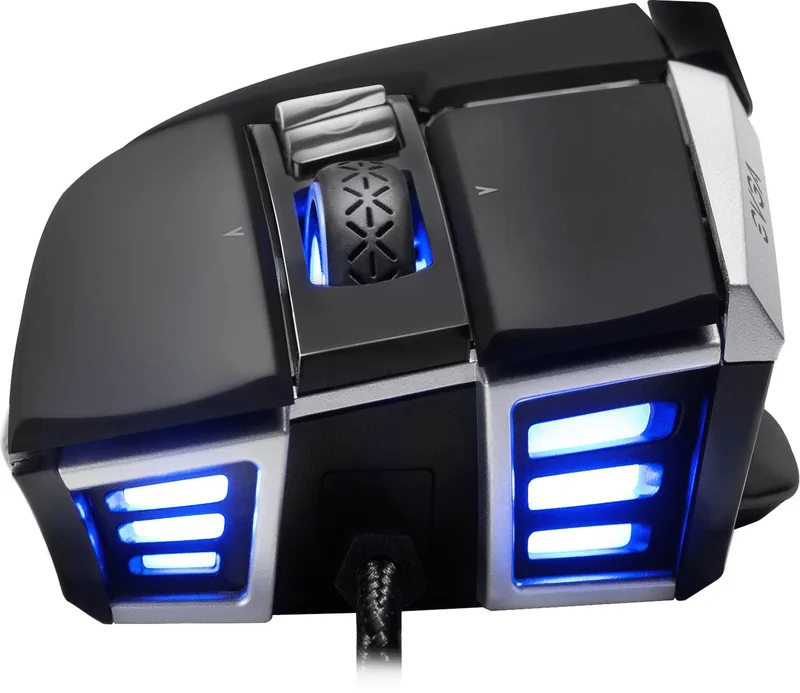
The EVGA X17 Gaming Mouse stands as a testament to engineering excellence, designed specifically for gamers who demand absolute control and speed. At the heart of this device lies the renowned Pixart 3389 optical sensor, delivering flawless tracking across various surfaces without acceleration or jitter. This high-performance component ensures that every micro-movement is translated instantly into on-screen action, giving you the edge in fast-paced competitive environments.
One of the most defining features of the X17 is its customizable weight system. Users can access the internal chamber by removing the bottom panel and adding or removing five-gram weights. This modularity allows players to fine-tune the mouse's balance and feel to match their specific grip style and personal preference. Whether you prefer a lighter setup for quick flicks or a heavier one for steady aim, the X17 adapts to your needs.
Connectivity and customization are further enhanced through the EVGA Unleash RGB Software. This powerful suite allows for deep configuration of the mouse's eleven programmable buttons. You can assign complex macros, adjust DPI settings on the fly, and calibrate the two built-in LOD (Lift-off Distance) sensors. The LOD sensors are particularly crucial for gamers who lift their mouse frequently during gameplay, ensuring the cursor stops moving immediately when the mouse leaves the pad.
The lighting experience is equally impressive with five distinct profile colors indicated by LEDs: orange, red, yellow, green, and blue. These lights provide immediate visual feedback regarding your active profile and DPI stage. The DPI stages range from a low 400 DPI when holding the sniper button to a maximum of 16000 DPI, covering all scenarios from precise aiming to rapid sweeping motions. The dedicated sniper button temporarily drops sensitivity to 400 DPI, offering unparalleled precision for long-range shots.
Key Features Overview
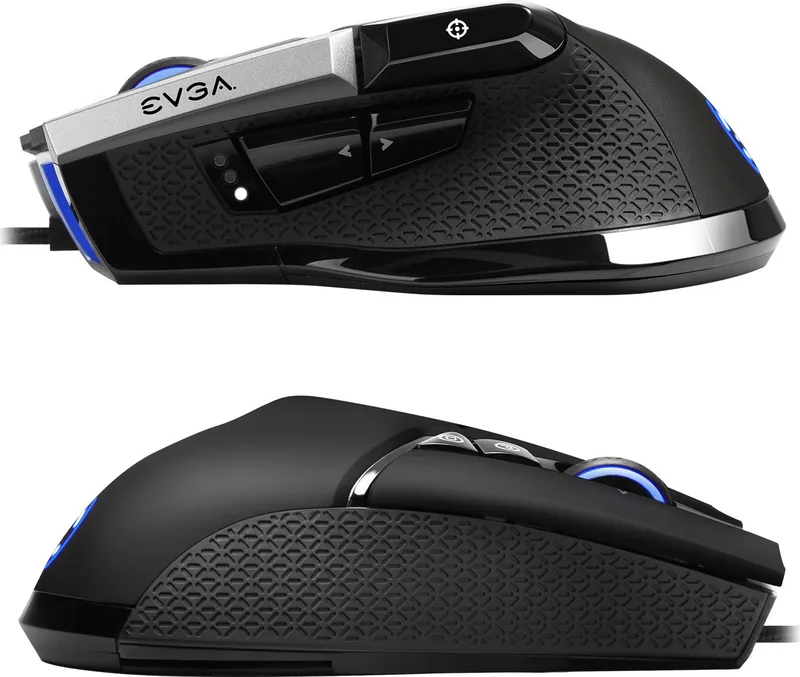
The X17 combines durability with versatility. Its ergonomic shape fits comfortably in both palm and claw grips, reducing fatigue during extended gaming sessions. The side keys are positioned intuitively for easy thumb access, while the scroll wheel offers left and right tilt clicks for additional functionality. With support for multiple languages in its software interface, the EVGA X17 is accessible to gamers worldwide.
Important Notes
- Ensure drivers are updated via EVGA Unleash Software for optimal performance.
- Calibrate LOD sensors individually for the best lift-off distance.
- Use the included weights to achieve your preferred total mouse weight.
Search for 67,706 Manuals online


Type-in Brand or Model