
EVGA SuperNOVA P2 Series Manual
PDF manual · 48 Pages
English



Quick check
Incorrect answer, please try again.
Chat with your EVGA SuperNOVA P2 Series manual using AI
Get instant AI answers from your EVGA SuperNOVA P2 Series manual
Ask anything about the EVGA SuperNOVA P2 Series. Answers come from this manual, with the pages they are based on.
Ask a Question
Do you recommend SuperNOVA P2 Series?
Yes NoFrequently Asked Questions
It is best for high-performance gaming PCs, workstation builds, and systems that need stable power delivery, strong efficiency, and flexible cable management. It is especially appealing when reliability and low noise matter.
Is this answer helpful?
Yes. It uses a fully modular design, so you can attach only the cables required for your build. This helps reduce case clutter, improve airflow, and make assembly easier.
Is this answer helpful?
The manual helps you identify the correct cable layout, installation steps, and safety warnings. It is especially useful for choosing the right EPS, PCI-E, and SATA connections and avoiding incompatible cables.
Is this answer helpful?
ECO mode reduces fan activity at low to moderate loads. The fan may stay off until temperatures or power demand rise, which can lower noise and improve comfort during lighter use.
Is this answer helpful?
No. You should only use the included cables or EVGA cables specifically labeled for the unit. Using mismatched cables can cause serious failure and may damage connected components.
Is this answer helpful?
It includes over-voltage, under-voltage, over-power, short-circuit, and over-current protection. These safeguards are designed to help protect both the power supply and the components it powers.
Is this answer helpful?
Advantages and Disadvantages
Advantages

- Fully modular cabling keeps builds tidy and improves airflow.
- 80 PLUS Platinum efficiency helps reduce waste heat and power loss.
- Includes strong protection features for safer everyday operation.
- PSU tester and cable bundle make installation and checking easier.
Disadvantages

- Premium design may be more than some basic builds really need.
- Correct EVGA-compatible cables are essential; wrong ones can be risky.
- Large physical size may limit fit in smaller or compact cases.
- ECO fan behavior may be confusing if you expect constant fan motion.
Product Specification
Fan
5.51 in, semi-passive
Cable management
fully modular
Average efficiency
92% (according to 80 PLUS certificate, 115V)
Certificates according to 80 PLUS
80 PLUS Platinum (115V, according to 80 PLUS certificate)
Manufacturer's warranty
10 years (INFO)
-12V
0.5A
Number of 12V rails
1
PFC
active
Form factor
ATX PS/2
Specification
ATX 2.3
Color
black
Product Description
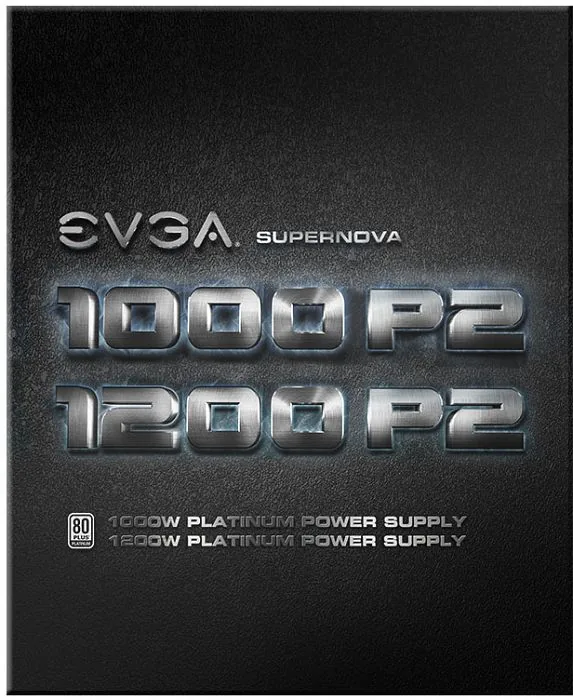
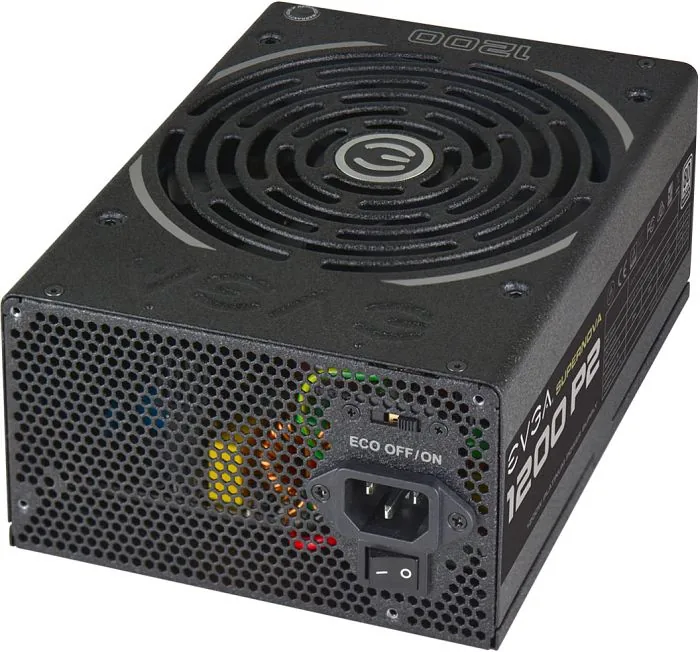
EVGA SuperNOVA P2 ATX 2.3
The EVGA SuperNOVA P2 ATX 2.3 is built for users who want clean power, dependable delivery, and a quieter PC experience. Positioned as a premium power supply, it is designed to support demanding gaming rigs, workstation builds, and high-performance systems that benefit from stable voltage and strong efficiency. If you are searching for the EVGA SuperNOVA P2 ATX 2.3 Manual, the most important takeaway is simple: this unit is made to be installed carefully, paired with the correct cables, and used as part of a well-planned system.
One of its strongest qualities is the fully modular design. That means you only connect the cables you actually need, which helps reduce clutter and improve airflow inside the case. The included cable selection covers core motherboard power, CPU power, PCI-E connections for graphics cards, SATA power for storage, and Molex for older peripherals and accessories. EVGA also includes a PSU tester, making initial setup and basic checks more convenient.
Efficiency is another major highlight. The SuperNOVA P2 series is associated with 80 PLUS Platinum certification, which points to excellent power conversion and reduced wasted energy. In practical use, that can mean lower heat output and better overall system efficiency. The power supply also features a robust protection suite, including safeguards against over-voltage, under-voltage, over-power, short circuits, and over-current situations.
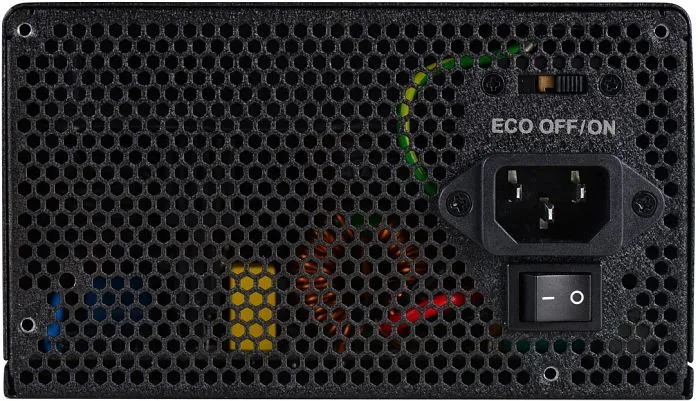
A quiet operating profile is part of the appeal as well. With ECO mode enabled, the fan can remain off at lower loads, helping keep noise down during light tasks. When the system demands more, the fan activates as needed to maintain safe temperatures. Combined with premium internal components and a strong warranty focus, this makes the SuperNOVA P2 feel like a product aimed at long-term reliability rather than just raw wattage.
Notes
- Use only EVGA-labeled compatible cables.
- Check motherboard CPU power requirements before connecting both EPS cables.
- The PSU tester is useful for quick checks and basic troubleshooting.
- The unit’s size and modular layout make case compatibility worth verifying first.
Search for 67,706 Manuals online


Type-in Brand or Model