

Free AG Neovo Manuals – Read, Download & Print
20 Manuals
Manuals
89 Pages
20 Pages
47 Pages
61 Pages

60 Pages
47 Pages

84 Pages
2 Pages

2 Pages
2 Pages

3 Pages
23 Pages

58 Pages
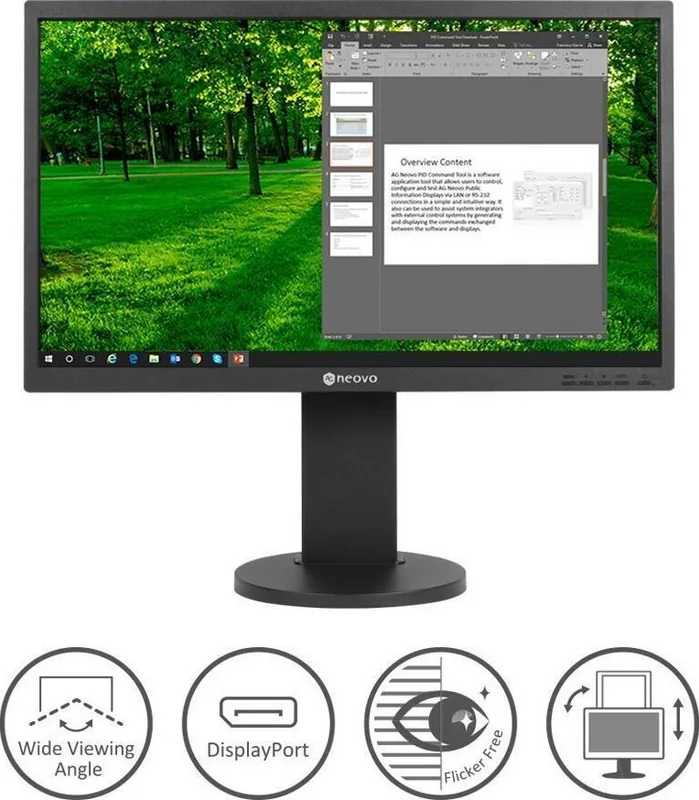
35 Pages
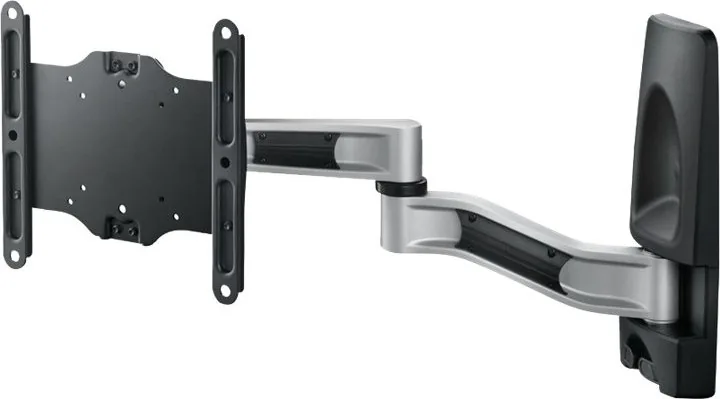
2 Pages
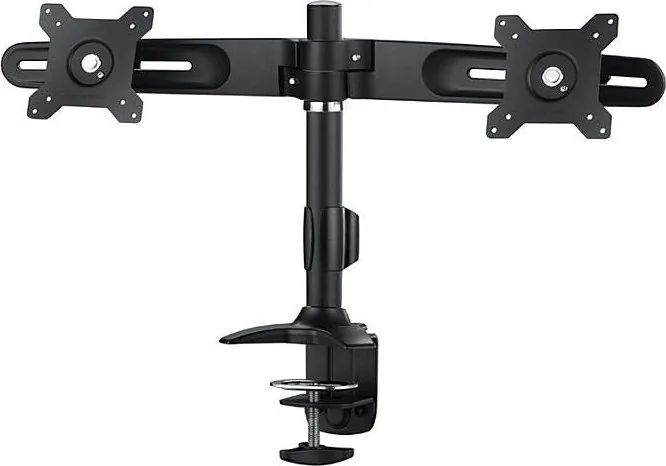
2 Pages
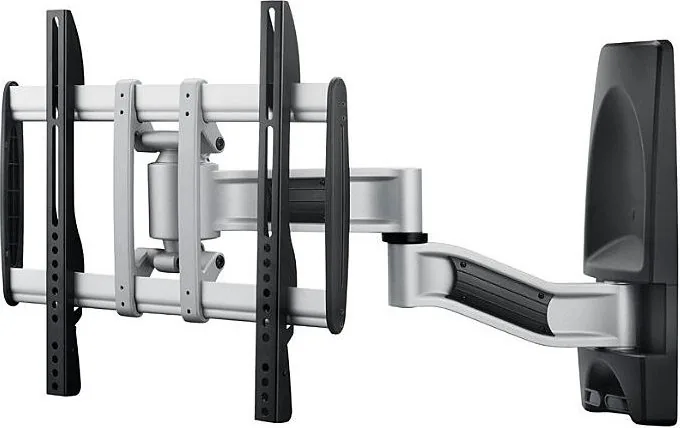
2 Pages
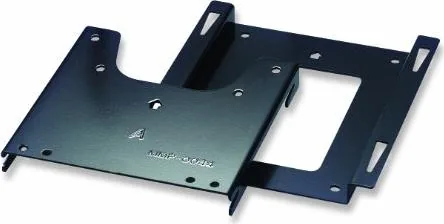
5 Pages
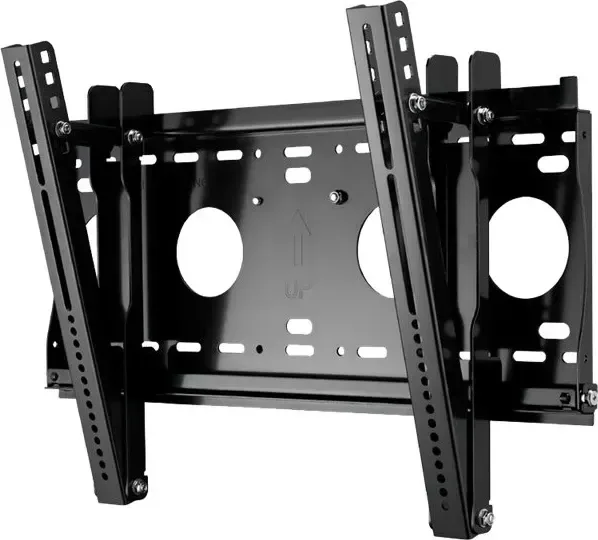
2 Pages
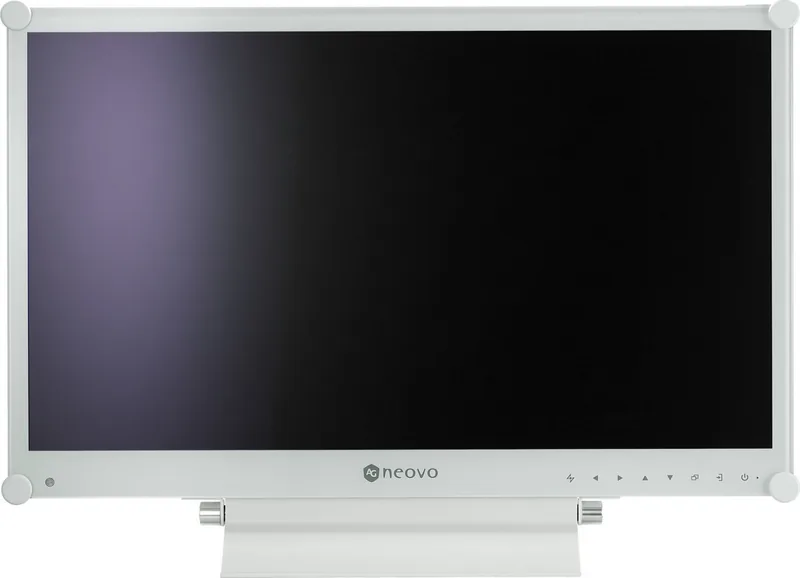
51 Pages
Categories


AG Neovo Manuals: The Comprehensive Guide to Display Excellence
Introduction to AG Neovo Documentation Resources
AG Neovo is a globally recognized brand specializing in professional display solutions, including monitors, digital signage, and interactive flat panels. For system integrators, IT administrators, facility managers, and end-users, accessing accurate and detailed documentation is critical for successful deployment and maintenance. The collection of AG Neovo manuals serves as the definitive resource for understanding the full capabilities, installation procedures, and troubleshooting protocols of these advanced visual technologies. These documents are designed to bridge the gap between complex hardware specifications and practical application, ensuring that every user can maximize the return on their investment while minimizing downtime.
The importance of having access to the correct manual cannot be overstated. Professional displays often feature sophisticated settings, network configurations, and mounting requirements that differ significantly from consumer-grade equipment. Without proper guidance, users may struggle with initial setup, fail to optimize image quality, or encounter connectivity issues that could disrupt critical operations in environments ranging from control rooms and command centers to retail stores and educational institutions. AG Neovo has structured its documentation to be intuitive yet thorough, catering to both technical experts and general users who require clear instructions to operate their devices effectively.
Navigating the Manual Library by Product Category
To find the most relevant information, it is essential to understand how AG Neovo categorizes its documentation. The library is typically divided into distinct product lines, each addressing specific use cases and technical requirements. This segmentation ensures that users do not waste time searching through irrelevant data. The primary categories include commercial monitors, digital signage displays, interactive flat panels, and specialized industrial displays.
Commercial monitors are designed for office environments, trading floors, and broadcast studios. These units often prioritize color accuracy, ergonomic adjustability, and reliability. The manuals for this category provide detailed instructions on VESA mounting, cable management, OSD (On-Screen Display) navigation, and power management features. Users will find step-by-step guides on how to calibrate the screen for specific color profiles and how to configure multiple display setups using daisy-chaining capabilities. Additionally, these documents cover warranty information and safety guidelines specific to high-performance computing environments.
Digital signage displays represent another major segment of the AG Neovo portfolio. These screens are built for continuous operation and public visibility in lobbies, airports, and retail spaces. The associated manuals focus heavily on remote management software, content scheduling integration, and thermal management systems. Technical users will appreciate the detailed sections on network configuration, including IP address assignment, multicast streaming setup, and compatibility with various content management systems. Safety warnings regarding heat dissipation and ventilation are also prominent, given the demanding nature of 24/7 operation.
Interactive flat panels combine touch technology with large-format displays for collaborative workspaces and classrooms. The documentation for these products includes comprehensive guides on multi-touch calibration, stylus usage, and wireless projection protocols. Users learn how to switch between different input sources, manage user permissions, and utilize built-in whiteboard software. Troubleshooting sections address common issues such as touch latency, ghosting, or connectivity drops, providing actionable steps to resolve problems without needing immediate vendor support.
Industrial displays cater to harsh environments where standard electronics might fail. These manuals emphasize ruggedness, wide temperature tolerance, and protection against dust and moisture. Instructions cover special mounting brackets, extended voltage ranges, and cleaning procedures suitable for sterile or dirty conditions. The documentation ensures that operators can maintain functionality even in extreme scenarios, which is vital for manufacturing plants, outdoor kiosks, and transportation hubs.
Installation and Configuration Best Practices
A significant portion of the AG Neovo manuals is dedicated to the physical and logical installation of the devices. Proper installation is the foundation of long-term performance and safety. The guides begin with unboxing procedures, advising users to inspect all components for damage before proceeding. Detailed diagrams illustrate the placement of screws, brackets, and locking mechanisms to prevent accidental falls or instability. For wall-mounted installations, the manuals specify load-bearing limits and recommend professional assistance if structural modifications are required.
Once the physical setup is complete, the focus shifts to electrical connections and signal routing. Clear illustrations show the correct ports for HDMI, DisplayPort, USB-C, and VGA inputs. Users are instructed on how to secure cables to avoid strain on the connectors and how to route wires neatly for aesthetic and safety reasons. Power requirements are outlined, including recommendations for surge protectors and UPS integration to protect against power fluctuations. The manuals also explain the function of service ports used for firmware updates and diagnostic testing.
Configuration settings within the On-Screen Display menu are another critical area covered in depth. Users are guided through the process of adjusting brightness, contrast, gamma, and color temperature to suit ambient lighting conditions. Advanced features like Picture-in-Picture, Picture-by-Picture, and split-screen modes are explained with examples of how to activate them for multitasking scenarios. Network settings are addressed for models with built-in Android or Windows operating systems, detailing how to connect to Wi-Fi networks, assign static IPs, and configure proxy servers if necessary.
Software integration is increasingly important in modern workflows. Many AG Neovo manuals include sections on companion software that allows for centralized control of multiple displays. These tools enable users to create playlists, schedule content playback, monitor device health, and push firmware updates remotely. The documentation provides screenshots and step-by-step instructions for downloading, installing, and configuring this software on a central server or laptop. It also covers API integration options for developers who wish to build custom solutions around the display infrastructure.
Maintenance, Troubleshooting, and Support
Even the most reliable hardware requires regular maintenance to ensure optimal performance over time. AG Neovo manuals provide a dedicated section on cleaning and care, recommending specific materials and techniques to avoid damaging the screen surface. Users are advised to use microfiber cloths and non-abrasive cleaners, avoiding harsh chemicals that could strip coatings or cause discoloration. Guidelines for handling condensation, dust accumulation, and lens cleaning are included to help preserve image clarity.
Troubleshooting chapters are invaluable when issues arise. They are organized logically by symptom, allowing users to quickly identify potential causes and solutions. Common problems such as no power, flickering screens, color distortion, or audio failures are listed with corresponding diagnostic steps. For example, if a display shows no image, the manual suggests checking power connections, verifying input source selection, and testing with alternative cables. If audio is missing, users are directed to check volume levels, mute settings, and speaker configurations.
For more complex issues, the manuals often point users toward advanced diagnostics or factory reset procedures. These steps can restore the device to its original state, clearing any corrupted settings that may be causing malfunctions. However, users are cautioned to back up their configurations before performing a reset. Contact information for AG Neovo support teams is also provided, including regional phone numbers, email addresses, and links to online ticket submission portals. In many cases, the manuals direct users to the official website for the latest firmware versions, which may contain fixes for known bugs or enhancements to existing features.
Safety compliance is another recurring theme throughout the documentation. All AG Neovo manuals adhere to international standards for electromagnetic compatibility, energy efficiency, and hazardous substances. Users are reminded to follow local regulations regarding electronic waste disposal and recycling. Environmental considerations are highlighted, encouraging the use of eco-friendly practices during installation and decommissioning. By following these guidelines, organizations can ensure they remain compliant with legal requirements while contributing to sustainability goals.
In conclusion, the AG Neovo manuals are an indispensable asset for anyone working with professional display technology. They offer a wealth of knowledge that empowers users to install, configure, maintain, and troubleshoot their equipment with confidence. Whether managing a single monitor in a small office or deploying a massive video wall in a global enterprise, having access to these detailed resources ensures smooth operations and peak performance. As technology continues to evolve, AG Neovo remains committed to updating its documentation to reflect new features and best practices, keeping its customers informed and supported at every stage of the product lifecycle.
Search for 67,706 Manuals online


Type-in Brand or Model