
AG Neovo IFP Series Manual
PDF manual · 3 Pages
English



Quick check
Incorrect answer, please try again.
Chat with your AG Neovo IFP Series manual using AI
Get instant AI answers from your AG Neovo IFP Series manual
Ask anything about the AG Neovo IFP Series. Answers come from this manual, with the pages they are based on.
Ask a Question
Do you recommend IFP Series?
Yes NoFrequently Asked Questions
The series includes IFP-6502, IFP-7502, and IFP-8602 models. Each has different screen sizes and mounting specifications suitable for various room dimensions.
Is this answer helpful?
You can use HDMI inputs for video or VGA for older systems. Connect the HDMI cable to your computer and a touch module via USB if needed for interaction.
Is this answer helpful?
Use a soft, lint-free cloth dampened with a small amount of alcohol. Do not spray liquid directly on the screen or use abrasive detergents that damage the coating.
Is this answer helpful?
Yes, the touch technology supports multiple touch points simultaneously on Windows 7/8/10 and Android systems for seamless collaboration.
Is this answer helpful?
Activate a moving screen saver and avoid showing static images for extended periods. Adjust brightness settings and use the automatic shut-off feature.
Is this answer helpful?
Yes, the unit supports standard VESA mounting. Ensure the wall bracket meets safety standards and can support the weight of the specific model.
Is this answer helpful?
You can reset settings in the system menu. If password locked, use the remote code combination listed in the AG neovo IFP Manual for factory defaults.
Is this answer helpful?
Advantages and Disadvantages
Advantages

- High resolution 4K UHD display with sharp text and vivid graphics
- Multi-touch capability supports collaboration without lag
- Built-in Android 8.0 OS with accessible apps like Meetboard
- Versatile connectivity with HDMI, USB, LAN, and optional WLAN
- Standard VESA mounting options for flexible installation
Disadvantages

- Risk of screen burn-in if static images are displayed too long
- High power consumption requires adequate ventilation
- Touch driver support varies by operating system version
- No built-in camera included for video conferencing
- Requires specific non-abrasive cleaning materials to protect coating
Product Specification
Resolution
3840x2160, 16:9
Brightness
350 cd/m2
Response Time
5ms
Viewing Angle
178°/178°
Panel
IPS
Backlight
White-LED
HDR
N/A
Refresh Rate
60Hz
Signal Frequency
30-80kHz (horizontal), 50-76Hz (vertical)
Ports
1x VGA, 3x HDMI 2.0, 1x HDMI-Out
Ergonomics
N/A
Features
Integrated Mediaplayer, Android, Speakers (2x 16W), Wi-Fi 5 (WLAN 802.11a/b/g/n/ac), Bluetooth, Remote, Stylus Included
Product Description
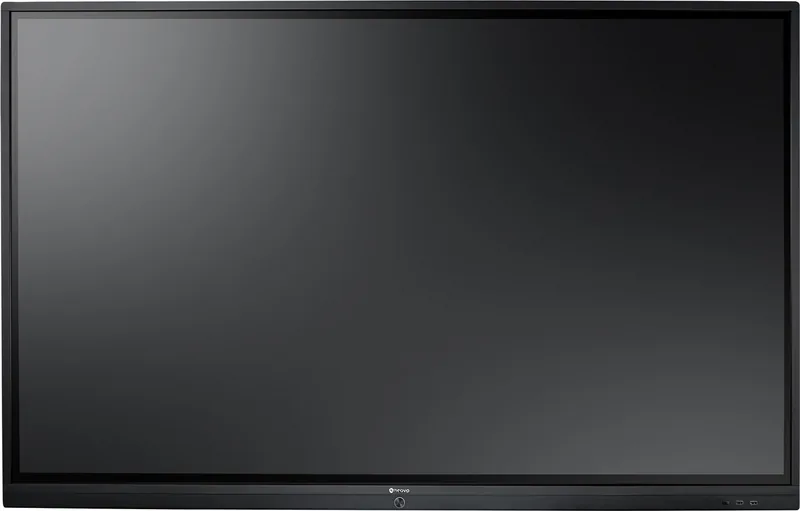
AG neovo IFP Interactive Display Series Review
Welcome to the future of collaborative technology with the AG neovo IFP series. These interactive displays redefine how teams connect and create in modern classrooms and corporate environments. Designed for high performance, the AG neovo IFP series offers a seamless blending of hardware elegance and software functionality. Whether you need a large canvas for creative brainstorms or a high-fidelity screen for complex data visualization, this line delivers exceptional results. The AG neovo IFP Manual provides comprehensive guidance on setting up these powerful units, but their user interface allows for intuitive operation right out of the box for most tasks.
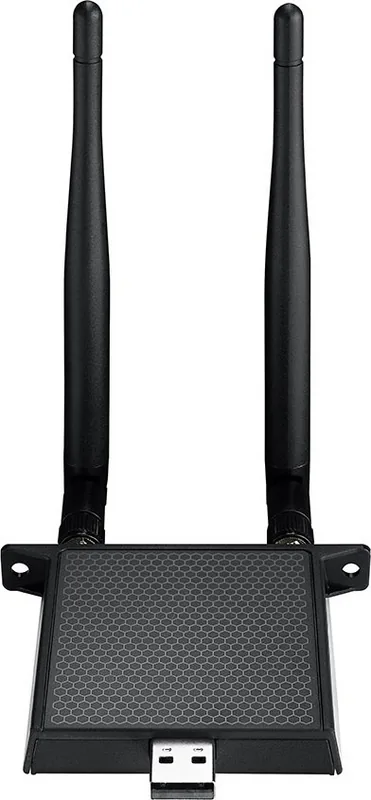
The core strength lies in the stunning 4K UHD resolution. This crystal-clear display ensures every detail is visible, making text sharp and graphics vivid for all attendees. The advanced touch technology supports multi-touch interactions, allowing multiple users to collaborate simultaneously without noticeable lag. Integrated with the Android 8.0 operating system, the system runs smoothly, supporting a wide range of applications essential for presentation and annotation workflows. Users can easily access tools like ScreenShare Pro for mobile mirroring or Meetboard for digital whiteboarding sessions. Connectivity is robust, featuring multiple HDMI inputs, USB ports, and optional WLAN modules for wireless freedom in large rooms.
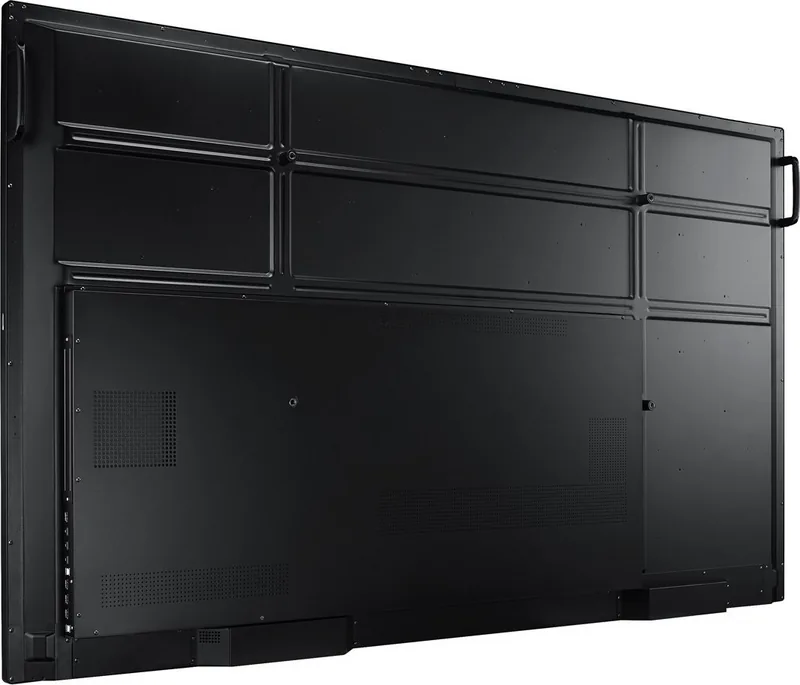
Installation is straightforward with standard VESA compatibility for wall or stand mounting. The built-in stereo speakers provide ample sound volume for media playback and video calls. However, proper ventilation is key to maintaining peak performance during extended business meetings. The AG neovo IFP Manual details specific settings for image adjustments and system configuration to optimize viewing angles. By keeping ambient light in check and utilizing automatic screen savers, users can prevent permanent burn-in issues over time.
This display is not just a screen but an entire ecosystem for productivity. It supports various file formats and offers remote management capabilities for IT departments. Whether teaching a dynamic class or pitching a new idea to stakeholders, the AG neovo IFP ensures clarity and deep engagement throughout the session. The included touch pen offers superior precision for detailed artistic work or signing documents. Overall, it represents a significant step forward in interactive signage and education technology solutions globally. Ensure you follow safety guidelines regarding power consumption and humidity levels for longevity.
Specific models like the IFP-6502 or IFP-7502 cater to different room sizes. Each unit features IPS technology for wide viewing angles. Security settings allow password protection to safeguard sensitive information. The OSD menu makes it easy to tweak brightness and contrast ratios without needing external software. Regular updates ensure compatibility with emerging apps. Cleaning requires specific non-abrasive materials to avoid damaging the surface coating. Proper disposal at end-of-life is crucial for environmental compliance. With its solid build quality and extensive support resources, this series stands out as a top choice for digital signage needs.
Search for 67,706 Manuals online


Type-in Brand or Model