

Free T.I.P. Manuals – Read, Download & Print
8 Manuals
Manuals
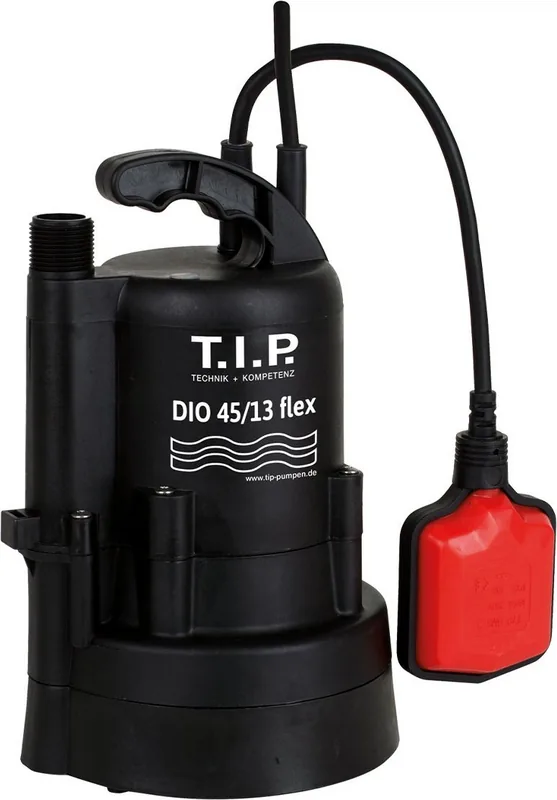
52 Pages
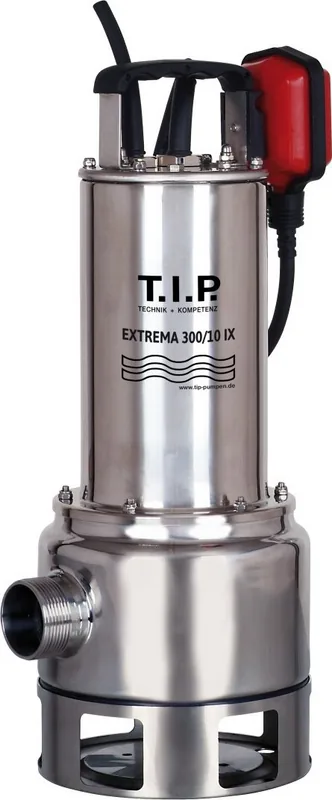
120 Pages
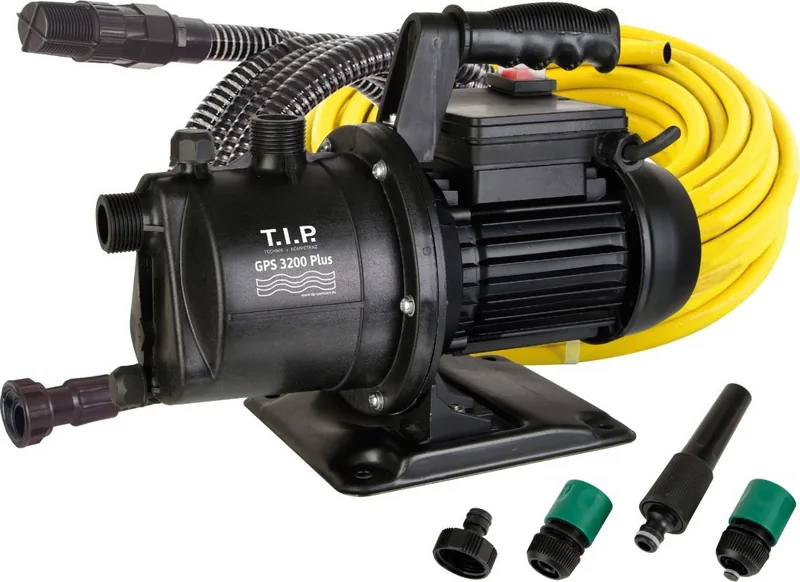
140 Pages
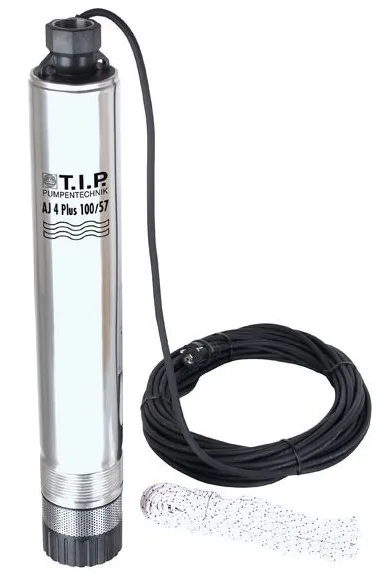
64 Pages
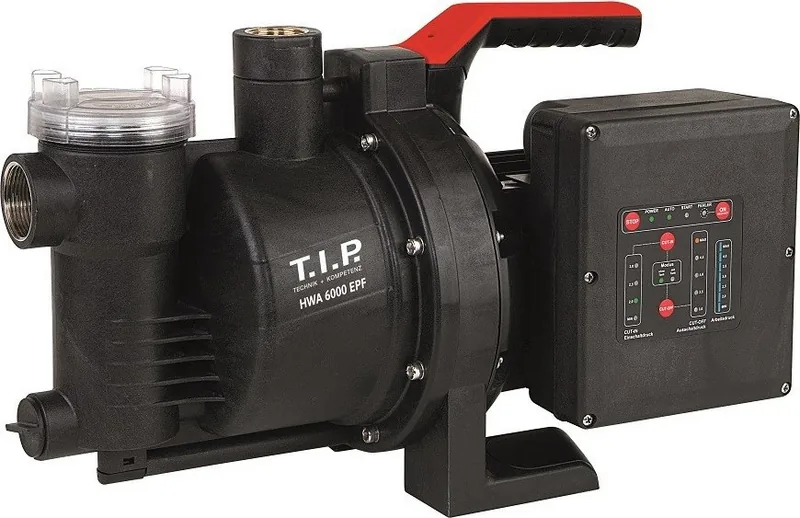
84 Pages
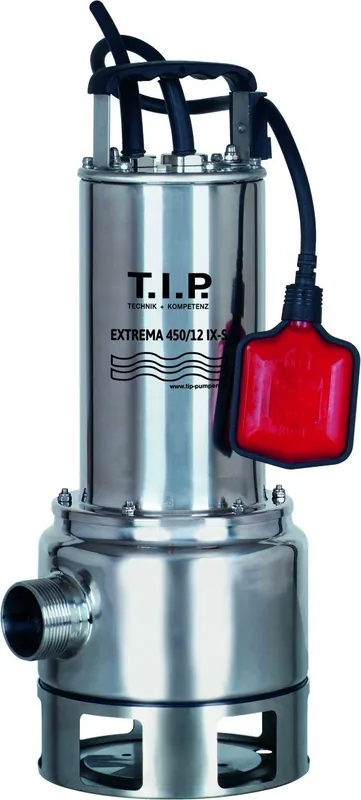
36 Pages
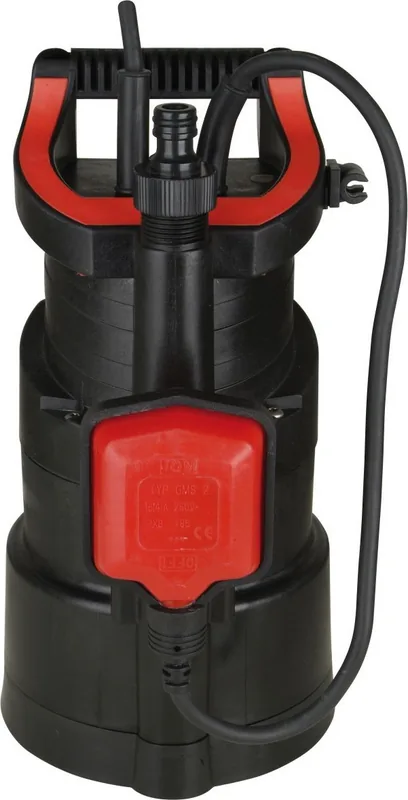
140 Pages
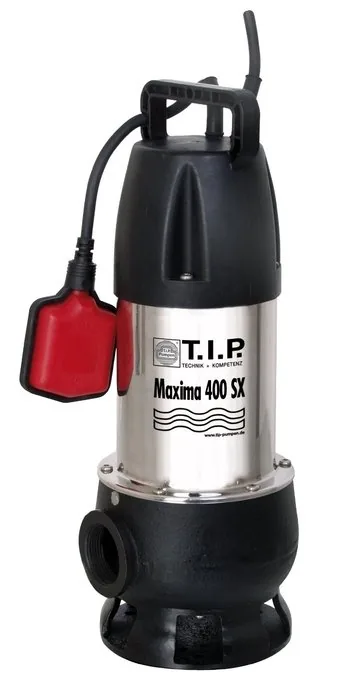
84 Pages
Categories

Free T.I.P. Manuals - Read, Download and Print
Find free T.I.P. manuals in one convenient place for reading online, downloading for later use, and printing when a paper copy is more practical. Manuals are valuable references for anyone who needs clear instructions, specifications, diagrams, maintenance guidance, operating details, or troubleshooting information. Whether you are researching a unit, preparing for a repair, supporting routine service work, or simply looking for original reference material, a well-organized manual can save time and reduce uncertainty.
This collection is designed to make T.I.P. documentation easier to access. Browse available titles, open a manual to review its contents, and use the information in the format that best fits your task. Digital manuals are especially helpful when you need to search for a specific term, compare procedures, zoom in on illustrations, or keep several references available at once.
Read T.I.P. Manuals Online
Reading a manual online is often the fastest way to locate the information you need. Instead of waiting for a printed copy or searching through loose pages, you can open the document and move directly to the relevant section. Many manuals include a table of contents, section numbers, index pages, and labeled illustrations that make navigation simpler.
Online viewing is useful for quick checks, such as confirming a control location, reviewing a safety notice, identifying a component, or checking a procedure before beginning work. It is also a practical option for users who only need a few pages rather than the entire publication.
When reading online, start with the introductory pages. They commonly explain the purpose of the manual, identify the models or configurations covered, and list important safety conventions. From there, use the contents page or document search feature to locate topics such as operation, adjustments, inspection, service intervals, wiring, parts identification, or diagnostic information.
Download Manuals for Offline Reference
Downloading a T.I.P. manual gives you access to the document even when an internet connection is unavailable or inconvenient. An offline copy can be stored on a computer, tablet, or phone for use in a workshop, garage, office, field location, or other work area.
Saved manuals are useful when you return to the same information repeatedly. You may want to keep a copy available for scheduled maintenance, regular inspections, training, equipment records, or future repairs. A downloaded file can also make it easier to search text, bookmark important pages, add personal notes where supported, and organize documentation by model or project.
Before saving a manual, verify that it applies to your specific equipment or subject. Check the title, publication number, revision date, model range, serial number range, and any stated limitations. Similar-looking manuals can cover different versions, options, or production periods, and using the wrong document may lead to incorrect settings, parts, or procedures.
Print the Pages You Need
Printing remains useful for hands-on work. A paper copy can be placed beside the job, marked with temporary notes, shared with a coworker, or kept in a binder with related records. Rather than printing an entire manual, consider printing only the sections required for your current task. This may include safety instructions, torque specifications, adjustment charts, electrical diagrams, inspection checklists, or step-by-step repair procedures.
For the best results, review print settings before sending pages to the printer. Select the correct page range, choose portrait or landscape orientation based on diagrams and tables, and use scaling options that keep text readable. Complex drawings may be clearer when printed at full size or in landscape format. If the manual includes color-coded information, printing in color can help preserve meaning, especially for wiring diagrams and warning labels.
Keep printed pages clean and protected from oil, moisture, dirt, and damage. Clear sleeves, folders, and binders can help preserve frequently used pages. When the task is complete, file the pages with service records so that future users can see which procedures were followed.
How to Use a T.I.P. Manual Effectively
A manual is most useful when it is approached as a structured reference rather than a document to read from beginning to end. Begin by identifying your goal. Are you trying to operate equipment safely, diagnose a problem, complete preventive maintenance, replace a part, or understand a system? Once the goal is clear, locate the appropriate chapter and read the full procedure before starting work.
Check Coverage and Revision Details
Always confirm that the manual matches the item or system in question. Look for identifying information on the cover, title page, or publication details. Important details can include:
- Model designation or product family
- Serial number or production range
- Engine, component, or configuration information
- Publication date and revision level
- Language edition
- Supplementary documents or update notices
A manual may be accurate for one version but incomplete for another. If a procedure does not match the equipment in front of you, stop and verify the manual before proceeding. Later revisions or supplemental publications may contain corrected specifications, updated diagrams, or additional safety guidance.
Start With Safety Information
Safety sections should never be skipped. Manuals often use warning terms, symbols, and notes to identify hazards related to moving parts, stored energy, electrical systems, hot surfaces, fluids, lifting, chemicals, and improper operation. Read these instructions before beginning any task, even if you have performed similar work previously.
Use appropriate personal protective equipment and follow any required lockout, shutdown, ventilation, lifting, or isolation procedures. If the manual calls for specialized tools, calibrated equipment, or trained service personnel, treat that information as part of the procedure rather than an optional suggestion.
Follow Procedures in Order
Service and operating instructions are usually written in a specific sequence for a reason. Steps may depend on a previous inspection, adjustment, measurement, or safety condition. Skipping ahead can cause damage, create a hazard, or make diagnosis more difficult.
Pay close attention to specifications. Torque values, fluid capacities, clearances, temperatures, pressures, and electrical readings should be followed exactly when applicable. If a specification is given as a range, make sure you understand the measurement conditions and units. Do not assume values from another model, forum post, or unrelated manual are interchangeable.
Information Commonly Found in Manuals
T.I.P. manuals may contain different types of information depending on the publication, but many reference documents are organized around practical tasks and technical details. Knowing what to look for can help you find answers faster.
Operation and Controls
Operating sections explain controls, indicators, startup and shutdown steps, normal use, and important restrictions. These pages are useful for new operators and for anyone working with unfamiliar controls or optional features. They may also include recommendations for daily checks and guidelines for recognizing abnormal conditions.
Maintenance Schedules
Maintenance sections commonly provide intervals for inspections, lubrication, cleaning, fluid changes, filter replacement, and wear checks. Follow schedules based on the conditions stated in the manual, such as operating hours, calendar periods, mileage, cycles, or seasonal use. Severe conditions may require more frequent attention than normal service schedules.
Troubleshooting and Diagnostics
Troubleshooting charts help narrow down possible causes of a symptom. Start with the exact symptom described and follow the checks in the listed order. Record error codes, readings, noises, leaks, and operating conditions before making changes. Good diagnostic practice avoids replacing parts based on guesswork and helps identify the root cause of a problem.
Diagrams, Specifications, and Parts Details
Technical diagrams can show component locations, assemblies, connectors, routing, and internal relationships that are difficult to describe with text alone. Specifications tables provide measurements and limits needed for correct service. Parts information may help identify components, but always confirm part compatibility through the appropriate source before ordering.
Build a Useful Manual Library
Keeping manuals organized makes future work easier. Create folders by manufacturer, model, system, or project, and use clear file names that include the publication number and revision date. For printed documents, label binders or folders so they can be found quickly.
It is also helpful to keep related documentation together. This may include operator guides, service manuals, parts catalogs, installation instructions, technical bulletins, wiring references, and maintenance logs. A complete reference set gives you a better understanding of how systems operate and how changes in one area can affect another.
Preserve Original Information
Manuals should be used as reliable references, but notes and modifications should be clearly separated from the original content. If you add handwritten observations, record the date, source, and reason for the note. This helps prevent personal reminders from being mistaken for official instructions.
When an updated manual becomes available, retain the older version only when needed for historical reference, then clearly label it as superseded. Using current documentation is especially important where safety procedures, specifications, or component designs may have changed.
Get More Value From Every Manual
Free T.I.P. manuals provide practical access to information that supports safer operation, better maintenance, and more informed troubleshooting. Read online when you need a quick answer, download files for dependable offline access, and print selected pages for work that is easier to perform with a physical reference nearby.
Take time to confirm the correct edition, review safety instructions, and follow procedures as written. With the right manual at hand, you can approach routine tasks and complex questions with greater confidence, clearer direction, and a more organized record of the work completed.
Search for 67,706 Manuals online


Type-in Brand or Model