

Free Telestar Manuals – Read, Download & Print
11 Manuals
Manuals
80 Pages
270 Pages
88 Pages
180 Pages
392 Pages
392 Pages
336 Pages
406 Pages
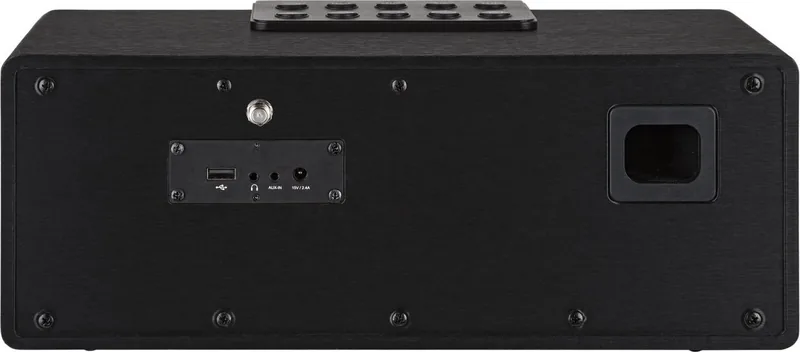
432 Pages
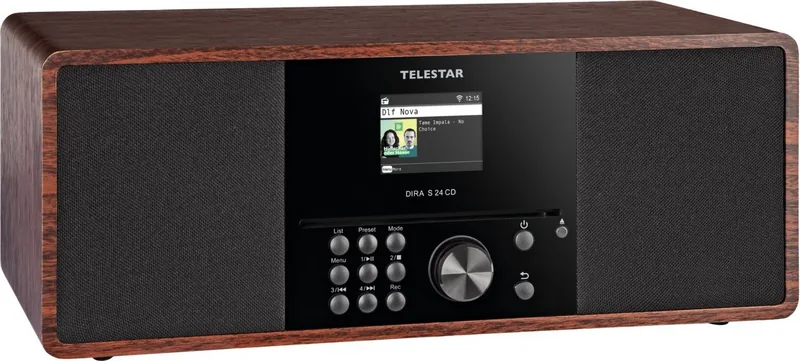
278 Pages
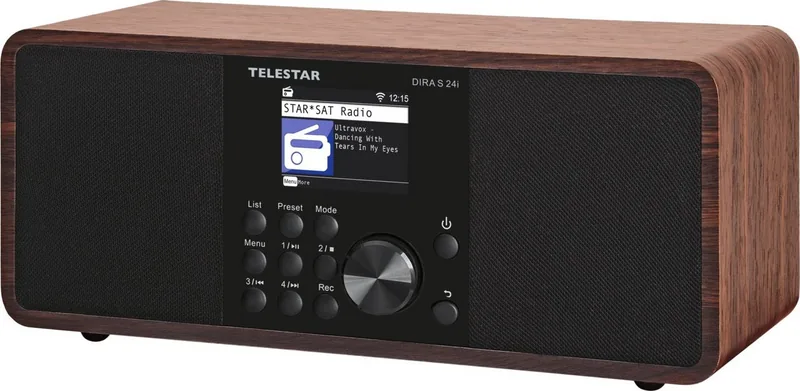
398 Pages
Categories


Free Telestar Manuals - Read, Download & Print
Find the Right Telestar Manual for Your Device
Looking for a Telestar user manual, installation guide, quick start guide, or technical reference? This collection helps you locate free manuals for Telestar products in one convenient place. Whether you need instructions for a television, satellite receiver, digital radio, antenna system, smart device, or another Telestar product, a clear manual can make setup, daily operation, and troubleshooting much easier.
Telestar devices are designed to deliver entertainment, radio reception, television signals, and connected features to homes and businesses. However, even simple equipment can have menus, ports, settings, and functions that are not always obvious without the original documentation. A manual provides the details needed to understand your device properly, use its available features, and avoid common setup mistakes.
Read Telestar Manuals Online
Reading a Telestar manual online is a quick way to find answers without saving files to your computer or mobile device. Online manuals are useful when you need to check a single setting, identify a connector, review a menu option, or follow a troubleshooting step while standing near the product.
Manuals typically include an overview of the device controls, illustrations of the front and rear panels, remote control button descriptions, connection diagrams, safety information, initial configuration instructions, and specifications. Depending on the model, you may also find guidance for channel scans, satellite settings, software updates, network connections, recording functions, parental controls, timers, audio options, and accessibility features.
Use the manual's table of contents or search function to locate relevant terms such as "installation," "channels," "network," "USB," "remote control," "reset," or "error messages." This can save time when you do not need to read the entire document from beginning to end.
Download Manuals for Offline Access
Downloading a free Telestar manual gives you access to important information even when an internet connection is unavailable. A saved manual is useful during installation, travel, equipment maintenance, or power and network interruptions. You can keep a copy on a computer, tablet, phone, or cloud storage account for future reference.
Before downloading, check that the manual matches the exact model number printed on your Telestar device, packaging, or product label. Similar models can have different ports, menus, remote controls, firmware options, and configuration procedures. Using the correct document is especially important for receivers, televisions, and radio equipment, where a small difference in model version may affect setup instructions.
Once downloaded, manuals can be searched, bookmarked, shared with household members, or printed when a paper copy is more practical. Keeping the document with purchase records can also be helpful when contacting support or comparing technical specifications.
Print a Telestar User Guide When You Need a Paper Copy
A printed Telestar manual is useful for users who prefer to follow instructions away from a screen. Paper guides are convenient during wall mounting, cable installation, antenna adjustment, or receiver configuration, since you can keep the relevant page visible while working.
For best results, print only the sections you need. The setup pages, connection diagrams, remote control layout, safety instructions, and troubleshooting section are often the most useful pages to keep nearby. Printing selected pages also reduces paper and ink use while giving you a practical reference for regular tasks.
If the manual contains small diagrams or detailed tables, choose a clear print setting and review the preview before printing. Landscape orientation may be better for connection diagrams or wide specifications tables. Store printed pages in a folder or near the device so they are easy to find later.
What You Can Learn From a Telestar Manual
Setup and Connections
A Telestar manual explains how to connect the device safely and correctly. This may include power connections, HDMI cables, antenna cables, satellite cables, Ethernet connections, USB storage devices, speakers, headphones, and external audio systems. Connection diagrams can help you confirm that every cable is placed in the correct port.
For television and receiver products, the manual may explain how to connect terrestrial, cable, or satellite signal sources. It can also show how to select the right input on a TV, configure signal settings, and perform an automatic or manual channel search.
Remote Control Functions
Remote control buttons can vary between Telestar models. The manual identifies each button and explains what it does in different menus or viewing modes. It may cover volume controls, channel navigation, source selection, program information, subtitles, audio tracks, favorites lists, media playback, recording, and menu shortcuts.
If a remote control is not responding, the manual may also provide basic checks such as replacing batteries, ensuring a clear line of sight, confirming the device is powered on, or pairing the remote where applicable.
Channels, Radio, and Reception
Many Telestar products are used for digital television and radio reception. Manuals can guide you through channel scans, sorting stations, creating favorites lists, selecting regions, and adjusting reception settings. They may also explain how to use electronic program guides, timers, and signal information screens.
Poor reception can result from loose cables, incorrect antenna positioning, unsuitable signal settings, weather conditions, or an incomplete channel scan. The troubleshooting section often lists steps to help isolate the cause before you arrange service or replace equipment.
Network and Smart Features
Some Telestar devices include internet-connected functions. The manual may explain how to connect through Wi-Fi or Ethernet, enter network credentials, update firmware, use apps, access online radio services, or configure streaming-related features.
When setting up a network connection, follow the security recommendations in the manual. Use a protected home network, keep firmware current when appropriate, and avoid sharing sensitive login information. If a connection fails, the guide may suggest checking router settings, signal strength, passwords, and network availability.
Troubleshoot Common Telestar Issues
A manual is often the best first resource when a Telestar device does not work as expected. Common issues may include no picture, no sound, missing channels, a frozen screen, a remote control problem, failed recording, weak signal, incorrect time settings, or a network connection error.
Start with the basic checks described in the guide. Confirm that the device has power, cables are secure, the correct source is selected, and the volume is not muted. For reception issues, review the signal or quality information shown in the device menu. For software-related problems, check whether the manual recommends restarting the device, restoring settings, or installing an approved update.
Avoid performing a factory reset until you understand what settings may be erased. A reset can remove channel lists, network details, preferences, recordings, or personalized configurations depending on the product. Read the relevant manual section first and make note of any settings you may need to restore.
Safety, Care, and Maintenance Information
Telestar manuals include important safety instructions that should be read before installation or use. These instructions may cover ventilation, power supply requirements, moisture protection, cable handling, battery replacement, mounting, and cleaning. Following these guidelines can help protect both the device and the people using it.
Keep electronic equipment away from liquids, excessive heat, and blocked ventilation openings. Use the correct power adapter or cable specified for the model. When cleaning the unit, disconnect power if instructed and use a soft, dry cloth rather than harsh chemicals or sprays. If the device has visible damage, unusual odors, overheating, or repeated power failures, consult the manual and seek qualified support where needed.
Choose the Correct Manual by Model Number
The most important step when searching for a Telestar manual is identifying the exact model. Look for the product name and model number on the rear panel, underside label, packaging, invoice, or original documentation. Include letters, numbers, and version markings in your search whenever possible.
A model number helps distinguish between similar products with different specifications. For example, two receivers may look alike but support different broadcast standards, recording features, remote controls, or connection types. The correct manual gives accurate instructions for your exact equipment and reduces the risk of selecting the wrong menu path or cable arrangement.
Get More Value From Your Telestar Device
A Telestar manual is more than a setup leaflet. It is a useful reference for learning features that may otherwise go unnoticed. Take time to review the guide after installation to explore options such as favorite channel lists, sleep timers, audio settings, display preferences, subtitles, recording schedules, media playback, and software information.
With free Telestar manuals available to read, download, and print, you can keep essential product information close at hand. Find the right guide for your model, follow the instructions carefully, and use the documentation whenever you need help with installation, operation, maintenance, or troubleshooting.
Search for 67,706 Manuals online


Type-in Brand or Model