

Free eufy Manuals – Read, Download & Print
19 Manuals
Manuals
12 Pages
74 Pages
12 Pages
40 Pages
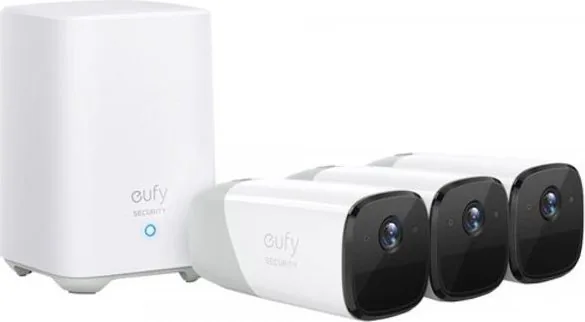
10 Pages
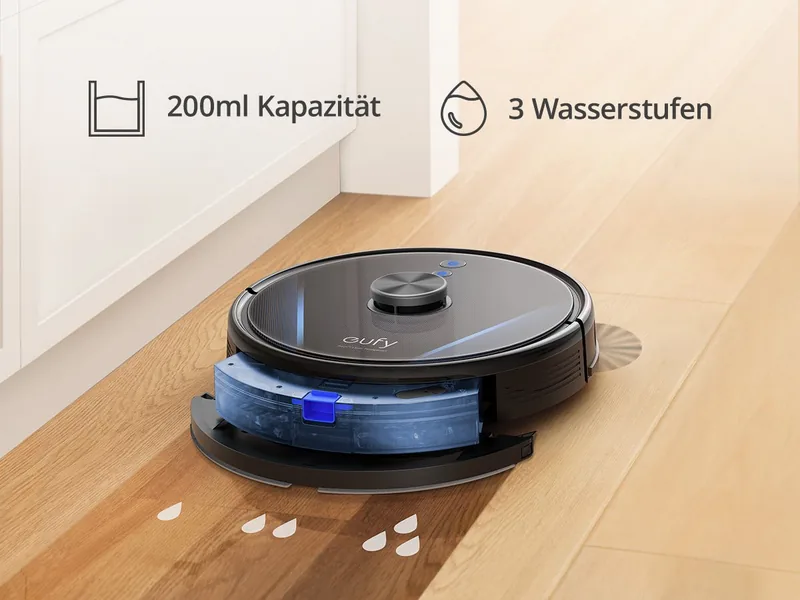
45 Pages
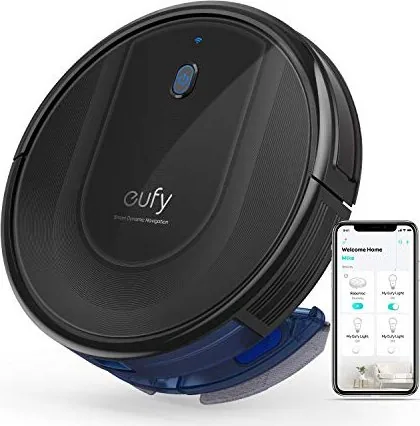
24 Pages
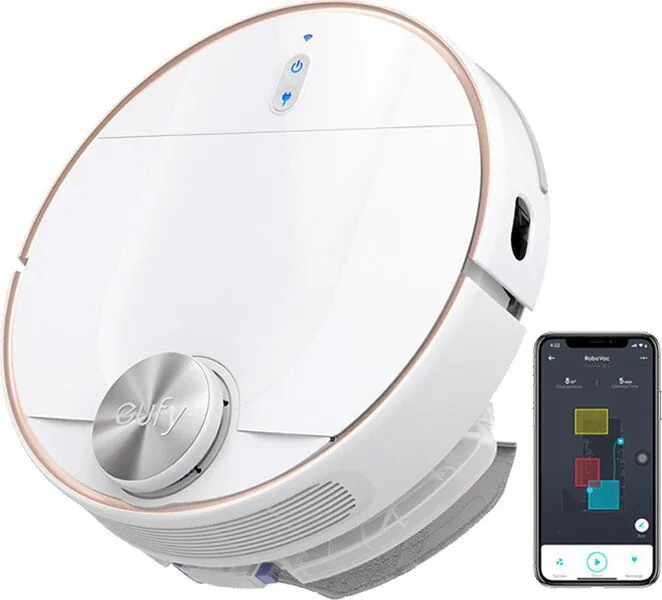
128 Pages
50 Pages
59 Pages
22 Pages
65 Pages
54 Pages
28 Pages
8 Pages
200 Pages
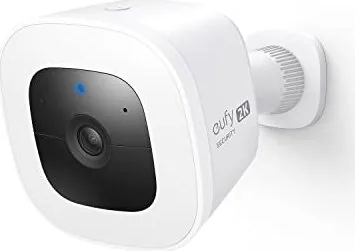
8 Pages
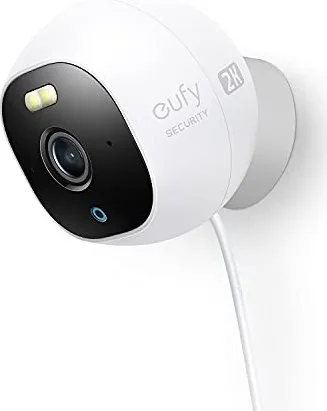
28 Pages
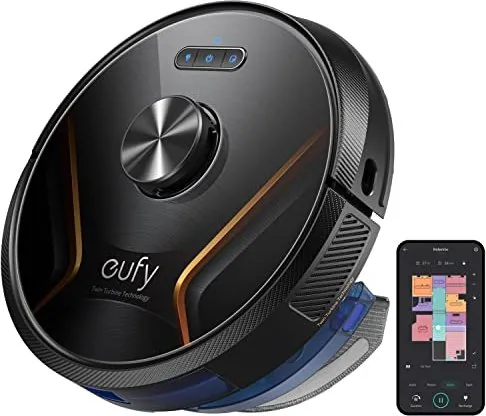
167 Pages
Categories


Free eufy Manuals - Read, Download & Print
Find eufy Product Manuals in One Convenient Place
Looking for a free eufy manual? Accessing the right instructions can make setup, daily use, cleaning, maintenance, and troubleshooting much easier. Whether you own a eufy robot vacuum, security camera, video doorbell, smart scale, baby monitor, indoor camera, outdoor camera, smart lock, or home appliance, a detailed manual helps you understand the product's features and use it safely.
This collection is designed to help users locate eufy manuals that can be read online, downloaded for later reference, or printed for use at home. Product documentation is especially useful when the original paper guide has been misplaced, when a device was purchased secondhand, or when you need a quick answer without searching through packaging.
Read eufy Manuals Online
Reading a eufy manual online is a fast way to find instructions from a phone, tablet, laptop, or desktop computer. Digital manuals often include the same essential information found in the printed guide, including product diagrams, button descriptions, charging details, Wi-Fi connection instructions, app setup steps, safety notices, and care recommendations.
Online manuals are helpful when you need to verify a setting while standing near the device. For example, you may want to check how to reset a eufy camera, connect a robot vacuum to Wi-Fi, replace a filter, install a doorbell, adjust motion detection, or pair a smart scale with a mobile app. Rather than relying on guesswork, review the relevant section for model-specific directions.
When reading online, use your browser's search feature to quickly locate words such as "reset," "charging," "battery," "pairing," "installation," "cleaning," "firmware," or "troubleshooting." This can save time when a manual contains many pages of detailed information.
Download Manuals for Offline Access
Downloading a eufy manual gives you access to important product information even when an internet connection is unavailable. Keeping a PDF copy on your computer, tablet, or phone can be useful during installation projects, travel, moves, power outages, or troubleshooting situations where you need instructions immediately.
A downloaded manual is also convenient for organizing records for multiple devices. You can save files in folders by room, product category, or model number. For example, create separate folders for security products, cleaning devices, and health devices. Clear file names such as "eufy-RoboVac-Manual" or "eufy-Video-Doorbell-Setup" make future searches easier.
Before downloading, confirm that the manual matches the exact model number shown on the product label, packaging, receipt, or companion app. Similar eufy products may have different controls, accessories, mounting requirements, charging methods, and software features. Using the correct documentation helps prevent setup errors and ensures that instructions apply to your device.
Print a Manual When You Need a Paper Copy
Printing a eufy manual is a practical option for users who prefer paper instructions. A printed copy can be stored near the charging station, placed in a home maintenance binder, included with warranty documents, or kept with the device's original accessories. It can also be easier to follow installation diagrams and checklists from a printed page while working with tools or mounting hardware.
To reduce paper use, print only the pages you need most often. Common pages to print include quick start instructions, safety warnings, installation templates, maintenance schedules, error code references, and troubleshooting charts. You may also choose double-sided printing or grayscale mode for a more economical copy.
For security products, consider printing the installation section and retaining the digital manual for feature settings and app controls. For robot vacuums, the maintenance and error code sections are often the most useful pages to keep nearby. For health and wellness devices, print the measurement guidance and cleaning instructions for easy reference.
Manuals for eufy Robot Vacuums and Cleaning Devices
eufy robot vacuum manuals typically explain how to prepare the home, charge the unit, place the charging base, install side brushes, use the dust collector, clean filters, remove hair from the roller brush, and interpret indicator lights. They may also include guidance for boundary strips, mopping attachments, maps, scheduled cleaning, and app-based controls, depending on the model.
Regular maintenance is important for reliable cleaning performance. Consult the manual for recommended intervals for emptying the dust bin, washing or replacing filters, cleaning sensors, clearing the wheels, and checking the charging contacts. If the vacuum is missing areas, stopping unexpectedly, making unusual noise, or failing to return to its base, the troubleshooting section can help identify common causes.
Always follow safety guidance before cleaning or servicing a robot vacuum. Turn off the device when appropriate, remove it from the charging base if instructed, and use only compatible parts and accessories. Manuals may also describe surfaces, debris types, cords, pet hazards, and room conditions that should be addressed before starting a cleaning cycle.
Manuals for eufy Security Cameras and Video Doorbells
eufy security camera and video doorbell manuals can provide essential details for mounting, power connection, storage, network setup, live viewing, notifications, motion detection, audio features, and privacy controls. Correct installation is important for obtaining a useful camera view, stable wireless signal, dependable power, and accurate detection coverage.
Review mounting recommendations before drilling holes or attaching adhesive hardware. The manual may specify installation height, recommended angle, distance from a Wi-Fi router, weather considerations, wiring information, and compatible mounting surfaces. For wired products, follow electrical safety instructions carefully and seek qualified assistance when required.
Security manuals often explain how to add a device through the eufy app, scan a QR code, connect to a home network, update firmware, share access with household members, and manage recordings. If a camera will not connect, notifications are delayed, video is unavailable, or motion events are not being captured as expected, check the troubleshooting steps for network, battery, placement, and software guidance.
Manuals for Smart Home, Health, and Family Products
eufy documentation may also cover smart locks, smart scales, baby monitors, breast pumps, and other connected home or personal care products. These manuals can explain initial charging, battery replacement, account connection, device pairing, user profiles, cleaning, storage, and recommended operating conditions.
For smart locks, consult the manual before changing settings, installing the lock, calibrating the door, or configuring access codes. Proper alignment and secure installation are important for smooth operation. For smart scales and other health-related devices, review instructions about surface placement, accurate measurements, app synchronization, and appropriate use.
Baby monitor manuals can help caregivers understand camera placement, power requirements, monitor pairing, alerts, sound settings, and safe cable management. Follow all safety warnings, especially those related to cords, mounting locations, ventilation, and keeping devices outside a child's reach.
How to Identify the Correct eufy Manual
The best way to locate the right manual is to start with the exact product model. Check the label on the bottom, back, side, battery compartment, charging base, or original package. The model identifier may include letters and numbers and can differ from the broader product name used in advertisements.
If you are unsure which version you own, compare product photos, control layouts, included accessories, charging ports, and product dimensions. Avoid assuming that manuals are interchangeable simply because two products look alike. Small design differences can affect installation, charging, compatibility, and available features.
Use Manuals for Safer, Better Product Care
A eufy manual is more than a setup guide. It is a useful reference for safe operation, routine care, and long-term product performance. Consult it before using unfamiliar features, disassembling components, installing hardware, or replacing parts. Follow recommended cleaning methods and avoid using chemicals, tools, chargers, or accessories that are not approved for the specific product.
Keep your manual available throughout the life of your device. By reading, downloading, or printing the correct eufy instructions, you can set up products with greater confidence, solve common issues more efficiently, and get the most from the features designed for your home.
Search for 67,706 Manuals online


Type-in Brand or Model