
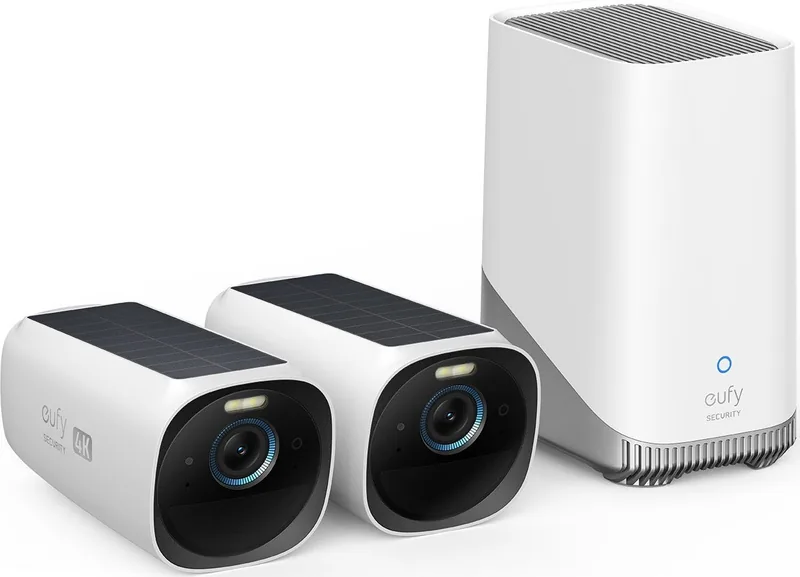
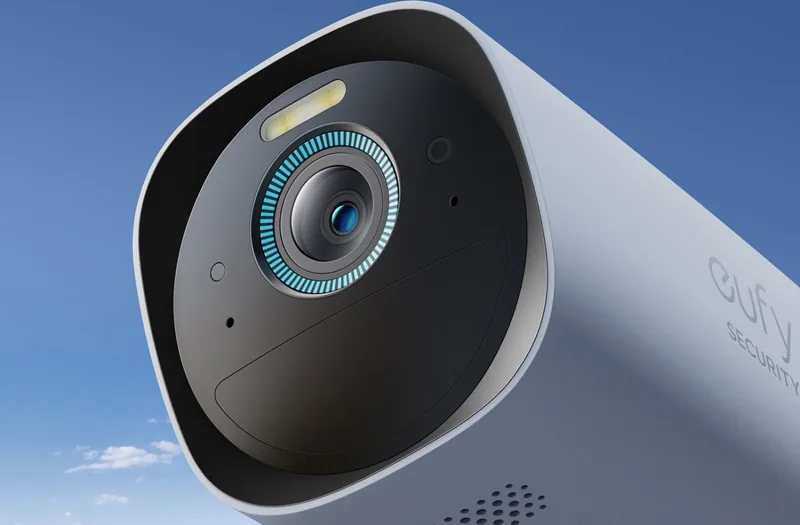
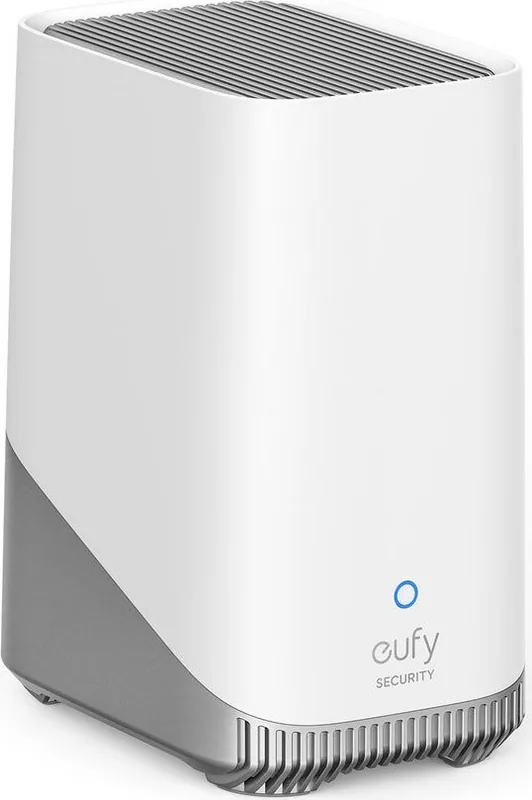
eufy S330 eufyCam 3 Manual
PDF manual · 50 Pages
English



Quick check
Incorrect answer, please try again.
Chat with your eufy S330 eufyCam 3 manual using AI
Get instant AI answers from your eufy S330 eufyCam 3 manual
Ask anything about the eufy S330 eufyCam 3. Answers come from this manual, with the pages they are based on.
Ask a Question
Do you recommend S330 eufyCam 3?
Yes NoFrequently Asked Questions
Connect the USB-C charger for 8 hours until the LED indicator shows fully charged. Once fully charged, the solar panel maintains the battery level.
Is this answer helpful?
It covers up to 26 feet horizontally for safety monitoring. This ensures comprehensive coverage of entry points and yards.
Is this answer helpful?
Yes, it is weather resistant but avoid extreme humidity levels. Optimal operation is between -20C and 50C.
Is this answer helpful?
Expose it to direct sun for at least 2 hours daily. Mount it where it is not blocked by trees or eaves.
Is this answer helpful?
The eufy Security app is required for setup and control. It manages devices and provides live streaming capabilities.
Is this answer helpful?
It operates between -20C and 50C safely. Charging temperature is between 0C and 45C.
Is this answer helpful?
Mount on a wall without eaves or a pole. Recommended height is 7 to 10 feet above ground.
Is this answer helpful?
Advantages and Disadvantages
Advantages

- Solar charging capability ensures long term power independence without cables.
- Wide field of view captures large outdoor areas clearly.
- Easy app setup allows quick system integration for users.
- Weather resistant design withstands various environmental conditions effectively.
- Clear audio quality aids in monitoring visitors remotely.
Disadvantages

- Requires direct sunlight for optimal solar charging performance.
- Specific mounting height needed for best security coverage.
- USB cable needed for initial battery charge before solar use.
Product Specification
Image Sensor
1/1.4" CMOS
View Angle
135°
Pan
N/A
Tilt
N/A
Protection Rating
IP67
Product Description
Introduction to Home Security
Securing your home requires reliable technology that works without interruption. The S330 eufyCam 3 offers advanced protection for modern households seeking peace of mind. It integrates seamlessly into daily routine using smart features designed for convenience. Users often seek guidance on optimal placement by consulting setup references like the eufy S330 eufyCam 3 Manual. It features a robust solar panel to keep the battery charged indefinitely. Sunlight exposure for two hours daily ensures continuous operation without constant manual charging needs. You do not need power cables constantly once installed correctly in the right spot.
The camera monitors motion efficiently with high sensitivity sensors inside the housing. Installation guides recommend a height of seven to ten feet above ground level. This perspective captures a wide view up to twenty-six feet. Walls without eaves are ideal for stability and sun exposure for the panel. Avoid areas under trees where natural light is blocked. The camera withstands various temperatures from minus twenty to fifty degrees Celsius safely. Ventilation helps during charging phases to prevent overheating issues. Always follow safety warnings regarding battery replacement processes to avoid explosions or risks.
Setting up the system involves the eufy Security app on your mobile phone. You can add the device easily through instructions provided within the software. Live streaming allows you to check your property anytime from anywhere. Two microphones ensure clear audio capture of events happening outside your home area. The speaker lets you communicate remotely with visitors. An LED indicator shows charging status clearly at night. Blue means charging while off means full charge status is ready for use.
Initial setup often requires a USB-C connection to fully charge the internal battery first. Once charged, the solar panel takes over for sustainable power management. This feature reduces maintenance efforts significantly over the years of ownership. The companion app provides real-time notifications when motion is detected. Users can adjust sensitivity levels to ignore small animals or passing cars. Firmware updates keep the camera running with the latest security protocols available. Compliance with international standards ensures safety and radio interference protection is maintained.
Warranty information indicates support for a limited period after purchase. Anker Innovations provides customer service contacts for troubleshooting and assistance requests. If you face issues, check the app help section for specific LED status codes. Troubleshooting steps are clearly listed for common connectivity or power concerns. This approach minimizes downtime and ensures your system remains reliable. Keeping the lens clean ensures maximum video quality for recorded footage. The mounting bracket allows for easy rotation to fine tune the angle. Enjoy peace of mind with this smart solution.
Search for 67,706 Manuals online


Type-in Brand or Model