
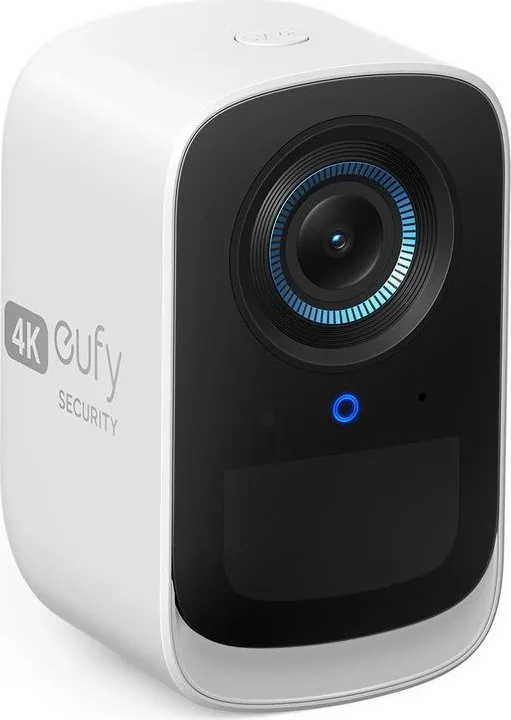
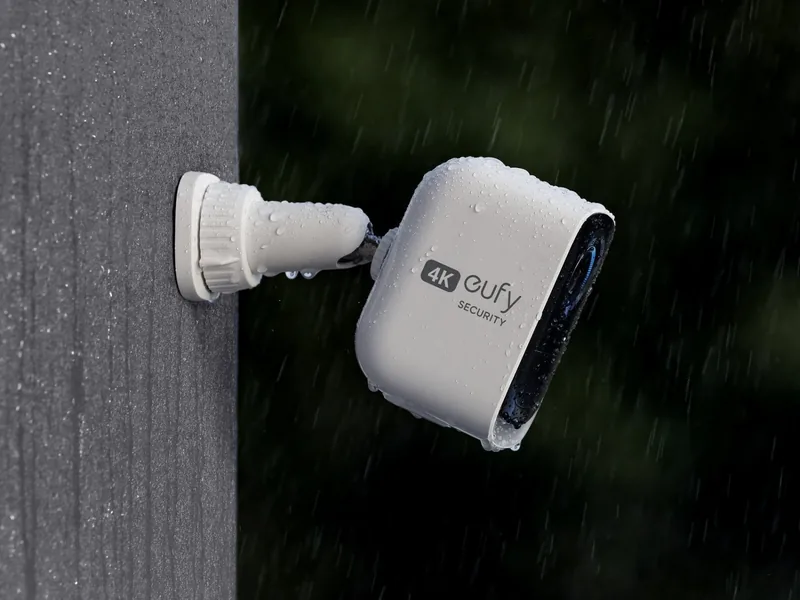
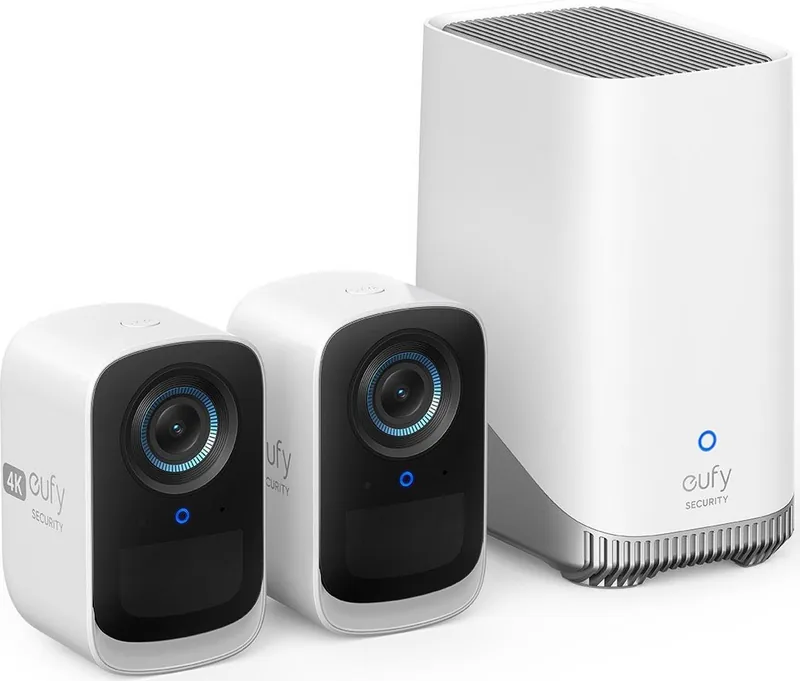
eufy S300 eufyCam 3C Manual
PDF manual · 59 Pages
English



Quick check
Incorrect answer, please try again.
Chat with your eufy S300 eufyCam 3C manual using AI
Get instant AI answers from your eufy S300 eufyCam 3C manual
Ask anything about the eufy S300 eufyCam 3C. Answers come from this manual, with the pages they are based on.
Ask a Question
Do you recommend S300 eufyCam 3C?
Yes NoFrequently Asked Questions
Both cameras must be fully charged before first use. This process takes about eight hours for each unit. This ensures maximum battery life during the initial deployment. You can verify the charging status using the LED indicator lights on the device. Wait for the light to turn off indicating a full charge before mounting.
Is this answer helpful?
Yes, the S380 HomeBase comes with sixteen gigabytes of storage. You can add an external hard drive to expand the capacity. Transfer any data from the old drive before installation. The new drive must be initialized via the eufy Security app. This allows for unlimited recording space locally without cloud fees.
Is this answer helpful?
A single S380 HomeBase can pair up to sixteen cameras. This scalability makes it suitable for larger properties or multiple entry points. Each camera communicates securely with the base unit over the local network. Ensure all units are within range for optimal signal strength during setup.
Is this answer helpful?
Do not use the device in environments with extremely high or low temperatures. The camera works between minus twenty and fifty degrees Celsius. The base unit is rated between minus ten and forty-five degrees Celsius. Avoid exposing the device to strong sunshine or very wet conditions. Use the provided adapter only and place it near the equipment indoors.
Is this answer helpful?
Download the eufy Security app on your smart device. Sign up for an account and add your S380 HomeBase to the list. Follow the on-screen instructions to sync your cameras. You can view the live stream through the app interface. Check the help section for troubleshooting if you encounter connection issues.
Is this answer helpful?
The product includes a twelve month limited warranty. This covers manufacturing defects from the date of purchase. Contact Anker Innovations Limited for support in various regions. Ensure you keep your purchase receipt for warranty verification. Register your product online to track warranty status effectively.
Is this answer helpful?
Installation is straightforward using the provided mounting bracket and screws. You will need tools like a drill for hard surfaces. Follow the included guide to mount the cameras securely. Adjust the view using the live stream in the app. Refer to the manual if you face any technical difficulties during setup.
Is this answer helpful?
Advantages and Disadvantages
Advantages

- Local storage expansion with optional hard drive allows unlimited recording.
- No monthly fees required as data stays on your device.
- Battery powered wireless setup eliminates complex wiring tasks.
- Spotlight feature illuminates scenes at night for better clarity.
- Two way audio allows you to communicate directly with visitors.
Disadvantages

- Initial setup requires downloading the application and scanning QR codes.
- Full charging takes approximately eight hours per battery unit.
- Hard drive installation may require a drill and basic tools.
- Outdoor operation limited to specific temperature ranges for safety.
- Radio frequency transmission requires keeping devices twenty centimeters away.
Product Specification
Image Sensor
1/1.4" CMOS
Viewing Angle
135°
Swivel
N/A
Tilt
N/A
IP Rating
IP67
Product Description
Secure Your Home with Advanced Wireless Cameras
Protecting your property requires reliable technology that respects your privacy. The eufy S300 eufyCam 3C delivers exactly that with advanced motion detection capabilities. Users often consult the eufy S300 eufyCam 3C Manual to understand the setup process fully. This comprehensive guide ensures your system operates smoothly from day one. You will install the S380 HomeBase near a router for connectivity.
The device powers on and signals readiness with a blue light indicator. Download the dedicated eufy Security app to manage your devices remotely. Syncing cameras allows you to monitor live feeds from anywhere using the T8161 model camera. Storage is a key benefit for security enthusiasts. The base includes sixteen gigabytes of internal memory initially. However, you can expand capacity significantly by adding a standard hard drive.
This feature supports unlimited recording space locally without cloud fees. Battery maintenance is crucial for long-term success. Plan on charging the units for eight hours before the first use cycle. This ensures maximum runtime during power outages or high demand nights. Placement matters for effective coverage. Hang the camera at a height between two and three meters off the ground. Angles the lens downward for optimal motion zones.
Check the view through your phone app before final mounting. Secure the bracket using appropriate anchors for brick or concrete walls. Use a six millimeter drill bit for precision. Temperature limits must be respected to prevent damage. Outdoor temperatures should stay within the specified ranges. Negative ten degrees Celsius is the limit for the homebase unit. Negative twenty degrees works for the camera unit itself.
Do not expose batteries to extreme heat. Safety warnings prevent explosions from incorrect replacements. Follow proper disposal instructions for old batteries. Compliance with European and UK radio regulations is standard. Keep devices twenty centimeters away from human bodies during transmission. This ensures safety standards are met for wireless frequencies.
Finally, maintain a clean environment to protect sensors. Clean lenses gently to maintain image quality over time. The spotlight illuminates darkness to deter intruders effectively. Two microphones provide clear audio capture of events. One speaker allows two-way communication with visitors at your door. This system empowers you with peace of mind through local storage solutions.
The T8030 HomeBase connects up to sixteen cameras wirelessly. Each connection is secure and encrypted for your safety. Always use the included adapter to avoid power risks. Unauthorized power sources can damage the electronics inside. Ventilation is key when powering the base unit indoors. Do not cover the power adapter during operation.
Recycle electronics correctly when the product reaches end of life. Contact support for warranty assistance if issues arise. A twelve month warranty covers manufacturing defects from purchase. Contact Anker Innovations Limited for support in various regions. The LED indicators display charging status clearly so you know when ready.
Refer to the app settings to check the LED status codes for troubleshooting. This ensures you resolve issues quickly without waiting for support.
Notes
Ensure you follow all safety guidelines provided in the documentation. Keep the device away from children during charging. Always register your product online for warranty tracking purposes. Use only authorized adapters to maintain guarantee validity. Check for firmware updates regularly to improve performance and security. Maintain a clear line of sight for the best wireless signal strength. Protect the lens from physical damage during installation and cleaning.
Search for 67,706 Manuals online


Type-in Brand or Model