
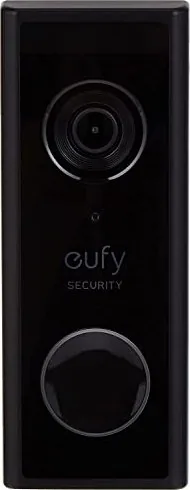
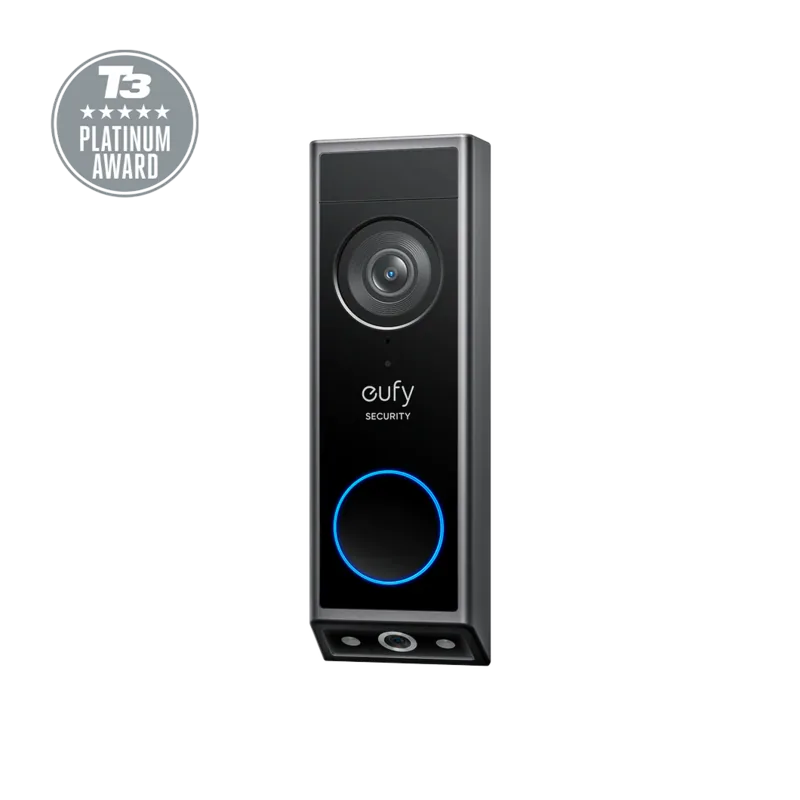
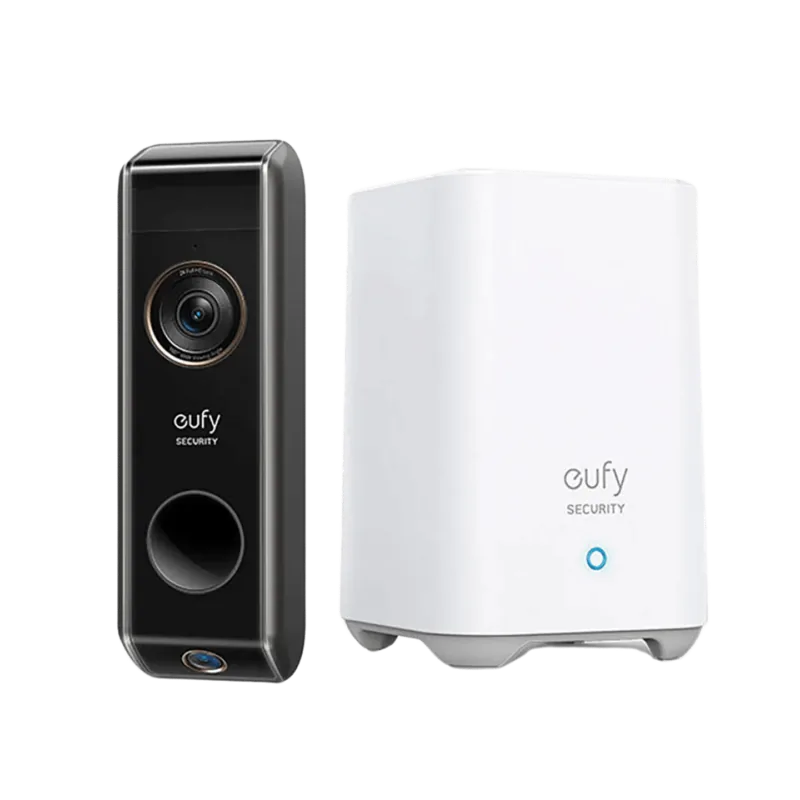
eufy Video Doorbell Manual
PDF manual · 12 Pages
English



Quick check
Incorrect answer, please try again.
Chat with your eufy Video Doorbell manual using AI
Get instant AI answers from your eufy Video Doorbell manual
Ask anything about the eufy Video Doorbell. Answers come from this manual, with the pages they are based on.
Ask a Question
Do you recommend Video Doorbell?
Yes NoFrequently Asked Questions
The doorbell uses your existing doorbell wiring and requires bypassing the indoor chime via the provided jumper to obtain sufficient power. Turn off your house circuit breaker before wiring. If unsure, consult a qualified electrician.
Is this answer helpful?
Install the included chime power pin into your electronic chime, then follow the EufySecurity app instructions to pair it with the doorbell. One doorbell can link up to four indoor chimes; use chime side buttons to adjust volume and ringtone.
Is this answer helpful?
The doorbell (T8200) is rated for -20°C to 50°C; the chime (T8740) for 0°C to 45°C. Maintain at least 20 cm separation from the device to comply with RF exposure requirements.
Is this answer helpful?
Yes. The package includes an optional 15° mounting wedge to tilt the camera for a better view. Position the bracket at about 1.2 m (48") high for optimal coverage and use the wedge when needed.
Is this answer helpful?
Download the EufySecurity app from the App Store or Google Play, register or log in, add the wired doorbell, and scan the QR code on the device. After physical installation and powering on, follow the app’s on-screen steps to connect the doorbell to your home Wi‑Fi.
Is this answer helpful?
Keep a photo of the original wiring, use the app’s help section for custom wiring guidance, and consult a qualified electrician if your chime has different markings or multiple chimes to avoid incorrect connections.
Is this answer helpful?
The product includes a 12‑month limited warranty. Regional customer support phone numbers and an email ([email protected]) are provided for assistance with installation, troubleshooting, and warranty claims.
Is this answer helpful?
Advantages and Disadvantages
Advantages

- 2K video resolution delivers clearer footage and better detail than 1080p.
- Wired power provides continuous, reliable operation without frequent recharging.
- Includes comprehensive installation kit: jumper, wires, anchors, wedge, and detaching pin.
- App-guided setup with QR code pairing simplifies Wi‑Fi connection and chime linking.
- Supports up to four indoor chimes with adjustable volume and ringtones.
Disadvantages

- Requires bypassing existing chime wiring — may need electrician if uncomfortable with wiring.
- Installation involves cutting power and handling household electrical circuits.
- Thermal pads and bracket mounting add steps compared to simple battery doorbells.
- Operating temperature limits may restrict use in extreme climates.
- Dependent on home Wi‑Fi quality for real-time alerts and video streaming.
Product Specification
Display
N/A
Image Sensor
2560x1920 (2.0 Megapixels)
Detection Range
160 degrees (horizontal)
Connectivity
WLAN (802.11b/g/n)
Users
1
Protection Class
IP65
Package Contents
1x Outdoor Station
Features
Private zones, app controllable (Android, iOS)
Product Description
eufy Video Doorbell — Smart Wired Video-Türklingel
The eufy Video Doorbell (Wired) combines crisp 2K video, reliable wired power, and smart home convenience in a compact, weather-resistant package. Designed for homeowners who want clear footage and dependable performance, this model requires existing doorbell wiring and pairs with a supplied indoor electronic chime to deliver real-time alerts and two-way audio. Installation includes bypassing the existing chime for sufficient power, mounting the bracket (with an optional 15° wedge for angled views), connecting doorbell wires to the unit’s terminals, and completing Wi‑Fi pairing through the EufySecurity mobile app.
Beyond core hardware, the kit includes mounting screws, anchors, a screw hole positioning card, extension wires and wire nuts, a jumper for the existing chime, thermal conductive pads, and a doorbell detaching pin. Once powered and paired, the doorbell links to up to four indoor chimes and supports adjustable ringtone and volume. The EufySecurity app guides setup, scans the QR code on the device, and manages Wi‑Fi connection and chime pairing.
Key practical features include 2K resolution for sharper images, interoperability with home chime circuits (after bypassing), thermal pads for heat dissipation to the mounting bracket, and clear installation steps for safe electrical handling. Safety and regulatory compliance (FCC, IC, EU directives) are addressed, with RF exposure guidance (maintain 20 cm from the body) and recommended operating temperatures. The product comes with a 12‑month limited warranty and regional customer support contacts.
Installation notes emphasize turning off the household circuit breaker before wiring, photographing original chime wiring for reference, and ensuring wires don’t short at the doorbell terminals. The package supports optional use of the 15° mounting wedge to optimize camera angle, and the detaching pin stores magnetically for easy access. When properly installed and paired, the eufy Video Doorbell offers stable power delivery, crisp video capture, and user-friendly app control.
Notes
- Maintain a 20 cm separation from the device for RF exposure compliance.
- Operating temperature range: Doorbell -20°C to 50°C; Chime 0°C to 45°C.
- Use the provided jumper to bypass the existing chime to ensure stable operation.
Search for 67,706 Manuals online


Type-in Brand or Model