
eufy RoboVac 11S Manual
PDF manual · 74 Pages
English



Quick check
Incorrect answer, please try again.
Chat with your eufy RoboVac 11S manual using AI
Get instant AI answers from your eufy RoboVac 11S manual
Ask anything about the eufy RoboVac 11S. Answers come from this manual, with the pages they are based on.
RoboVac 11S Maintenance Schedule
Clean the pre-filter, foam filter, and high-performance filter with a vacuum cleaner or cleaning brush.
Remove the rolling brush and clean it with the supplied cleaning tool or a vacuum cleaner.
Remove hair and strings, then wipe dust from the brushes with a cloth dampened with warm water. Refit only when dry.
Dust off the drop sensors using a cloth or cleaning brush.
Dust off the charging contact pins using a cloth or cleaning brush.
Remove hair and debris from the wheel and wheel cavity. Reinstall it only when completely dry.
Replace the RoboVac filters every 2 months.
Replace the side brushes every 3-6 months, or when visibly worn.
Replace the rolling brush every 6-12 months.
If RoboVac is unused for a long period, recharge it at least once every 6 months to preserve battery life.
Remove, open, and empty the dust collector after each use.
Free maintenance reminders
Timed to your purchase date. Always free, unsubscribe anytime.
Ask a Question
Do you recommend RoboVac 11S?
Yes NoVideo Manual
eufy 11S Robot Vacuum Cleaner How To Set / Program Auto Clean Time on Remote Control
Frequently Asked Questions
On a full charge the RoboVac 11S can run up to approximately 100 minutes under normal conditions. Runtime varies with suction level, BoostIQ™ activity, floor type and age of the battery.
Is this answer helpful?
It is intended for hard floors and low-pile carpets. Avoid unfinished, unsealed, waxed or rough floors and do not use on very thick or dark rugs (over ~26 mm) as performance or sensors may be affected.
Is this answer helpful?
Empty the dust collector after each use, vacuum or brush-clean the pre-filter weekly, replace the high-performance filter per recommendations, clear hair from the rolling and side brushes, and clean sensors and charging pins monthly.
Is this answer helpful?
Ensure the base is plugged in and has required clearances (about 3 ft/1 m sides and 6 ft/2 m front). Clean charging pins, remove nearby obstructions, and verify the base LED is lit. Move RoboVac closer and try the remote’s return-to-base button.
Is this answer helpful?
A blinking or solid red LED plus beeps signals an error. The manual lists beep patterns (e.g., two beeps for stuck bumper, three for dirty drop sensors). Follow the troubleshooting steps: clean sensors, clear obstructions, check brushes and wheels, and recharge if battery is low.
Is this answer helpful?
The dust collector, pre-filter and foam filter can be washed and must be fully air-dried before reinstalling. Do not wash the high-performance filter with water as it may be damaged and reduce suction.
Is this answer helpful?
Set the correct local time using the remote (hour/minute and AM/PM), then use the schedule button to choose start hour and minute. Ensure the main power switch is ON and the charging base remains plugged in for scheduled runs to start.
Is this answer helpful?
Advantages and Disadvantages
Advantages

- Slim 2.85-inch profile fits under low furniture for thorough coverage.
- BoostIQ™ automatically increases suction when extra power is needed.
- Up to 100 minutes runtime per charge for extended cleaning cycles.
- Multiple cleaning modes (Auto, Spot, Edge, Single Room) and remote control.
- Simple maintenance with washable components (high-performance filter is not washable).
Disadvantages

- Not suitable for high-pile or very dark rugs thicker than ~26 mm.
- Cannot handle wet spills, flammable materials, or heavy debris.
- Charging base requires clear space (3 ft sides, 6 ft front) for reliable docking.
- Some filters and brushes require periodic replacement (ongoing cost).
- No app connectivity—control is via included remote only.
Product Specification
Robot vacuum cleaner
Battery
1x Battery (14.8V, 2.6Ah, Li-Ion)
Color
black
Capacity
20.29 fl oz
Cleaning modes
Vacuuming
Navigation
Drop sensor, Carpet detection, Stair detection
Filtering
yes
Display
no
Features
Side brush, Timer
Smart Home
no
Operating time
90 min
Charging time
6 h
Charging system
automatic
Dimensions
2.83 in (DxH)
Scope of delivery
Station, Charger, Remote control, Battery, Cleaning tool, Side brush
Station
Station color
black
Station display
no
Station features
automatic charging function
Product Description
eufy RoboVac 11S — Quiet, Slim, and Dependable Cleaning
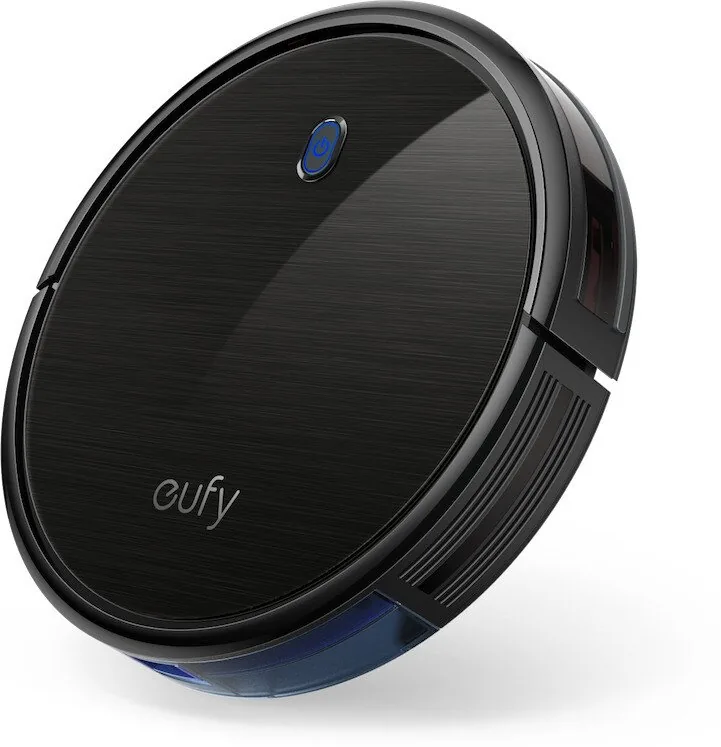
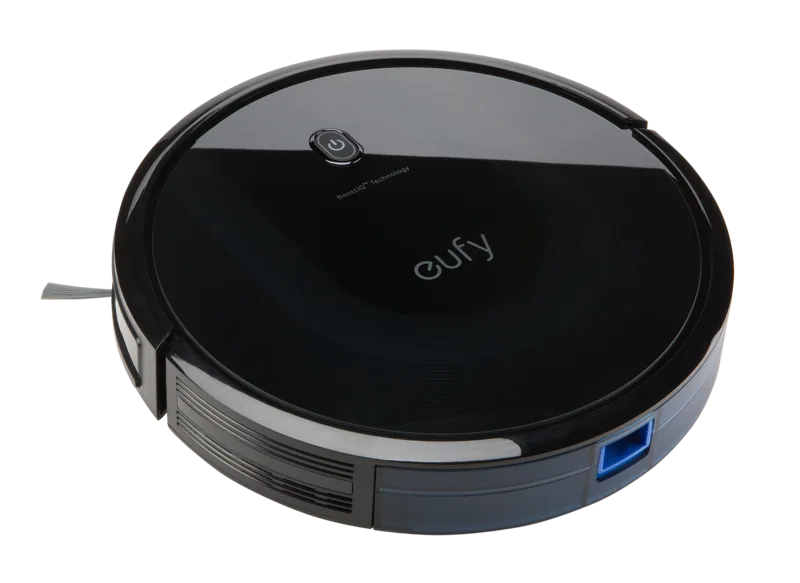
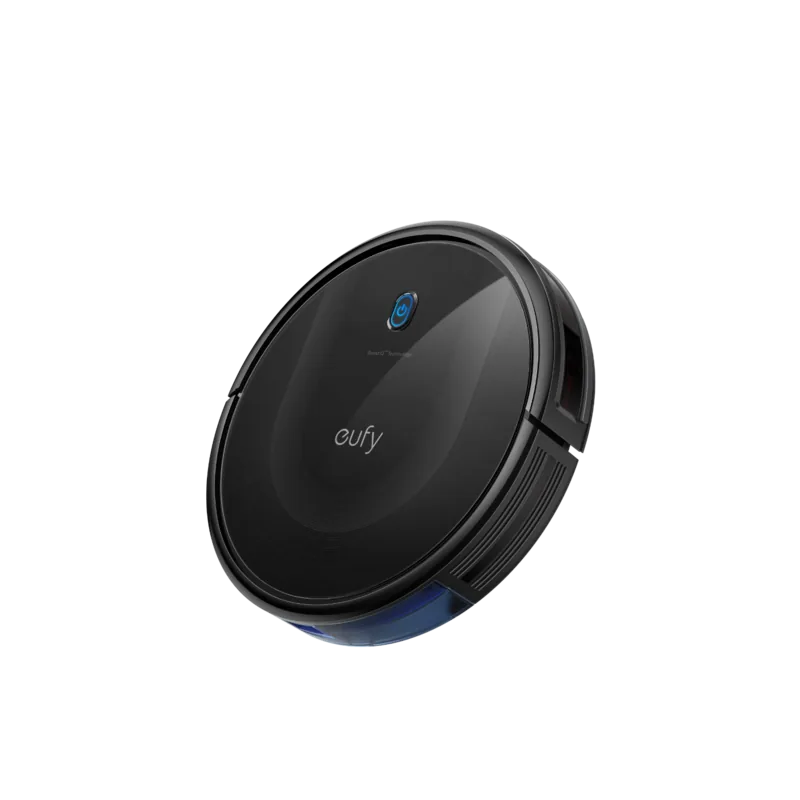
The eufy RoboVac 11S is a low-profile robot vacuum designed to deliver reliable, everyday cleaning for hard floors and low-pile carpets. With a slim 2.85-inch profile, BoostIQ™ automatic suction adjustment, and up to 100 minutes of runtime, the 11S is built to reach under furniture and handle light- to moderate-duty debris while staying unobtrusive in daily life.
Key features and design
The RoboVac 11S pairs a three-stage cleaning system with side brushes, a rolling brush, and a 0.6 L dust collector to gather dust along edges and across open floor areas. BoostIQ™ detects tougher spots and temporarily increases suction power, while three cleaning modes—Auto, Spot, and Edge—let you tailor operation to whole-room cleaning, localized spills, or perimeter cleanup. Manual control via the included remote and a scheduled-cleaning function make it easy to automate routines.
Ease of use and setup
Out of the box you’ll find the RoboVac unit, charging base, power adapter, remote (requires two AAA batteries), spare side brushes, cleaning tool, and additional filters. Setup is straightforward: install side brushes, place the charging base against a wall on a hard, level surface with clearance around it, power the RoboVac on, and fully charge before first use. The LED status light indicates charging, standby, low battery, or errors.
Maintenance and longevity
Routine care is simple and essential: empty the dust collector after each use, clean pre-filters weekly and replace high-performance filters per the recommendations, and check the rolling brush, side brushes, swivel wheel, sensors, and charging pins regularly. Most parts are washable (except the high-performance filter) and user-replaceable. Following the maintenance schedule helps preserve suction performance and extend battery life.
Safety and troubleshooting
The 11S includes anti-drop sensors to avoid stairs and obstacles, but barriers are recommended for balconies or fragile areas. The manual outlines clear safety precautions—keep cords and small items off the floor, don’t use on wet spills or to pick up flammable material, and supervise children and pets. A detailed troubleshooting section explains error beep patterns and quick fixes for common issues like stuck brushes, weak suction, docking problems, and scheduling errors.
Notes
- Ideal for apartments and homes with mostly hard floors and low-pile rugs.
- Not designed for deep-pile carpets, wet messes, or heavy debris.
- Keep the charging base plugged in to enable automatic return and scheduled cleaning.
Overall, the eufy RoboVac 11S offers a strong value proposition: quiet, compact daily cleaning with easy maintenance and dependable navigation for typical household messes.
Search for 67,706 Manuals online


Type-in Brand or Model
maria_k
8 months ago
How reliable is the obstacle detection, and what should I do about cables, fringes on rugs, and other small things on the floor?
Manual.ly
8 months ago
The obstacle detection depends a lot on room setup. If cables, loose fringes, or small items are left on the floor, the robot may get stuck or bump into obstacles. We recommend securing or routing cables, tucking rug fringes down, and keeping the area relatively clear for best performance. Also, periodically clean the sensor area and the brushes, since dust can affect detection and cause unnecessary wall or door contact. If you notice repeated sensor faults or the robot behaves abnormally (for example, not slowing or failing to recognize obstacles), contact support so we can help troubleshoot and, if needed, arrange a warranty replacement or repair.