

Free Bluesound Manuals – Read, Download & Print
11 Manuals
Manuals
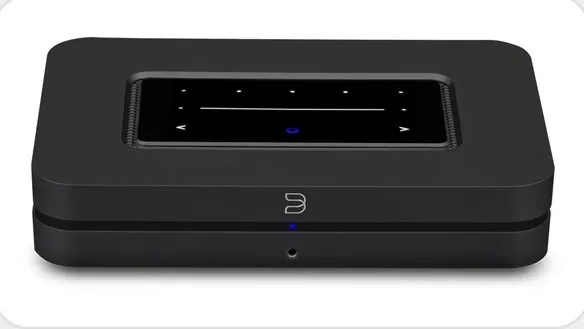
2 Pages
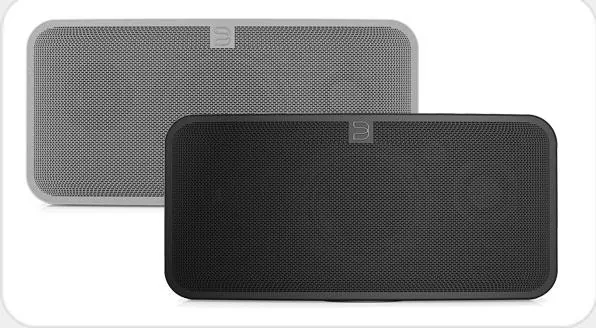
4 Pages

4 Pages

4 Pages

4 Pages
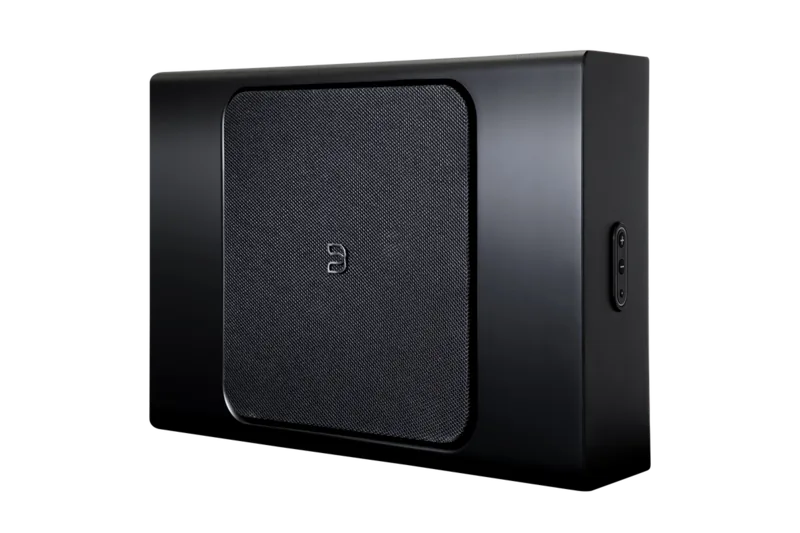
20 Pages
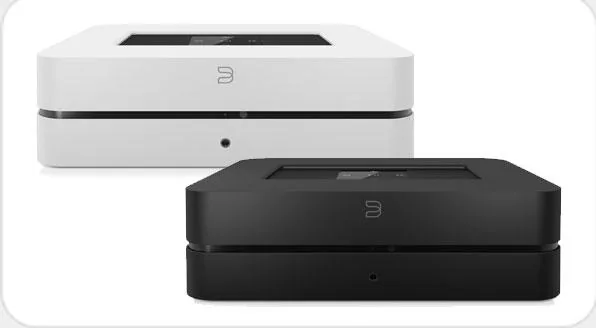
4 Pages

2 Pages
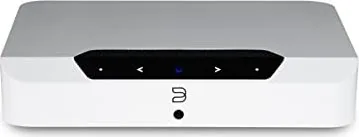
4 Pages
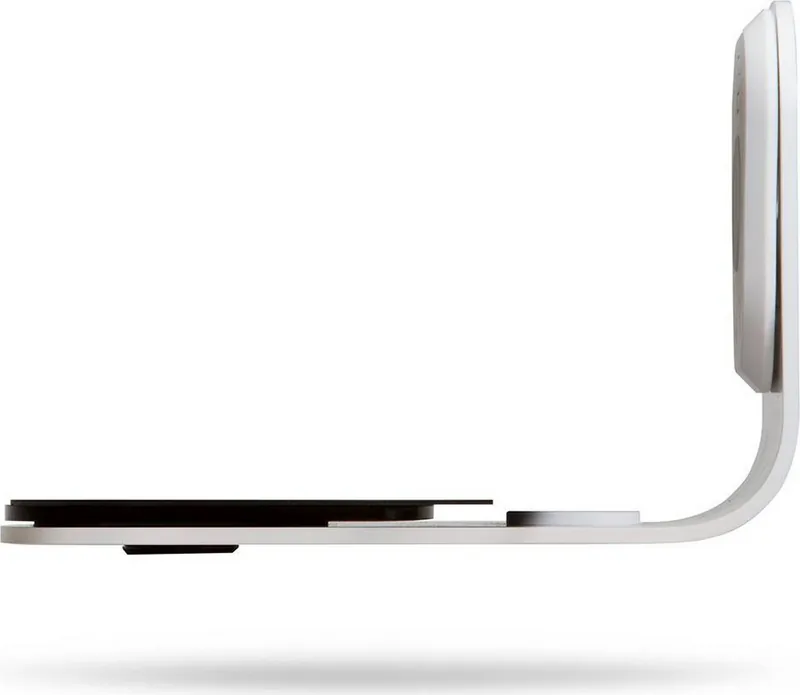
1 Pages
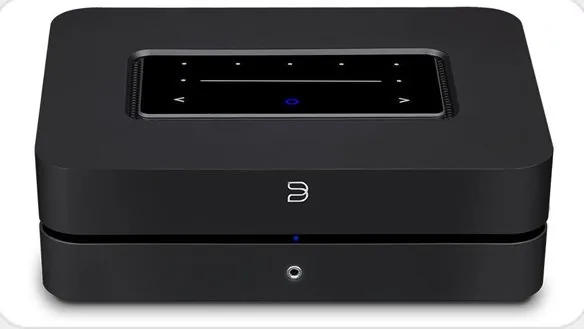
2 Pages
Categories

Free Bluesound Manuals - Read, Download & Print
Welcome to the ultimate resource for all your Bluesound documentation needs. Whether you are a new owner of a high-fidelity audio system or a seasoned audiophile looking to optimize your existing setup, having access to clear, comprehensive, and accurate manuals is essential. This guide provides a complete overview of how to access, read, download, and print free Bluesound manuals for every device in their extensive product line.
The Importance of User Documentation
Owning premium audio equipment like speakers, amplifiers, streamers, and controllers requires more than just unboxing; it demands understanding. Bluesound devices are known for their sophisticated technology, seamless integration with streaming services, and powerful multi-room capabilities. To fully utilize these features, users must navigate complex settings menus, configure network connections, and troubleshoot potential issues. Without proper guidance, many advanced features may remain hidden or underutilized.
Bluesound manuals serve as the definitive bridge between hardware capability and user experience. They contain detailed wiring diagrams, step-by-step setup instructions, troubleshooting guides, safety information, and technical specifications. Having a physical copy allows for quick reference without needing to rely on a smartphone or tablet, which is particularly useful during initial installation when internet connectivity might be unstable or when working in dimly lit environments near electrical components.
Accessing the Official Bluesound Support Portal
The primary source for all official documentation is the Bluesound support website. This portal is designed to be user-friendly, ensuring that customers can find the specific manual for their model quickly. To begin, visit the main Bluesound site and navigate to the support section. Here, you will find a search bar where you can enter your specific model number, such as the Node, Powernode, Vault, or any other speaker series. Alternatively, you can browse through categorized lists organized by product type, such as Streamers, Amplifiers, Speakers, and Accessories.
Once you locate your device, the page will display a list of available resources. These typically include the Quick Start Guide, the Full User Manual, Software Update Notes, and sometimes specific application guides for the BluOS Controller app. Each document is provided in PDF format, which ensures consistency across different devices and operating systems. Clicking on the link initiates the download process immediately, allowing you to save the file to your computer, tablet, or cloud storage for future access.
Reading Manuals Online
For users who prefer not to download files immediately, most modern web browsers allow you to read the PDF directly within the browser window. This feature is convenient for quick lookups or when you need to verify a specific setting without interrupting your workflow. Simply open the downloaded file or click the link if your browser supports inline viewing. You can zoom in to read small text, use the search function to find keywords like "pairing," "reset," or "network," and navigate through pages using the built-in toolbar.
Reading online also reduces clutter on your local storage. If you only need to check a specific diagram or warranty period, opening the file in a browser tab is efficient. However, keep in mind that reading large manuals on small mobile screens can sometimes be challenging due to layout constraints. In such cases, rotating the device to landscape mode often improves readability significantly.
Downloading for Offline Access
Downloading the manual ensures that you have a permanent copy regardless of internet availability. This is crucial for users who install their systems in locations with limited connectivity, such as basements, garages, or outdoor setups. Once downloaded, the PDF file remains accessible even if the server updates or removes the original link, although this rarely happens with official manufacturer documents.
To download, simply right-click the download link and select "Save Link As" or click the icon directly depending on your browser settings. Save the file in a dedicated folder named "Audio Equipment" or "Bluesound Manuals" to keep your digital library organized. Naming the file clearly, such as "Bluesound_Node_3_Manual.pdf," helps you identify it later without opening it. Many users also choose to back up these files to an external hard drive or a cloud service like Google Drive or Dropbox for added security against data loss.
Printing Your Manuals
Having a physical copy of the manual is invaluable for installation days. When setting up a new system, you may need to reference pinout diagrams for RCA cables, Ethernet port configurations, or power requirements. A printed manual stays on the workbench next to your tools, allowing you to consult it while holding wires or adjusting screws. It eliminates the distraction of switching between apps or managing screen brightness in a dark room.
Printing is straightforward. Open the PDF file and select the print option from the menu. You can choose to print the entire document or select specific pages. For instance, if you only need the troubleshooting section, you can highlight those pages to save ink and paper. Most printers offer options for double-sided printing to reduce waste, though single-sided printing is often preferred for manuals so that diagrams on one side do not bleed through to the other.
When printing, ensure you select the correct paper size, usually Letter or A4, and set the scaling to fit the page properly. Some manuals contain wide tables or charts that might get cut off if the margins are too tight. Adjusting the print settings to "Fit to Page" or checking the preview before sending to the printer guarantees a clean, readable result. Using a binder or a simple folder to store printed manuals alongside other system components keeps your workspace tidy and professional.
Troubleshooting and Updates
One of the most valuable aspects of downloading the latest manual is staying informed about software updates. Bluesound frequently releases firmware improvements that enhance sound quality, add new streaming services, or fix bugs. The release notes included in the manual or linked on the support page detail exactly what has changed. By reading these updates, you can decide whether to upgrade your device immediately or wait for further stability reports.
If you encounter an issue not covered in the standard manual, the troubleshooting section often provides code-based solutions or error message explanations. For example, if your Node loses connection to the network, the manual will guide you through resetting the network settings, checking router compatibility, or verifying IP address conflicts. Following these steps systematically resolves the majority of common problems without needing to contact customer support.
Conclusion
Accessing free Bluesound manuals is a simple yet powerful way to maximize the performance and longevity of your audio investment. By utilizing the official support portal, you gain immediate access to high-quality documentation that covers every aspect of your device. Whether you choose to read online, download for offline reference, or print a physical copy for installation day, having these resources at your fingertips ensures a smooth and enjoyable listening experience. Take the time to explore the full range of guides available, and unlock the true potential of your Bluesound system today.
Search for 67,706 Manuals online


Type-in Brand or Model